
Powerpay Self Service



Take control of your work life with secure, on-the-go access to your earnings, year-end tax documents, and personal info.
Publisher
Category
BusinessDownloads
621K+User Rating
Total Ratings
29K+Locales
2Discover the interface used by 621K+ users.

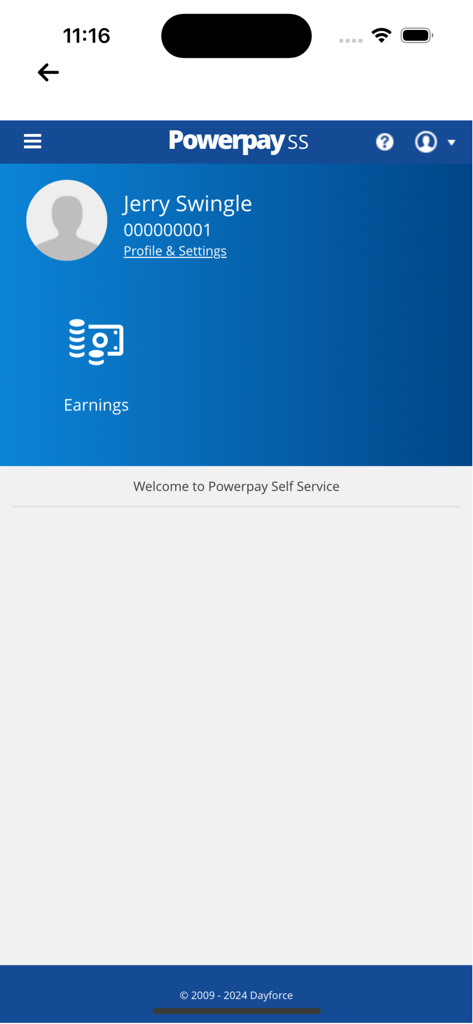
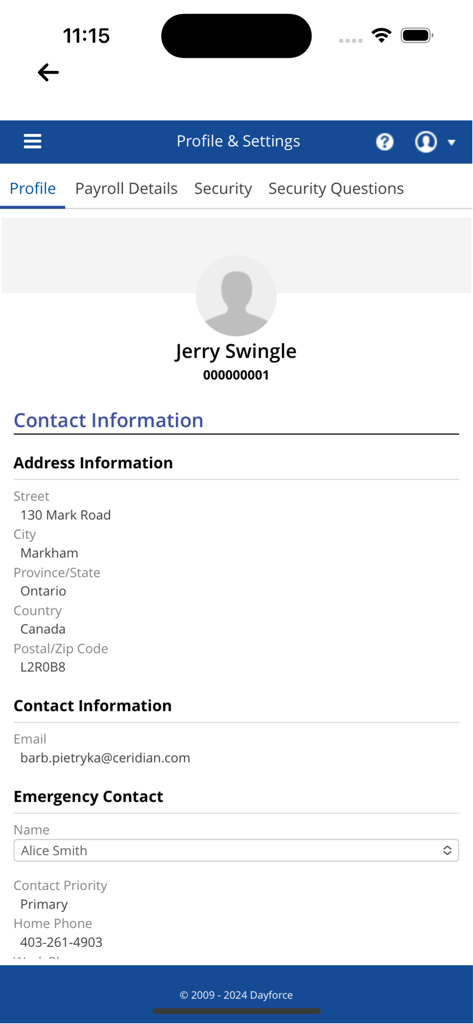
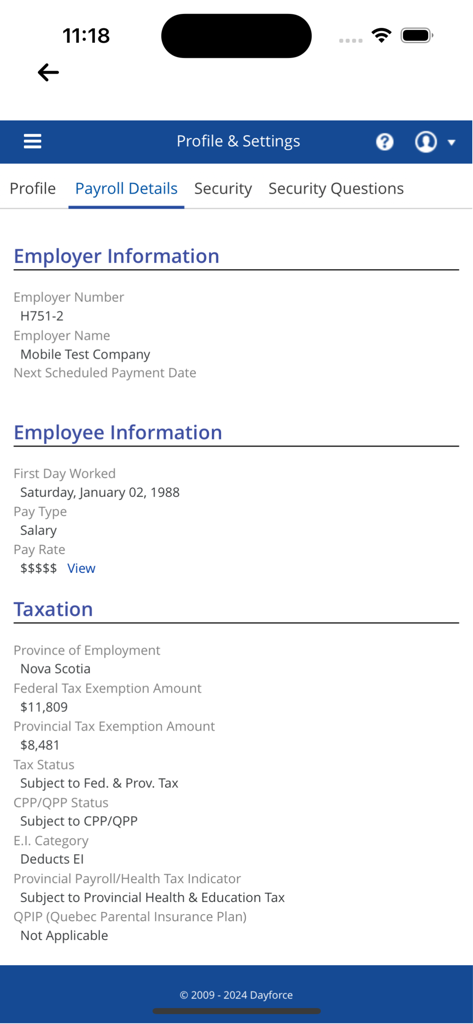
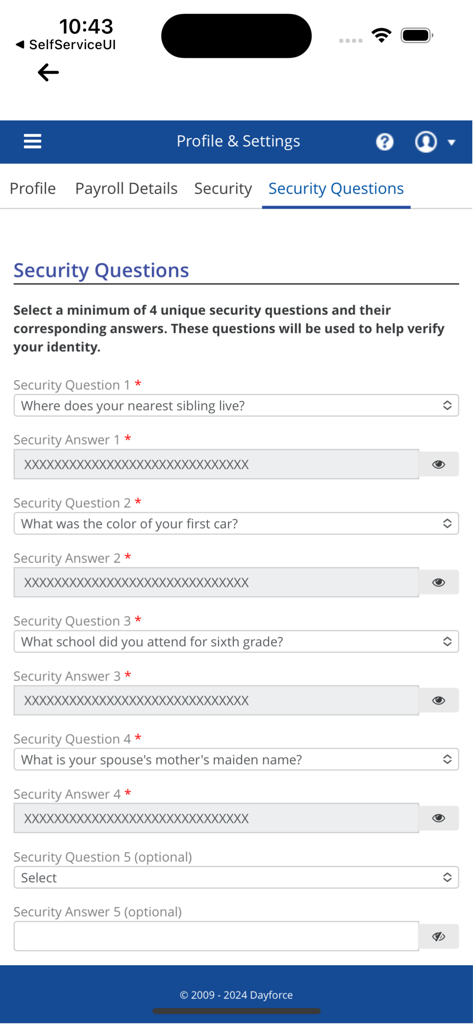
The tools that make this app stand out, trusted by 621K+ users.
View your most current pay details, earnings, and deductions instantly on payday without waiting for paper stubs.
Skip the HR emails. Download your year-end tax documents directly to your phone the moment they are ready.
Manage your personal profile and sensitive data on the go with enterprise-grade security and biometric login.
Trusted by 621K+ people who love this app.
"As someone working irregular hours in retail, being able to check my pay stubs instantly from my phone is a game-changer. I do not have to wait for a paper slip or log into a clunky desktop site anymore. It is fast, secure, and always accurate."
"Tax season used to be a headache, but having all my year-end forms right in the app saved me so much time. I love that I can update my personal details without having to go through HR. It is intuitive and exactly what a mobile work app should be."
Insights from user reviews.
Sentiment Score
Summary
The mobile app has garnered overwhelmingly negative feedback, primarily attributed to recent updates that users claim have degraded its functionality and user experience. Common complaints highlight severe login and authentication issues, including the removal of Face ID/Touch ID, failure of the "remember me" feature, and frequent password-related problems, often leading to users being unable to access their accounts. The user interface is widely criticized as outdated, clunky, and poorly optimized for mobile screens, with text often too small and essential features like zooming on paystubs being non-functional or problematic. Many users perceive the updated app as merely a web wrapper, leading to poor performance, crashes, and connection difficulties.
Common Themes
Everything you need to know about Powerpay Self Service.
Description
Latest Version
2.0.3
Size
22.0 MB
First Released
Apr 3, 2018
Join over 600,000 employees who enjoy secure, on-the-go access to earnings and tax forms. Download the app to put your pay details in the palm of your hand.
Everything you need to know about Powerpay Self Service
Powerpay Employee Self Service provides employees with mobile access to their current pay details and personal information. It allows secure, on-the-go access to earnings, tax forms, and personal data.
Yes, Powerpay Self Service users can access their payroll details, including employer information, employee work history, salary, pay rate, and taxation specifics.
Employees access Powerpay Self Service by logging in with a username and password. The app also includes options for password and username recovery for forgotten credentials.
Yes, Powerpay Self Service allows employees to view and manage their personal contact information, including address, email, and emergency contact details through the Profile & Settings section.
Powerpay Self Service provides access to tax information such as province of employment, federal and provincial tax exemption amounts, tax status, and CPP/QPP and EI deductions.
No, Powerpay Employee Self Service mobile access is only available to employees of Powerpay customers. Employers must activate the mobile option for their employees to use the app.
Yes, users can set up a minimum of four unique security questions and their corresponding answers within Powerpay Self Service to help verify identity for account security.
Yes, Powerpay Self Service supports the French language. A 'Français' link is available on the login screen, allowing users to switch the application interface to French.
Employees can view their earnings details within Powerpay Self Service. The app dashboard features an 'Earnings' section dedicated to providing access to pay-related information.
Apps with similar features and user experience

Paylocity Corporation

Paychex Inc.

Paycom Payroll, LLC

Gusto, inc.

AMZN Mobile LLC

TaxDome LLC

Walmart

Peninsula Online Services Limited

Senior Sistemas S/A