
Presets for Lightroom - Editor


Turn your everyday photos into pro-level content with one tap. Join over 3 million creators using our designer-made presets to grow your engagement and build a stunning, cohesive feed.
Publisher
Category
Photo & VideoDownloads
3M+User Rating
Total Ratings
62K+Locales
11Discover the interface used by 3M+ users.
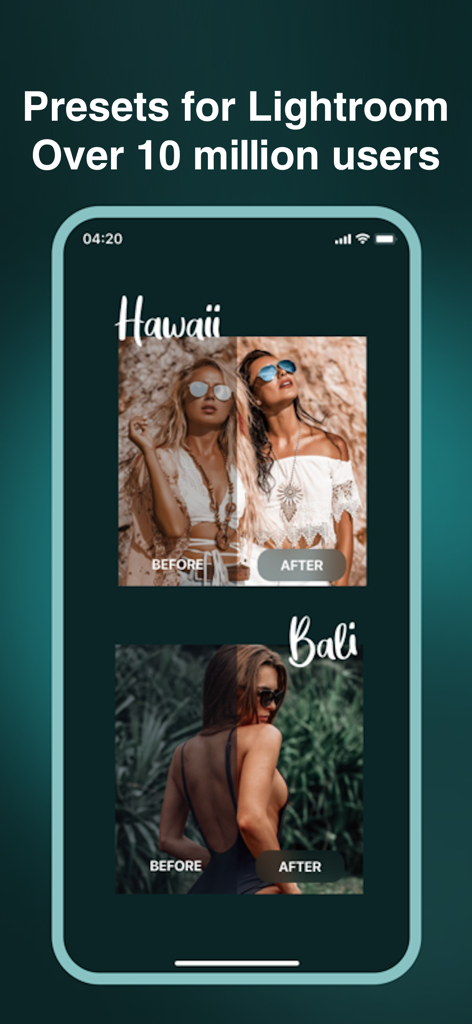
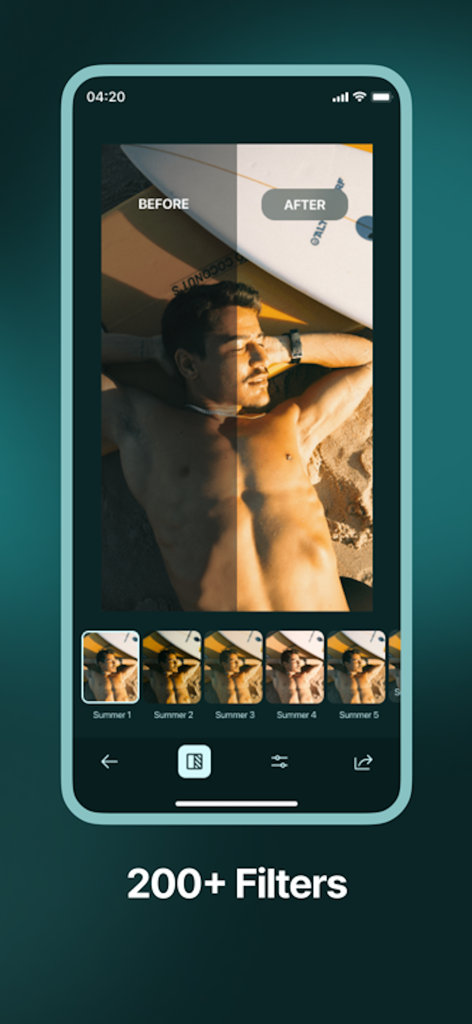
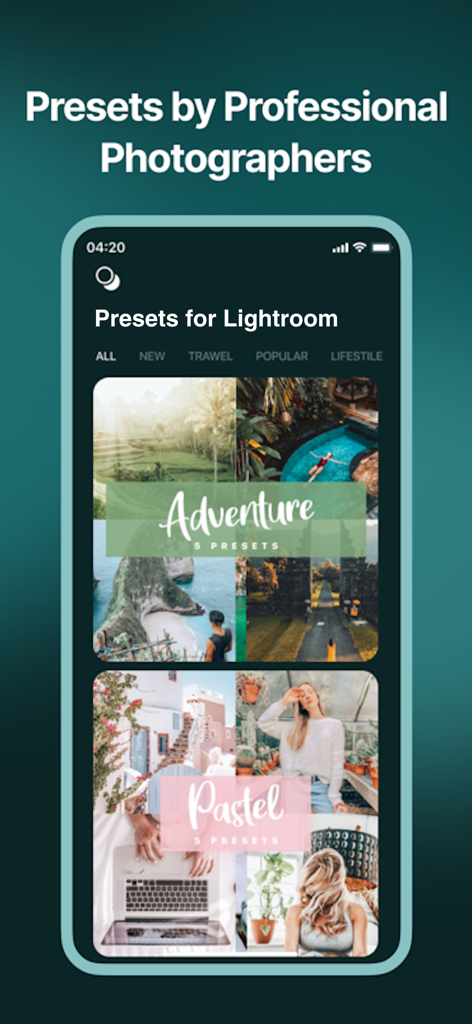
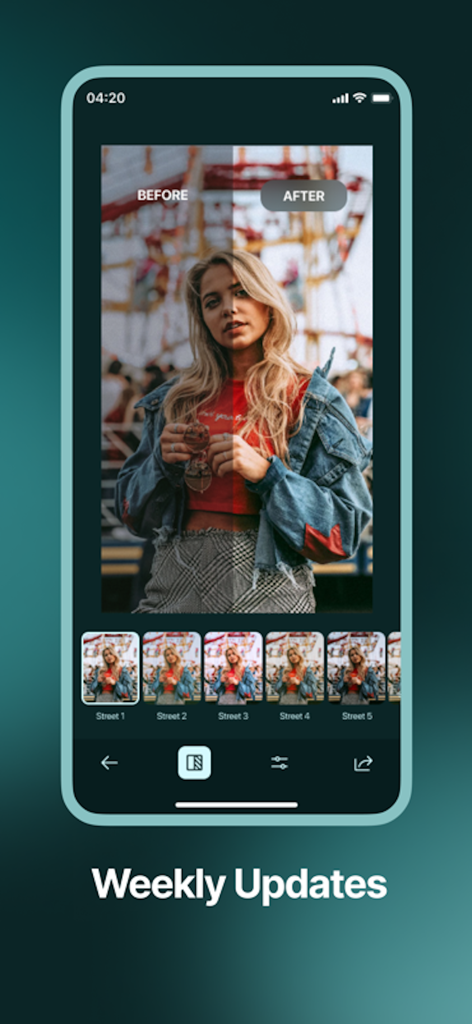
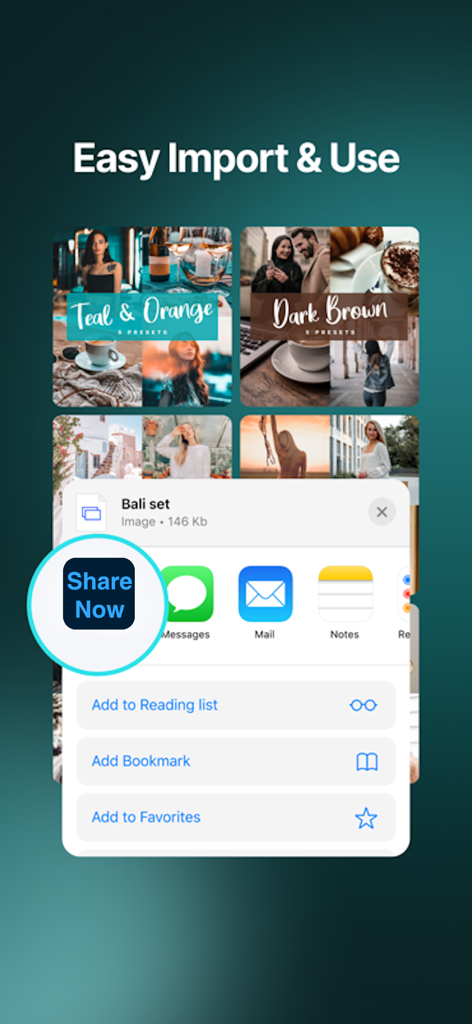
The tools that make this app stand out, trusted by 3M+ users.
Skip the complex settings. Get pro-level color grading instantly with filters designed by top filmmakers and influencers.
Whether it is the 'Clean Girl' look or 'Moody' travel vibes, our curated packs like Bali and Azure keep your feed on-trend.
Stand out in the algorithm. Our presets are engineered to make your photos pop, driving more likes, comments, and shares.
Trusted by 3M+ people who love this app.
"I've always struggled to get that perfect 'Instagram aesthetic' for my travel photos, but this app changed everything. The Bali and West Coast presets are absolute game-changers! I've seen a huge jump in my engagement and followers since I started using them. It’s so easy to use, even if you aren't a pro."
"As a lifestyle creator, I don't have hours to spend on complex editing software. This app lets me turn my basic phone shots into professional-looking content with just a couple of taps. The Moody and Cinder packs are my go-to for a high-end, editorial look. My grid has never looked more cohesive!"
Insights from user reviews.
Sentiment Score
Summary
This app generally receives negative feedback, with widespread issues concerning its subscription model and overall functionality. Many users report paying for subscriptions or presets only to find the features inaccessible, often experiencing double charges or the app ceasing to work entirely. While a subset of users appreciate the quality and ease of use of the filters when they function correctly, a significant number criticize the limited or poor quality of free presets and the unsatisfactory nature of purchased ones that often do not meet expectations. Furthermore, a recurring complaint is the unresponsiveness of customer support, leaving users frustrated with unresolved technical and payment problems.
Common Themes
Everything you need to know about Presets for Lightroom - Editor.
Description
Latest Version
1.2.20
Size
163.5 MB
First Released
Nov 24, 2019
Join over 3 million creators using our pro-level presets to turn every snapshot into a masterpiece. Your most liked post is just one tap away.
Everything you need to know about Presets for Lightroom - Editor
"Presets for Lightroom - Editor" is a photo editing tool that transforms regular photos into professional-level images using advanced presets. It helps users create unique color stories for social media sharing.
"Presets for Lightroom - Editor" is used by over 10 million people. This application enables users to enhance their photos with professional-grade presets and filters for easy editing.
"Presets for Lightroom - Editor" offers various collections like Azure, Bali, Caribbean, Cinnamon, Moody, and Street. These advanced presets are crafted by professional filmmakers, video makers, and bloggers.
Yes, "Presets for Lightroom - Editor" includes over 200 filters. These filters are integral to the app's photo editing capabilities, allowing users to apply diverse effects and styles.
The Pro Version of "Presets for Lightroom - Editor" offers a 1-month subscription for $9.99/monthly or a 1-year subscription for $29.99/yearly. These auto-renewable options unlock all content.
To manage or cancel your "Presets for Lightroom - Editor" subscription, go to your Account Settings after purchase. Auto-renewal must be turned off at least 24 hours before the current period ends.
Yes, "Presets for Lightroom - Editor" receives weekly updates. These updates ensure users always have access to new content and features, keeping their photo editing options current.
Yes, users can share photos edited with "Presets for Lightroom - Editor" directly to social media. Supported platforms include Instagram, Twitter, Facebook, Pinterest, Snapchat, and TikTok.
Professional filmmakers, video makers, and bloggers design the advanced presets in "Presets for Lightroom - Editor." This guarantees high-quality, professional-level photo effects for users.
Yes, a privacy policy is available for "Presets for Lightroom - Editor." The official link to review the policy details is provided within the app's description.
Apps with similar features and user experience

Adobe Inc.

灏 徐

Onelight Apps CY Ltd

Zhanghan Ke

Gustas Brazaitis

MWM

handyCloset Inc.

Seungyun Kim

Alenrom sp. z o.o.