Pw Drawing Pad

Pw Drawing Pad

Download on App Store
Spark by MWM logo
Logo of Pw Drawing Pad

Pw Drawing Pad: The All-in-One Creative Studio for Digital Artists

Transform your iPad into a professional canvas. From logo design to digital painting, access pro-grade layers, custom brushes, and PSD export to fuel your creative hustle.

Publisher

伟典 苏

Category

Lifestyle

Downloads

1M+

User Rating

4.6/5

Total Ratings

57K+

Locales

20

Your Studio in Action

Discover the interface used by 1M+ users.
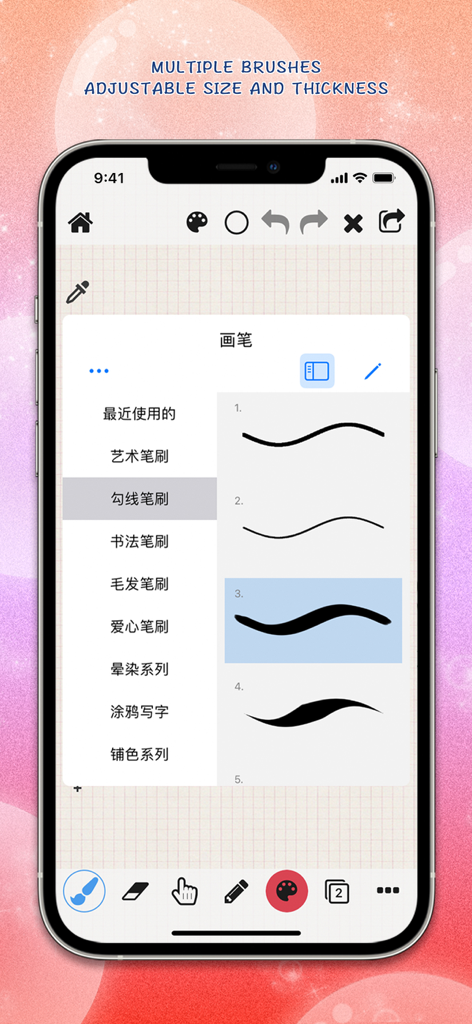
Pw Drawing Pad app interface showing multiple brush stroke styles and thickness settings on an iPhone screen

Pw Drawing Pad app interface showing multiple brush stroke styles and thickness settings on an iPhone screen

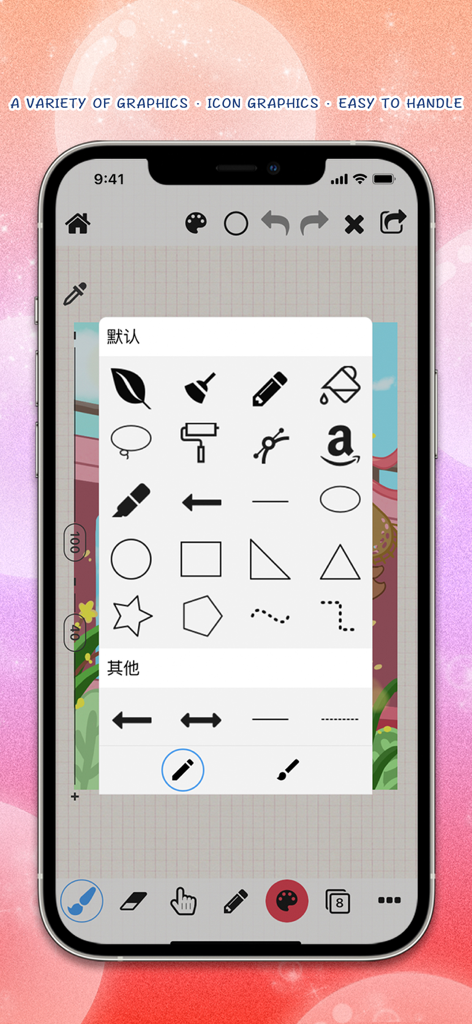
Pw Drawing Pad app displaying a menu of graphic icons and shapes for digital design

Pw Drawing Pad app displaying a menu of graphic icons and shapes for digital design

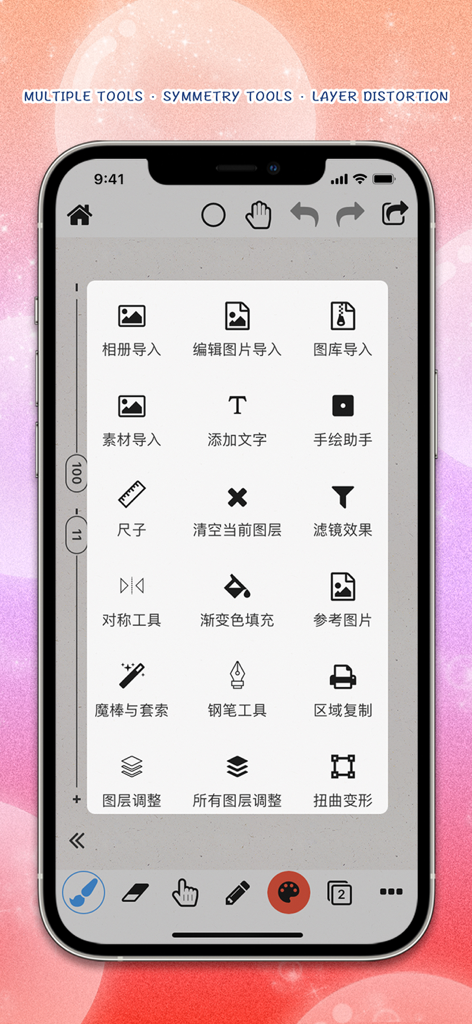
Pw Drawing Pad mobile interface showing a menu of creative design and symmetry tools

Pw Drawing Pad mobile interface showing a menu of creative design and symmetry tools

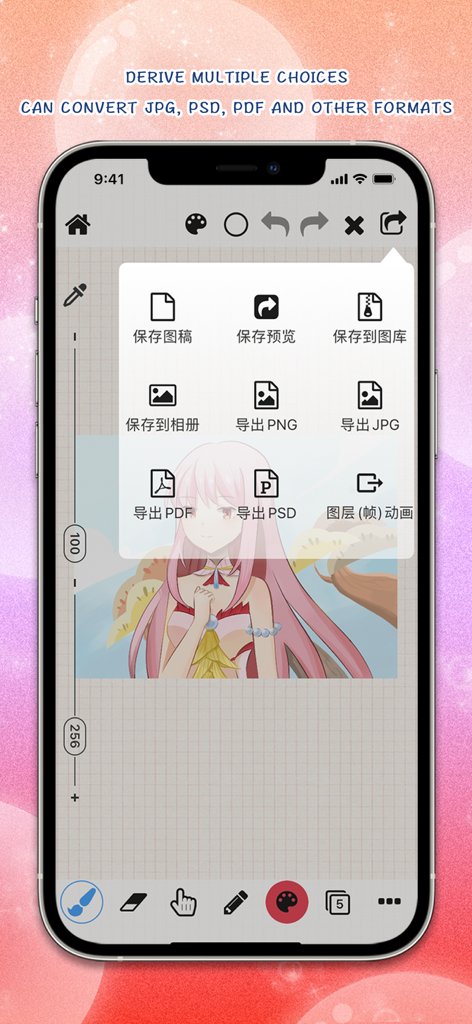
Pw Drawing Pad export menu with JPG PSD and PDF file format options

Pw Drawing Pad export menu with JPG PSD and PDF file format options

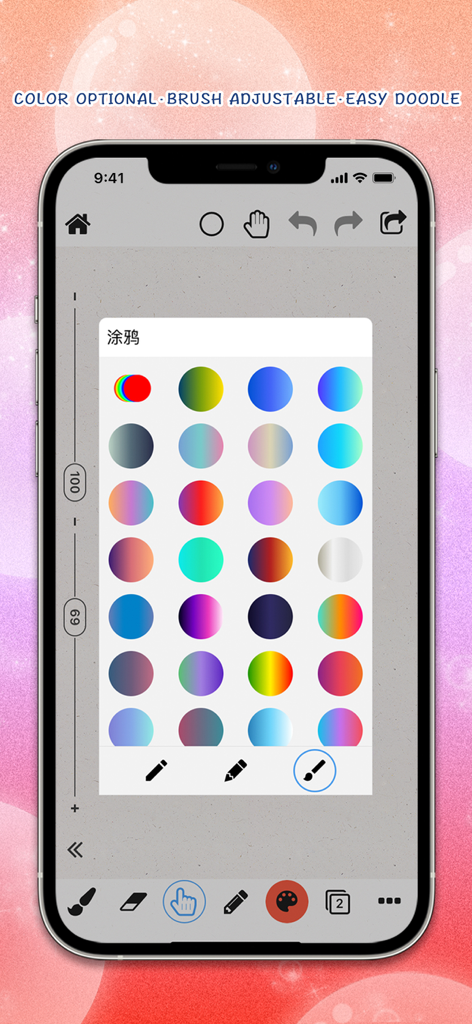
Pw Drawing Pad interface displaying a grid of vibrant circular color gradients for digital illustration

Pw Drawing Pad interface displaying a grid of vibrant circular color gradients for digital illustration

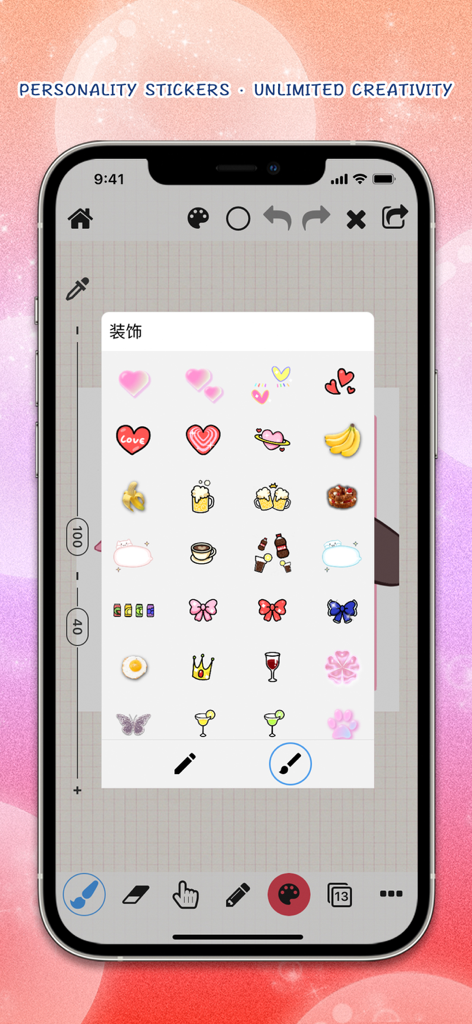
Pw Drawing Pad mobile interface displaying a variety of personality stickers for digital art creation.

Pw Drawing Pad mobile interface displaying a variety of personality stickers for digital art creation.

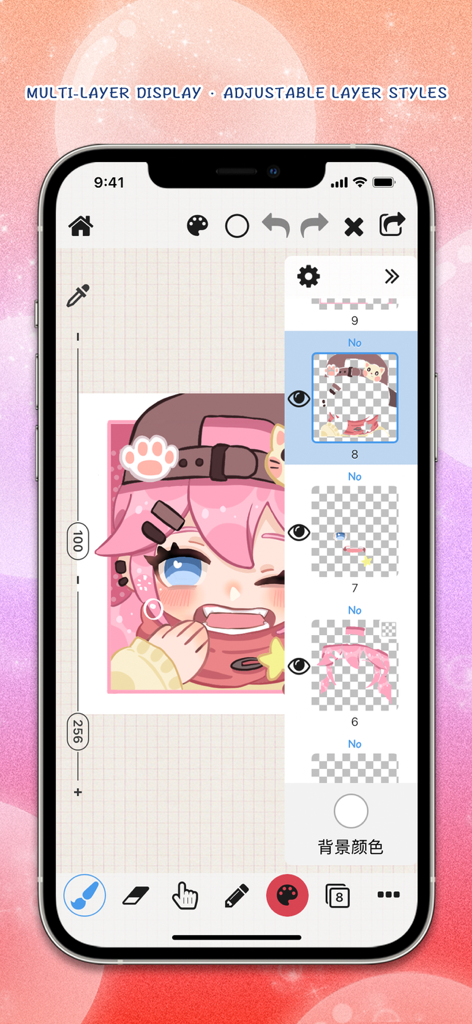
Pw Drawing Pad app showing multi layer display and digital character art

Pw Drawing Pad app showing multi layer display and digital character art

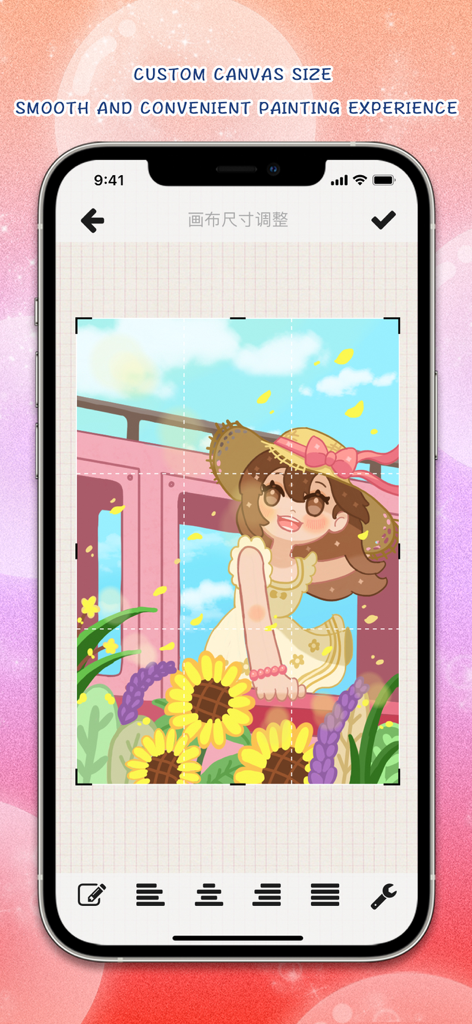
Pw Drawing Pad app interface showing custom canvas size adjustment and a colorful digital illustration

Pw Drawing Pad app interface showing custom canvas size adjustment and a colorful digital illustration

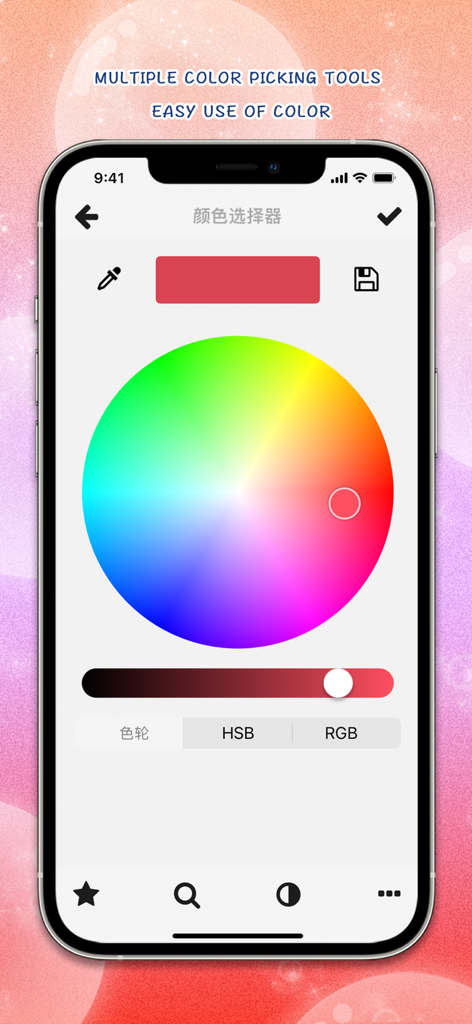
Mobile interface of Pw Drawing Pad app featuring a professional color wheel and picking tools

Mobile interface of Pw Drawing Pad app featuring a professional color wheel and picking tools

Professional Art Studio in Your Pocket

The tools that make this app stand out, trusted by 1M+ users.

🎨

Advanced Layer Mastery

Build complex illustrations with 35 blending modes, clipping masks, and layer transformations designed for serious digital artists.

🖋️

Unmatched Precision

Experience flawless Apple Pencil integration with hundreds of customizable brushes that respond to your unique pressure and tilt.

🚀

Pro-Grade Workflow

Go from sketch to side-hustle with high-res exports in PSD and PDF formats, perfect for professional printing and design handoffs.

Loved by users worldwide

Trusted by 1M+ people who love this app.

"

"The level of control in Pw Drawing Pad is incredible. I use the PSD export and the 35 blending modes daily for my freelance graphic design projects. It feels like having a professional studio in my pocket, perfect for creating high-quality logos and posters on the go."

Chloe Martinez
"

"This is easily the most intuitive app for digital art. The Apple Pencil support is flawless, and the symmetry and liquefaction tools have completely changed how I approach my illustrations. It is the only tool I need for my social media art and personal portfolio."

Jordan Lee

About the app

Everything you need to know about Pw Drawing Pad.

Description

【Introduction】 Pw Drawing Pad: It can be used to create images, drawing, painting, sketching, and simple image modifications. It can also be used for logo design, clothing design, hairstyle design, posters, graphic notes, hand drawn art characters, and more. Pw Drawing Pad, which includes functions such as a brush list (hundreds of brush effects, customizable brush thickness, color, transparency, dynamic intensity weight, and other attributes), an eraser list (each brush effect can be used as an eraser), an eraser, a willow leaf brush, a blur pen, a highlighter, Fill (can set tolerance values, whether it works on all layers, etc.) Custom shape graphics (drag by hand to visually design your favorite shape graphics and logo) Custom curve function (can freely design your favorite curves and graphics), text pen (draw text lines in any direction on the page) Polyline pen, dashed line pen, dashed line pen in any direction, and can draw geometric shapes, rectangles, ellipses, etc Circles, lines, arrows, rectangles, triangles, pentagons, polygons, and more, with a rich selection of colors and customized color palettes, Layer list (rich layer related functions, including adding layers, layer merging, deleting, copying, locking transparent pixels, filling layers, creating clip masks, fading, color inversion, effect adjustment, custom textures, custom gradients, changing background layers, vertical and horizontal flipping, layer adjustment transformation, distortion deformation, liquefaction, and 35 different mixing modes that can be set), Add text (write text in the image, allowing custom font styles, sizes, colors, shadows, and other text effects with different styles), import image materials, crop and cut images, create puzzles (insert images into the canvas for texture and puzzle making), and use colorful brushes for graffiti. More features include: ruler, color balance, tone saturation, color blending curve, effect adjustment (including simple blur, Gaussian blur, dynamic blur, radial blur, as well as obtaining image contour lines, line strokes, particle noise, sharpening, mosaic, deformation, luminescence, sketching line draft, brightness ratio, brightness, RGB adjustment, contrast, exposure, saturation, gamma, and so on). Symmetry tool (allowing left and right symmetry, top and bottom symmetry, etc.), gradient fill, reference image, magic wand lasso selection tool, pen tool, twist deformation, liquefaction deformation, grid reference lines, fill settings, image layer cropping, canvas page size adjustment, color picker, etc. Supports Apple pencil. Support exporting different file formats. jpg,. png,. pdf, and. psd. If you like our application, we support do better, give me praise it. thank you very much! 【Friendly reminder】 If you use have any problems, please contact us and tell us your application questions and feedback opinions and suggestions. 【contact us】 Contact E-mail: pw_team@163.com 【Special thanks to】 All the love and support of the application of the person. Subscriptions will be applied to your iTunes account.Your subscription will automatically renew unless canceled at least 24 hours before the end of the current period.You will not be able to cancel the subscription once activated.Manage your subscriptions in Account Settings after purchase. For more information, see our [link to ToS] and [link to Privacy Policy]. Terms of Use : http://draw.s132.com/drawing/termsofuse.html Privacy Policy : http://draw.s132.com/drawing/privacypolicy.html

Latest Version

13.3.2

Size

309.5 MB

First Released

Apr 7, 2016

Ready to Bring Your Vision to Life?

Join over 1 million creators using Pw Drawing Pad to design logos, posters, and digital art with professional tools on the go.

Download on App Store
FAQ

Frequently Asked Questions

Everything you need to know about Pw Drawing Pad

What functionalities does Pw Drawing Pad offer for artists?

Pw Drawing Pad offers tools for drawing, painting, sketching, and image modification. It includes hundreds of customizable brushes, layer management, geometric shapes, text tools, and various artistic effects.

Does Pw Drawing Pad allow customization of brush effects?

Yes, Pw Drawing Pad allows customization of brush thickness, color, transparency, and dynamic intensity weight. Each brush effect can also function as an eraser.

Can users manage multiple layers in Pw Drawing Pad?

Yes, Pw Drawing Pad features a rich layer list. Users can add, merge, delete, copy, lock, fill, create clip masks, and apply 35 different blending modes to layers.

What file formats does Pw Drawing Pad support for export?

Pw Drawing Pad supports exporting designs in .jpg, .png, .pdf, and .psd file formats. This allows for versatile sharing and further editing.

Does Pw Drawing Pad support Apple Pencil?

Yes, Pw Drawing Pad supports Apple Pencil for a precise and natural drawing experience. This enhances user interaction for detailed artwork.

How are subscriptions managed for Pw Drawing Pad?

Subscriptions for Pw Drawing Pad are applied to your iTunes account and renew automatically. Users can manage or cancel their subscriptions in Account Settings.

Can Pw Drawing Pad create custom geometric shapes and curves?

Yes, Pw Drawing Pad allows users to drag and visually design custom shape graphics, logos, and curves. It also supports drawing various geometric shapes like rectangles and ellipses.

Does Pw Drawing Pad include symmetry tools for drawing?

Yes, Pw Drawing Pad includes a symmetry tool. This tool supports both left and right symmetry and top and bottom symmetry for creative designs.

What can Pw Drawing Pad be used for besides general drawing?

Pw Drawing Pad can be used for logo design, clothing design, hairstyle design, posters, graphic notes, and hand-drawn art characters, in addition to creating images and sketches.

Does Pw Drawing Pad provide decorative stickers?

Yes, Pw Drawing Pad provides a variety of decorative elements and stickers for enhancing designs, allowing for unlimited creative additions.