
Record it! :: Screen Recorder



Capture your screen, add FaceCam reactions, and edit like a pro. Whether you are crushing a high score or making a tutorial, share your personality with the world in seconds.
Publisher
Category
UtilitiesDownloads
25M+User Rating
Total Ratings
945K+Locales
2Discover the interface used by 25M+ users.
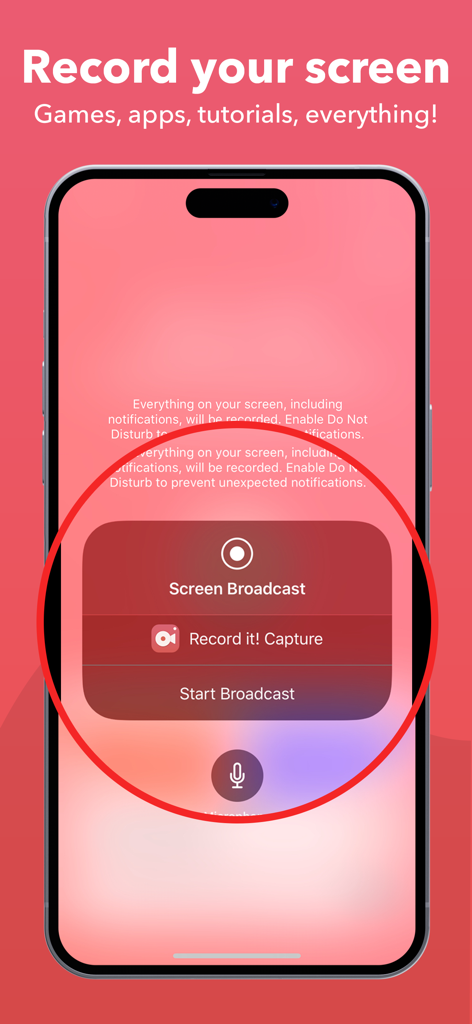
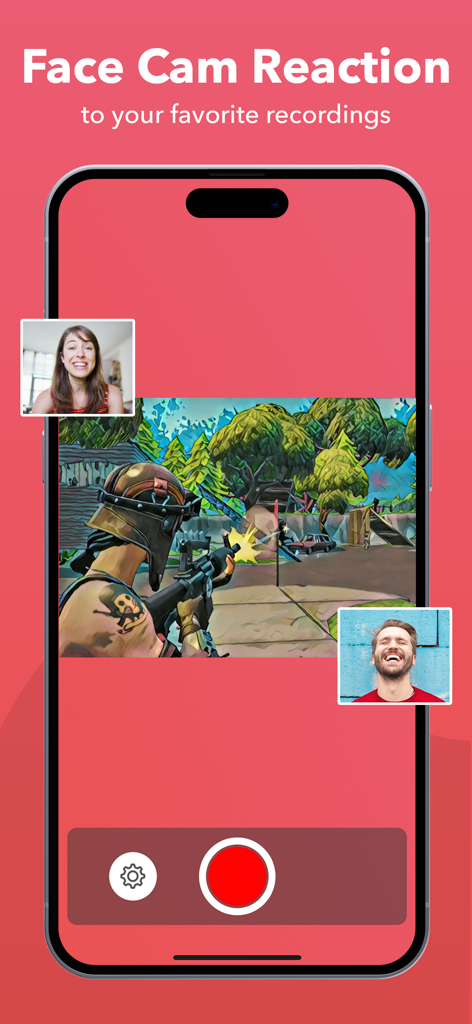
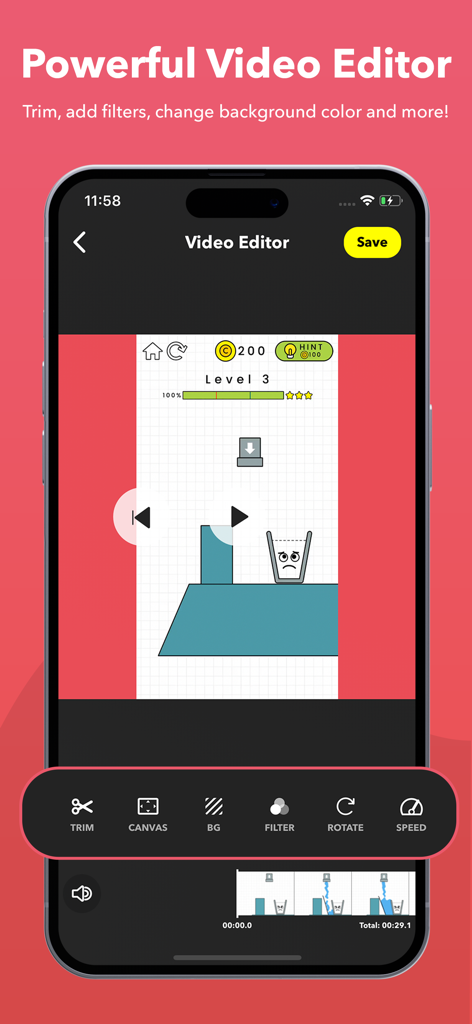
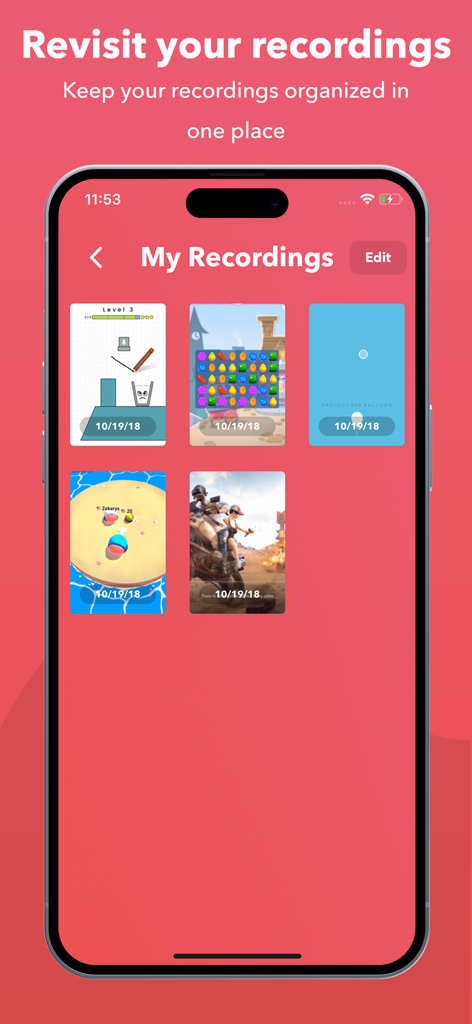
The tools that make this app stand out, trusted by 25M+ users.
Build your personal brand by adding your facial expressions and audio commentary to any screen recording or YouTube video.
Capture every clutch moment in high resolution with a single tap, perfect for gamers and creators who need a lag-free experience.
Skip the complex desktop software—trim clips, adjust playback speed, and apply filters before sharing directly to YouTube or TikTok.
Trusted by 25M+ people who love this app.
"This is exactly what I needed to start my YouTube gaming channel! Being able to record my screen and my reaction at the same time without a fancy PC setup is a total game-changer. The FaceCam feature is so easy to customize, and I love that I can trim the video right in the app before uploading."
"I use Record it! constantly to create quick tutorials for my team and clients. The audio commentary is crystal clear, and the ability to add filters and adjust playback speed makes my walkthroughs look incredibly professional. It’s saved me hours of explaining things over email!"
Everything you need to know about Record it! :: Screen Recorder.
Description
Latest Version
4.9.8
Size
34.2 MB
First Released
Jun 12, 2017
Join over 25 million creators using the world's most intuitive screen recorder with FaceCam reactions. Start your journey today—it's just one tap away.
Everything you need to know about Record it! :: Screen Recorder
Yes, Record it! Screen Recorder offers one-tap recording for your entire screen on iOS 12 and above. For iOS 11, the app provides video tutorials for quick setup.
Record it! Screen Recorder records games, video tutorials, and apps. It captures everything on your screen, making it suitable for walkthroughs, demos, and training videos on iPhone and iPad.
Yes, Record it! Screen Recorder supports FaceCam Reactions. Users can add reactions to their recordings and even to YouTube videos, personalizing the reaction's shape, position, and size.
Yes, Record it! Screen Recorder allows users to record audio-only commentary to accompany their videos. This feature enhances recordings with spoken explanations or reactions.
Record it! Screen Recorder includes a video editor to trim videos, apply filters, adjust playback speed, change canvas and background colors, and rotate clips.
Yes, Record it! Screen Recorder includes an organizer feature. It allows users to manage and access all their recordings conveniently within one application.
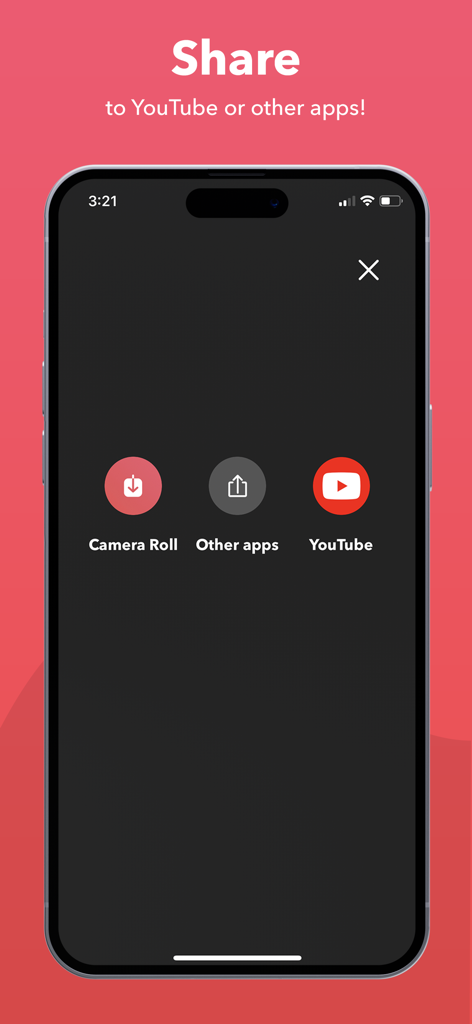
Users can share recordings from Record it! directly to YouTube, save them to the camera roll, or export to other apps, email, or AirDrop. WiFi export to a computer is also available.
Yes, video sharing in the free version of Record it! Screen Recorder is limited to three minutes. To share longer videos, users must upgrade to the Pro version via In-App Purchase.
Apps with similar features and user experience

Medal B.V.

VIDEOSHOW PTE. LTD.

App of the Year LLC

Arthur Eduardo Skaetta Alvarez Desenvolvimento de Software LTDA.

Poster App LLP

Dream United, Ltd.

Torqued Studios LLC

Danila Ianushev

Mark Thomas