
Screen recorder - video



The ultimate production suite for your iPhone. Capture your screen with a built-in teleprompter, facecam reactions, and professional editing tools to create flawless tutorials and highlights instantly.
Publisher
Category
UtilitiesDownloads
47K+User Rating
Total Ratings
0Locales
1Discover the interface used by 47K+ users.
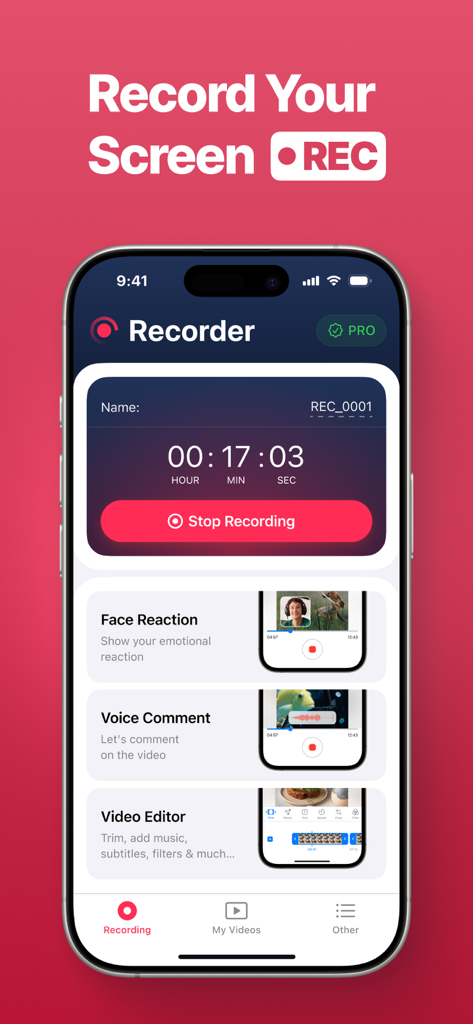
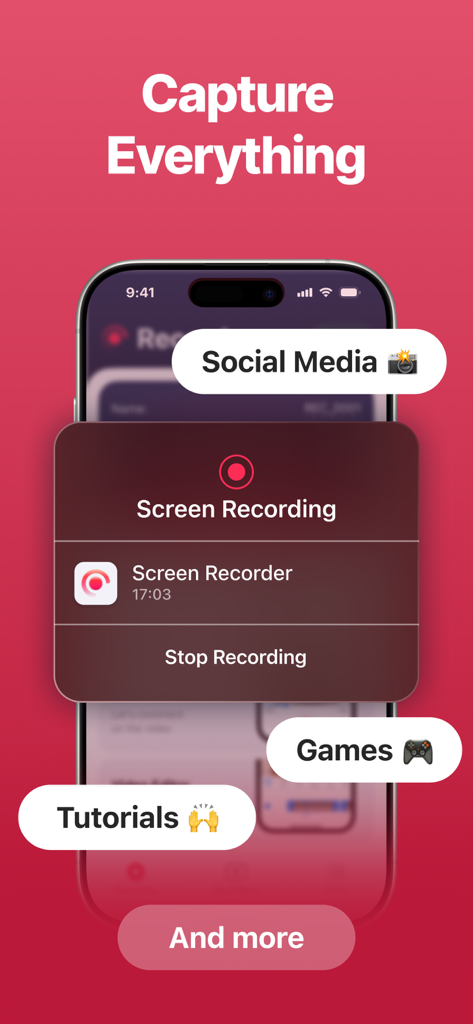
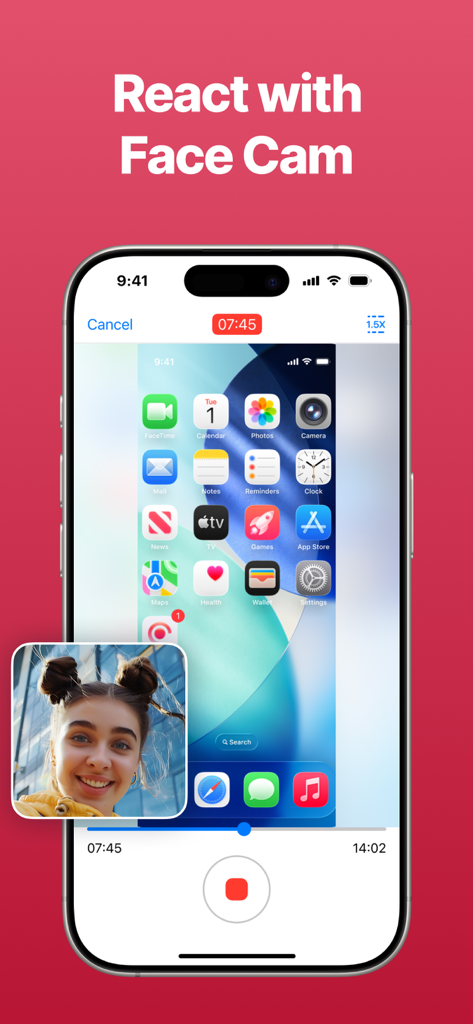
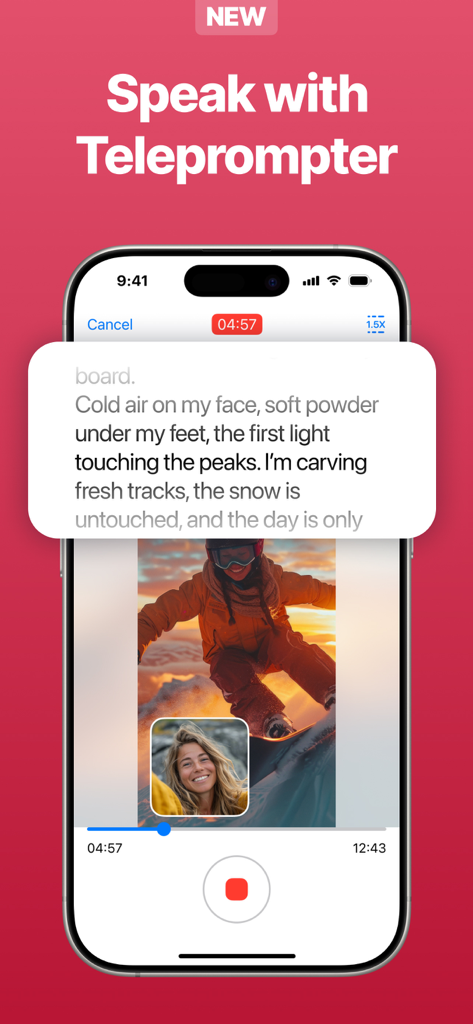

The tools that make this app stand out, trusted by 47K+ users.
Deliver flawless narration every time with our built-in teleprompter, keeping your eyes on the camera and your message on point.
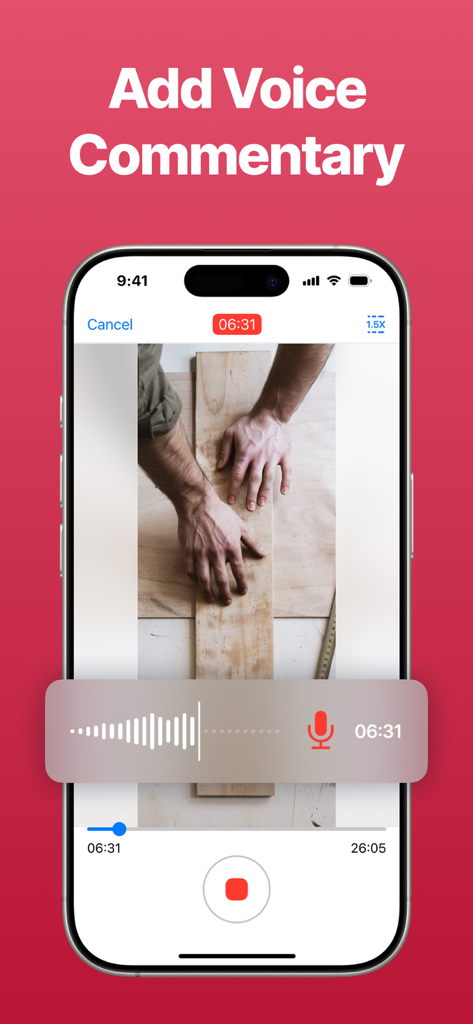
Build a deeper connection with your audience by adding a personal touch through real-time camera overlays and voice commentary.
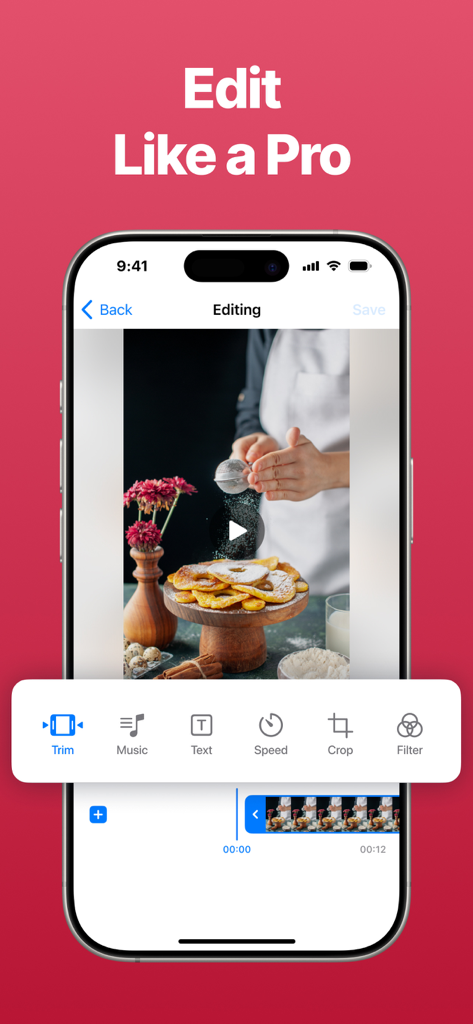
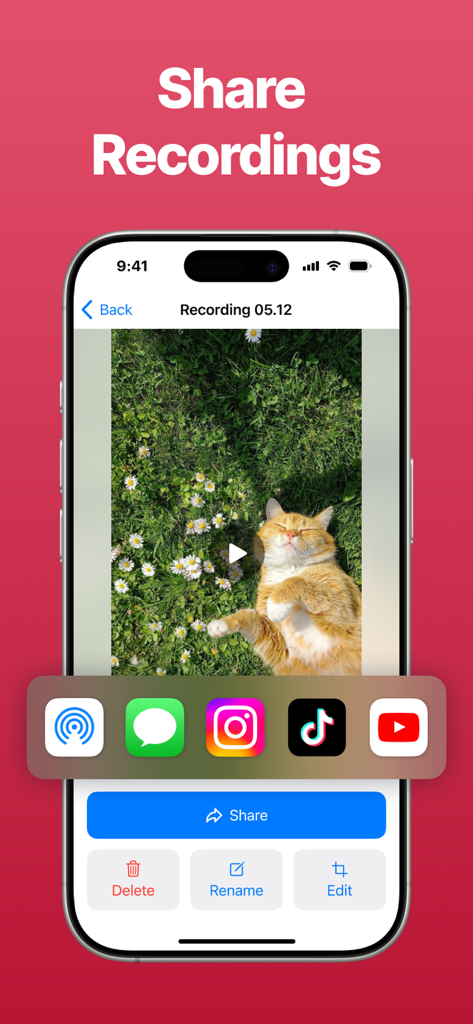
Skip the complex software—trim, polish, and export your highlights directly from your iPhone for instant sharing to social media.
Trusted by 47K+ people who love this app.
"As a mobile gaming creator, the integrated facecam and prompter have been game-changers for my channel. I no longer have to sync my audio and video separately, which has cut my production time in half. The quality is crystal clear!"
"This is the perfect tool for sending quick app walkthroughs to my clients. The built-in teleprompter helps me stay on track without stumbling over my words, and the editing tools allow me to polish the video instantly before sharing."
Everything you need to know about Screen recorder - video.
Description
Latest Version
1.4
Size
11.3 MB
First Released
Jun 16, 2025
Join 47,000+ creators who use our all-in-one studio to record, script, and edit high-impact videos directly from their iPhone.
Everything you need to know about Screen recorder - video
Screen Recorder - Video is a comprehensive tool for capturing your screen. It is ideal for creating guides, sharing gameplay highlights, and presenting ideas, offering features like voice recording and a built-in editor.
Yes, Screen Recorder - Video allows users to add a personal touch to recordings using the camera reaction feature. This enables showing your emotional reaction while capturing the screen content.
Yes, Screen Recorder - Video enables users to record their voice during screen capture. This feature allows for clear explanations of actions, making it useful for tutorials and presentations.
Yes, Screen Recorder - Video includes a built-in prompter. This feature allows users to read their script naturally while recording, ensuring they can deliver presentations flawlessly.
Screen Recorder - Video offers an intuitive video editor to polish recordings. It includes tools for trimming mistakes, adding music and text, adjusting speed, cropping, and applying filters to highlight key moments.
Yes, Screen Recorder - Video allows users to save and share their final videos instantly. Sharing options include social media platforms, cloud storage services, and direct messages.
Yes, Screen Recorder - Video offers a Premium upgrade. Upgrading unlocks a complete creation suite, including advanced features like camera reaction, voice recording, and the built-in prompter.
Yes, Screen Recorder - Video is suitable for capturing gameplay. It is designed for various content, including gaming highlights, social media interactions, and educational tutorials.
Apps with similar features and user experience

Medal B.V.

VIDEOSHOW PTE. LTD.

App of the Year LLC

DIGISET LLC

Arthur Eduardo Skaetta Alvarez Desenvolvimento de Software LTDA.

Poster App LLP

Dream United, Ltd.

Torqued Studios LLC

Danila Ianushev