
Sketch Pad - My Drawing Board


Transform your iPhone or iPad into a versatile drawing board. Whether you're a student doodling in class or a hobbyist capturing ideas on the go, our 10 professional pens and intuitive interface make digital sketching feel natural and effortless.
Publisher
Category
ReferenceDownloads
579K+User Rating
Total Ratings
9K+Locales
6Discover the interface used by 579K+ users.
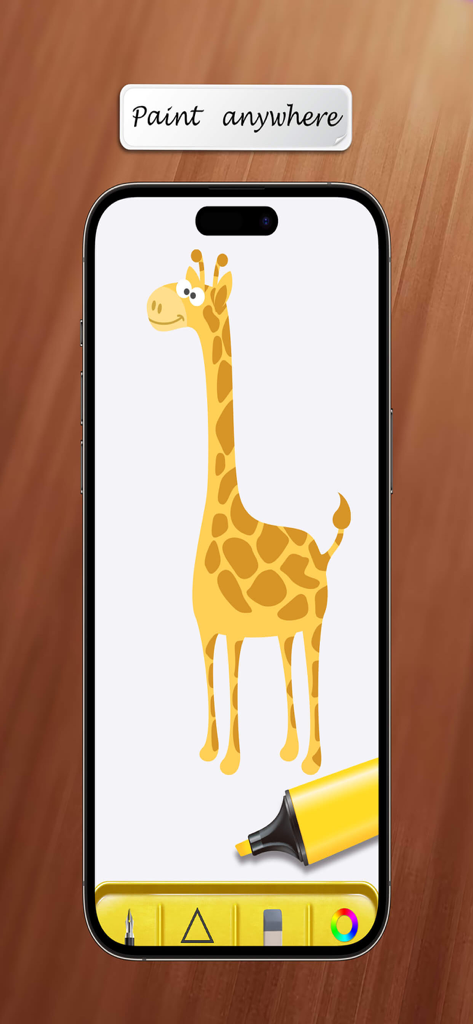
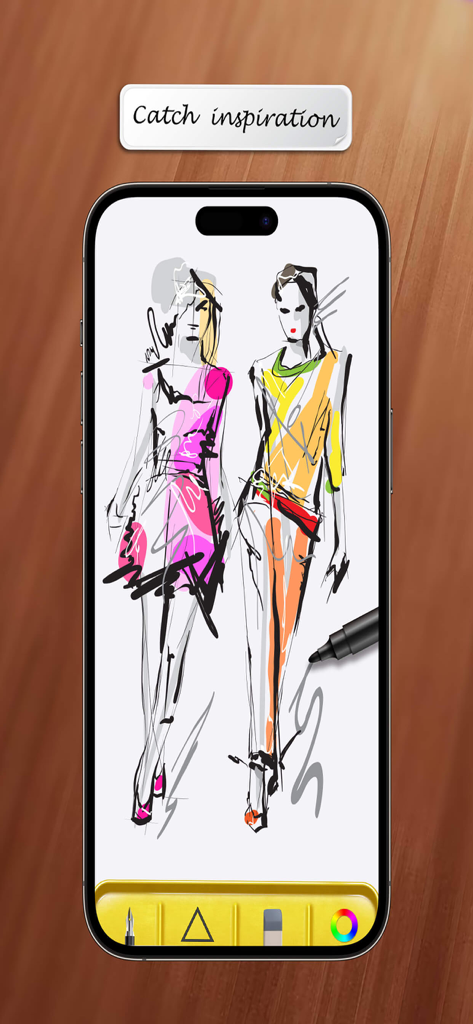
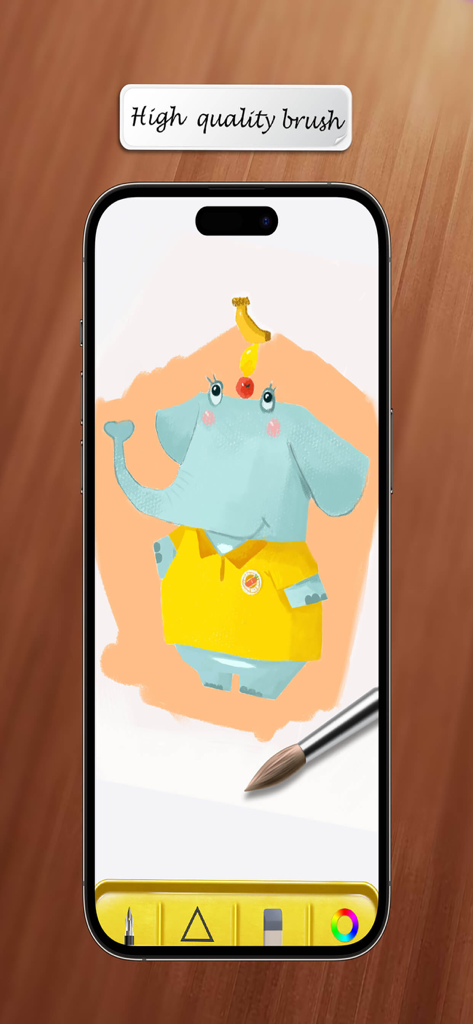
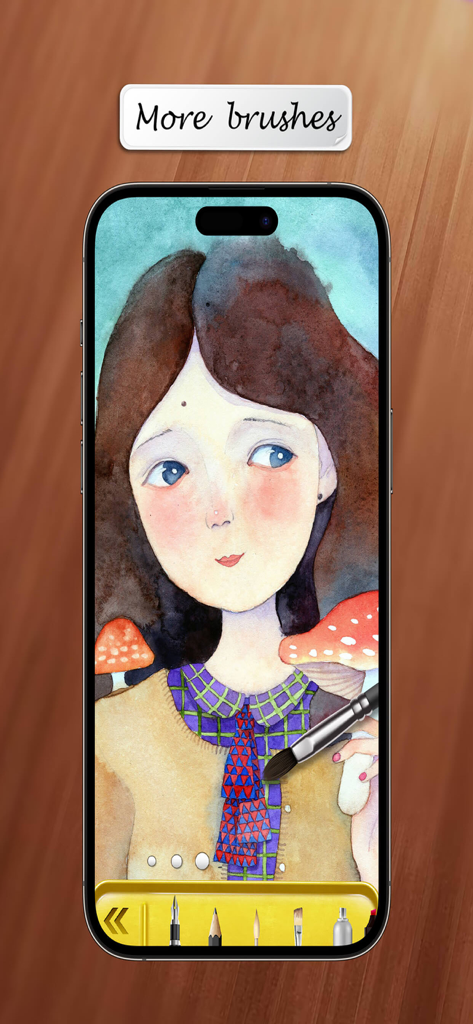
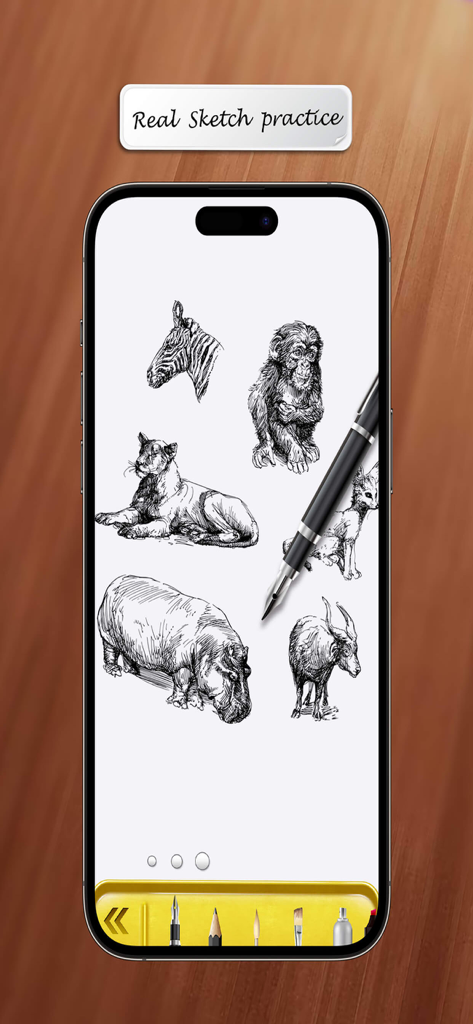
The tools that make this app stand out, trusted by 579K+ users.
Switch between 10 specialized pens and brushes to bring any artistic vision to life, from quick pencil sketches to vibrant paintings.
Never lose a masterpiece again with automatic background saving and a seamless undo feature that lets you experiment without fear.
Turn your mobile device into a portable studio. Perfect for capturing spontaneous inspiration during your commute, in class, or on the couch.
Trusted by 579K+ people who love this app.
"I have tried those professional drawing apps, but they are often too complex for what I need. Sketch Pad is perfect because it launches instantly and lets me get my ideas down without a learning curve. The undo feature and the variety of pens make it my go-to for quick sketches on my iPad during my commute."
"As someone who used to doodle on every piece of paper I could find, this app is a game-changer. It turns my iPhone into a pocket-sized sketchbook that I can take anywhere. I love that it saves my work automatically, so I never have to worry about losing a drawing when I get a phone call."
Everything you need to know about Sketch Pad - My Drawing Board.
Description
Latest Version
3.11
Size
71.9 MB
First Released
Oct 25, 2015
Join over 570,000 creators who choose simplicity over complexity. Download Sketch Pad today and turn your iPhone or iPad into your favorite digital canvas.
Apps with similar features and user experience

Sketchbook, Inc.

Mental Canvas, Inc.

ibis inc.

ibis inc.

Evernote Corporation

Adobe Inc.

Lofopi Ltd

MediBang inc.

SKETCHES SRL