SUFLER.PRO

SUFLER.PRO

Download on App Store
Spark by MWM logo
Logo of SUFLER.PRO

SUFLER.PRO: Record Flawless Videos in a Single Take

The ultimate teleprompter for creators and professionals. Sync scripts from your desktop, use smart voice-controlled scrolling, and maintain perfect eye contact every time.

Download on App Store

Publisher

Andrey Potapov

Category

Photo & Video

Downloads

207K+

User Rating

4.5/5

Total Ratings

2K+

Locales

1

Your Perfect Take

Discover the interface used by 207K+ users.
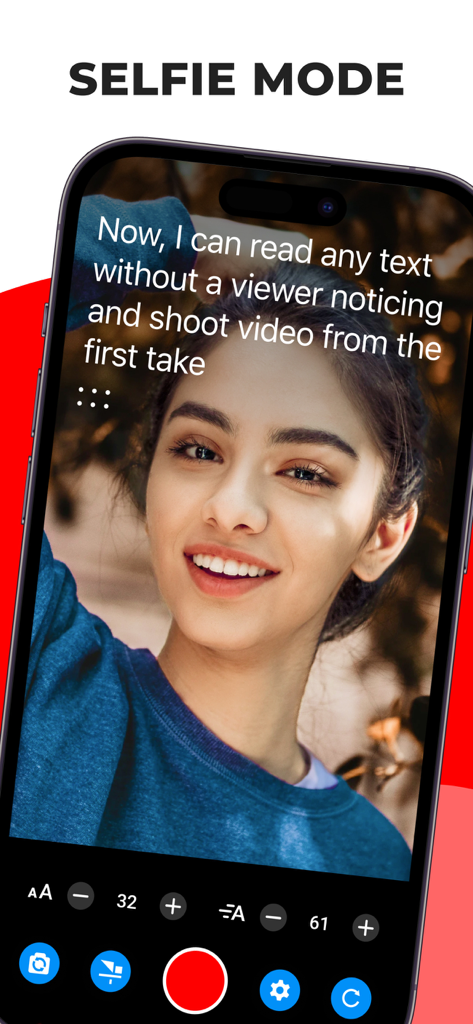
A woman recording a video using the SUFLER.PRO teleprompter app in selfie mode

A woman recording a video using the SUFLER.PRO teleprompter app in selfie mode

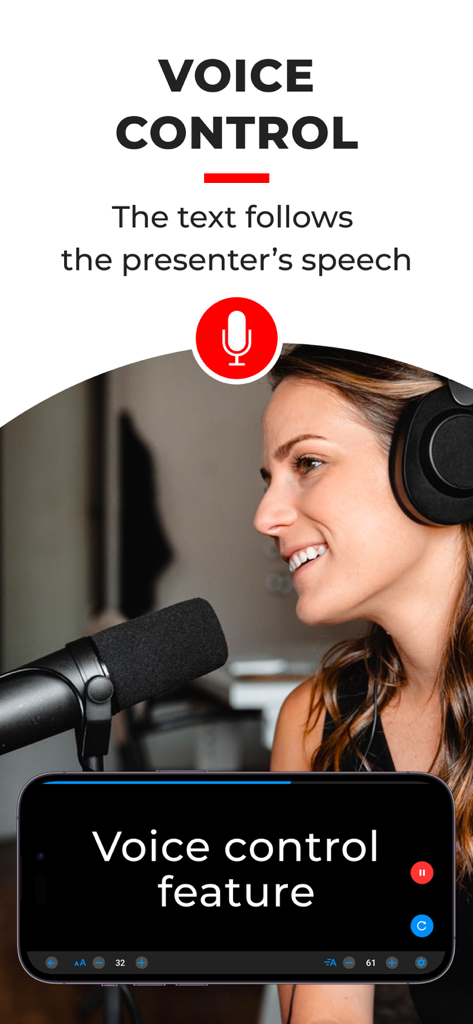
A professional content creator using the voice control feature of the SUFLER.PRO teleprompter app while speaking into a microphone.

A professional content creator using the voice control feature of the SUFLER.PRO teleprompter app while speaking into a microphone.

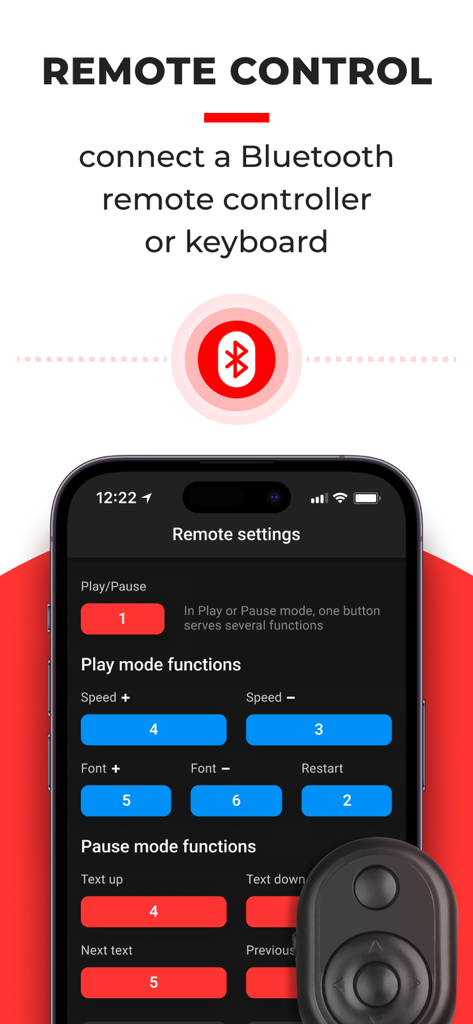
SUFLER.PRO teleprompter app remote control configuration screen showing bluetooth connectivity and button mapping settings.

SUFLER.PRO teleprompter app remote control configuration screen showing bluetooth connectivity and button mapping settings.

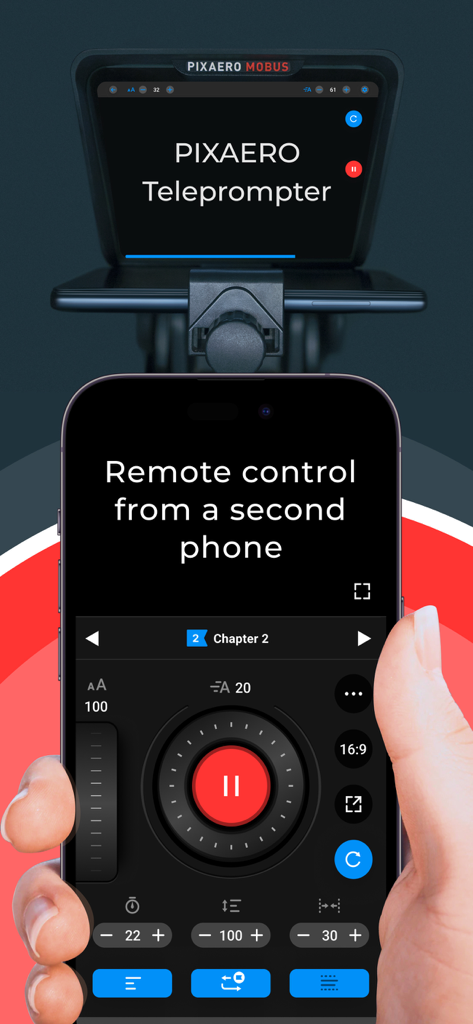
A hand holding a smartphone acting as a remote control for a professional teleprompter setup using the SUFLER.PRO app.

A hand holding a smartphone acting as a remote control for a professional teleprompter setup using the SUFLER.PRO app.

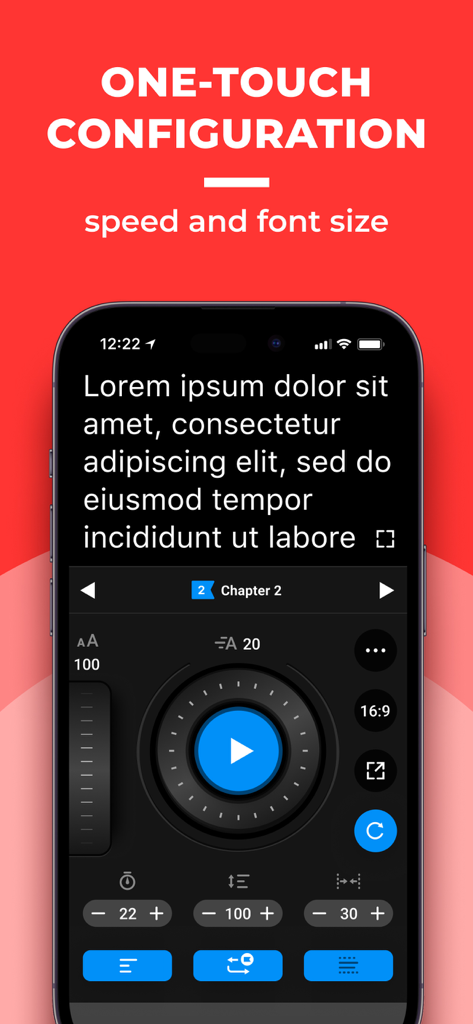
SUFLER.PRO app interface for one-touch configuration of text speed and font size on a smartphone.

SUFLER.PRO app interface for one-touch configuration of text speed and font size on a smartphone.

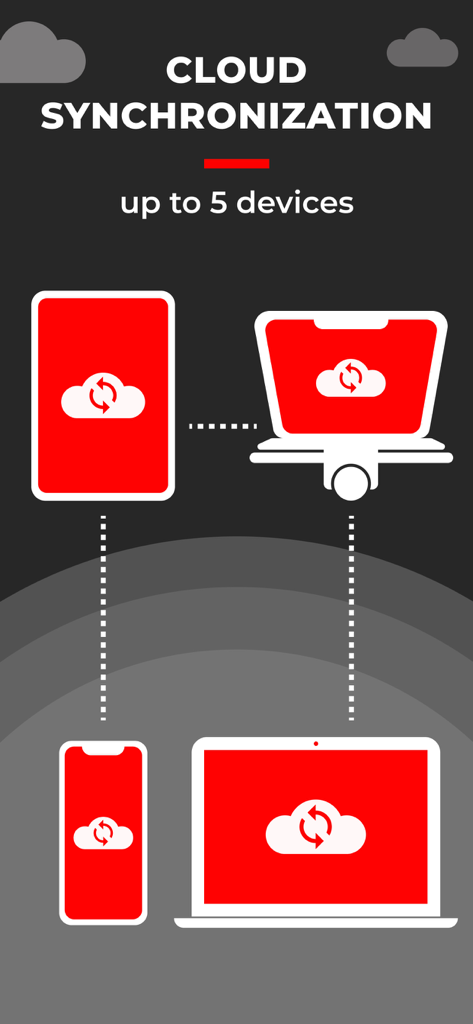
Cloud synchronization feature for SUFLER.PRO app across up to five devices including mobile and desktop

Cloud synchronization feature for SUFLER.PRO app across up to five devices including mobile and desktop

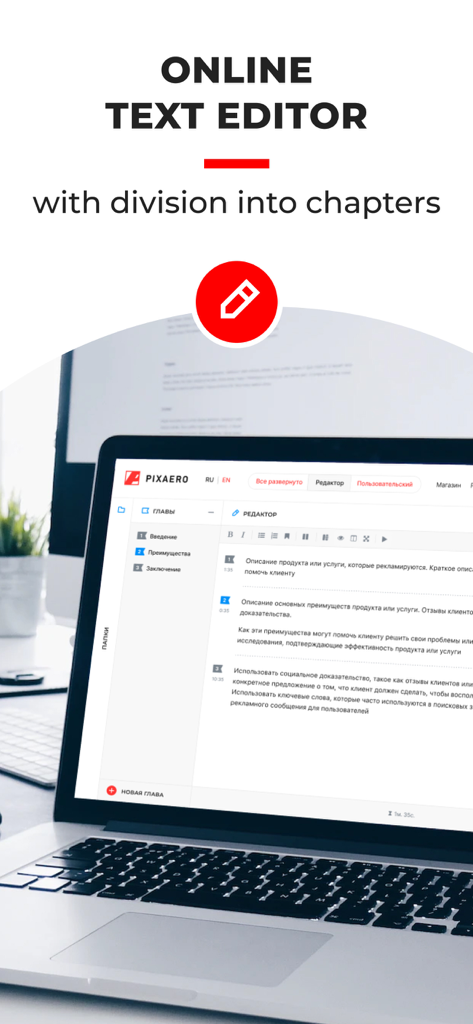
Laptop screen showing the SUFLER.PRO online text editor with a script divided into chapters

Laptop screen showing the SUFLER.PRO online text editor with a script divided into chapters

Master Your Message in One Take

The tools that make this app stand out, trusted by 207K+ users.

🔄

Seamless Cloud Sync

Write your scripts on your computer and sync them instantly to your phone. Move from brainstorming to recording in seconds.

🗣️

Smart Voice Recognition

Let the app listen to you. The text automatically scrolls at your natural speaking pace, ensuring a hands-free and fluid delivery.

👁️

Perfect Eye Contact

Read your script directly over the camera lens. Maintain a professional connection with your audience that builds trust and engagement.

Loved by users worldwide

Trusted by 207K+ people who love this app.

"

"SUFLER.PRO has completely changed my workflow. I can batch-record a week worth of TikToks in just an hour now. The cloud sync is brilliant; I draft everything on my laptop and it is instantly on my iPhone when I am ready to shoot. No more memorizing scripts or looking away from the lens!"

Jessica M., Digital Content Creator
"

"As someone who produces professional webinars and training videos, the voice recognition and mirror mode are indispensable. It allows me to maintain a natural pace and perfect eye contact with my DSLR. It has transformed my home office into a high-end production suite."

David L., Corporate Communications Lead

About the app

Everything you need to know about SUFLER.PRO.

Description

We've tried to make the process of working with the prompter as convenient as possible. App Features: * Read text and record videos from your phone in the video prompter mode. * Read text and record videos in the mirror prompter mode using a separate camera and a prompter, such as PIXAERO MOBUS. * Use voice recognition for the mirror prompter mode (requires subscription). * Connect a remote control or a keyboard using Bluetooth (requires subscription). * Control text speed and font size settings on the player screen. * Make the most of cloud synchronization. Register on SUFLER.PRO website, write and edit your texts on a computer, and all the changes will be automatically synced into the app. * Customize settings to your liking: scroll speed and font size, start delay, text padding, font height, text alignment. Turn on or off center-focused line, text mirroring or playback loop. * Tap the screen to pause or resume the text playback. * Choose between vertical and horizontal screen orientation. If you have ideas on how to make the application more convenient, write to us: https://pixaero.pro/contacts/ Learn more about the convenience and compactness of PIXAERO MOBUS mobile teleprompter: https://en.pixaero.pro/catalog/teleprompters/teleprompter_pixaero_mobus Terms of use: https://sufler.pro/terms_of_use_en.pdf Privacy policy: https://sufler.pro/privacy_policy_en.pdf

Latest Version

4.5.2

Size

46.3 MB

First Released

Sep 24, 2019

Stop Memorizing. Start Recording.

Join 207K+ creators and professionals who deliver flawless videos in one take. Download SUFLER.PRO now and focus on your message, not your lines.

Download on App Store