Tarot Journal

Tarot Journal

Download on App Store
Spark by MWM logo
Logo of Tarot Journal

Tarot Journal: The Professional Digital Workspace for Your Spiritual Craft

Master your readings, log deep insights, and import your own indie decks. From daily rituals to professional client reports, manage your entire tarot practice with Siri integration and iCloud sync.

Download on App Store

Publisher

Steve Godfrey

Category

Lifestyle

Downloads

63K+

User Rating

4.6/5

Total Ratings

100

Locales

1

Your Practice, Visualized

Discover the interface used by 63K+ users.
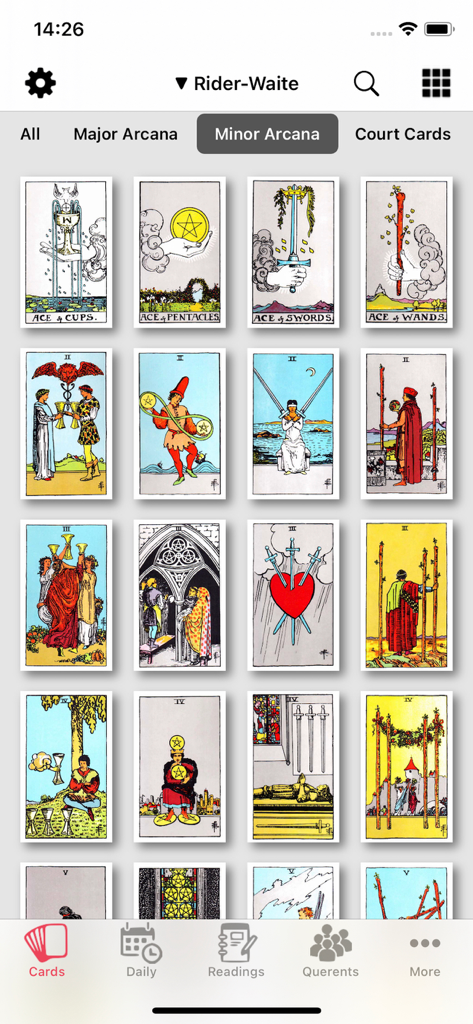
Tarot Journal app screen displaying a grid of Minor Arcana cards from the Rider Waite deck

Tarot Journal app screen displaying a grid of Minor Arcana cards from the Rider Waite deck

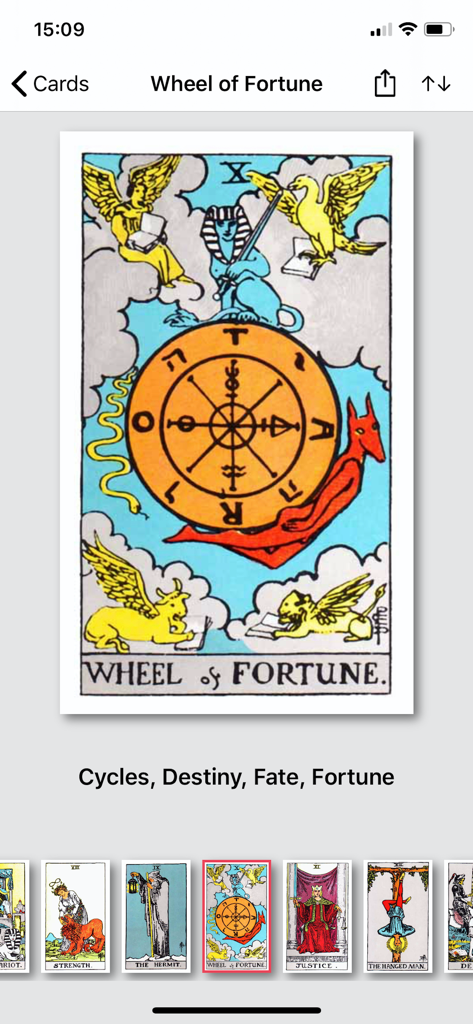
Tarot Journal app screen showing the Wheel of Fortune card and its keywords cycles destiny fate and fortune

Tarot Journal app screen showing the Wheel of Fortune card and its keywords cycles destiny fate and fortune

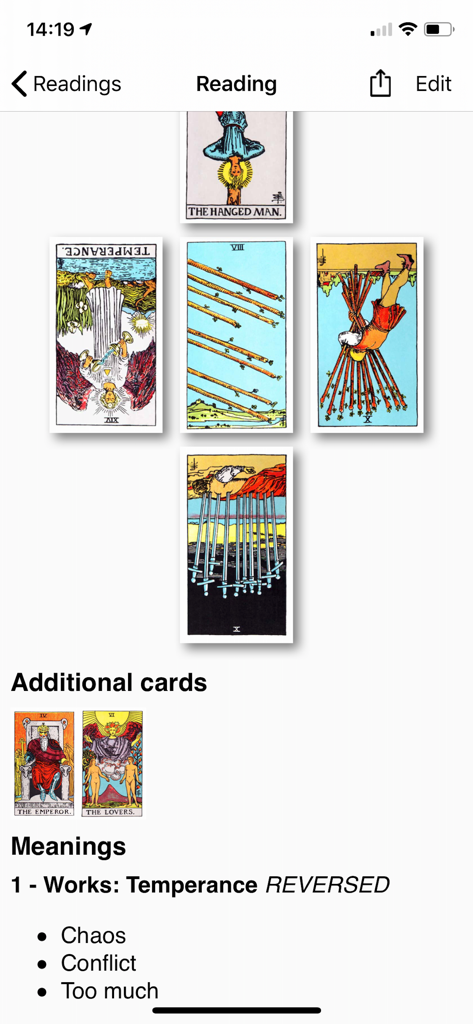
Tarot Journal interface showing a custom card spread with detailed card meanings and additional cards.

Tarot Journal interface showing a custom card spread with detailed card meanings and additional cards.

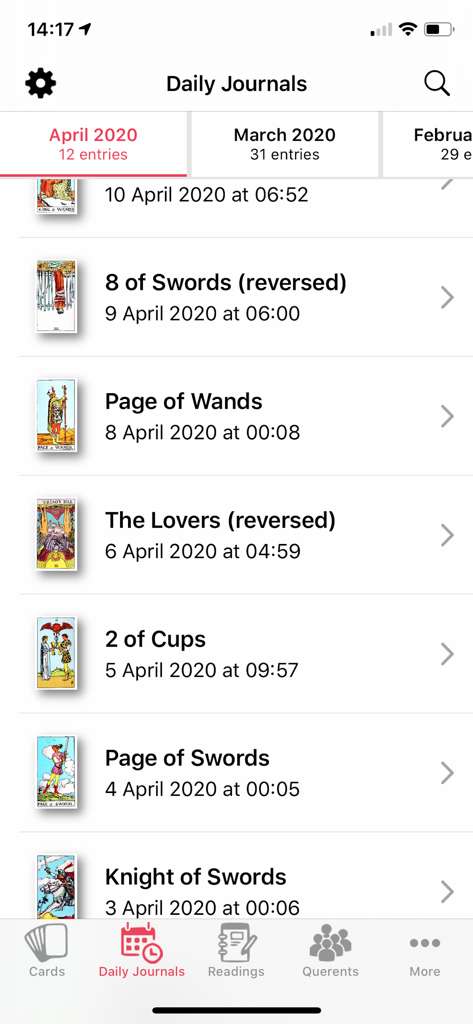
A list of daily tarot card journal entries with card images names and dates

A list of daily tarot card journal entries with card images names and dates

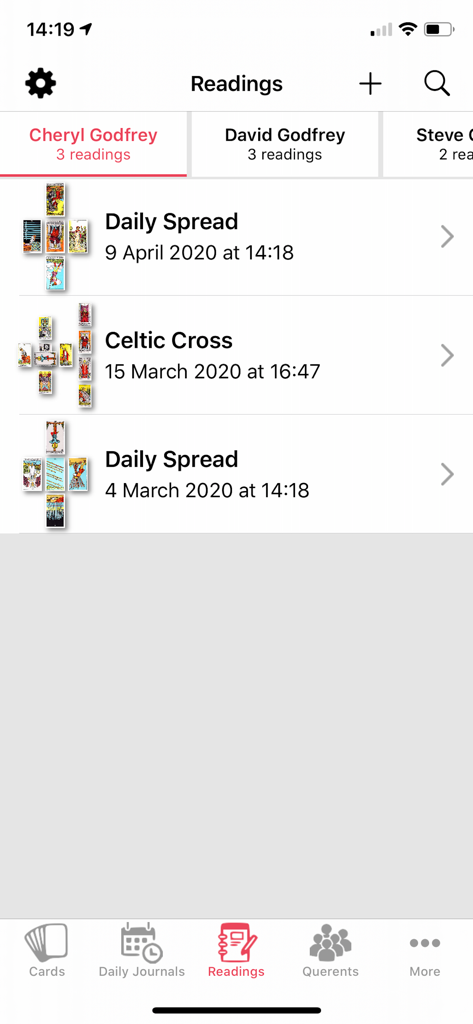
Tarot Journal app interface showing a list of saved tarot readings and card spreads for a specific user

Tarot Journal app interface showing a list of saved tarot readings and card spreads for a specific user

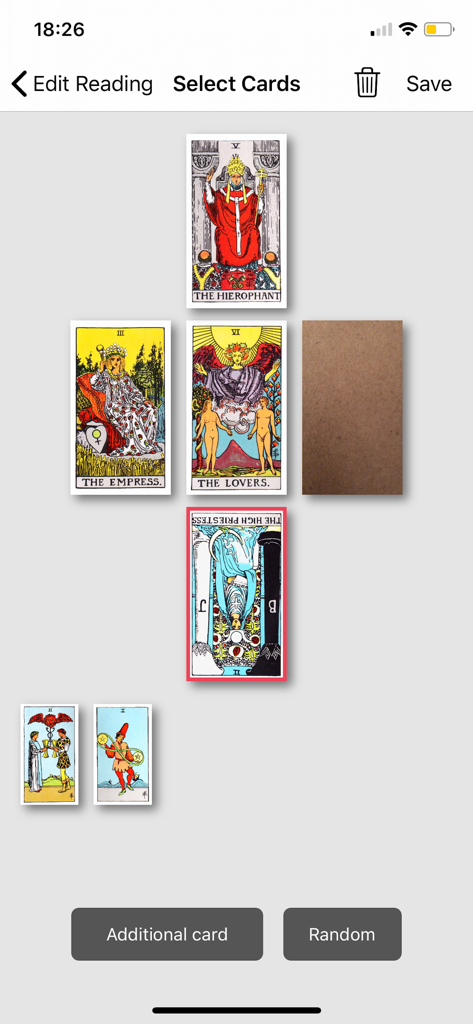
A digital tarot card spread interface within the Tarot Journal app featuring various cards like The Hierophant and The Lovers

A digital tarot card spread interface within the Tarot Journal app featuring various cards like The Hierophant and The Lovers

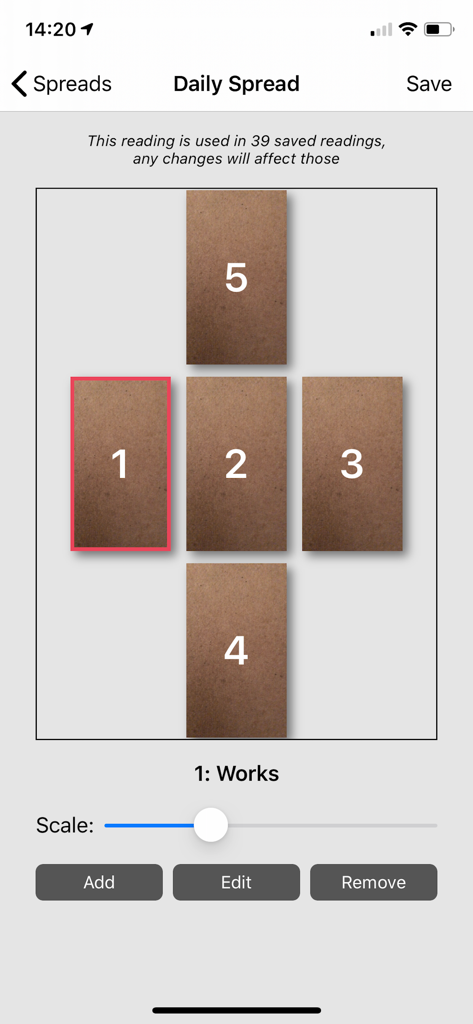
Custom five card daily tarot spread layout editor

Custom five card daily tarot spread layout editor

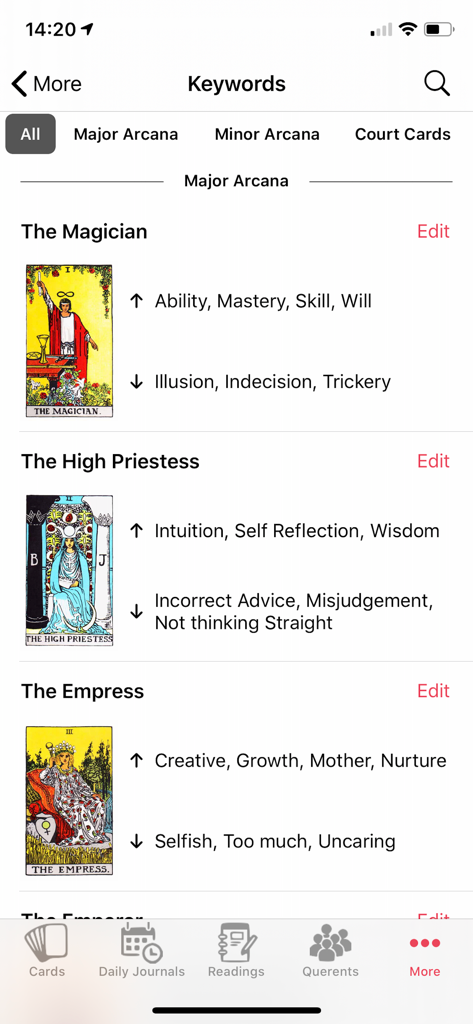
A screen in the Tarot Journal app displaying Major Arcana cards with their upright and reversed keyword meanings.

A screen in the Tarot Journal app displaying Major Arcana cards with their upright and reversed keyword meanings.

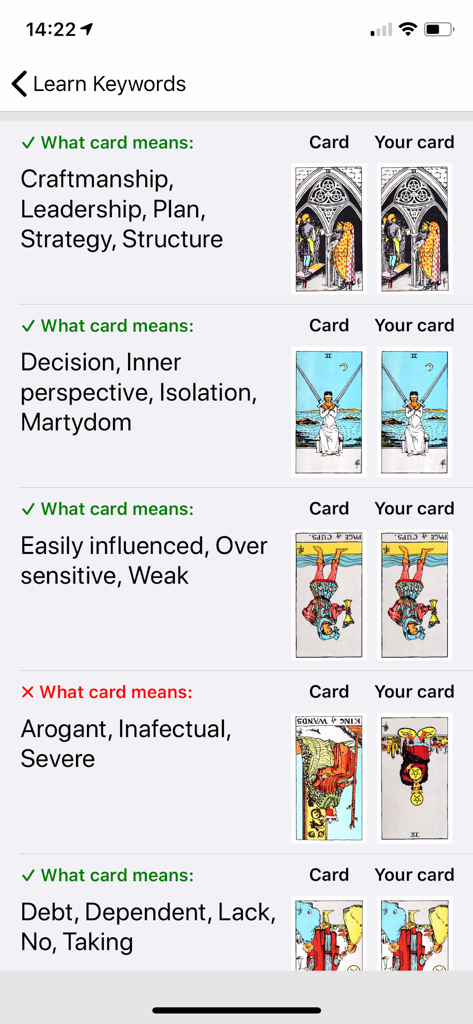
A screenshot of the Tarot Journal app showing the Learn Keywords feature which allows users to test their knowledge of tarot card meanings through a matching quiz.

A screenshot of the Tarot Journal app showing the Learn Keywords feature which allows users to test their knowledge of tarot card meanings through a matching quiz.

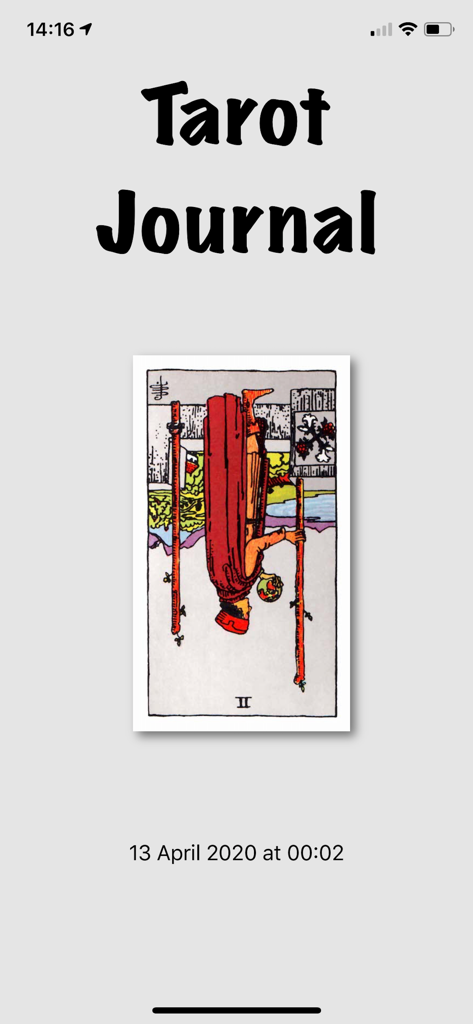
Tarot Journal app interface displaying a reversed Two of Wands card with date and time

Tarot Journal app interface displaying a reversed Two of Wands card with date and time

Elevate Your Tarot Practice

The tools that make this app stand out, trusted by 63K+ users.

📸

Personalize Your Deck Collection

Import your favorite indie decks using your camera to create a digital workspace that reflects your unique style.

📩

Professional Client Reports

Instantly export readings as PDF or HTML to provide your querents with high-quality, professional summaries.

🗣️

Siri & Apple Ecosystem Sync

Draw cards hands-free with Siri and keep your entire journal history synced across iPhone, iPad, and Watch.

Loved by users worldwide

Trusted by 63K+ people who love this app.

"

"As a professional reader, this app is an absolute game-changer for my business. The ability to create custom spreads and instantly email professional PDF reports to my clients has saved me hours of manual work. My clients love the detailed summaries, and I love having a searchable history of every reading synced across my iPad and iPhone."

Elena R., Professional Intuitive
"

"I've tried every tarot app out there, and this is the only one that lets me truly personalize my practice. Being able to upload photos of my own indie decks is a dream come true. The Siri shortcuts make my morning card pull so seamless, and I've actually improved my interpretations using the built-in keyword quizzes."

Marcus Thorne, Indie Deck Collector

About the app

Everything you need to know about Tarot Journal.

Description

78 card images with keywords gives you the ability to input your own keywords for reference and study. Easy to use Tarot tool for seasoned Tarot readers. Log all the information after Tarot reading with querent, quick and easy to email PDF or HTML of your reading. Choice of a selection of built in spreads and notes for customer to keep. You can add your own card sets using the camera or importing saved images of cards. Create your own spreads and edit the meanings of each card in the spreads. Search for readings by card name, keywords, questions or your notes for the reading. Edit keywords for each card, upright and reversed Daily Journal great for seasoned professional readers or people new to the tarot to create personal daily tarot journal. Choice of one card or 5 card daily reading. Choice of using reversed cards. "Learn Keywords" lets you run tests to pick cards given a list of keywords to improve your learning of what cards mean. On iOS 13.4 devices you can add Shortcuts for Siri - you will need to activate the Shortcuts in the Settings view of the Tarot Journal app and you can then ask Siri (even when app is not open) to: 1. Deal a random Tarot Card - ask "Deal Tarot Card" 2. Find Tarot Cards by keyword or name - ask "Find Tarot Card" then when requested give the card name or keyword 3. Start a new Reading - ask "New Tarot Reading" You have some control over editing how the Readings appear in PDF/HTML when sharing with your Querent. Data is shared via iCloud to other iPhones and iPads. Great way of keeping in touch with clients for return or future readings.

Latest Version

3.20

Size

24.2 MB

First Released

Aug 25, 2018

Start Mastering Your Tarot Journey Today

Join over 60,000 practitioners who use Tarot Journal to log deep insights, manage professional readings, and carry their favorite decks everywhere.

Download on App Store