
TP-Link Deco




Experience high-speed, secure mesh WiFi that’s easy to set up. Manage your family's online safety and prioritize your most important devices with a single tap.
Publisher
Category
UtilitiesDownloads
9M+User Rating
Total Ratings
264K+Locales
29Discover the interface used by 9M+ users.
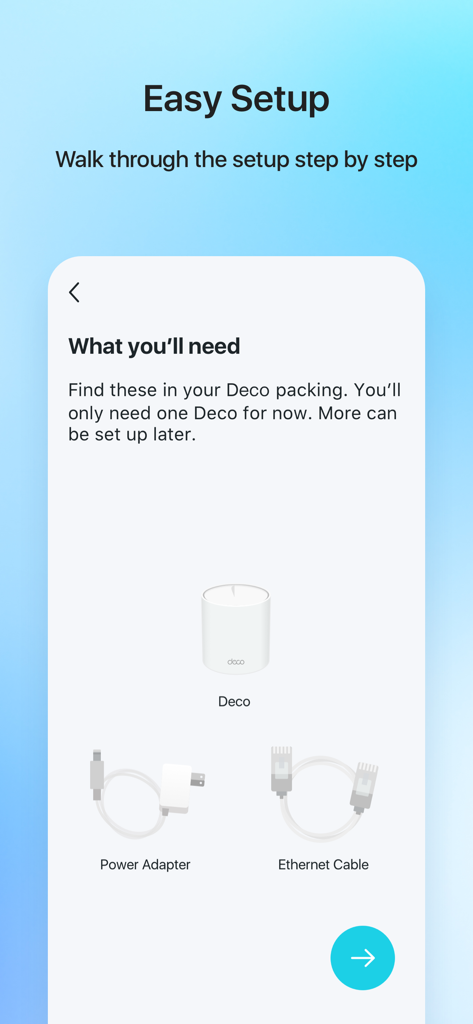
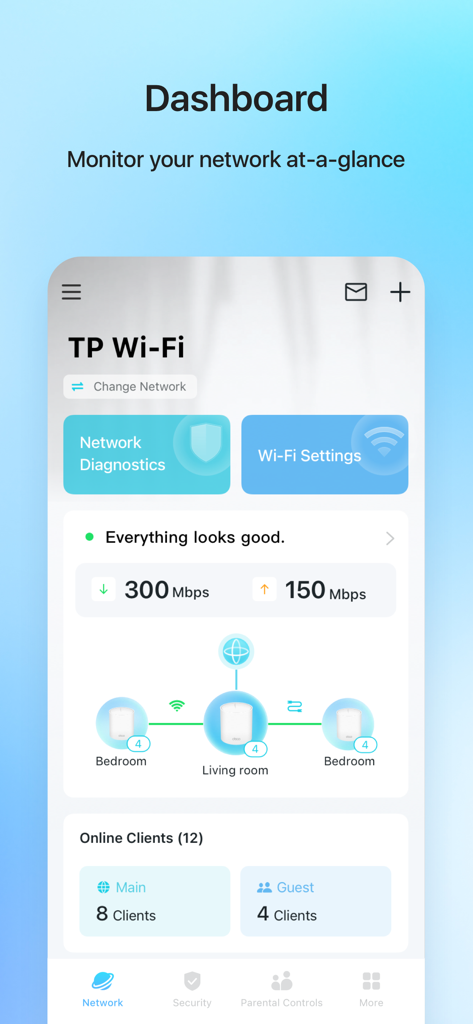
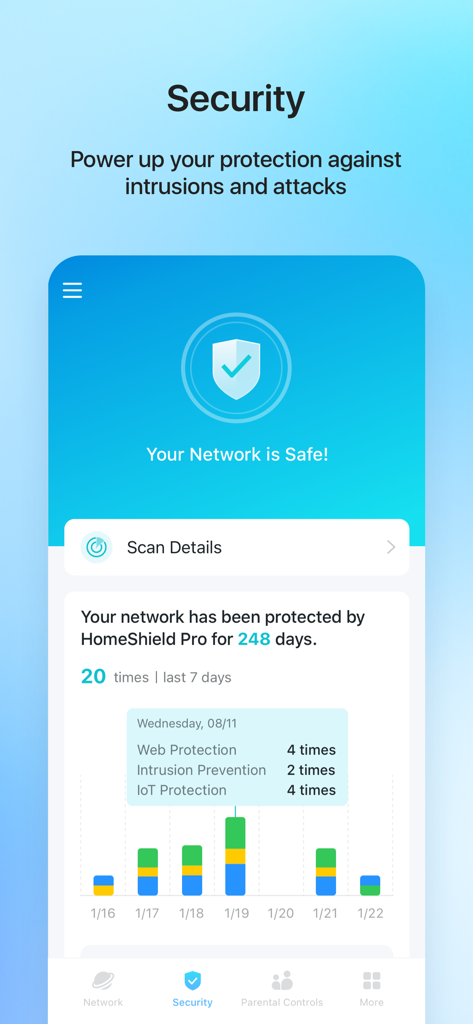
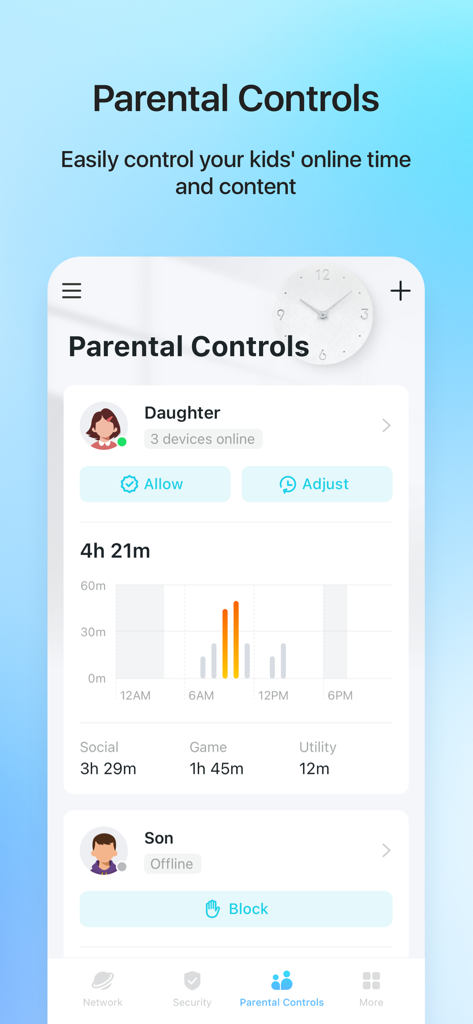
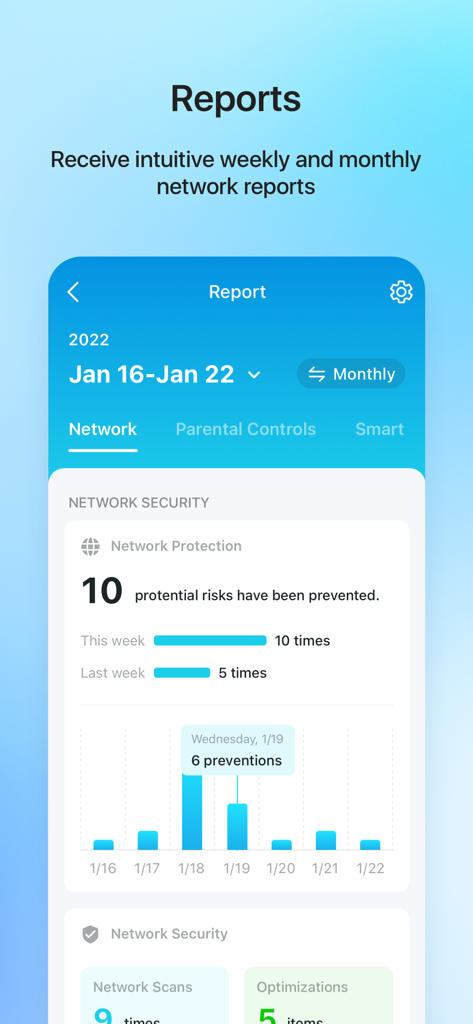
The tools that make this app stand out, trusted by 9M+ users.
Eliminate dead zones with easy setup guides that help you place Deco units for perfect signal in every corner of your home.
Keep your kids safe online by filtering content, setting time limits, and pausing WiFi for dinner—all with a single tap.
Prioritize your work-from-home devices during office hours to ensure crystal-clear video calls and uninterrupted productivity.
Trusted by 9M+ people who love this app.
"Setting up the mesh network was surprisingly easy with the visual guide. I work from home and the ability to prioritize my work PC over the kids streaming has been a game changer for my productivity. The parental controls give me such peace of mind knowing exactly what my kids are accessing."
"We live in a large suburban house and struggled with dead zones for years. Deco fixed everything. I love being able to manage my guest network and check connection speeds instantly from the palm of my hand. It is the most intuitive network management tool I have ever used."
Everything you need to know about TP-Link Deco.
Description
Latest Version
3.10.25
Size
520.2 MB
First Released
Apr 12, 2017
Join over 9 million users who trust Deco for seamless whole-home WiFi, advanced parental controls, and effortless security. Download the app to eliminate dead zones today.
Everything you need to know about TP-Link Deco
The TP-Link Deco app provides a simple, step-by-step guide for setting up your mesh WiFi. It also suggests optimal placement for additional Deco units to ensure maximum home coverage.
Yes, the TP-Link Deco app features Parental Controls. You can set time restrictions, pause WiFi on kids' devices, and control specific device access through schedules, promoting family time.
Yes, the TP-Link Deco app detects potential threats, blocks unauthorized access and inappropriate content. It also allows creating a guest network and running network performance tests to secure your WiFi.
The TP-Link Deco app uses QoS (Quality of Service) to prioritize devices. Users can select which devices always receive the fastest connections and schedule device priority for different times of the day.
Yes, the TP-Link Deco app enables users to connect, control, and check the status of smart cameras, plugs, and lights. All these smart home functionalities are available within the app.
The TP-Link Deco app provides instant access to check every connected device on your network. You can see who is connected and instantly block unwanted devices with a single tap.
No, HomeShield Pro is a subscription service that enhances network protection within the TP-Link Deco app. The store description includes a link to the HomeShield Subscription Service Agreement.
Apps with similar features and user experience

TP-Link Systems Inc.

AT&T Services, Inc.

eero LLC

MERCUSYS Technologies Co., Ltd.

TP-Link Systems Inc.

eero LLC

NETGEAR, Inc.

Ubiquiti Inc.

Freebox
