
Video Converter and Compressor


Convert any format, shrink file sizes without losing 4K quality, and batch process your workflow with the ultimate mobile media toolkit.
Publisher
Category
Photo & VideoDownloads
568K+User Rating
Total Ratings
2K+Locales
7Discover the interface used by 568K+ users.
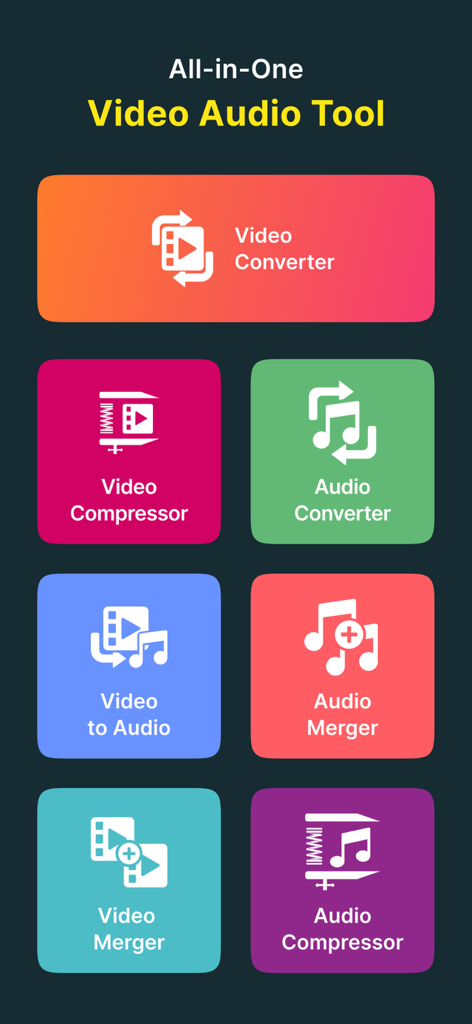
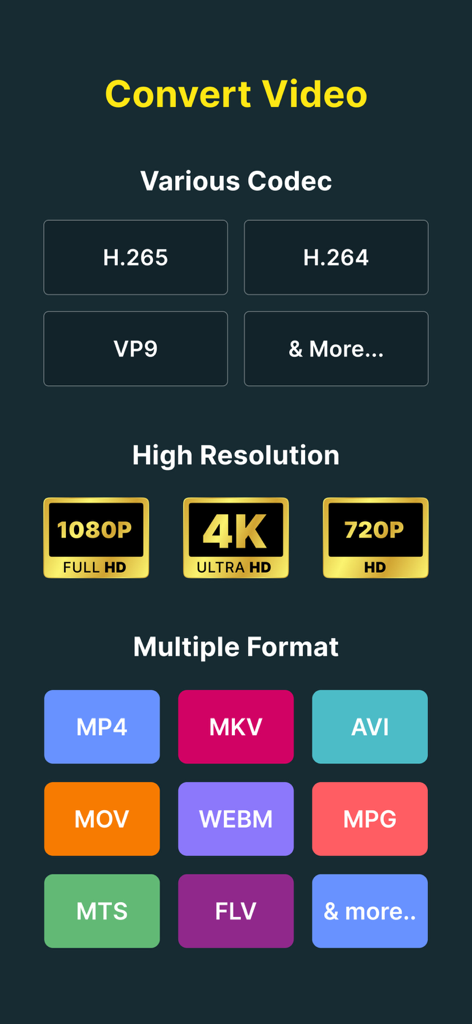
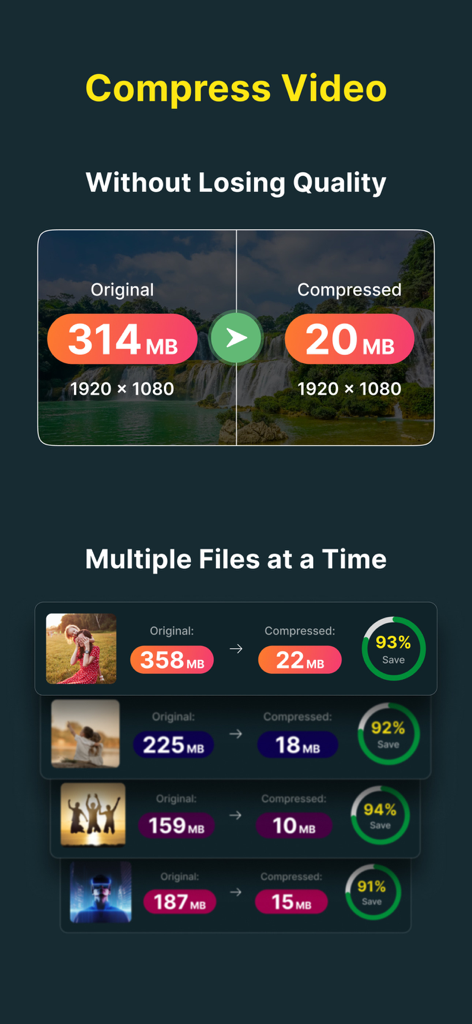
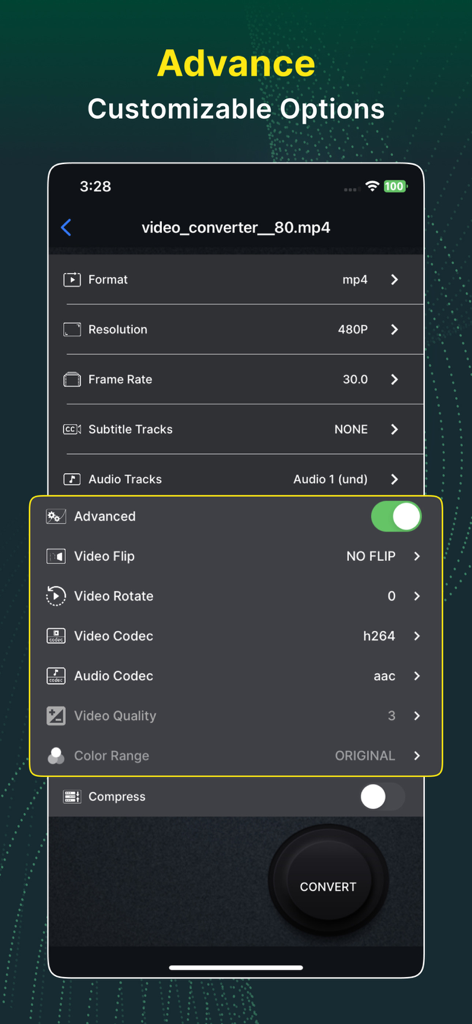
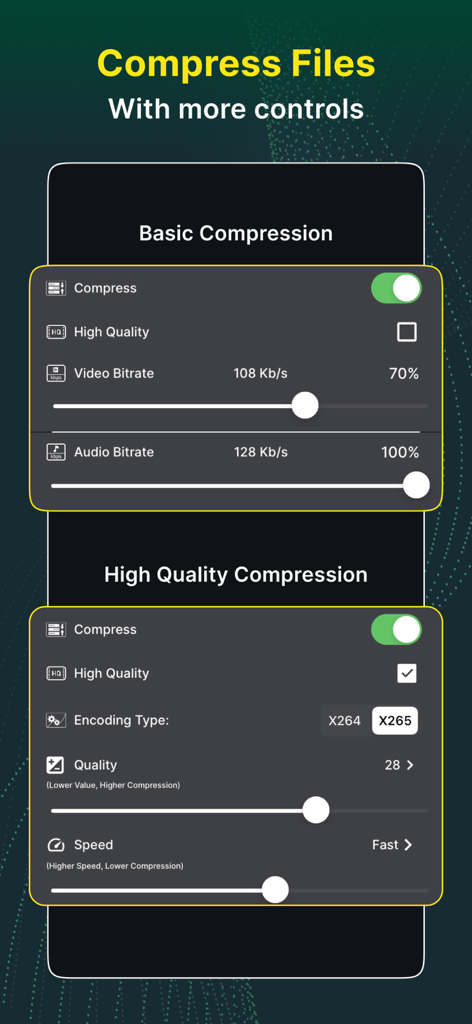
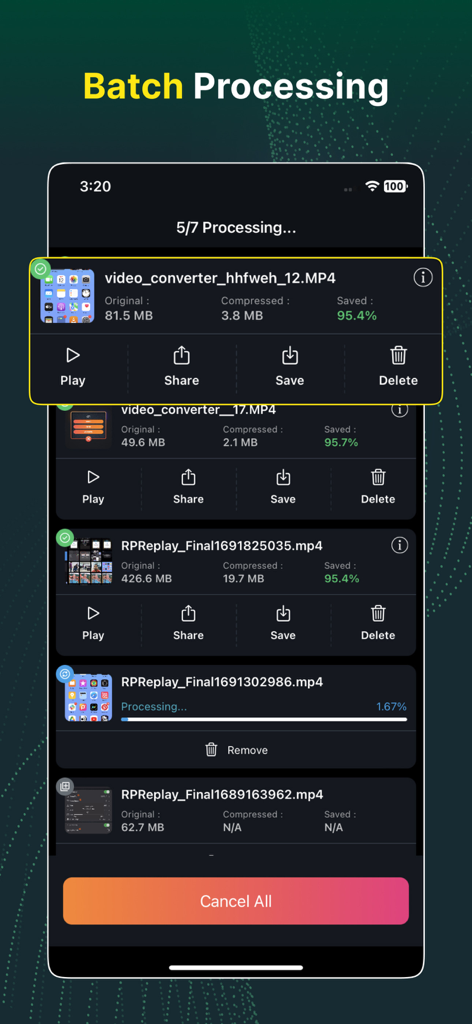
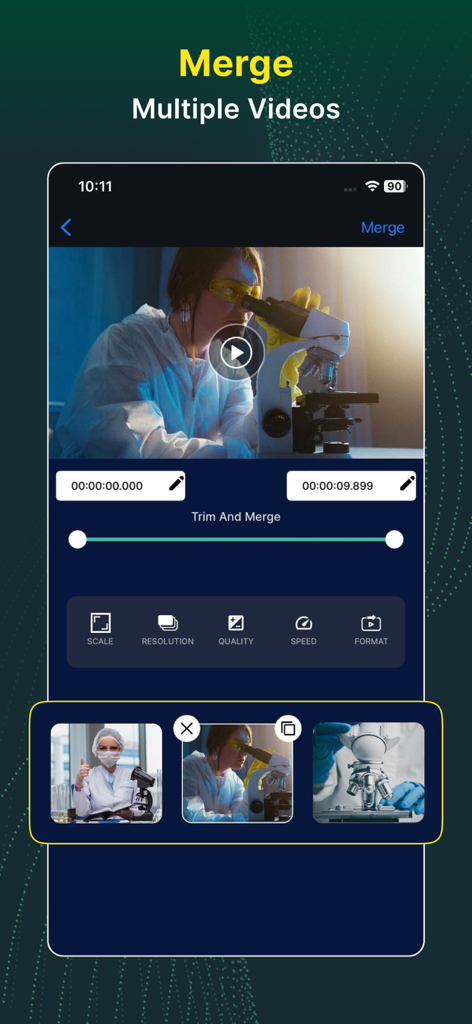
The tools that make this app stand out, trusted by 568K+ users.
Shrink massive 4K files for Discord, Slack, or Email while maintaining crystal-clear quality using advanced X265 encoding.
Eliminate 'File Not Supported' errors instantly. Convert MKV, AVI, and WMV into iOS-friendly MP4 or MOV in seconds.
Stop wasting time. Convert, merge, or trim dozens of videos simultaneously with our lightning-fast multi-threaded engine.
Trusted by 568K+ people who love this app.
"As a content creator, this app is a total game-changer for my workflow. I can batch-compress dozens of 4K clips using the X265 codec, which keeps the quality incredibly sharp while saving me gigabytes of storage. It is the most reliable tool I have found for getting files ready for social media on the go."
"I finally found an app that handles MKV and AVI files without any hassle. I use it to convert and trim video presentations for work directly on my iPad. The ability to customize bitrates and resolutions gives me the professional control I usually only find in desktop software."
Everything you need to know about Video Converter and Compressor.
Description
Latest Version
13.7
Size
55.4 MB
First Released
Aug 17, 2019
Join over 500,000 creators and professionals. Compress, convert, and merge your files instantly with the most powerful video engine on iOS.
Everything you need to know about Video Converter and Compressor
Video Converter and Compressor is an all-in-one tool for converting, compressing, editing, and merging video and audio files. It supports various formats, codecs, and offers advanced customization options like resolution and frame rate adjustments.
The Video Converter and Compressor app supports MP4, MKV, AVI, 3GP, FLV, MTS, TS, MPEG, MPG, WMV, M4V, MOV, VOB, F4V, and WEBM video formats for conversion. It also allows custom resolutions and frame rates.
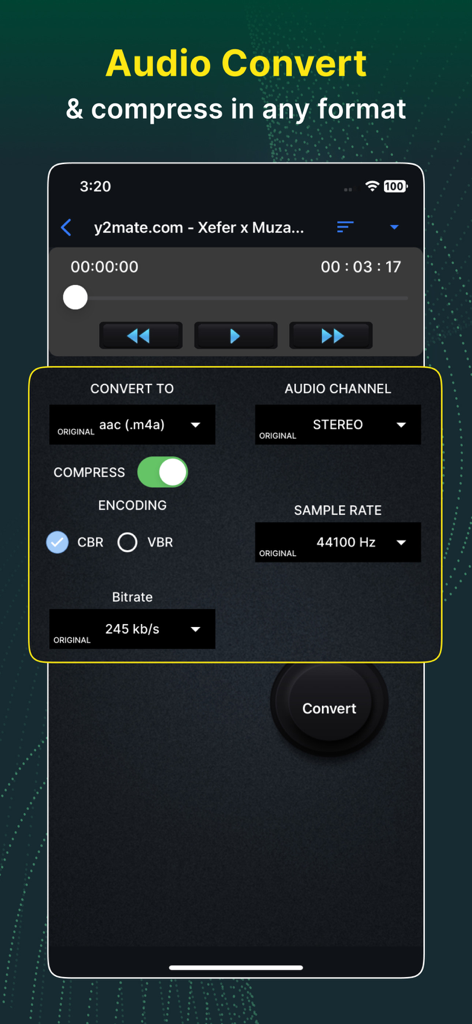
Yes, the Video Converter and Compressor app can convert video files into various audio formats. Supported audio output formats include MP3, AAC, AC3, OGG, M4A, and WAV.
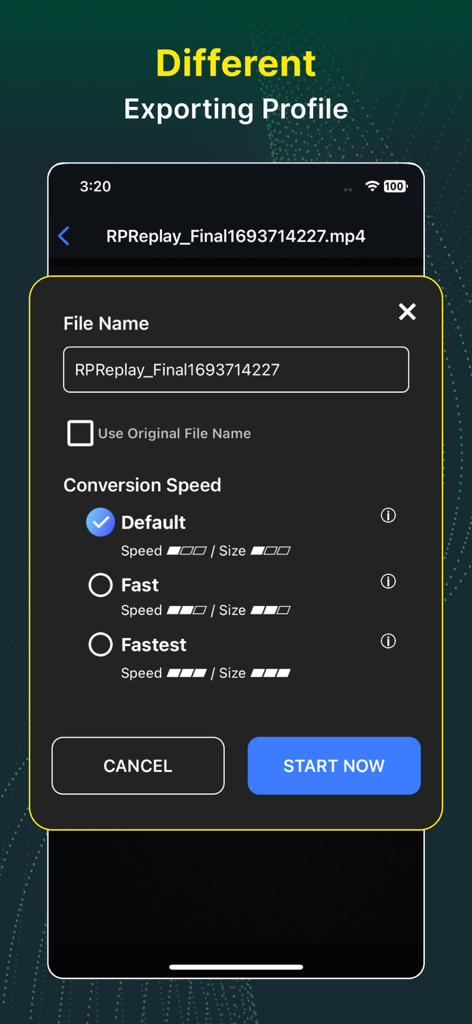
Video Converter and Compressor offers a "High Quality" compression option using X264 and X265 codecs. This method significantly reduces file size while retaining near-original video quality. Users can also adjust CRF and speed.
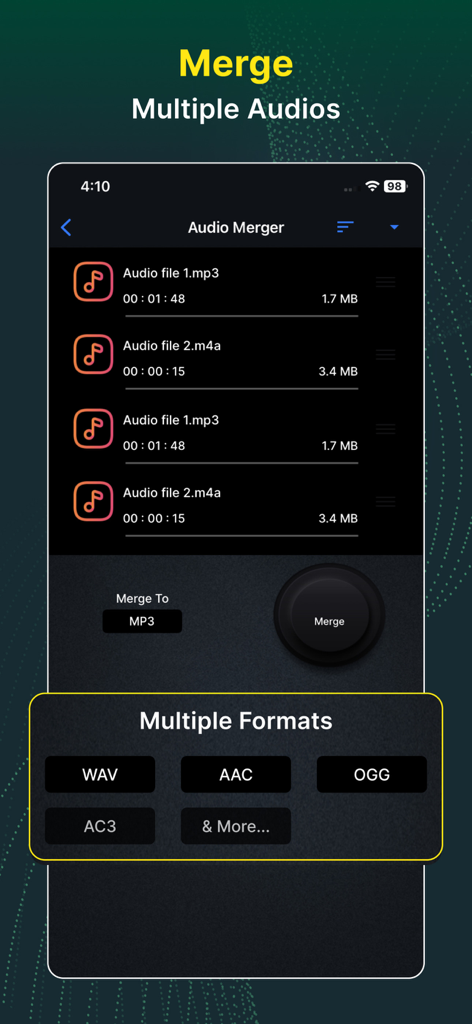
The Video Converter and Compressor app supports converting and compressing audio to MP3, AAC (M4A), AC3, WAV, OGG, and FLAC. It also merges these formats.
Yes, the Video Converter and Compressor app supports batch processing for all its features. Users can convert, compress, or merge multiple video and audio files concurrently.
Yes, the Video Converter and Compressor app allows users to join or merge multiple videos into a single file. Users can also trim, change resolution, and adjust the aspect ratio of the merged video.
Video Converter and Compressor supports a wide range of video codecs, including H264, MPEG4, MPEG1, MPEG2, FLV1, VP8, VP9, WMV1, and WMV2.
Yes, the Video Converter and Compressor app provides options to rotate videos 90-degrees clockwise/anticlockwise or 180-degrees. It also supports flipping videos vertically or horizontally.
The privacy policy for Video Converter and Compressor is available at http://bit.do/inverseai_privacy_policy. This link is provided within the app's description.
Apps with similar features and user experience

琛 王

Tu Phan

SMDA GROUP SP. Z OO

WuHan Paperclip Technology Co., Ltd.

WEBDIA INC.

大为 方

Roberto Hayes

Float Tech, LLC
雪 杨