
Video Media Player ・All Format



Stop converting files and start watching. Play MKV, AVI, and MP4 in stunning HD—offline, anywhere, and without limits on your iPhone and iPad.
Publisher
Category
Photo & VideoDownloads
47K+User Rating
Total Ratings
1K+Locales
14Discover the interface used by 47K+ users.
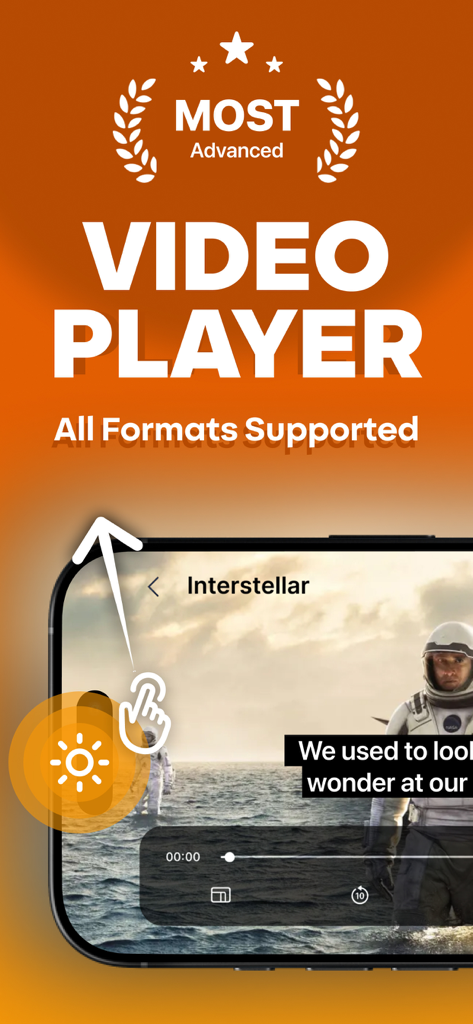
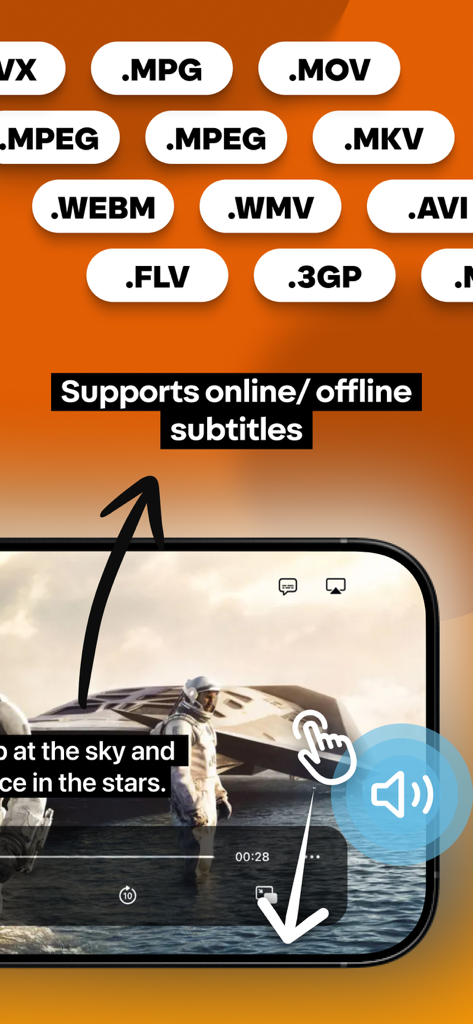
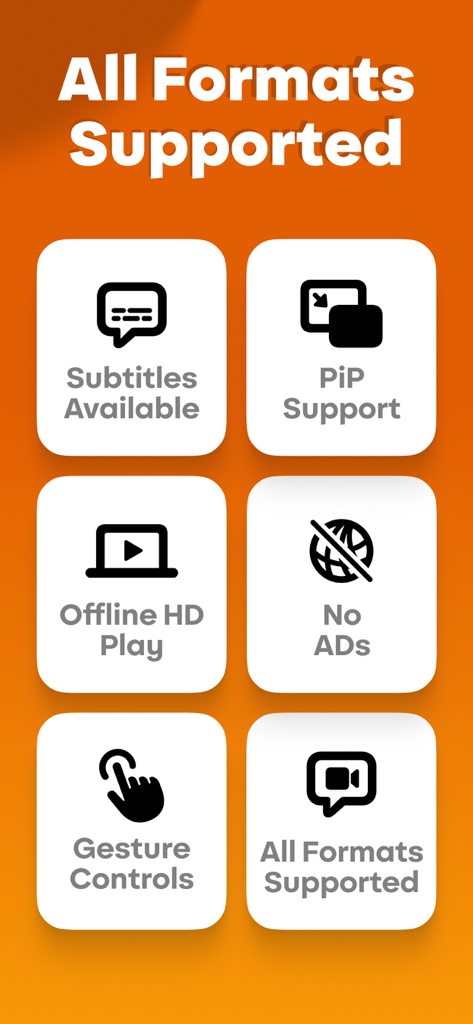
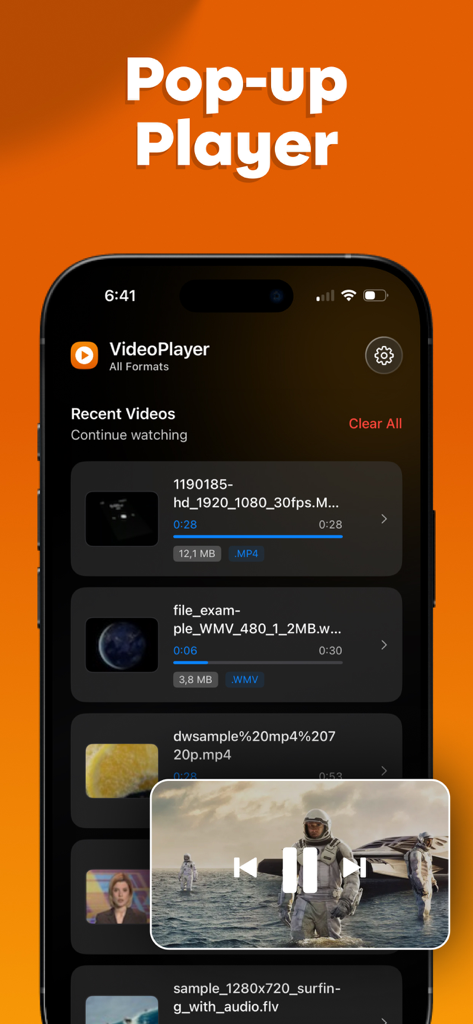
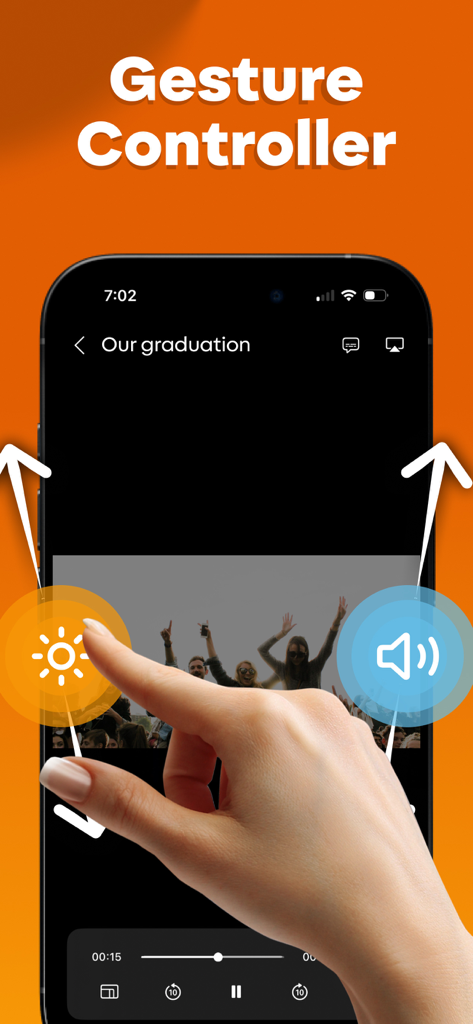
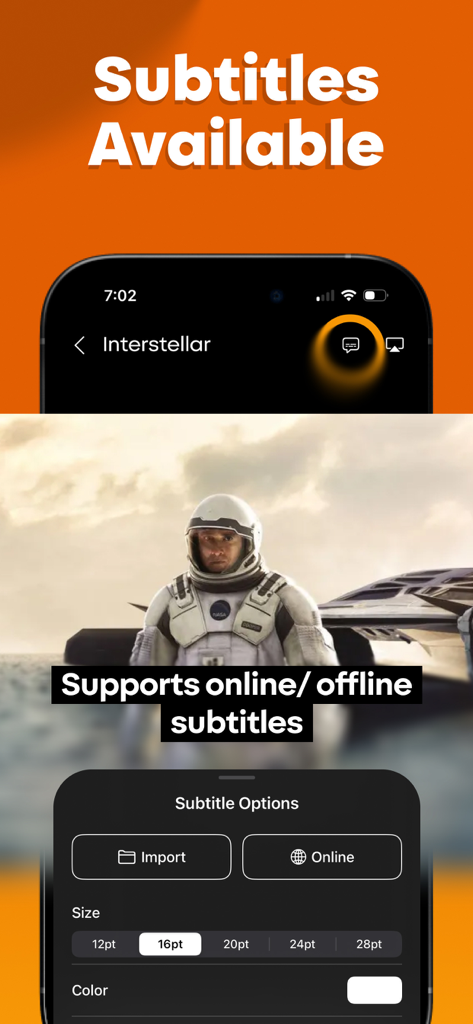
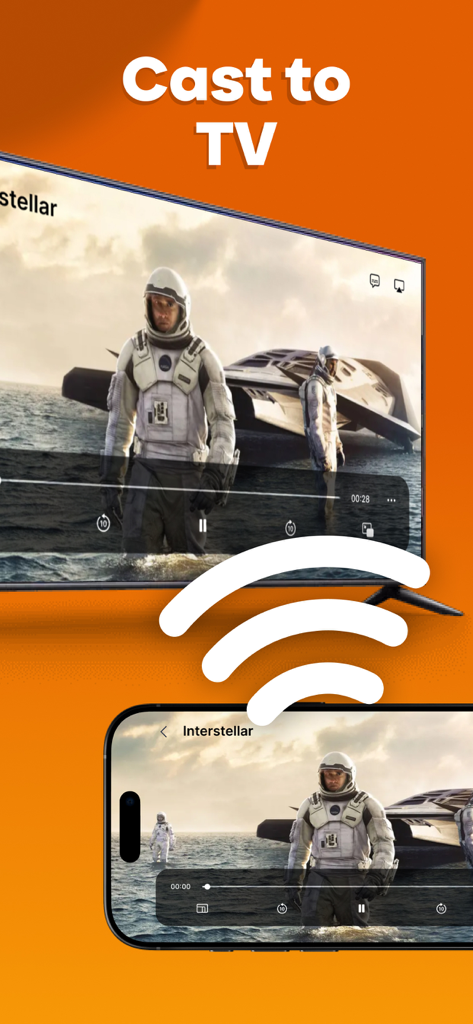
The tools that make this app stand out, trusted by 47K+ users.
Play any file type including MKV, AVI, and FLV instantly. Save time and skip the frustration of desktop converters or 'unsupported format' errors.
Enjoy your entire library offline. It is the perfect companion for frequent flyers and commuters who want high-quality entertainment without relying on Wi-Fi or data.
Master your productivity with full Picture-in-Picture support. Watch your favorite content in a floating window while you browse, message, or work.
Trusted by 47K+ people who love this app.
"This app is a total lifesaver for my long-haul flights. I can finally watch my MKV movie collection on my iPad without the headache of converting files first. The Picture-in-Picture mode is also perfect for staying productive while I watch."
"As a media collector, I've tried every player on the App Store, and this is by far the cleanest. It handles high-definition AVI and FLV files with zero lag, and the offline playback is incredibly reliable. It's now my default video app."
Insights from user reviews.
Sentiment Score
Summary
User feedback for the app is predominantly negative, primarily criticizing its monetization model. Many reviewers express frustration with misleading "free" marketing, quickly encountering paid subscriptions, and aggressive pop-ups that hinder feature testing. Key functional issues include failure to play various video and audio formats, videos getting stuck during conversion, and a generally poor user experience exacerbated by unhelpful customer support and difficulty canceling subscriptions. Conversely, a small number of users positively note features like photo/iCloud import and Picture-in-Picture mode when the app is genuinely free.
Common Themes
Everything you need to know about Video Media Player ・All Format.
Description
Latest Version
1.5
Size
45.3 MB
First Released
Jun 3, 2025
Join over 47,000 users who've ditched "Unsupported Format" errors. Download the ultimate media player for iPhone and iPad and enjoy your movies offline, in any format, today.
Everything you need to know about Video Media Player ・All Format
Yes, Video Media Player supports all major video formats like MKV, MP4, AVI, FLV, MOV, and WMV. It eliminates the need for converting files.
Yes, Video Media Player works offline. This feature is ideal for watching movies and personal recordings during travel or flights without an internet connection.
Yes, Video Media Player supports Picture-in-Picture (PiP) functionality. This feature is available on iPhone and iPad devices, allowing multitasking while watching videos.
Yes, Video Media Player offers subtitle support. It enables users to display both online and offline subtitles for their videos, enhancing the viewing experience.
No, Video Media Player provides an ad-free experience. Users enjoy uninterrupted video playback without any advertisements disrupting their viewing.
Yes, Video Media Player includes gesture controls. Users can manage playback, adjust brightness, and control volume directly through intuitive screen gestures.
The Privacy Policy for Video Media Player is available at the following URL: https://docs.google.com/document/d/1P2yifoJxSqpgFzxmQLkNYqFvMLRbwqoXxCNQhOGtbOk.
Yes, Video Media Player supports casting to TV. Users can easily display their videos on a larger screen directly from the application.
Yes, Video Media Player supports high-definition playback. It ensures smooth visuals and high-quality audio for an immersive viewing experience.
Apps with similar features and user experience

Aquila Space (Hong Kong) Company Limited

志辉 黎

Firecore, LLC

Jatin Maniya

Devkrushna Infotech Private Limited

EVERAPPZ SL

GAME WORLD SAI GON COMPANY LIMITED

STRETFORD STUDIOS LIMITED

shinichi fukui