
Voice recorder: Audio editor


Capture crystal-clear lectures, meetings, and creative ideas with no time limits. Record in the background, trim your audio on the fly, and share instantly—the reliable choice for students and professionals.
Publisher
Category
UtilitiesDownloads
3M+User Rating
Total Ratings
10K+Locales
33Discover the interface used by 3M+ users.
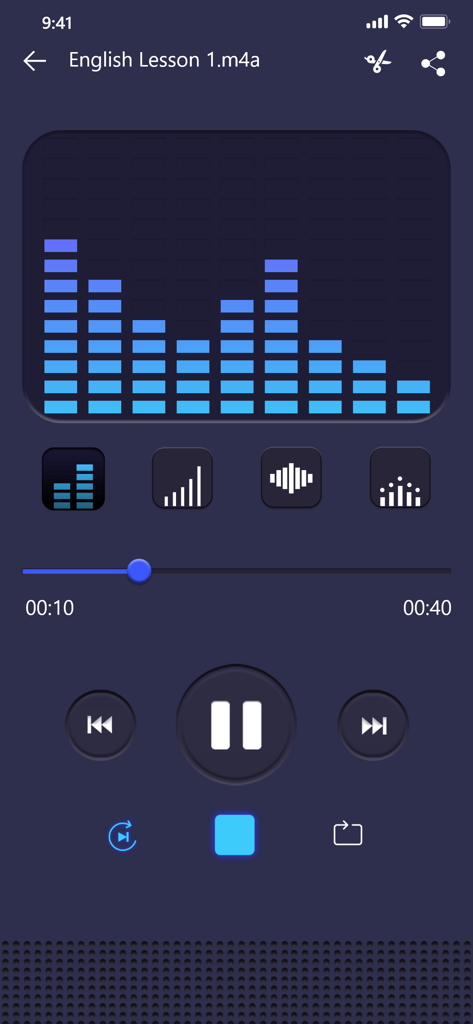
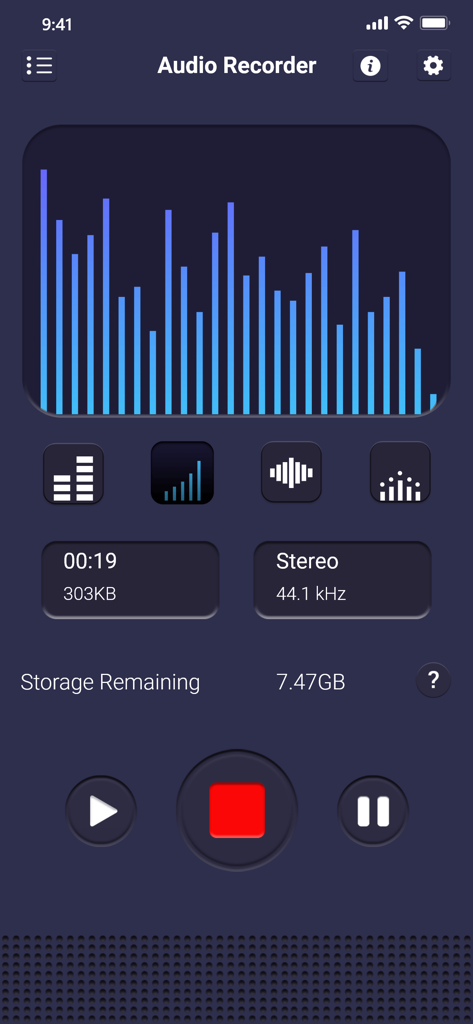
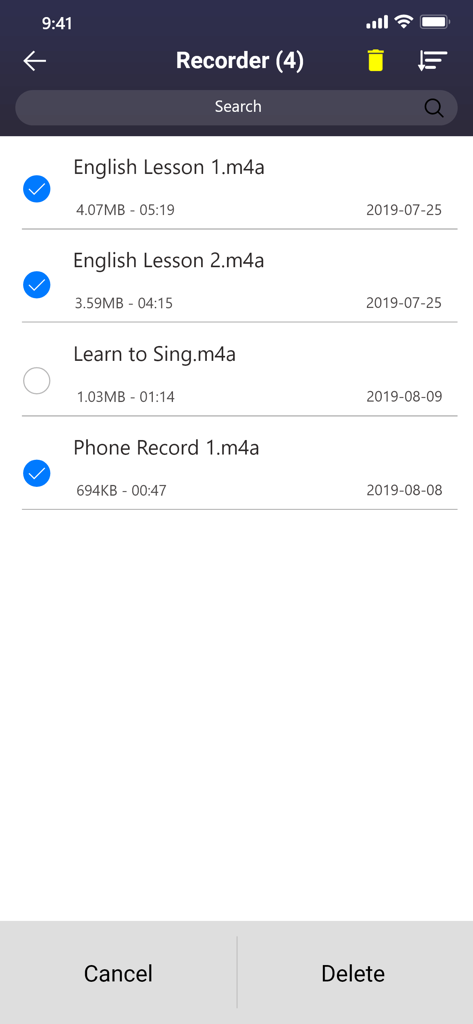
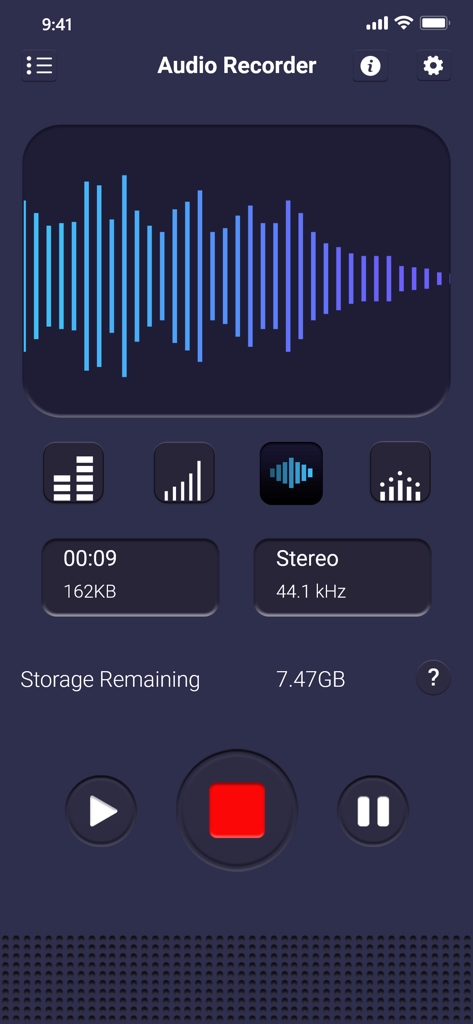
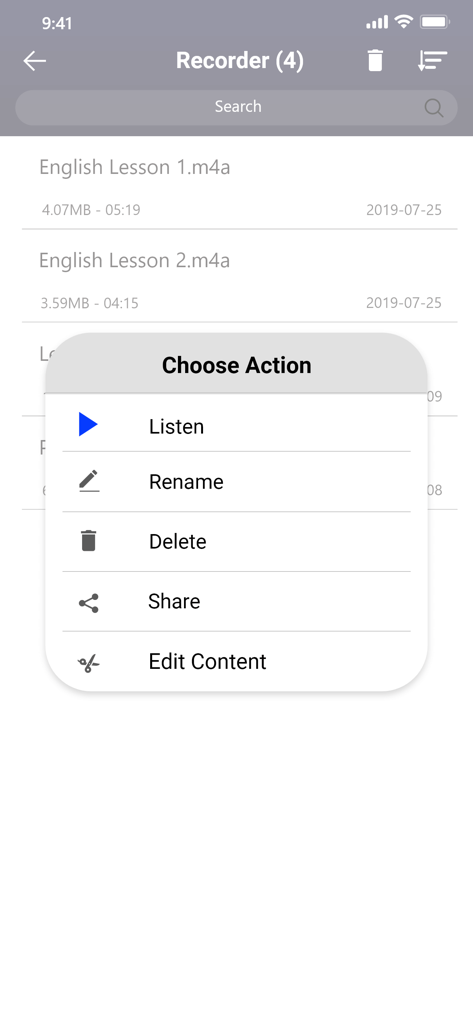
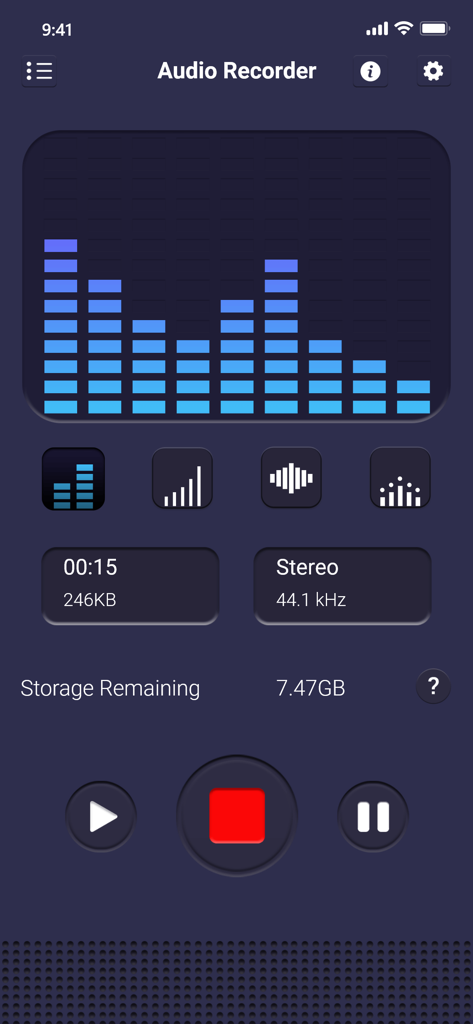
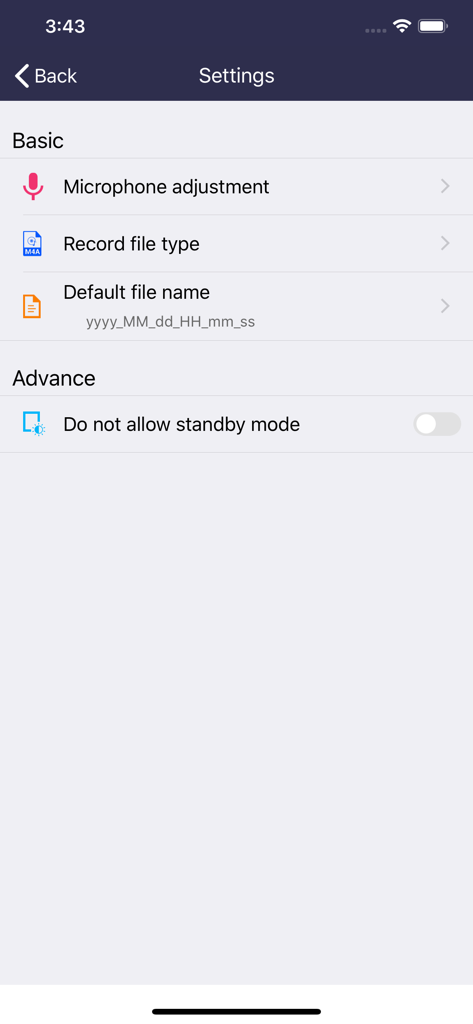
The tools that make this app stand out, trusted by 3M+ users.
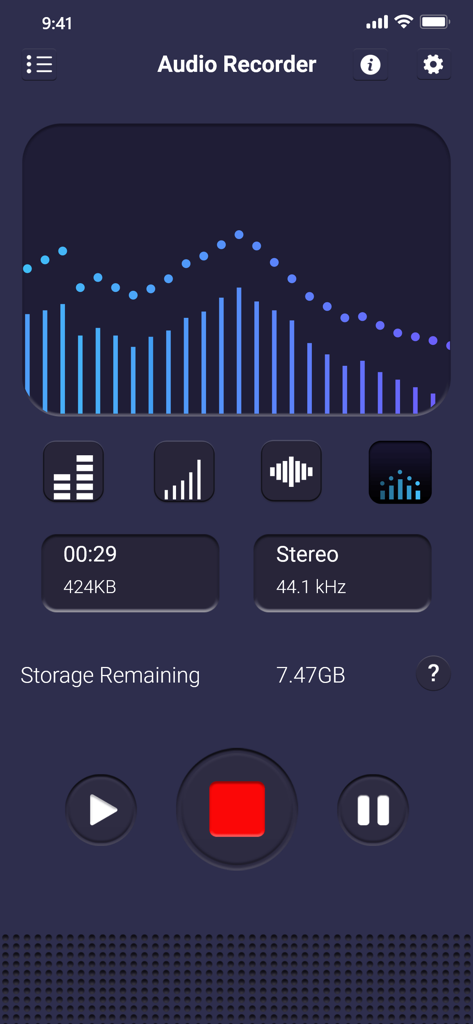
Record in universal MP3 format with adjustable sample rates to ensure your files are crystal clear and compatible with every device.
Never miss a word. Record while you take notes or use other apps, with reliable performance even when your display is turned off.
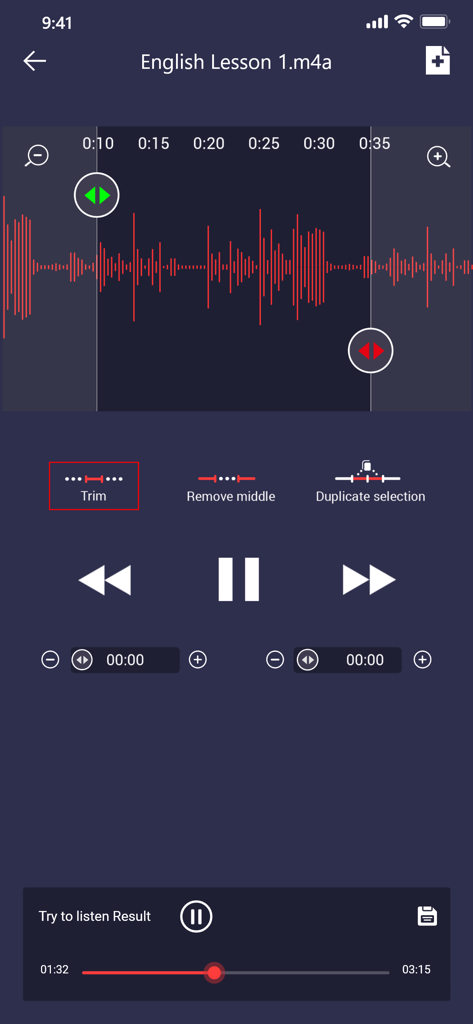
Save time and storage by trimming unwanted sections instantly. Edit your recordings on the fly and share the highlights in seconds.
Trusted by 3M+ people who love this app.
"As a grad student, this app is indispensable. The background recording feature allows me to record two-hour seminars while I reference my digital textbooks. Plus, being able to trim the audio right in the app saves me so much time before I upload it to my study group."
"The best tool for my interviews. I love that I can adjust the microphone sensitivity to filter out background noise in busy cafes. Exporting to MP3 and sending via Dropbox is seamless. It's the professional-grade utility I've been looking for."
Everything you need to know about Voice recorder: Audio editor.
Description
Latest Version
4.15
Size
46.3 MB
First Released
Apr 25, 2018
Experience the perfect balance of professional audio quality and simple editing. Download the most reliable MP3 voice recorder for your meetings, lectures, and ideas.
Everything you need to know about Voice recorder: Audio editor
Yes, "Voice recorder: Audio editor" is an application for high-quality voice recording. It allows users to record meetings, notes, speeches, lectures, and songs with a simple and easy-to-use interface.
No, the Voice recorder: Audio editor app does not support call recording functionality. This feature is explicitly stated as not available within the application's capabilities.
No, the Voice recorder: Audio editor app does not impose time limits on recordings. Recording duration is only restricted by the available storage space on your internal storage or SD card.
The Voice recorder: Audio editor app supports high-quality MP3 format files for recordings. It allows for encoding with an adjustable sample rate between 8-44 kHz.
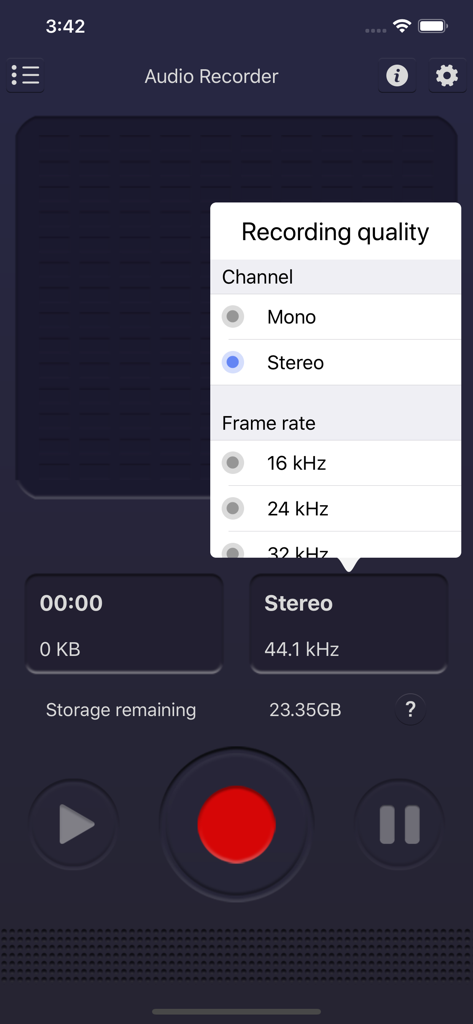
The Voice recorder: Audio editor allows users to adjust recording quality. Options include selecting the channel (Mono or Stereo) and setting the frame rate (e.g., 16 kHz, 24 kHz, 32 kHz).
Yes, the Voice recorder: Audio editor app includes editing functions. Users can cut unwanted parts of recording files, specifically using features like Trim, Remove middle, and Duplicate selection.
The Voice recorder: Audio editor provides a share function for recorded files. Users can share recordings via email, SMS, MMS, Facebook, WhatsApp, Dropbox, and other platforms.
Yes, the "Voice recorder: Audio editor" app supports recording in the background. It continues to record even when the device display is off, ensuring uninterrupted capture of audio.
The Voice recorder: Audio editor app stores recorded files on either the internal storage of your device or an inserted SD card. The app also displays the remaining storage space.
Yes, the Voice recorder: Audio editor app provides a microphone tool. This feature allows users to adjust the sensitivity of the microphone for optimal recording quality.
Apps with similar features and user experience

LiveBird Technologies Private Limited

Kohei Yasui

Hieu Nguyen

Shure Incorporated

LiveBird Technologies Private Limited

Newkline Co., Ltd.

Protection & Security App LLC

SMM service, s.r.o.
Viktor Sukhoy