Word Editor: Edit Office Docs

Word Editor: Edit Office Docs

Spark by MWM logo
Logo of Word Editor: Edit Office Docs

Word Editor: Edit Office Docs: Your Professional Pocket Office for Seamless Productivity

Create, edit, and convert documents anywhere. With built-in cloud sync and offline mode, your essential work tools are always at your fingertips—no laptop needed.

Publisher

LOOP MOBILE FZCO

Category

Productivity

Downloads

1K+

User Rating

4.5/5

Total Ratings

0

Locales

31

Your Office, Reimagined

Discover the interface used by 1K+ users.
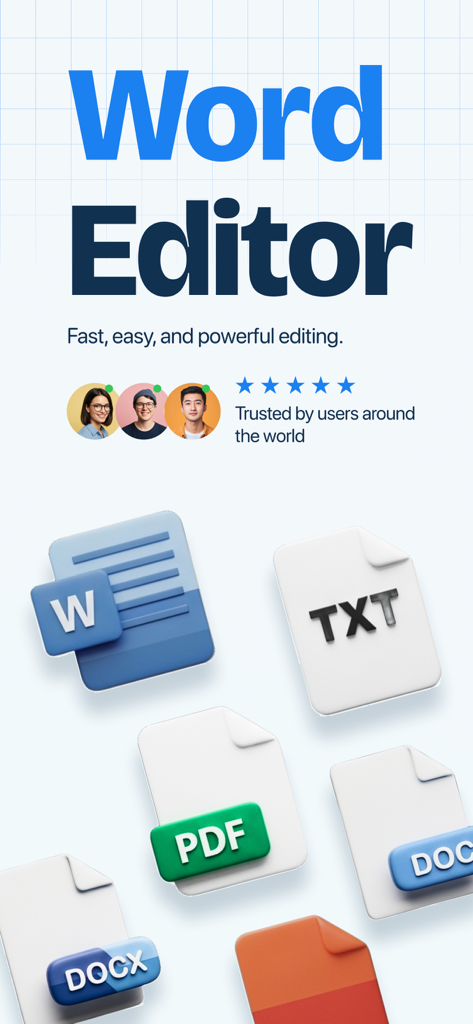
Promotional screen for Word Editor app showing supported file formats like DOCX PDF and TXT along with user ratings

Promotional screen for Word Editor app showing supported file formats like DOCX PDF and TXT along with user ratings

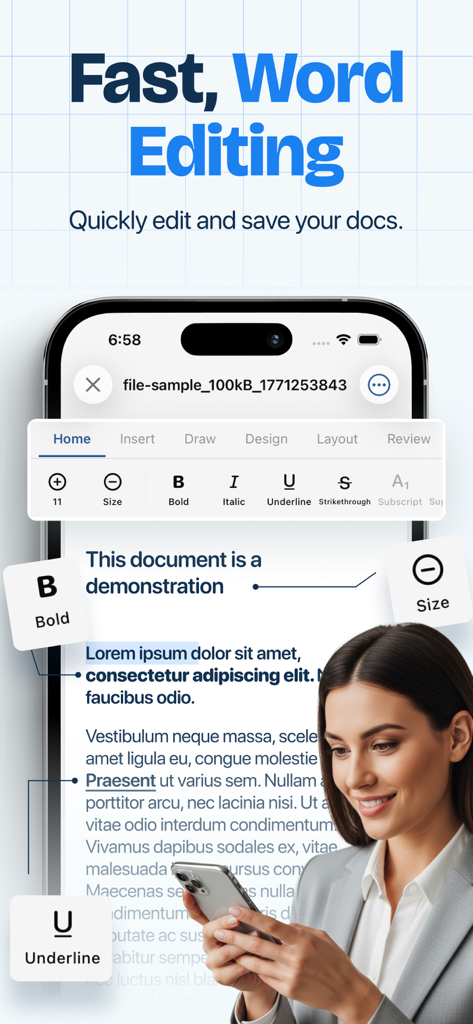
A professional woman editing a text document on an iPhone using Word Editor.

A professional woman editing a text document on an iPhone using Word Editor.

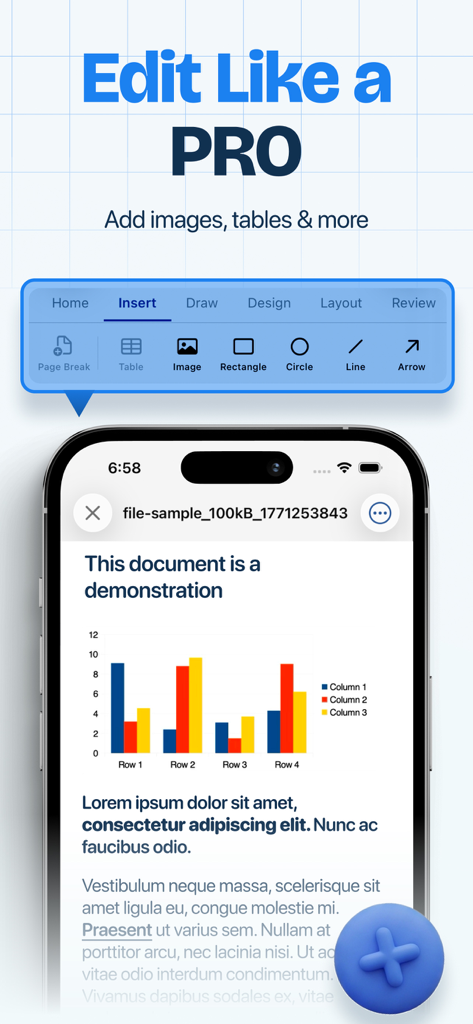
A mobile document editor displaying an insert menu for tables and images on an iPhone screen

A mobile document editor displaying an insert menu for tables and images on an iPhone screen

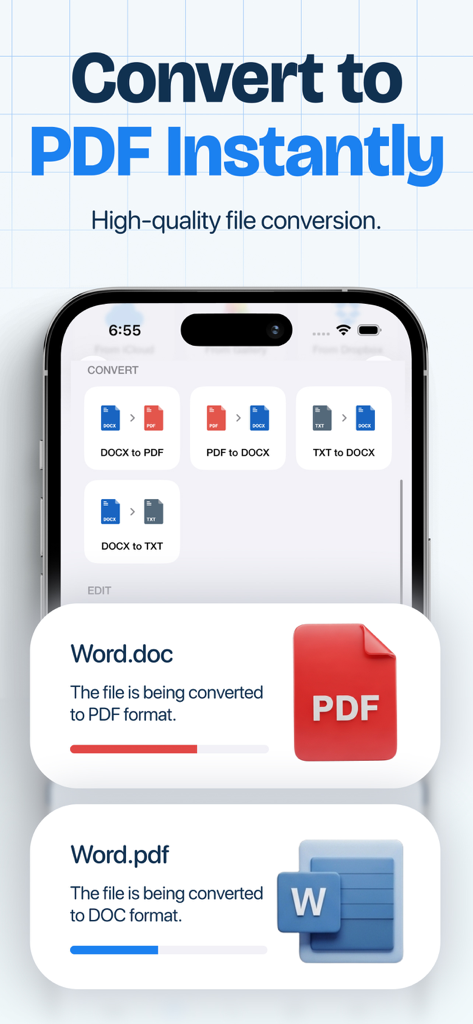
A mobile app interface showing various file conversion options including Word to PDF and PDF to DOCX with progress indicators

A mobile app interface showing various file conversion options including Word to PDF and PDF to DOCX with progress indicators

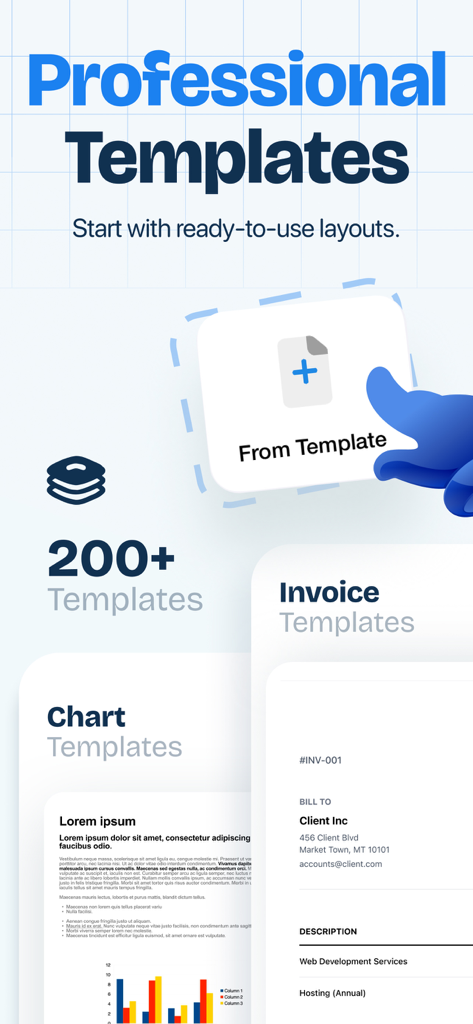
Word Editor app interface showcasing over 200 professional document templates for invoices and charts

Word Editor app interface showcasing over 200 professional document templates for invoices and charts

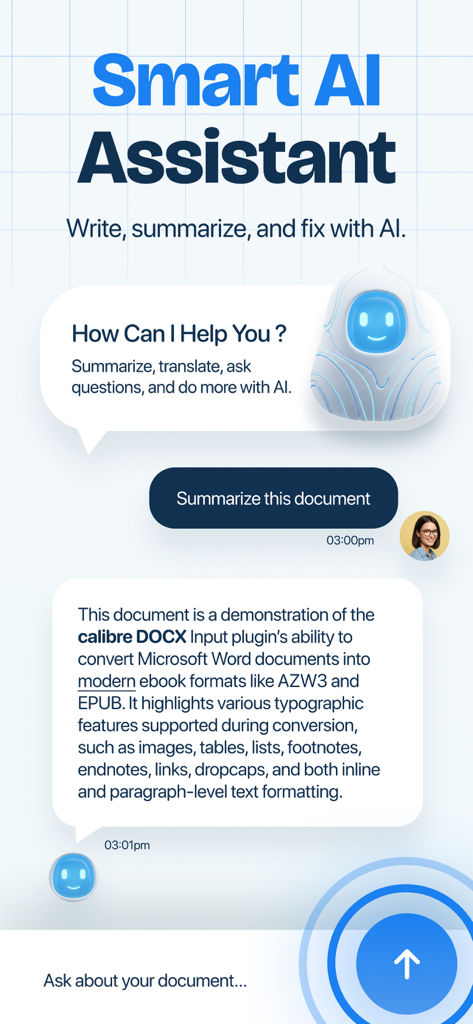
Interface of the Word Editor app showing a smart AI assistant summarizing a document through a chat interface.

Interface of the Word Editor app showing a smart AI assistant summarizing a document through a chat interface.

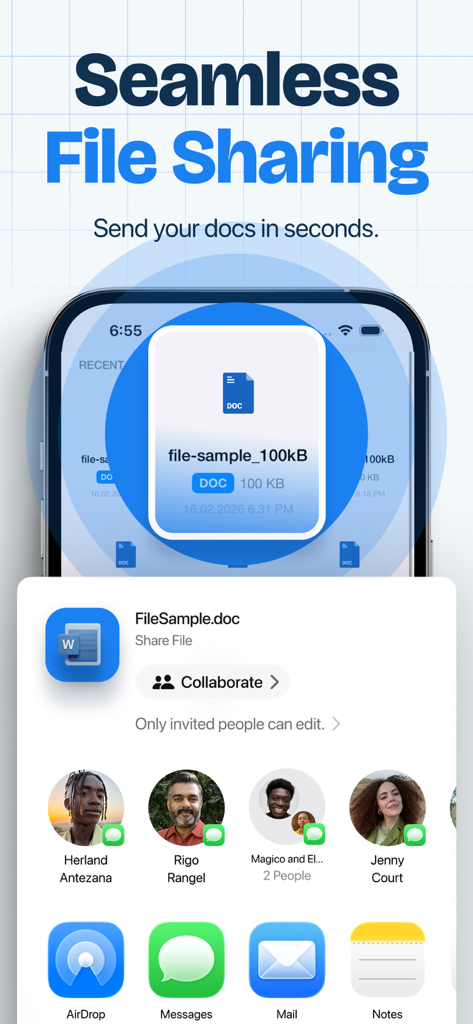
Interface showing seamless file sharing options for documents in the Word Editor app

Interface showing seamless file sharing options for documents in the Word Editor app

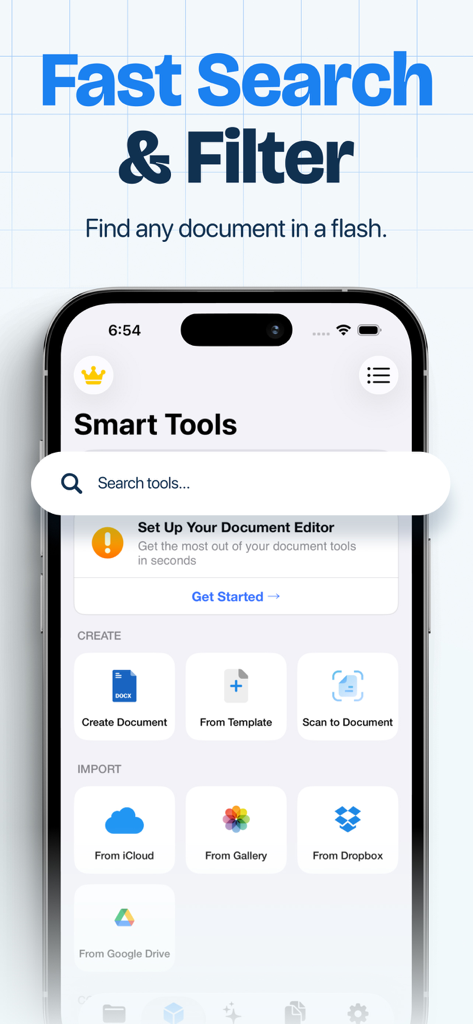
Word Editor mobile app screen showing smart tools for document creation and cloud import options with a search bar at the top

Word Editor mobile app screen showing smart tools for document creation and cloud import options with a search bar at the top

Master Your Workflow on the Go

The tools that make this app stand out, trusted by 1K+ users.

✍️

Precision Document Editing

Format text, insert tables, and edit DOCX files with a responsive interface optimized for high-speed productivity on iPhone and iPad.

☁️

Universal Cloud Integration

Sync with Google Drive and Dropbox effortlessly. Manage all your professional files in one centralized, secure location without switching apps.

✈️

Work Anywhere, Offline

Stay productive without Wi-Fi. Edit documents during commutes or flights and export to PDF with a single tap for instant sharing.

Loved by users worldwide

Trusted by 1K+ people who love this app.

"

"Word Editor has completely replaced my bulky laptop for quick client updates. The cloud integration with Google Drive is seamless, and being able to format DOCX files directly from my phone while traveling has made me so much more productive. It is the perfect pocket office for any freelancer."

Sarah Jenkins
"

"As a student constantly on the move, this app is essential. I can start an essay on the bus using offline mode and finish it later on my iPad. The PDF converter is a huge plus for submitting assignments, and the interface is clean without all the unnecessary bloat."

Marcus Thompson

About the app

Everything you need to know about Word Editor: Edit Office Docs.

Description

Work smarter with Word Editor, your all-in-one mobile office for handling documents anytime, anywhere. Create, edit, read, convert, and share all your files from a single powerful app — no need to switch between multiple tools. Whether you’re preparing a report, reviewing homework, updating a document, or exporting to PDF, Word Editor gives you a fast and smooth productivity experience on iPhone and iPad. .:: Powerful Document Editing ::. Open and edit Word files with professional formatting tools. • Edit DOC & DOCX files easily • Change fonts, styles, colors and alignment • Insert images, tables and text blocks • Highlight, underline and format paragraphs • Smooth and responsive typing experience Write documents just like you would on a computer — but optimized for mobile. - Cloud Integration & File Manager Access your files wherever they are stored. • Connect Google Drive, Dropbox • Import and export files easily • Organize folders and documents • Work across devices effortlessly Your documents always stay within reach. - Comfortable Reading & Offline Mode • Dark & Light themes • Adjustable text size • Offline editing support Continue working even without internet. Why Word Editor? With Word Editor, everything you need to create, edit, convert, and manage documents lives in one place. Perfect for: • Students • Professionals • Freelancers • Business owners • Everyday document tasks Fast. Simple. Reliable. Your pocket office is ready. Subscriptions renew automatically unless cancelled at least 24 hours before the end of the current period. You can manage or cancel anytime in your App Store account settings. More Subscription Information: - Weekly plan, annual plan and lifetime are available. - Payment will be charged to your Apple ID account at confirmation of purchase. - Subscription automatically renews unless auto-renew is turned off at least 24 hours before the end of the current period. - Within 24-hours prior to the end of the current period, the account will be charged for the renewal of the subscription, indicating the cost of the renewal. - You can manage subscriptions and turn off auto-renewal after purchase by going to your App Store account settings. - Any unused portion of a free trial period, if offered, will be forfeited when purchasing a subscription. Privacy Policy: https://loopmobile.io/privacy.html Terms of Use: https://loopmobile.io/tos.html

Latest Version

1.0.3

Size

39.7 MB

First Released

Feb 19, 2026

Your Pocket Office is Ready

Join thousands of students and professionals working smarter. Create, edit, and convert documents anywhere—even offline.