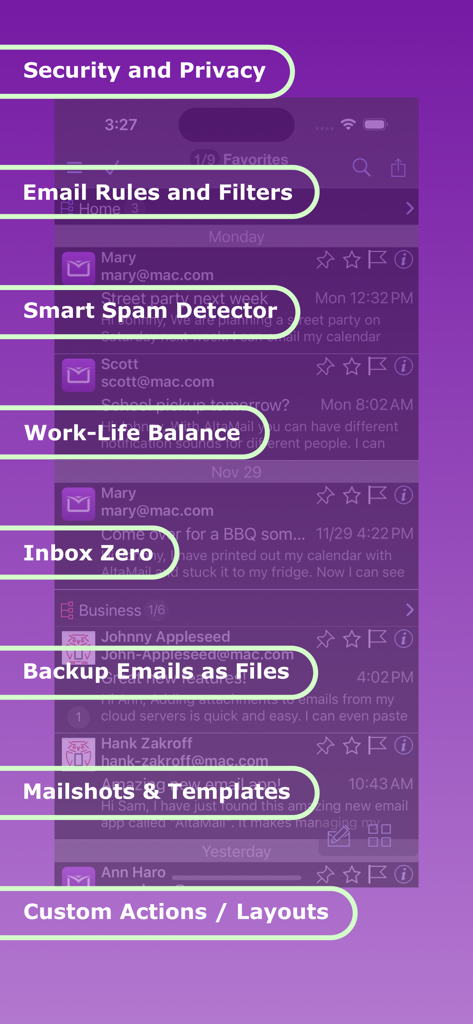
Eliminate Spam with smart Spam detection. Use rules and quick swipe actions to rapidly clear your inbox. Separate work and home emails for focus. Backup emails offline as files. AltaMail is easy to use but has way more features than any other mobile app! Build rules & filters, create full searches, mixed inbox view layouts, mail shots and much more.
Customize menus, views, actions, swipes, email font, color, layout, shortcuts, filters, rules, smart folders, flags and notifications.
Use the Watch app to view, reply and print emails on the go.
iOS Shortcuts integration, Dark Mode and Widgets
Some features require the AltaMail Pro upgrade
The AltaMail team does not compromise on functionality. AltaMail eliminates the need for a desktop email application.
- Press Reviews
Incredible iPhone Apps for Dummies "The more e-mail you send & receive on your iPhone/iPad, the more you'll appreciate AltaMail"
AppShouter "this app expands the possibilities for mail"
iPhone Apps Finder "a very solid business app - 9/10"
ArticleClick "bottom line is that this app expands the possibilities for mail on your iPhone or iPad"
- Inbox Zero!
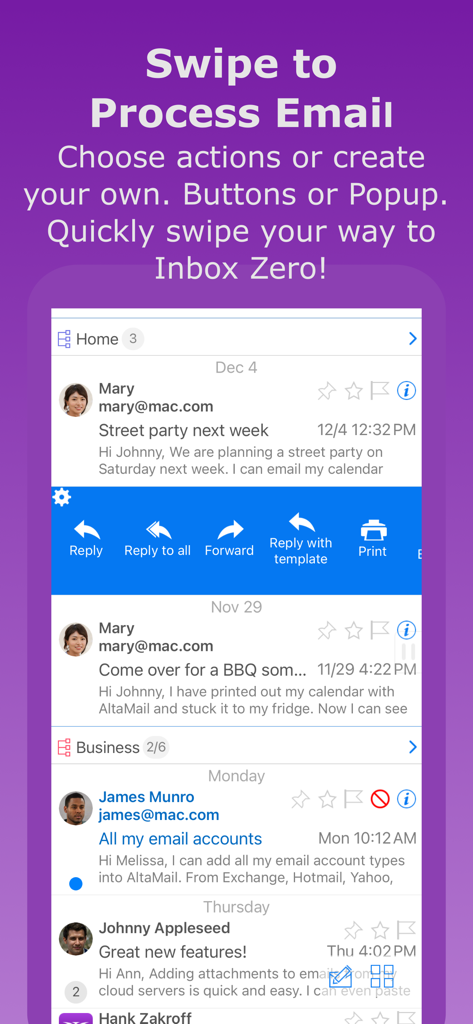
Swipe emails for quick actions. eg. move to folder, mark as spam, mark as read, delete, set flags, reply with template, quick reply, snooze/set reminders and much more!
Bulk select & delete email across multiple accounts
Show email threads with a single tap, bulk move the entire thread
Create your own swipe actions and rules to make managing your email even faster
Move emails to different accounts
Create your own email views, filtered by account, type, subject and much more. eg. news, lists, friends, purchases
Sort emails by unread, importance, subject, sender & more.
Set email flags/categories/gmail labels and view emails by flag
Create, rename and delete email folders.
Choose to automatically remove older emails
- Email rules
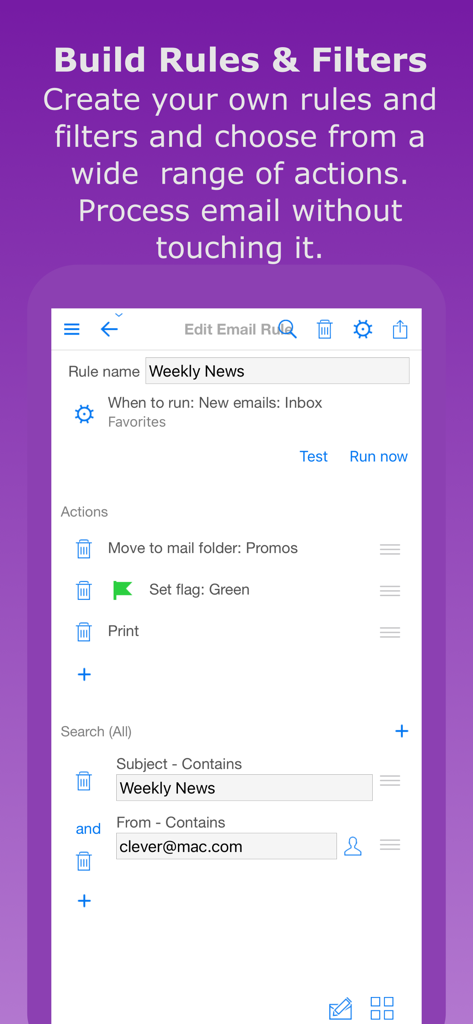
The most sophisticated email rules engine on the app store! Huge range of choices for filters and actions.
Set up rules to auto reply, auto delete, auto file/archive, set flags & lots more
- Eradicate spam
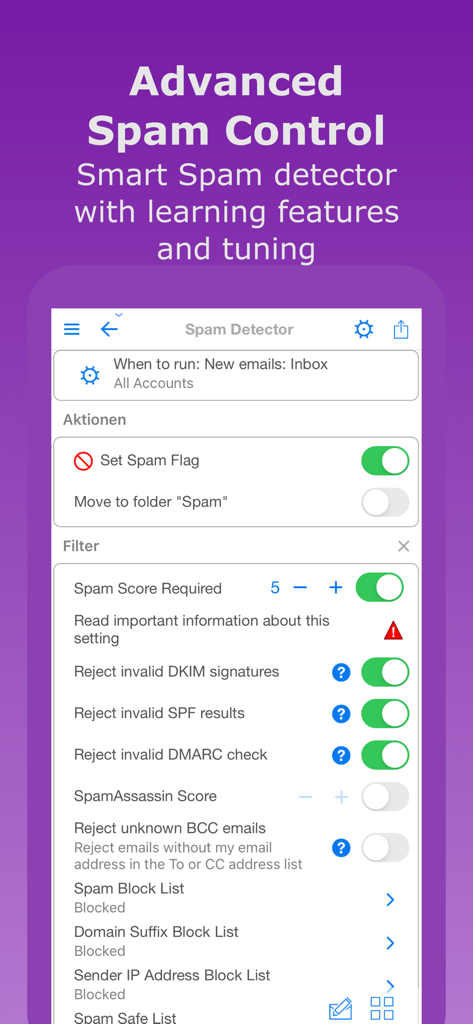
A quick swipe will mark and email as spam, move it to the spam folder, block the sender email address, domain or IP address and unsubscribe - in one action!
Smart Spam detector and also DMARC, DKIM, SPF
Create spam actions and rules
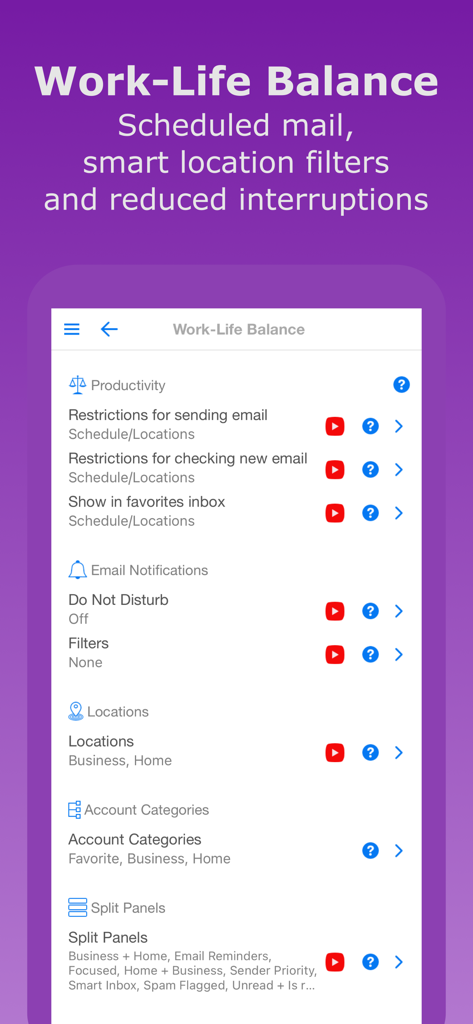
- Work-life balance
Group and view your email accounts in different categories, eg. work, personal etc.
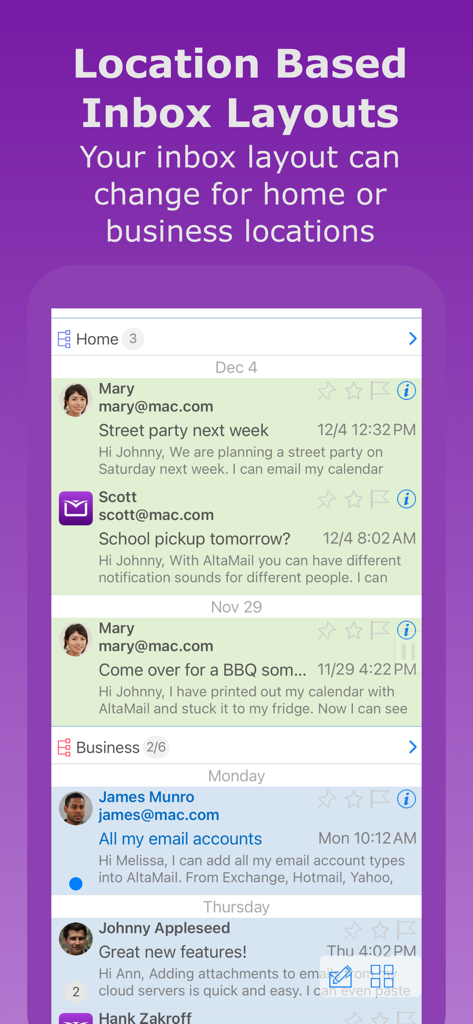
Turn on "locations" to automatically view your work emails at work, and your home emails at home
Schedule emails to send at a later time
Schedule checking for new emails
- Calendar/Reminders
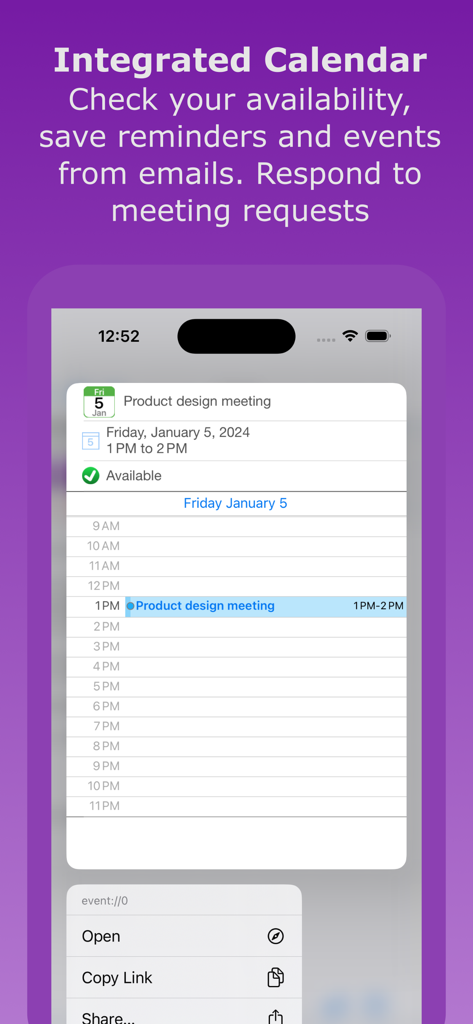
Manage meeting requests
Email a summary of available times
Print your calendar/reminders
- Mailshots & Templates
Quickly create mail merge/mailshot templates & send to contacts
Use templates for auto replies
Many contact merge fields
- Security
Secure email server communication and 2 factor authentication
Emails are encrypted on your device
App password lock
S/MIME support
- Notifications
Quick new email notifications with actions
Read receipts for sent email
Custom email sounds
Schedules for notifications & sounds
Filter notifications & sounds
Automatically back up emails as files to cloud servers or Mac/PC
Contact email history records
Edit contacts & groups
Save emails as files
Zip/unzip files
Save/attach files with cloud servers
Sync settings between devices
The optional AltaMail Pro upgrade provides multiple accounts, Spam management, Work-Life Balance, Email Rules, Mailshots/Templates, Email file backup and Read Receipts. The upgrade has a free 30 day trial then a 99c/month or 1 year subscription ($9.99 varies by region). Subscriptions are charged to your iTunes account and auto-renew unless turned off prior to 24-hours before the end, otherwise your account is charged.
Subscriptions are managed & auto-renewal is turned off in your App Store Account Settings. The free trial stops when a subscription starts.
Privacy/Terms https://esz.nz/pv