Authenticator App+

Authenticator App+

ダウンロード: App Store
Spark by MWM logo
ロゴ: Authenticator App+

Authenticator App+: Appleエコシステムのための究極の多要素認証セキュリティ

iPhone、Mac、Apple Watch全体での暗号化されたiCloudバックアップ、Face IDセキュリティ、シームレスな2FA同期でデジタルアイデンティティを保護しましょう。

ダウンロード: App Store

開発元

Rocket Apps GmbH

カテゴリ

Productivity

ダウンロード

6M+

ユーザー評価

4.8/5

評価数

23K+

対応言語

13

一目でわかるセキュリティ

このインターフェースを利用する 6M+ 人のユーザー.

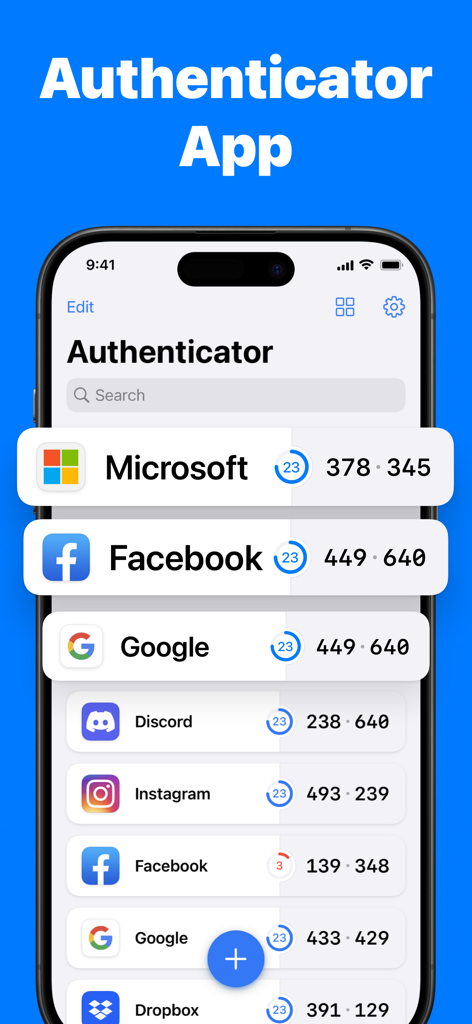
Authenticator App plusのインターフェースで、MicrosoftおよびFacebookのセキュリティコードが表示されています

Authenticator App plusのインターフェースで、MicrosoftおよびFacebookのセキュリティコードが表示されています

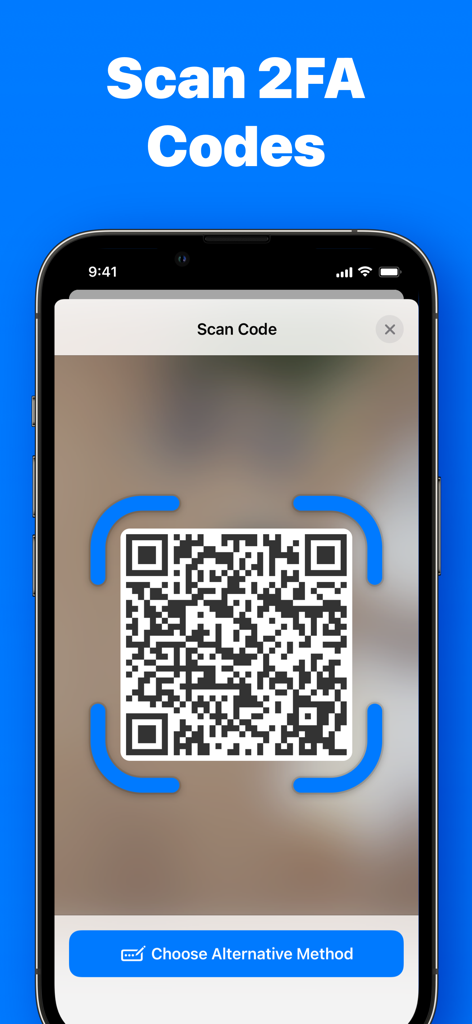
Authenticator App+の2FAセキュリティコード用のQRコードスキャン機能を表示するスマートフォンの画面

Authenticator App+の2FAセキュリティコード用のQRコードスキャン機能を表示するスマートフォンの画面

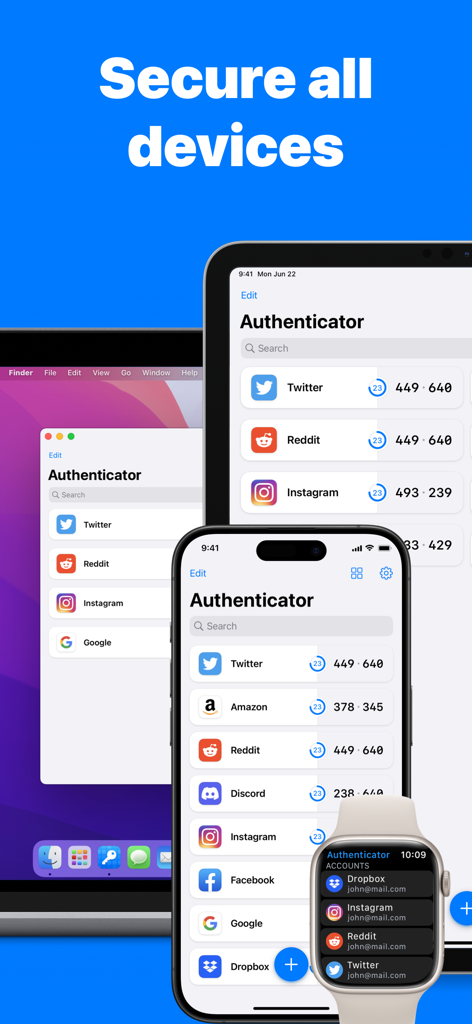
iPhone、iPad、Mac、Apple Watchに表示されたAuthenticator Appのインターフェース

iPhone、iPad、Mac、Apple Watchに表示されたAuthenticator Appのインターフェース

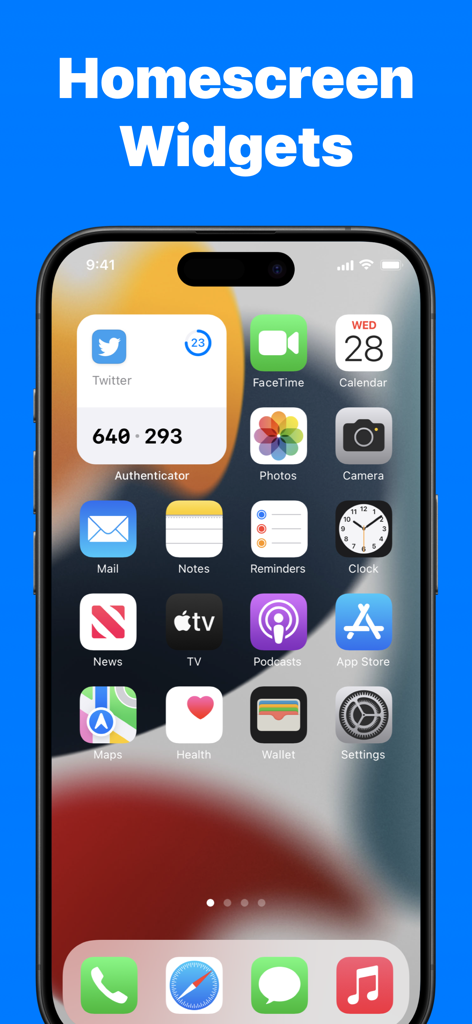
iPhoneのホーム画面に、Authenticator App plusウィジェットを介して2FAコードが表示されています

iPhoneのホーム画面に、Authenticator App plusウィジェットを介して2FAコードが表示されています

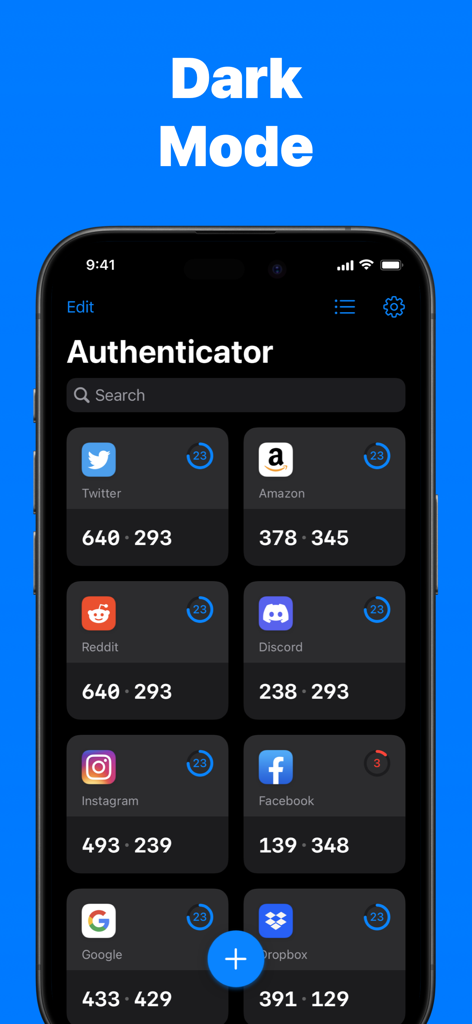
Authenticator Appのダッシュボードに、ダークモードでTwitter、Amazon、Redditなどのさまざまなアカウントの2FAコードが表示されています

Authenticator Appのダッシュボードに、ダークモードでTwitter、Amazon、Redditなどのさまざまなアカウントの2FAコードが表示されています

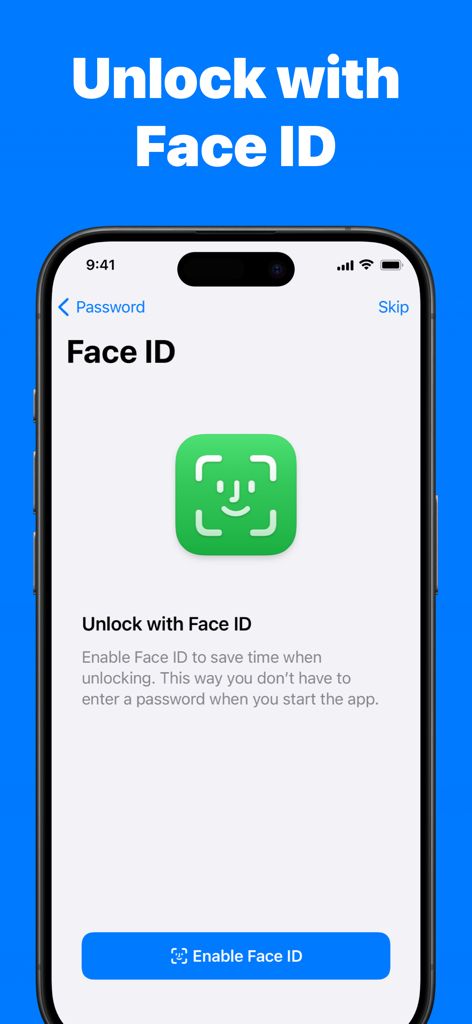
Authenticator AppのFace IDロック解除機能を表示するスマートフォンの画面

Authenticator AppのFace IDロック解除機能を表示するスマートフォンの画面

妥協のないセキュリティをシンプルに

このアプリを際立たせるツール、 6M+ 人のユーザーが選択.

🔒

金庫グレードのプライバシー

あなたのセキュリティが最優先事項です。すべてのトークンはエンドツーエンドの暗号化で保護され、Face IDによって保護されているため、最も機密性の高いアカウントコードにアクセスできるのはあなただけです。

☁️

シームレスなiCloud同期

ロックアウトされる心配をなくしましょう。iPhone、iPad、Mac、Apple Watch全体でコードを自動的にバックアップおよび同期し、どのデバイスでも簡単に復旧できます。

スムーズなインスタントアクセス

セキュリティはあなたを遅くすべきではありません。ホーム画面ウィジェットとApple Watchコンプリケーションを使用して、アプリを開かなくても瞬時にコードを取得できます。

世界中のユーザーに愛されています

Trusted by 6M+ 人がこのアプリを愛用しています.

"

"リモート開発者として、すべてのデバイスで2FAコードが必要です。Authenticator App+は、iPhoneからMac、Watchまで、すべてを同期するのを非常に簡単にします。Face IDのロック解除は非常に高速で、ログインワークフローがシームレスになりました。"

David S.
"

"ついに、携帯電話を失うことを心配しなくて済む認証アプリを見つけました。暗号化されたiCloudバックアップは救世主です。Coinbaseやソーシャルアカウントに使用しています。シンプルで安全、そしてウィジェットはクイックアクセスに最適です。"

Sarah M.

アプリについて

について知っておくべきこと Authenticator App+.

説明

Authenticator App helps you to secure all your online accounts. Use Authenticator App to scan, generate and save 2FA & MFA codes for popular services including Facebook, Microsoft, Instagram, Google, Amazon, Coinbase, Authy, Roblox and many more. • Store and generate secure two-factor and multi-factor (2FA & MFA) authentication tokens • Scan QR Codes or enter codes manually • End-to-end encryption for all stored codes • Unlock with Face ID & Touch ID • Encrypted Backup to iCloud • Easily restore codes when you switch or lose devices • Securely Sync codes across all your Apple devices • Works on iPhone, iPad, Mac and Apple Watch • Homescreen Widgets for quick access • Works offline. No internet connection required. • Import existing tokens • Full support for time-based one-time password (TOTP) • Supports popular services including Microsoft, Facebook, Instagram, Google, Amazon, Coinbase, Roblox and thousands of other services SUPPORT Our goal is to build the best apps in the world. You can help us by reporting bugs and requesting features via Email: help@rocketapps.com TERMS & PRIVACY https://rocketapps.com/privacy.html https://rocketapps.com/terms.html SUBSCRIPTION TERMS: The App offers an auto-renewing monthly or yearly subscription to provide you with unlimited access to all PRO Features while you maintain an active subscription. Payment will be charged to the credit card connected to your iTunes Account when you confirm the initial subscription purchase. Subscriptions automatically renew unless auto-renew is turned off at least 24-hours before the end of the current subscription period. Your account will be charged for renewal within 24-hours prior to the end of the current period, and the cost of the renewal will be identified. You may manage your subscription and auto-renewal may be turned off by going to your Account Settings after the purchase. Any unused portion of a free trial period, if offered, will be forfeited when you purchase a subscription, where applicable.

最新バージョン

3.1.1

サイズ

144.9 MB

リリース日

2022年5月10日

数秒でデジタルアイデンティティを保護

Authenticator App+を信頼する600万人以上のユーザーに加わり、すべてのAppleデバイスでシームレスで暗号化された保護を体験してください。今すぐダウンロードして、真の安心を手に入れましょう。

ダウンロード: App Store
FAQ

よくある質問

について知っておくべきこと Authenticator App+

Authenticator App+とは何ですか?

Authenticator App+は、2要素認証および多要素認証(2FA & MFA)コードをスキャン、生成、保存することでオンラインアカウントを保護します。Google、Facebook、Microsoftなどの人気サービスに対応しています。

Authenticator App+はどのサービスに対応していますか?

Authenticator App+は、Microsoft、Facebook、Instagram、Google、Amazon、Coinbase、Authy、Robloxなどの人気サービスに対応しています。時間ベースのワンタイムパスワード(TOTP)を完全にサポートしています。

Authenticator App+はオフラインで動作しますか?

はい、Authenticator App+はオフラインで動作します。認証コードの生成や使用にインターネット接続は必要ありません。

Authenticator App+で複数のAppleデバイス間で2FAコードを同期できますか?

はい、Authenticator App+はすべてのAppleデバイス間で2FAコードを安全に同期します。iPhone、iPad、Mac、Apple Watchで動作します。

Authenticator App+はどのように私のコードを保護しますか?

Authenticator App+は、保存されているすべてのコードに対してエンドツーエンド暗号化を使用します。また、セキュリティ強化のためにFace IDとTouch IDでのロック解除オプションも提供しています。

Authenticator App+はホーム画面ウィジェットを提供していますか?

はい、Authenticator App+はホーム画面ウィジェットを提供しており、デバイスのホーム画面から直接、認証コードにすばやくアクセスできます。

Authenticator App+に新しい認証コードを追加するにはどうすればよいですか?

QRコードをスキャンするか、コードを手動で入力することで、Authenticator App+に新しい認証コードを追加できます。

Authenticator App+はロック解除にFace IDをサポートしていますか?

はい、Authenticator App+はFace IDでのロック解除をサポートしています。この機能により、アプリ起動時にパスワードが不要になり、時間を節約できます。

Authenticator App+のPRO機能を使用するには何が必要ですか?

Authenticator App+のすべてのPRO機能にアクセスするには、アクティブな自動更新月額または年額サブスクリプションが必要です。支払いはiTunesアカウントに請求されます。

デバイスを切り替えたり紛失したりした場合、コードを復元できますか?

はい、Authenticator App+を使用すると、デバイスを切り替えたり紛失したりした場合でも、コードを簡単に復元できます。iCloudへの暗号化バックアップを提供しています。

Authenticator App+はダークモードインターフェースを提供していますか?

はい、Authenticator App+はダークモードインターフェースを提供しています。これにより、アプリケーションの代替ビジュアルテーマが提供されます。