Castify : Screen Mirroring App

Castify : Screen Mirroring App

ダウンロード: App Store
Spark by MWM logo
ロゴ: Castify : Screen Mirroring App
Castify:画面ミラーリングアプリ – ウェブ動画を即座に大画面にストリーミング

iPhoneユーザー向けの究極のキャストソリューション:追加のソフトウェアやハードウェアなしで、あらゆるスマートテレビで超高品質のウェブ動画、写真、ライブストリームをお楽しみください。

ダウンロード: App Store

開発元

PIRON APPS

カテゴリ

Utilities

ダウンロード

76K+

ユーザー評価

4.1/5

評価数

800

対応言語

1

大画面を体験

このインターフェースを利用する 76K+ 人のユーザー.

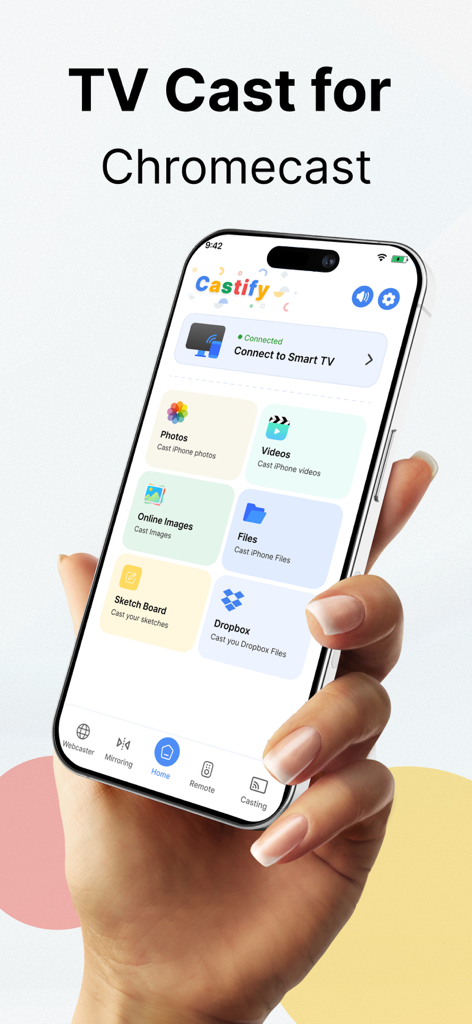
Castify画面ミラーリングアプリのインターフェースを表示するiPhone。写真や動画のキャストオプションが表示されている

Castify画面ミラーリングアプリのインターフェースを表示するiPhone。写真や動画のキャストオプションが表示されている

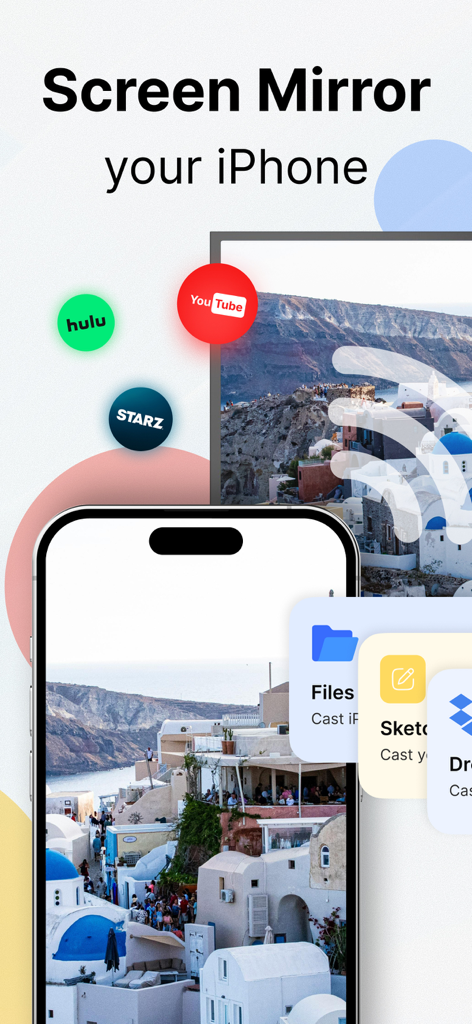
Castifyアプリを使用して、iPhoneの写真やYouTube、Huluなどのストリーミングアプリをスマートテレビにミラーリングしている画面

Castifyアプリを使用して、iPhoneの写真やYouTube、Huluなどのストリーミングアプリをスマートテレビにミラーリングしている画面

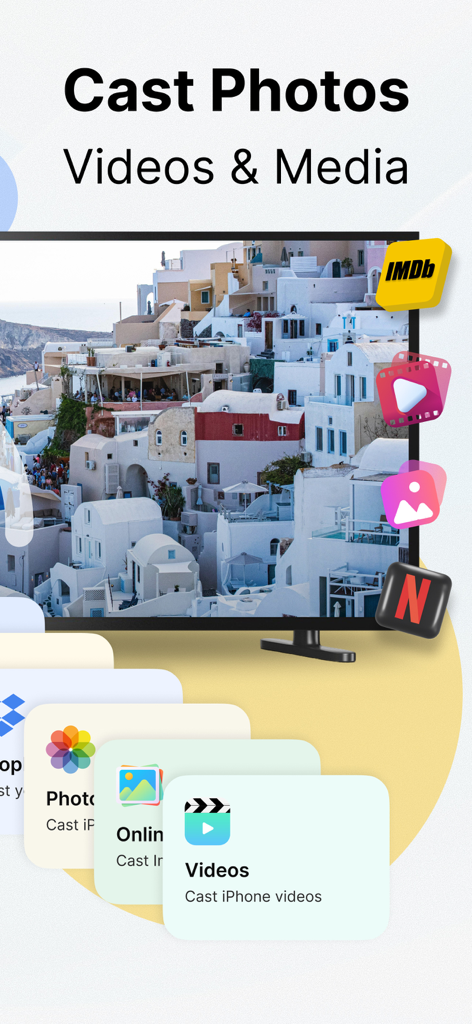
Castifyアプリのインターフェースに、iPhoneからテレビへの写真、動画、メディアのキャストオプションが表示されている

Castifyアプリのインターフェースに、iPhoneからテレビへの写真、動画、メディアのキャストオプションが表示されている

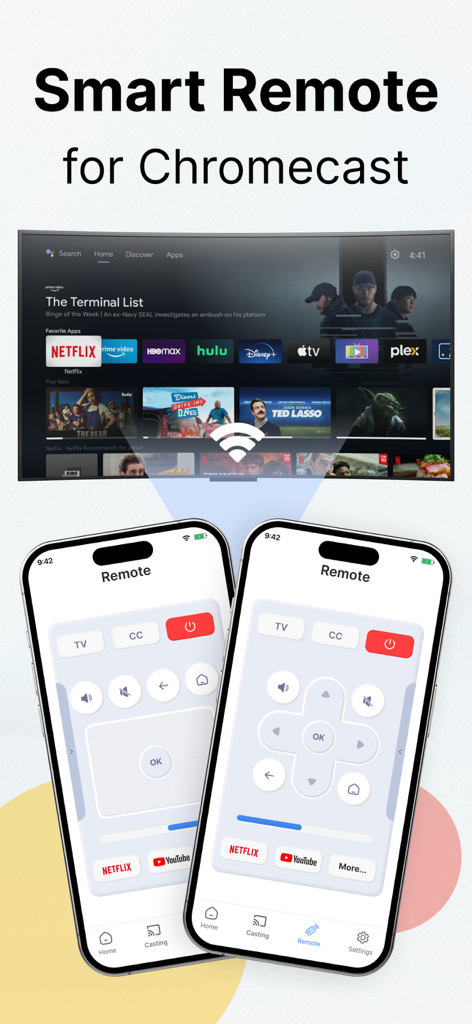
CastifyでChromecast TVを制御するためのスマートリモートインターフェースを表示するiPhone

CastifyでChromecast TVを制御するためのスマートリモートインターフェースを表示するiPhone

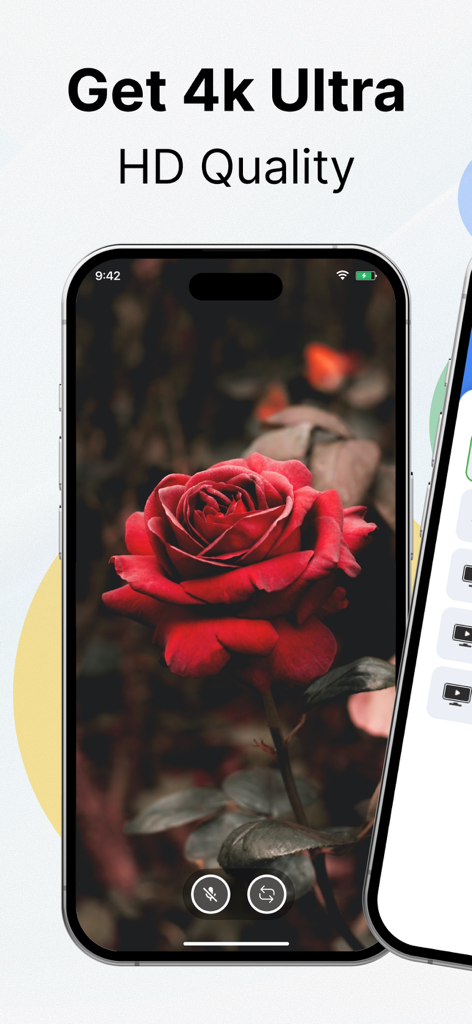
画面ミラーリング用に、赤いバラの高解像度4K画像を表示するスマートフォン

画面ミラーリング用に、赤いバラの高解像度4K画像を表示するスマートフォン

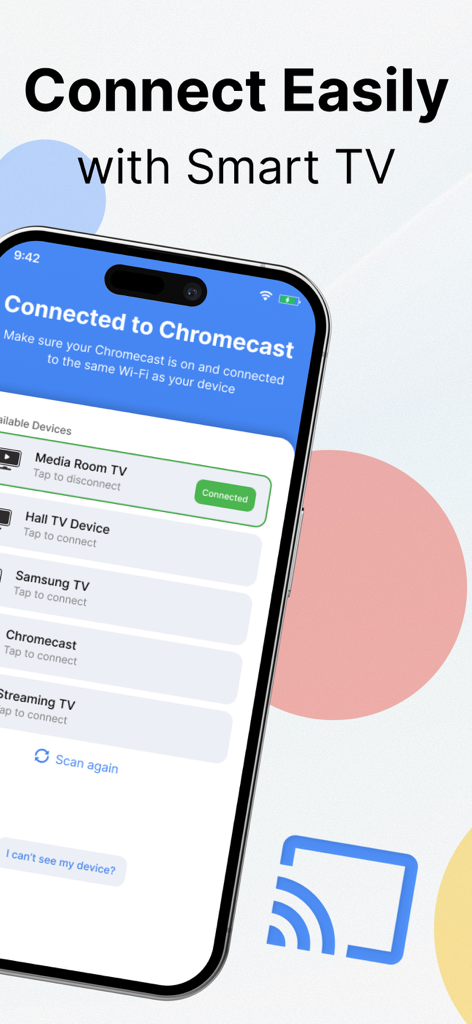
画面ミラーリング用に、利用可能なスマートテレビとChromecastデバイスのリストを表示するCastifyアプリのインターフェース

画面ミラーリング用に、利用可能なスマートテレビとChromecastデバイスのリストを表示するCastifyアプリのインターフェース

ホームエンターテイメントを格上げ

このアプリを際立たせるツール、 76K+ 人のユーザーが選択.

テレビのセットアップは一切不要

Appleエコシステムの壁に別れを告げましょう。追加のソフトウェアやレシーバーアプリをインストールせずに、Samsung、LG、Roku TVに直接キャストできます。

🌐

ウェブ上のあらゆるものをストリーミング

コードカッターに最適です。統合されたブラウザを使用して、ライブスポーツ、ニッチなウェブシリーズ、標準的なテレビアプリでは利用できない映画をキャストしてください。

📱

直感的なリモートコントロール

あなたのiPhoneが究極のコントロールセンターになります。シームレスでリアルなインターフェースで、再生、音量、メディアブラウジングを管理できます。

世界中のユーザーに愛されています

Trusted by 76K+ 人がこのアプリを愛用しています.

"

"スマートテレビがApple製ではないiPhoneユーザーとして、Castifyを見つけるまでウェブ動画を共有しようとしてフラストレーションを感じていました。セットアップは即座で、テレビにソフトウェアをインストールする必要がないのは大きな利点です。再生コントロールはスムーズで、動画品質は驚くほど鮮明です。"

Mark Stevens
"

"ついに、画面ミラーリングを楽にしてくれるアプリが登場しました!週末ごとに、家族の動画や旅行の写真を大画面で表示するために使用しています。信じられないほど直感的で、アプリ内ブラウザのキャストは、お気に入りのストリーミングサイトすべてで完璧に機能します。スマートホームには必須のツールです。"

Sarah Jenkins

アプリについて

について知っておくべきこと Castify : Screen Mirroring App.

説明

Most advanced Screen Casting app on the App Store. Stream any web video, photo, and music directly from your iPhone to your TV. We are introducing the latest advancement in Screen Casting where you do not have to download another app on your TV to cast your favorite videos. Experience anything life-like when you cast anything from your iPhone to your TV. Here are the features this app offers: Ultra High-Quality Streaming Experience No need to install any other Software on your TV Easiest App Controls Full Playback Controls to control your media Live Streaming Cast browser to Smart TV Here is how the app works: Connect your TV device with the app. Launch the browser within the app. Find the video you want to cast. Tap on Cast to TV. You are done. Premium Subscription: This app includes optional auto-renewable subscriptions to access current and future premium categories (price may vary depending on location): - You can avail a monthly or yearly subscription. • Check in the app for exact pricing in your region • Payment will be charged to your iTunes account at confirmation of purchase and will automatically renew (at the duration/price selected) unless auto-renew is turned off at least 24 hours before the end of the current period. • Account will be charged for renewal within 24 hours prior to the end of the current period, and identify the cost of the renewal. • You can manage your subscription and/or turn off auto-renewal by going to your iTunes Account Settings, but refunds will not be given for any unused portion of the term. Disclaimer: This app is not affiliated with Google or any other trademark mentioned here. Subscription terms: https://hanoapps.weebly.com/subscription-terms-chromecast.html Terms & Conditions: https://hanoapps.weebly.com/terms--condition-chromecast.html Privacy Policy: https://hanoapps.weebly.com/privacy-policy-chromecast.html

最新バージョン

7.8

サイズ

191.8 MB

リリース日

2022年6月30日

テレビに何でもキャストする準備はできましたか?

小さな画面に飽きた76,000人以上のユーザーに仲間入りしましょう。今すぐCastifyをダウンロードして、セットアップ不要で超高品質のウェブ動画、写真、音楽のストリーミングを開始しましょう。

ダウンロード: App Store