TV Cast Pro for Samsung TV

TV Cast Pro for Samsung TV

ダウンロード: App Storeダウンロード: Google Play
Spark by MWM logo
ロゴ: TV Cast Pro for Samsung TV

Samsung TV用TV Cast Pro: あらゆるウェブ動画をキャストするNo.1アプリ

追加のハードウェアは不要。広告ブロック機能と高度な再生機能で、オンライン映画、ライブスポーツ、個人的な動画をSamsung Smart TVで視聴できます。

開発元

Kraus und Karnath GbR 2Kit Consulting

カテゴリ

Photo & Video

ダウンロード

424K+

ユーザー評価

3.9/5

評価数

7K+

対応言語

1

制限のないストリーミング

このインターフェースを利用する 424K+ 人のユーザー.

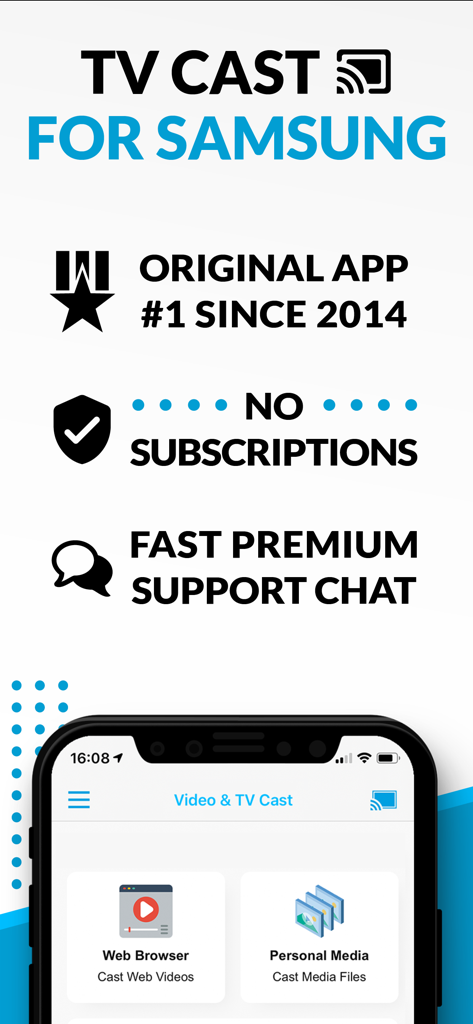
TV Cast for Samsungのプロモーション画面。サブスクリプションなしとウェブ動画キャスト機能を強調しています

TV Cast for Samsungのプロモーション画面。サブスクリプションなしとウェブ動画キャスト機能を強調しています

モバイルデバイスからSamsung Smart TVへ、ウェブ動画や映画をキャストしています

モバイルデバイスからSamsung Smart TVへ、ウェブ動画や映画をキャストしています

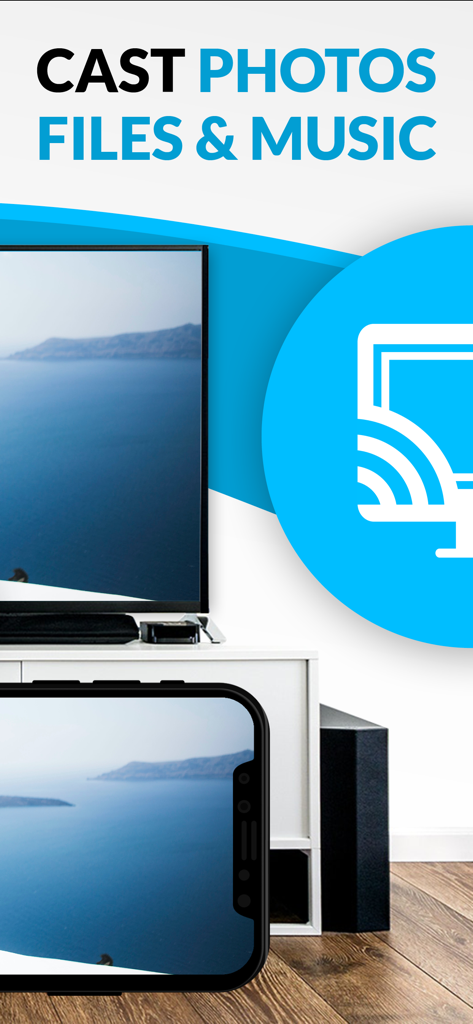
iPhoneからSamsung Smart TVへ、写真やメディアをキャストしています

iPhoneからSamsung Smart TVへ、写真やメディアをキャストしています

Samsung TVの可能性を最大限に引き出す

このアプリを際立たせるツール、 424K+ 人のユーザーが選択.

🛡️

広告なしのシネマ体験

邪魔なポップアップや動画広告に悩まされるのはもう終わり。Pro Ad-Blockerがウェブをクリーンにし、視聴者は気を散らすものから解放され、映画に集中できます。

🌐

ユニバーサルウェブストリーミング

ブラウザで再生できるものはすべて、TVで再生できます。専用のSmart TVアプリがないニッチなスポーツ、ライブニュース、インディーズ映画をキャストしましょう。

📱

4Kで思い出を

小さなスマホ画面を覗き込むのはもうやめましょう。高解像度のiPhone動画や写真を、ワンタップで直接Samsung TVにキャストしましょう。

世界中のユーザーに愛されています

Trusted by 424K+ 人がこのアプリを愛用しています.

"

"お気に入りの国際ドキュメンタリーやライブスポーツを、ウェブから直接65インチのSamsung TVにストリーミングする方法をようやく見つけました。Pro版の組み込み広告ブロッカーは、すべてのイライラするポップアップを削除してくれる、まさにゲームチェンジャーです。これまで使った中で最も信頼できるキャストツールです。"

Marcus J.
"

"家族の集まりの際に、iPhoneのカメラロールからホームビデオを大画面で見るのにこのアプリを使っています。スマホを回したり、追加のハードウェアを購入したりするよりもずっと便利です。リモートプレイバーを使えば、ソファから簡単にすべてを操作できます。"

Sarah L.

レビュー分析

ユーザーレビューの分析.

感情スコア

10%
ネガティブ

概要

This mobile app receives overwhelmingly negative feedback from users, primarily due to significant issues with casting and screen mirroring functionality; many reviews report the app frequently fails to connect, freezes, or disconnects. Users also express frustration with the unintuitive interface and a perceived "scam" concerning unexpected additional costs for core features like screen mirroring after an initial purchase. While a few users praised its effectiveness for live streaming and noted a lack of lag, these positive experiences are rare amidst widespread complaints. The app's performance is also reported to have degraded following recent iOS software updates, leading to constant looping and an inability to cast specific content.

主なテーマ

Casting Functionality(3)
Past Reliability(2)
Ease of Use(1)
Performance (No Lag)(1)
Live Stream Support(1)

アプリについて

について知っておくべきこと TV Cast Pro for Samsung TV.

説明

Watch any web-video, online movie, livestream or live tv show on your Samsung Smart TV or Blu-ray Player. Enjoy the show on your big screen with the no#1 web video streamer. With Video & TV Cast for Samsung Smart TV you can browse the web and stream any web video, online movie, livestream or live tv show you want on your Samsung Smart TV. Mp4, m3u8, hls livestreams and also video-over-https are supported. There is no time limit at all! You can watch videos of 2 minutes or 2 hours or even more. Just open Video & TV Cast, navigate to a website, wait for link detection and send the video with a single tap to your Samsung Smart TV. The discovered link will be shown below the browser. A tap on the link will start the show. You don't need to install a big media server like Plex or any other third party software. >>> Important Notes * To enable video casting please open the Samsung App Store (Smart Hub) on your TV or Blu-ray Player, search for 'TV Cast' and install the receiver app. * Please enter the ip-adress of your iPhone/iPad by using the number pad and up/down/left/right keys on your Samsung TV Remote. Just enter the numbers, no need to press the enter key. * iTunes movies, Flash video and other DRM protected videos like HBO now are not supported! * Please use the Remote Playbar for video control while browsing (see more info below) * The app streams only the video part of a website and not the whole website content (No screen or tab mirroring!). * Sometimes it is necessary to play the video on your iPad or iPhone first before it gets discovered by the app for streaming. It may also be neccessary to start casting multiple times until it works with specific videos. * If a specific video is not working, please check the FAQ on the app startpage. If that does not help you, please drop us an email before leaving a negative comment on the App Store. We will try to add support for that website as soon as possible. >>> PRO FEATURES * Remote Playbar: Use the Playbar for advanced video control while browsing, including video scrubbing, forward, rewind, play, pause, stop. The playbar works on all Samsung Smart TVs and Blu-ray Players. You can also use the included TV Remote for basic video control (play, pause, stop, forward and rewind videos) and navigating in Samsung Smart Hub. The TV Remote currently works on 2010 - 2013 TVs. * Local Videos: Cast your camera roll videos from an iPhone or iPad. Supports mp4, m4v and mov videos that were saved to the camera roll via Apples SD-Card/USB Adapter, iTunes Desktop Software or third party apps. * Ad-Blocker + No Sponsoring Ads: The Pro app version has no ads and the Ad-Blocker blocks ads & popups on most websites that you visit. You can update, enable/disable ad-blocking at any time in the settings. * Bookmarks: Save unlimited website bookmarks. Synchronize and transfer them between different TV Cast apps and iOS devices by using backup and restore via iCloud. * Desktop Mode: Change the browser user-agent and cloak your iPhone/iPad as a desktop PC to load the desktop website instead of a mobile website. Please note that this will NOT enable video casting on websites that serve Flash videos in desktop mode. * Change Homepage: Set your personal homepage in the settings. Disclaimer: This app is not affiliated with Samsung or any other trademark mentioned here.

最新バージョン

3.8

サイズ

32.5 MB

リリース日

2016年6月5日

制限なくストリーミングする準備はできましたか?

424,000人以上のユーザーに加わり、Samsung TVをウェブストリーミングの強力なハブに変えましょう。広告をブロックし、ローカル動画をキャストし、見たいものを、見たいときに視聴しましょう。

ダウンロード: App Storeダウンロード: Google Play
FAQ

よくある質問

について知っておくべきこと TV Cast Pro for Samsung TV
TV Cast Pro for Samsung TV とは何ですか?

TV Cast Pro for Samsung TVは、iPhone/iPadからWebビデオ、オンラインムービー、ライブストリーム、ローカルメディアファイルをSamsung Smart TVまたはBlu-rayプレーヤーに直接ストリーミングします。サブスクリプションなしで動作します。

TV Cast Pro for Samsung TVはサブスクリプションが必要ですか?

いいえ、TV Cast Pro for Samsung TVはサブスクリプションを必要としません。一度購入すれば、継続的な料金なしでプレミアム機能を利用できます。

TV Cast Pro for Samsung TVの設定方法を教えてください。

設定するには、TVのSamsung App Storeから「TV Cast」レシーバーアプリをインストールします。次に、Samsung TV Remoteのテンキーを使用して、iPhone/iPadのIPアドレスをTVに入力します。

TV Cast Pro for Samsung TVでどのような種類のビデオをストリーミングできますか?

TV Cast Proは、Webビデオ、オンラインムービー、ライブストリーム、ライブTV番組をストリーミングし、Mp4、m3u8、hls形式をサポートしています。カメラロールのビデオ(mp4、m4v、movファイルを含む)もキャストできます。

TV Cast Pro for Samsung TVは画面ミラーリングをサポートしていますか?

いいえ、TV Cast Pro for Samsung TVは画面またはタブのミラーリングをサポートしていません。このアプリは、Webページ全体ではなく、Webサイトからのビデオコンポーネントのみをストリーミングします。

TV Cast Pro for Samsung TVでDRM保護されたビデオをキャストできますか?

いいえ、TV Cast Pro for Samsung TVはDRM保護されたコンテンツをサポートしていません。この制限は、iTunesムービー、Flashビデオ、およびHBO nowのようなDRMで暗号化されたその他のビデオに適用されます。

TV Cast Pro for Samsung TVに広告ブロッカーはありますか?

はい、TV Cast Pro for Samsung TVのProバージョンには広告ブロッカーが含まれています。ほとんどのWebサイトの広告やポップアップをブロックし、アプリ内にスポンサー広告を表示しません。

TV Cast Pro for Samsung TVでビデオ再生を制御できますか?

はい、ビデオ再生を制御できます。Proバージョンは、スクラビング、フォワード、リワインド、再生、一時停止、停止などの高度なコントロールのためのリモートプレイバーを提供します。基本的なコントロールはTV Remote経由で利用できます。