Documents - Create & Edit

Documents - Create & Edit

ダウンロード: App Store
Spark by MWM logo
ロゴ: Documents - Create & Edit
ドキュメント - 作成・編集:iPhoneのためのプロフェッショナルモバイルオフィス

デスクトップレベルの精度でWord文書を編集し、PDFに変換できるアジャイルなプロフェッショナルのための強力なツール。どこにいても、すぐに作業を作成、フォーマット、共有できます。

ダウンロード: App Store

開発元

Normal Vector Limited

カテゴリ

Productivity

ダウンロード

425K+

ユーザー評価

4.6/5

評価数

3K+

対応言語

22

あなたのモバイルオフィスを視覚化

このインターフェースを利用する 425K+ 人のユーザー.

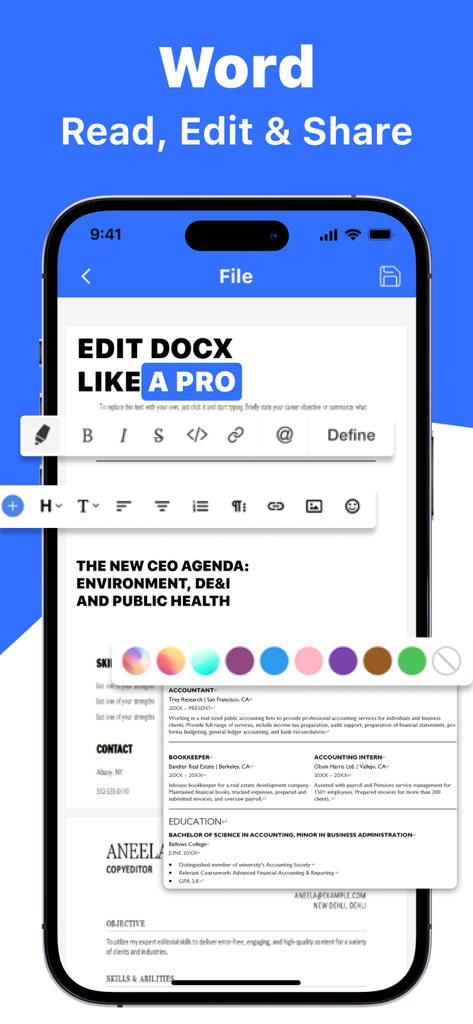
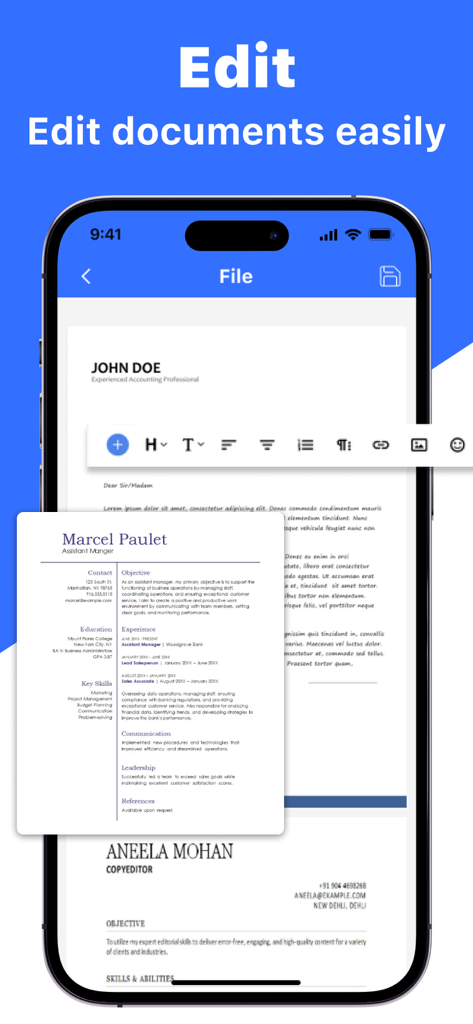
Wordファイルの高度なテキスト編集ツールとプロフェッショナルな履歴書テンプレートを表示するiPhone上のDocumentsアプリ。

Wordファイルの高度なテキスト編集ツールとプロフェッショナルな履歴書テンプレートを表示するiPhone上のDocumentsアプリ。

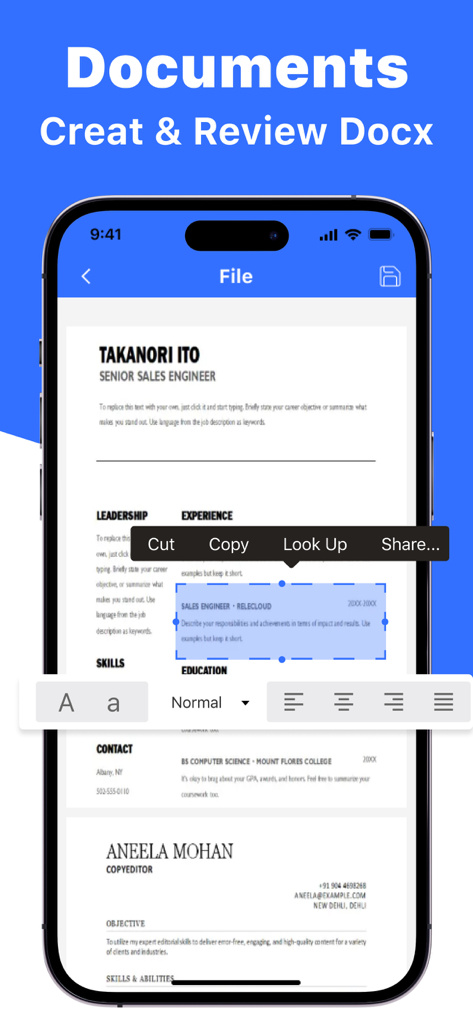
テキストフォーマットと編集ツールを使用して履歴書を編集しているDocuments Create and Editアプリを表示するiPhone画面。

テキストフォーマットと編集ツールを使用して履歴書を編集しているDocuments Create and Editアプリを表示するiPhone画面。

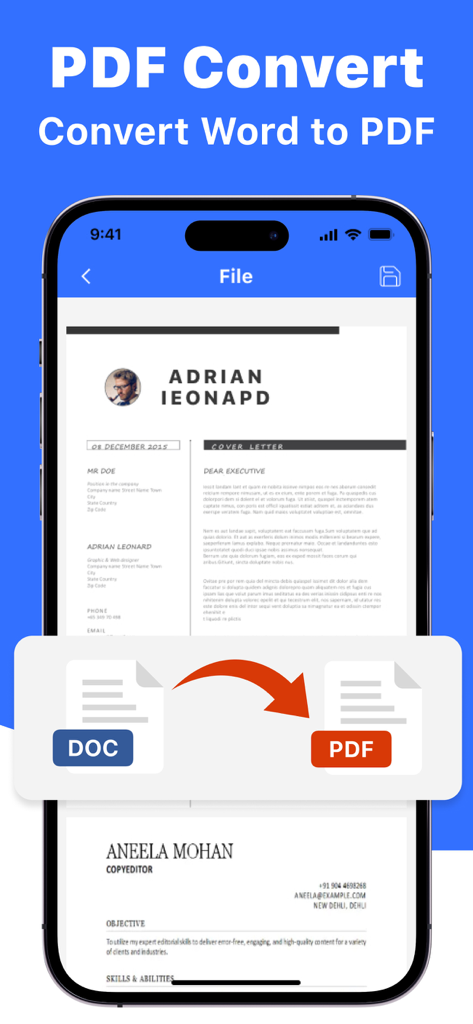
Documentsアプリのインターフェース内でWordからPDFへの変換機能を表示するiPhone画面。

Documentsアプリのインターフェース内でWordからPDFへの変換機能を表示するiPhone画面。

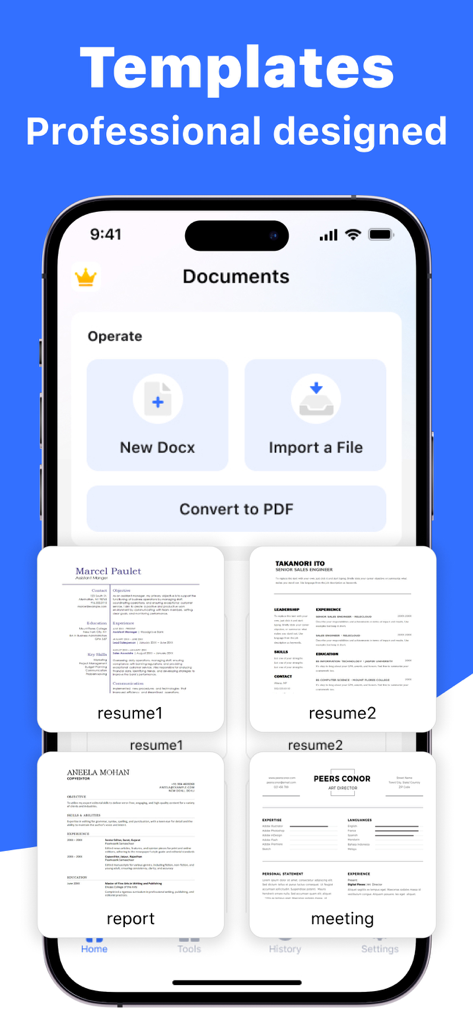
履歴書、レポート、会議メモ用のプロフェッショナルテンプレートとドキュメント作成ツールを表示するDocumentsアプリのインターフェース。

履歴書、レポート、会議メモ用のプロフェッショナルテンプレートとドキュメント作成ツールを表示するDocumentsアプリのインターフェース。

履歴書テンプレートとフォーマットツールを備えたドキュメントエディタインターフェースを表示するスマートフォンの画面。

履歴書テンプレートとフォーマットツールを備えたドキュメントエディタインターフェースを表示するスマートフォンの画面。

モバイルワークフローを強化

このアプリを際立たせるツール、 425K+ 人のユーザーが選択.

✍️

高精度モバイル編集

デスクトップと同じ精度でWord文書を編集できます。移動中でも、テキスト、表、レイアウトをシームレスに編集できます。

🔄

ワンタップPDF変換

Word文書や画像をプロフェッショナルなPDFに即座に変換できます。書式設定の整合性を維持し、数秒でメールやiCloud経由で共有できます。

📋

スマートテンプレート&ファイル管理

すぐに使えるプロフェッショナルなテンプレートで時間を節約し、iPhone向けに構築された強力なファイル管理システムで整理整頓しましょう。

世界中のユーザーに愛されています

Trusted by 425K+ 人がこのアプリを愛用しています.

"

"常に現場にいる不動産業者として、このアプリはゲームチェンジャーです。内見の合間にiPhoneから直接、契約書を編集し、プロフェッショナルなPDFに変換できます。これまで使用したどのモバイルオフィススイートよりもはるかに速く、直感的です。"

Sarah J., Licensed Realtor
"

"書式設定の精度が、このアプリを際立たせています。移動時間をビジネス提案の洗練に使い、テンプレートは私に何時間もの作業を節約してくれます。シームレスなiCloud連携により、ファイルは常に同期され、次の会議の準備ができています。"

Marcus T., Independent Consultant

レビュー分析

ユーザーレビューの分析.

感情スコア

16%
ネガティブ

概要

This mobile app generally receives overwhelmingly negative feedback, predominantly concerning its payment model and associated issues. Users frequently report unexpected charges, unauthorized transactions, and misleading pricing, such as being charged significantly more than advertised, leading to a strong sense of deception. Furthermore, many complain about the inability to cancel subscriptions or obtain refunds, alongside technical problems like slow performance, data loss, and an outdated user interface. While a few users briefly describe the app as "good" or "cool" in general terms, these positive remarks are heavily overshadowed by widespread frustration over financial transparency and app functionality.

主なテーマ

Notifications(1)
Overall Performance(1)
User Experience(1)
App Design(1)
Reliability(1)

アプリについて

について知っておくべきこと Documents - Create & Edit.

説明

Documents - Create & Edit is a powerful tool designed for you to easily edit, view and create documents on your phone. Whether you can quickly edit work documents on the go or easily write documents at home, our app has you met. Features Edit Documents - Seamlessly edit existing Word documents directly on your mobile device - Modify text, formatting, tables with precision and ease - Save changes and export edited documents in Word format Create New Documents - Start from scratch and create new Word documents within our app - Add headings, paragraphs, lists, and more to customize your content - Save, rename, and organize your creations for easy access File Format Conversion - Convert Word documents and images to PDF - Maintain formatting integrity during the conversion process - Share converted files via email, messaging apps, or iCloud Favourites & Templates - Add your document to favourites to view and edit anytime,anywhere - Various templates for you to print About payment Auto-rewable subscription $6.99 per week for a weekly subscripotion $12.99 per month for a monthly subscription $39.99 per year for a yearly subscrioption $39.99 per year for a yearly subscription with 3-Day free trail Subscription renewal terms: * Payment will be charged to iTunes Account at confirmation of purchases. * Account will be charged for renewal within 24-hours prior to the end of the current period, and identify the cost of the renewal. * Subscription automatically renews unless auto-renew is turned off at least 24 hours before the end of the current period. * Subscriptions may be managed by the user and auto-renewal may be turned off by going to the user’s Account Settings after purchase. Terms of Use: https://www.normalv.com/terms.html Privacy Policy: https://www.normalv.com/privacy.html Contact: support@normalv.com

最新バージョン

2.1

サイズ

33.7 MB

リリース日

2024年6月24日

あなたの完全なモバイルオフィスは、タップするだけ

外出先での編集、変換、共有にDocumentsを信頼する425,000人以上のプロフェッショナルに加わりましょう。3日間の無料トライアルを開始し、どこからでもワークフローをマスターしましょう。

ダウンロード: App Store
FAQ

よくある質問

について知っておくべきこと Documents - Create & Edit

「Documents - Create & Edit」アプリとは何ですか?

Documents - Create & Editは、ドキュメントの編集、表示、作成のためのモバイルアプリケーションです。ユーザーは、Wordファイルを直接携帯電話で編集したり、新規作成したり、さまざまな形式をPDFに変換したりできます。

「Documents - Create & Edit」で既存のWordドキュメントを編集できますか?

はい、「Documents - Create & Edit」では、モバイルデバイス上で既存のWordドキュメントをシームレスに編集できます。ユーザーは、テキスト、書式設定、表を正確に編集できます。変更はWord形式で保存およびエクスポートされます。

「Documents - Create & Edit」で新しいドキュメントを作成するにはどうすればよいですか?

ユーザーは、「Documents - Create & Edit」内でWordドキュメントをゼロから作成できます。このアプリには、見出し、段落、リストを追加してコンテンツをカスタマイズするオプションがあります。ユーザーは、作成したものを保存、名前変更、整理して、簡単にアクセスできるようにします。

「Documents - Create & Edit」はPDF変換をサポートしていますか?

はい、「Documents - Create & Edit」はファイル形式の変換をサポートしています。Wordドキュメントや画像をPDFに変換し、書式設定の整合性を維持します。ユーザーは、変換されたファイルを電子メール、メッセージングアプリ、またはiCloud経由で共有できます。

「Documents - Create & Edit」にはテンプレートがありますか?

はい、「Documents - Create & Edit」には、ユーザーが印刷できるさまざまなプロフェッショナルなテンプレートが用意されています。また、ドキュメントをお気に入りに追加して、いつでも表示および編集できるようにすることもできます。

「Documents - Create & Edit」のサブスクリプション料金はいくらですか?

「Documents - Create & Edit」は自動更新サブスクリプションを提供しています。週次サブスクリプションは$6.99、月次サブスクリプションは$12.99、年次サブスクリプションは$39.99です。

「Documents - Create & Edit」には無料トライアルがありますか?

はい、「Documents - Create & Edit」は年次サブスクリプションオプションで3日間の無料トライアルを提供しています。購入確定後、支払いはiTunesアカウントに請求されます。

「Documents - Create & Edit」のサブスクリプションの自動更新をオフにするにはどうすればよいですか?

ユーザーは、「Documents - Create & Edit」のサブスクリプションを管理し、iTunesアカウント設定を通じて自動更新をオフにできます。これは、現在の期間が終了する少なくとも24時間前に行う必要があります。