DWG FastView Pro-CAD viewer

DWG FastView Pro-CAD viewer

ダウンロード: App Storeダウンロード: Google Play
Spark by MWM logo
ロゴ: DWG FastView Pro-CAD viewer

DWG FastView Pro: 手間のかからないプロフェッショナルCADビューイングと編集

建築家や現場エンジニアのための定番ソリューション。登録不要、完全オフライン対応で2D/3D DWG図面を即座に開き、スピードと精度をあなたの指先に。

ダウンロード: App Store

開発元

Gstarsoft Co., Ltd

カテゴリ

Productivity

ダウンロード

277K+

ユーザー評価

3.6/5

評価数

300

対応言語

13

あなたの手の中の精度

このインターフェースを利用する 277K+ 人のユーザー.

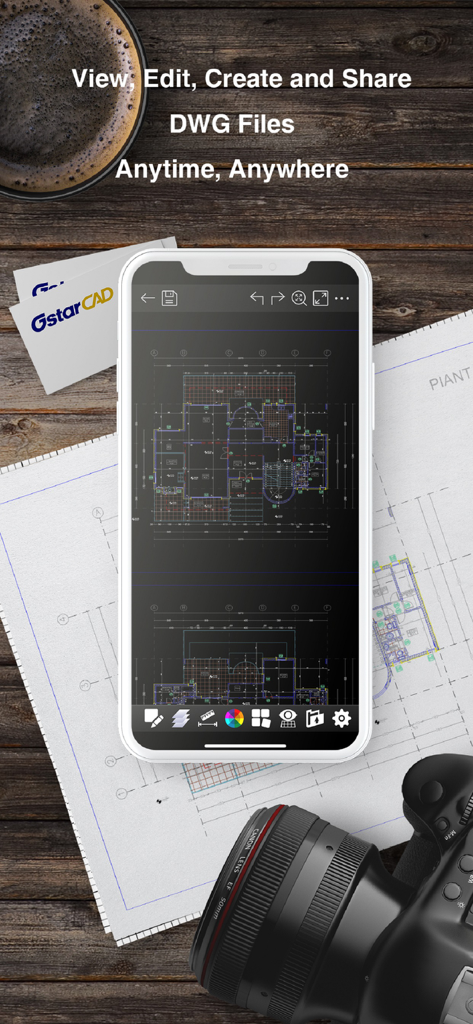
DWG FastView Proアプリが、技術的な青写真の上にスマートフォンの画面にCADフロアプランを表示している

DWG FastView Proアプリが、技術的な青写真の上にスマートフォンの画面にCADフロアプランを表示している

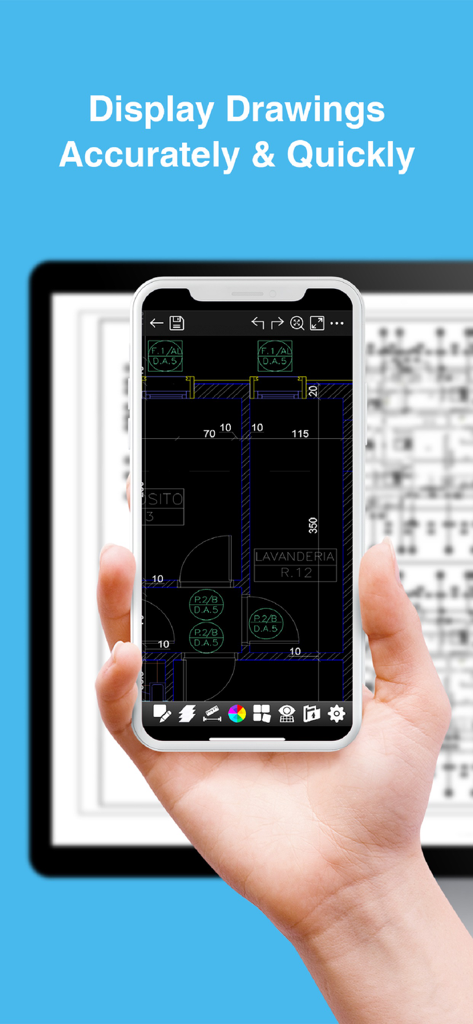
DWG FastView Proを使用して詳細なCAD図面を表示するスマートフォンとタブレット

DWG FastView Proを使用して詳細なCAD図面を表示するスマートフォンとタブレット

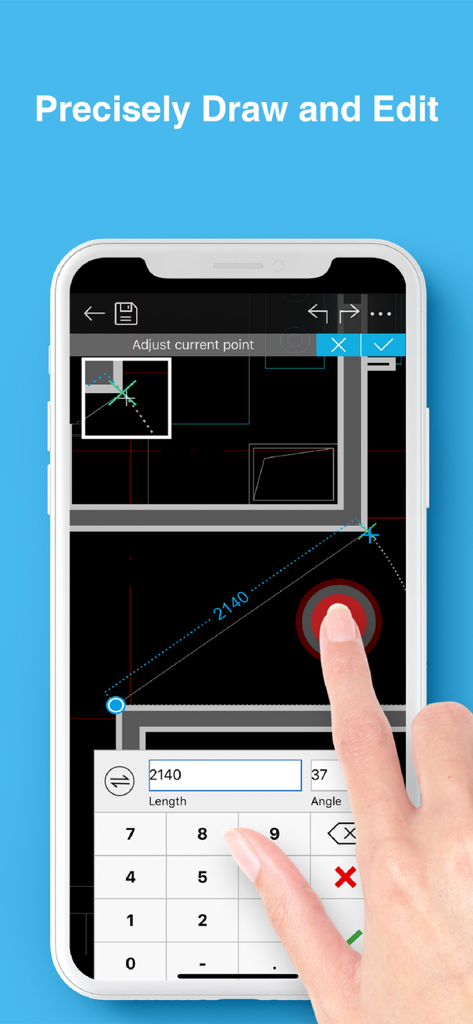
DWG FastView Proを使用してスマートフォンで建築CAD図面を正確に編集している。

DWG FastView Proを使用してスマートフォンで建築CAD図面を正確に編集している。

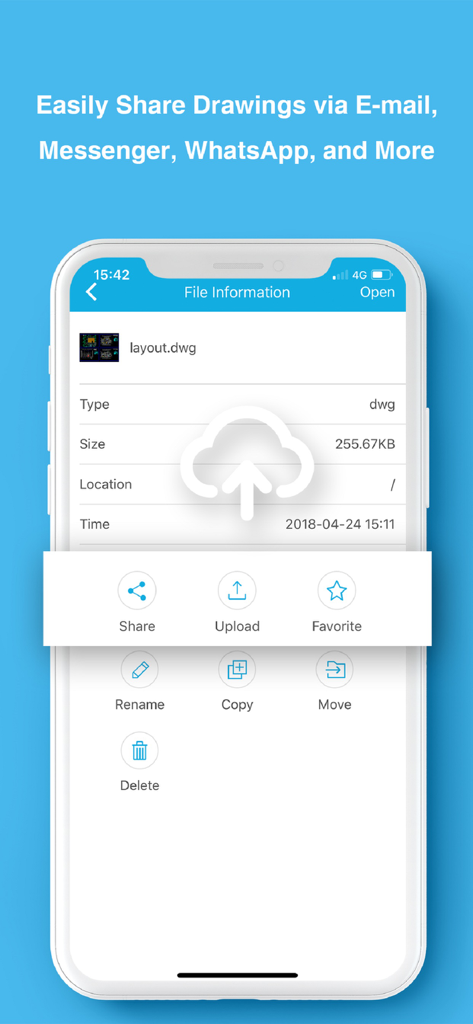
DWG FastView Proアプリのインターフェースが、CAD図面のファイル共有と管理オプションを表示している

DWG FastView Proアプリのインターフェースが、CAD図面のファイル共有と管理オプションを表示している

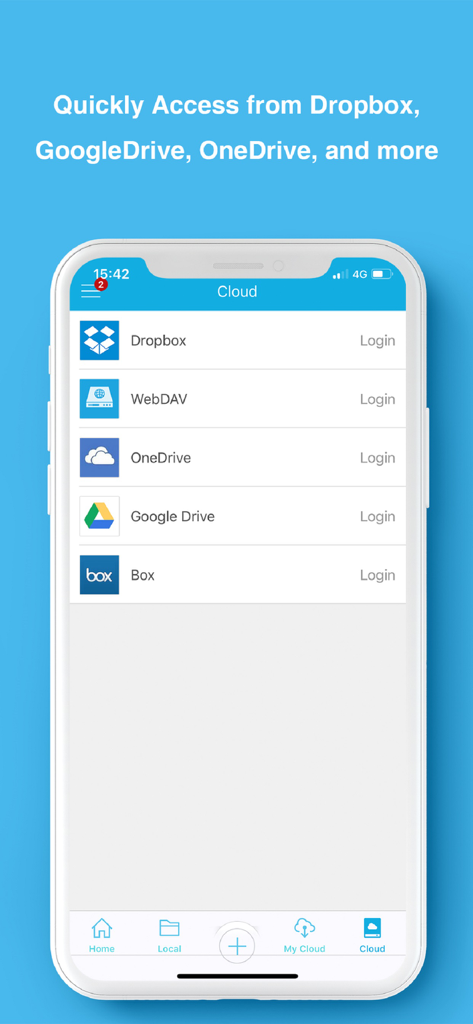
DWG FastView Proモバイルアプリのインターフェースが、DropboxやGoogle Driveなどのクラウドストレージオプションを表示している

DWG FastView Proモバイルアプリのインターフェースが、DropboxやGoogle Driveなどのクラウドストレージオプションを表示している

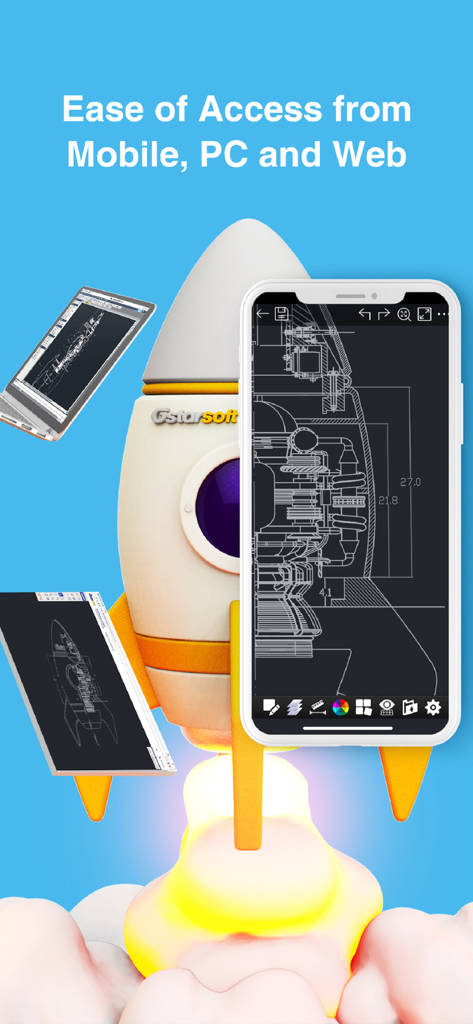
DWG FastView Proアプリのインターフェースが、ロケット船のイラストの隣にあるモバイルスマートフォンタブレットとラップトップ画面に表示されている

DWG FastView Proアプリのインターフェースが、ロケット船のイラストの隣にあるモバイルスマートフォンタブレットとラップトップ画面に表示されている

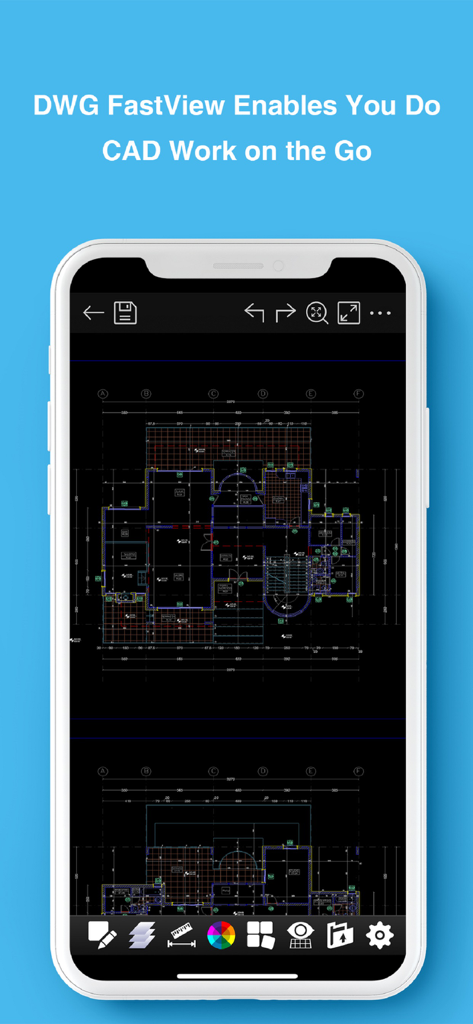
DWG FastView Proモバイルアプリのインターフェースで、詳細な技術的なフロアプラン図を表示するスマートフォン

DWG FastView Proモバイルアプリのインターフェースで、詳細な技術的なフロアプラン図を表示するスマートフォン

現場向けに構築されたプロフェッショナルCADツール

このアプリを際立たせるツール、 277K+ 人のユーザーが選択.

手間のかからない起動

必須のログインやアカウント設定は忘れてください。登録不要で、DWGファイルへの作業を即座に開始できます。

🏗️

信頼性の高いオフラインパフォーマンス

建設現場や接続が不安定な場所でも完璧です。インターネットに依存せず、完全にプライベートなデータで青写真を閲覧・編集できます。

📐

デュアルモードの汎用性

迅速な測定のための高速ビューモードと、正確なオンザゴー製図のためのプロフェッショナル編集モードを切り替えます。

世界中のユーザーに愛されています

Trusted by 277K+ 人がこのアプリを愛用しています.

"

"現場監督として、接続が全くない地下室や遠隔地にいることがよくあります。このアプリがオフラインで完璧に動作し、図面を表示するためだけにログインを強制されないという事実は、ゲームチェンジャーです。他のどのモバイルCADツールよりも高速に巨大なDWGファイルを読み込み、現場で摩擦なくすぐに測定値を確認できます。"

Marcus Thorne, Civil Engineer
"

"クライアントとのすべての相談で、iPadでDWG FastView Proを使用しています。プレゼンテーション用のクリーンなビューモードと、現場での迅速な調整のための強力な編集モードを切り替える能力は素晴らしいです。マークアップをPDFに直接エクスポートし、会議を離れる前にメールで送信できることで、ワークフローが大幅に効率化されました。"

Sarah Jenkins, Principal Architect

レビュー分析

ユーザーレビューの分析.

感情スコア

25%
ネガティブ

概要

The mobile app receives predominantly negative feedback from users, largely due to significant functional issues and misleading pricing practices. Many users report an inability to open DWG files, persistent login problems, and poor compatibility with certain file versions or cloud services. Despite being a paid application, numerous reviews highlight that its features are no better than free alternatives, often requiring additional payments for 'Pro' functionalities or offering no discernible improvements, leading to frequent refund requests. While some users appreciate its capability as a basic viewer for large plans and for adding simple graphic objects, the app is widely criticized for being outdated, lacking developer support since 2018, and suffering from bugs like inaccurate measurements and overall instability.

主なテーマ

Basic Editing Tools(3)
DWG Viewer Functionality(2)
Ad-Free Experience(2)
Pricing & Value(2)
App Stability(1)
Login & Account Management(1)

アプリについて

について知っておくべきこと DWG FastView Pro-CAD viewer.

説明

DWG FastView Pro is fully compatible with 2D/3D DWG drawings, which can smoothly open DWG drawings from GstarCAD, AutoCAD and other CAD platforms, also can view CAD design in .dxf format etc. Let’s see its 5 highlights: (1) Creating, browsing and editing are totally free; There is no limit to how large the file is. Directly browse documents of local storage from DWG FastView. Also, it’s free to create new drawings. (2) No registration & Offline drawings Do you find it boring and time-wasting that some other CAD APPs ask you to register and log in? Now, simply download DWG FastView and use it immediately with no NO REGISTRATION needed. Besides, without internet, you are able to save your masterpieces in the local workspace. At the same time, drawings from E-mail or Network Disk like Dropbox or WebDAV can be opened, viewed, edited, shared as well with Internet. (3) Support export to PDF, BMP, JPG and PNG, and share it to anyone freely. Transfer CAD drawings into PDF format and customize its paper size, orientation, color and so on. You can also convert CAD drawings to image format-BMP, JPG, PNG. And all of them can be viewed and shared by DWG FastView. (4)View Mode and Edit Mode satisfy diverse needs; To satisfy your SIMPLY NEED to OPEN and VIEW .dwg, we create View Mode, providing simple tools for FASTER VIEW .dwg. Besides, Edit Mode is better at professional and practical drawing. (5)Helpful and responsive technical support. There are four ways to get technical support 1. Click the “Rate” button to share your valuable comments and suggestions with us 2. Click the “Feedback” button to send your tech problem to us via email 3. Directly send email to support.mc@gstarcad.net to let us know your technical question 4. Follow the latest news or contact us through Facebook, Twitter and Linkedin Facebook: https://www.facebook.com/DWGFastView Twitter: https://twitter.com/DWGFastView Linkedin: https://www.linkedin.com/company/suzhou-gstarsoft-co-ltd

最新バージョン

2.5.0

サイズ

148.2 MB

リリース日

2012年9月18日

すぐに作業開始—登録不要

最速のオフライン2D/3D CADビューアを使用する277,000人以上のプロフェッショナルに加わりましょう。図面をオフィスから現場へ、完全に自由に持ち運べます。

ダウンロード: App Storeダウンロード: Google Play