Essayist: Academic Writing App

Essayist: Academic Writing App

ダウンロード: App Store
Spark by MWM logo
ロゴ: Essayist: Academic Writing App

Essayist:引用文献と余白をすべて処理する受賞歴のある執筆アプリ

APA、MLA、Chicago形式の論文を簡単に作成しましょう。自動参考文献管理から集中できる編集まで、EssayistはMac、iPad、iPhoneでの学術的な旅を合理化します。

開発元

Essayist Software Inc.

カテゴリ

Productivity

ダウンロード

136K+

ユーザー評価

4.4/5

評価数

400

対応言語

1

完璧な仕上がりのプレビュー

このインターフェースを利用する 136K+ 人のユーザー.

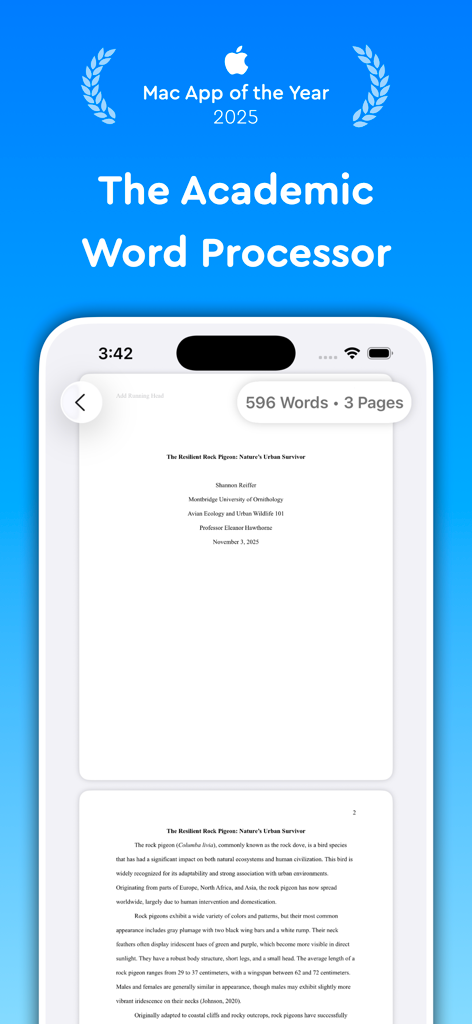
Essayistアプリのインターフェース。モバイルデバイスの画面にフォーマットされた学術論文が表示され、Mac App of the Year 2025の受賞テキストが表示されている。

Essayistアプリのインターフェース。モバイルデバイスの画面にフォーマットされた学術論文が表示され、Mac App of the Year 2025の受賞テキストが表示されている。

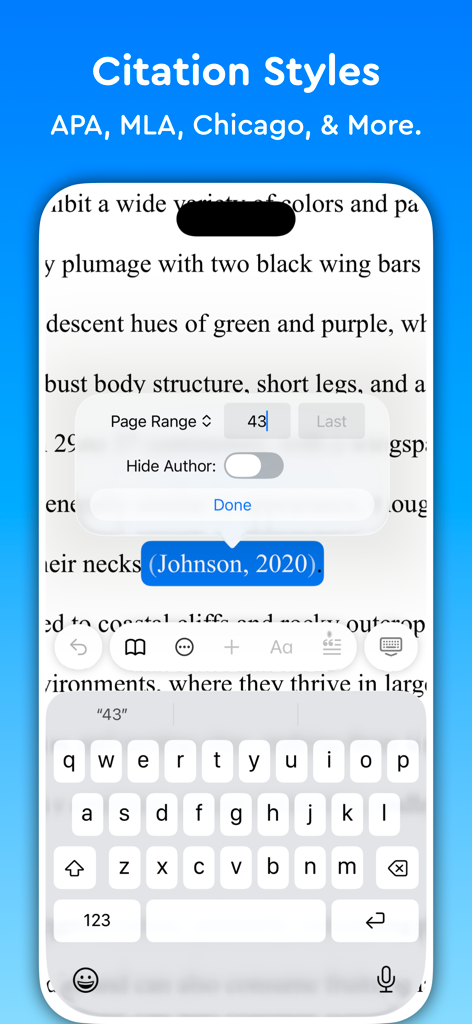
EssayistアプリのiPhoneインターフェース。学術的な引用スタイルと文中参考文献の編集オプションが表示されている。

EssayistアプリのiPhoneインターフェース。学術的な引用スタイルと文中参考文献の編集オプションが表示されている。

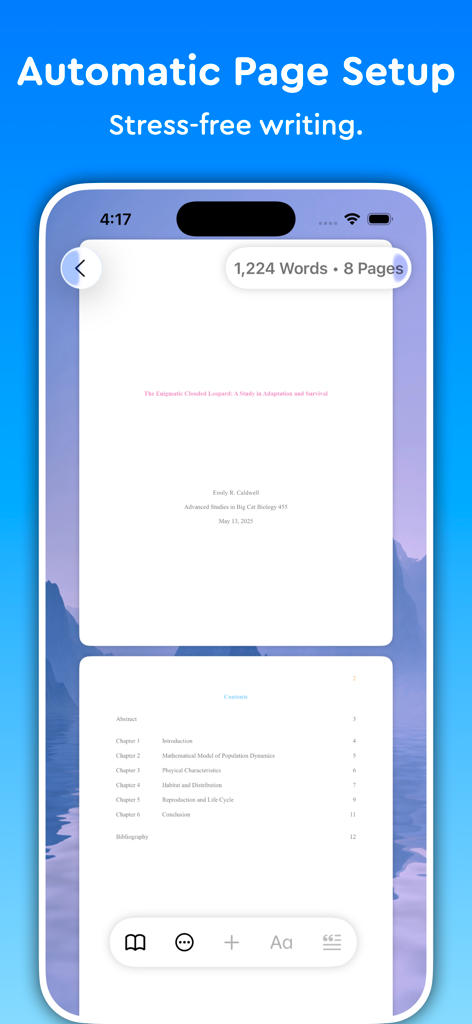
Essayistアプリ。学術論文のための自動ページ設定と目次が表示されている。

Essayistアプリ。学術論文のための自動ページ設定と目次が表示されている。

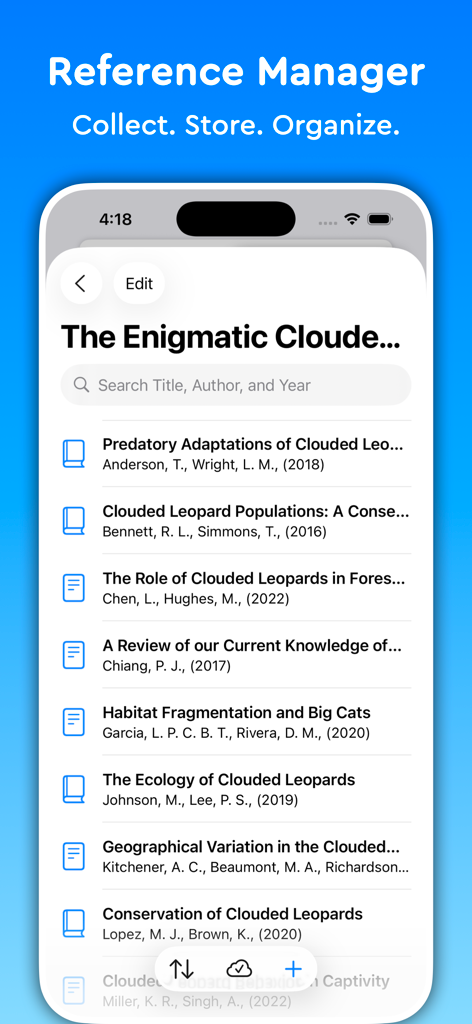
Essayistアプリの参考文献マネージャーインターフェース。検索バー付きの学術ソースリストが表示されている。

Essayistアプリの参考文献マネージャーインターフェース。検索バー付きの学術ソースリストが表示されている。

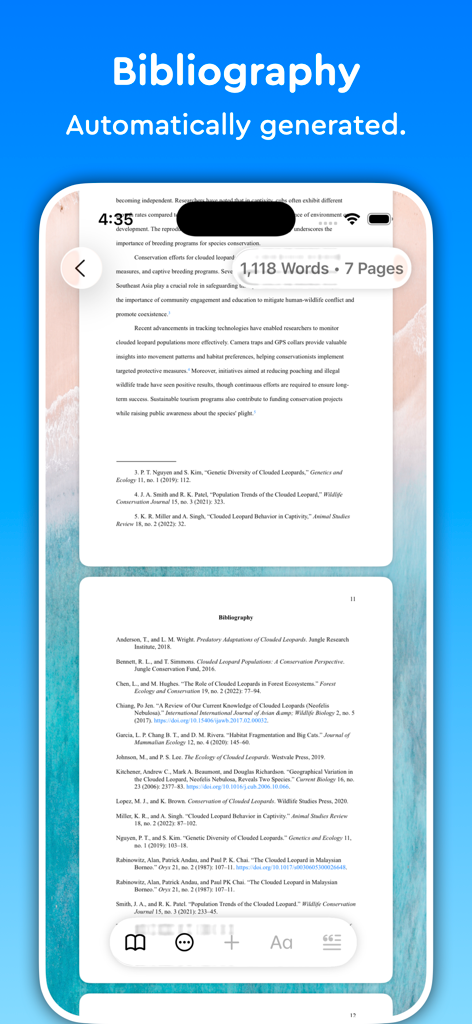
iPhone上のEssayistアプリのスクリーンショット。学術論文のために自動生成されたフォーマット済みの参考文献リストページが表示されている。

iPhone上のEssayistアプリのスクリーンショット。学術論文のために自動生成されたフォーマット済みの参考文献リストページが表示されている。

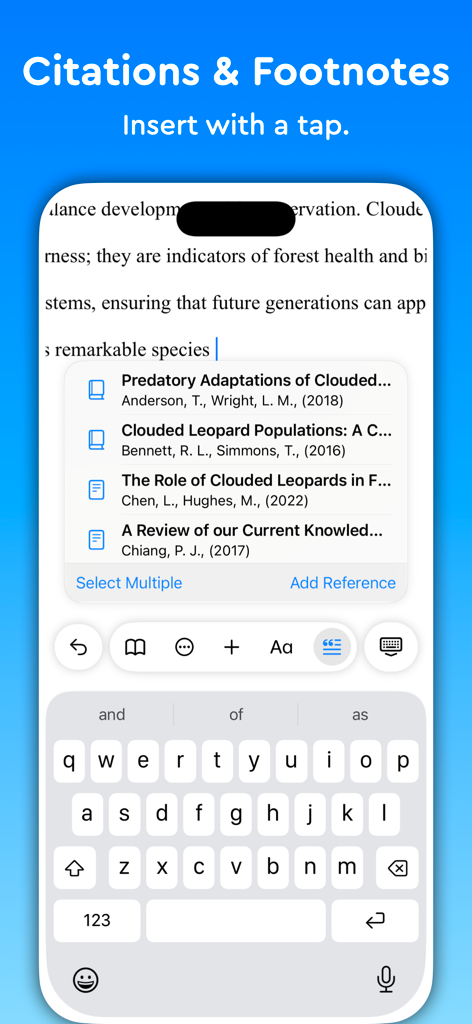
スマートフォン上のEssayistアプリのインターフェース。ワンタップで学術的な引用や脚注を挿入する方法を表示している。

スマートフォン上のEssayistアプリのインターフェース。ワンタップで学術的な引用や脚注を挿入する方法を表示している。

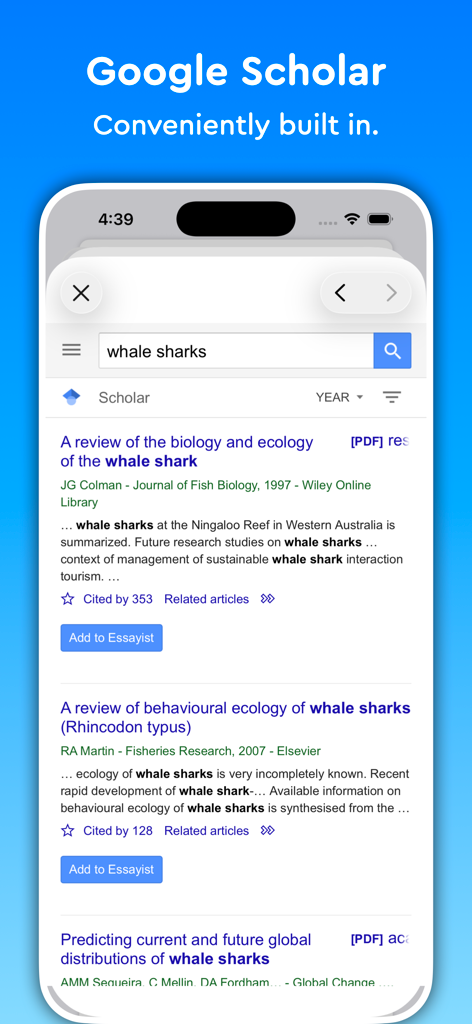
Essayistアプリのスクリーンショット。学術研究のための組み込みGoogle Scholar検索ツールを表示している。

Essayistアプリのスクリーンショット。学術研究のための組み込みGoogle Scholar検索ツールを表示している。

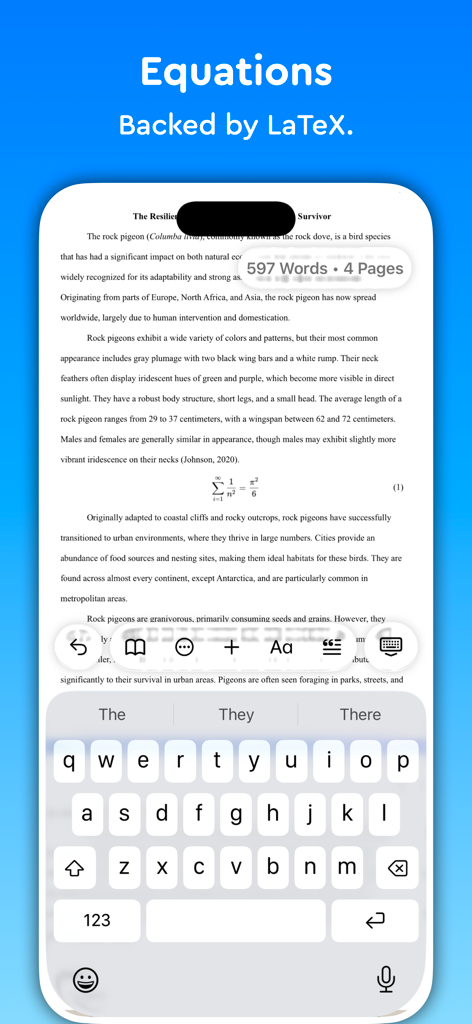
Essayistアプリのインターフェース。iPhone上の学術論文内にLaTeX数式を表示している。

Essayistアプリのインターフェース。iPhone上の学術論文内にLaTeX数式を表示している。

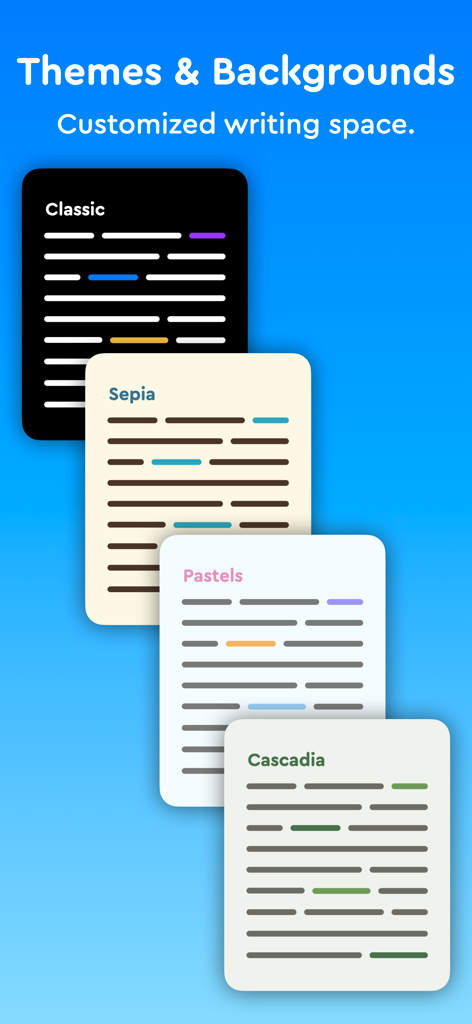
Essayistアプリのインターフェース。さまざまな執筆テーマと背景を表示している。

Essayistアプリのインターフェース。さまざまな執筆テーマと背景を表示している。

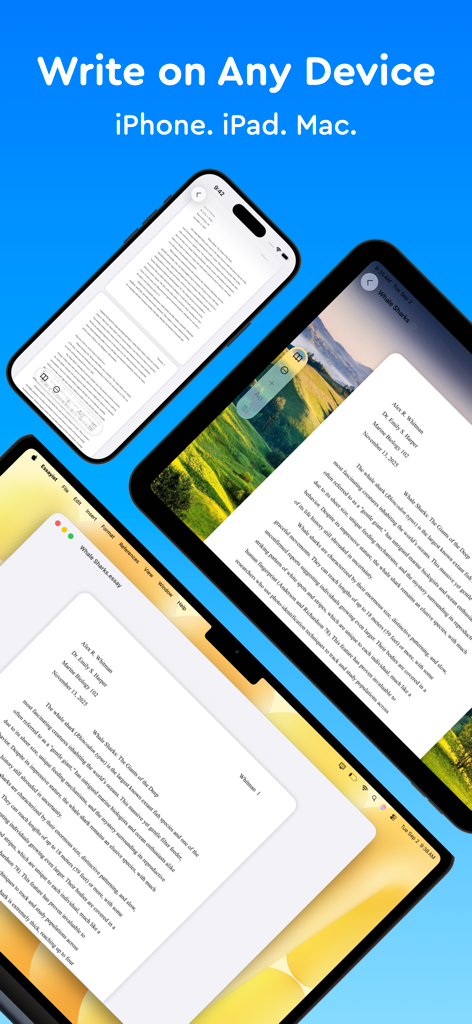
Essayistアプリのインターフェース。iPhone、iPad、Macラップトップに学術論文を表示している。

Essayistアプリのインターフェース。iPhone、iPad、Macラップトップに学術論文を表示している。

学術論文執筆をマスターする

このアプリを際立たせるツール、 136K+ 人のユーザーが選択.

📑

ストレスフリーなフォーマット

余白やヘッダーの心配はやめましょう。APA、MLA、またはChicagoの厳格な基準を満たすために、論文全体を自動的にフォーマットします。

🔍

スマート参考文献マネージャー

ワンタップでソースを検索し、完璧にフォーマットされた引用または参考文献リストを挿入して、整理された正確な状態を保ちます。

✍️

集中できる執筆環境

深い集中力のために作られた、ミニマルで禅のようなインターフェースで、ボタンの煩雑さをなくし、思考に集中しましょう。

世界中のユーザーに愛されています

Trusted by 136K+ 人がこのアプリを愛用しています.

"

"博士候補者として、参考文献リストは常にストレスの原因でした。EssayistはMacとiPad全体でAPAフォーマットを完璧に処理してくれるので、引用のカンマの場所を心配する代わりに研究に集中できます。私の論文にとって、これまでに作った投資の中で最も価値のあるものです。"

サラ・ジェンキンス
"

"論文の締め切りごとにWordの余白やヘッダーに何時間も格闘していました。Essayistのミニマルなインターフェースは、私の歴史の論文をすべて変えました。書くだけで、アプリが自動的にMLAスタイルを処理してくれます。中間試験にとって、まさにゲームチェンジャーです!"

マーカス・トンプソン

アプリについて

について知っておくべきこと Essayist: Academic Writing App.

説明

Try Essayist for free today! "Mac App of the Year 2025 — Apple" "App of the Day" — Apple "Editors' Choice" — Apple "A-Plus Apps for Students " — Apple "Apps You Need This Week" — Apple Essayist allows you to write APA, MLA, Chicago & Harvard Style essays with ease. From in-text citations and footnotes to references and page setup, Essayist takes care of everything. It greatly simplifies the academic writing process. AUTOMATIC FORMATTING Essayist formats everything for you. Upon starting a new essay it sets up the title section/page, margins, font, line spacing, alignment, page headers/footers, etc. It formats your references, in-text citations, footnotes/endnotes, figures, tables, table of contents and more. UNIVERSAL REFERENCE MANAGER Store and manager references in a universal reference manager backed by iCloud. Search for, add, and store references in one place and use references across multiple essays. Create separate collections (folders) within the reference manager to organize and manage references. Add references quickly and easily using Google Scholar, Essayist’s built-in search, by pasting a URL or manual entry forms. Once added, references are automatically formatted and added to your essay’s references/works cited list. CITATIONS (IN-TEXT CITATIONS, FOOTNOTES, ENDNOTES) Add in-text citations and footnotes/endnotes with ease. Simply tap the insert citation button and select the reference you wish to cite. An in-text citation/footnote/endnote is automatically created for you GENERAL FOOTNOTES Add general footnotes to any essay. EQUATIONS Essayist supports equations backed by LaTeX. CITATION STYLES Essayist supports four citation styles: AMA, APA, MLA, Chicago/Turabian Harvard & Vancouver. EXPORT Export your work to PDF or Word. MINIMAL INTERFACE A simple interface helps you write without distractions. You know all those buttons in other word processors you never use? We got rid of those. ABSTRACT, APPENDICES & TABLE OF CONTENTS Add an abstract, appendices and a table of contents to your essay. FIGURES & TABLES Easily add figures and tables with all the required information (caption, title, numbering, notes, etc.). REGULAR UPDATES We are working hard to make Essayist the best academic writing app it can be. If you have feature requests or encounter issues, please don't hesitate to contact us at contact@essayist.app MORE - iOS & macOS versions (universal purchase) - Built-in Universal Reference Manager - Pre-defined & customizable paragraph styles (Block Quote, Headings, etc.) - Bold, Italicize & Underline options - Import BibTeX - Multiple reference types (News Article, Magazine, Website, Dictionary, etc. …) - Two paper sizes: US Letter & A4 - Two font choices: Times New Roman & Arial - Word Count & Page Count - Multiple background choices - Spell Check, Auto Completion & Auto Capitalization - Dark mode - Designed for Accessibility PRICING Essayist Pro requires a subscription. Choose between a monthly and a yearly subscription. Terms of Use: https://www.iubenda.com/terms-and-conditions/82031685 Privacy Policy: https://www.iubenda.com/privacy-policy/82031685

最新バージョン

1.17.7

サイズ

63.0 MB

リリース日

2021年1月11日

フォーマットはやめて、執筆を始めよう。

Apple Mac App of the Yearを受賞した、APA、MLA、Chicagoスタイルを自動化するアプリを、何千人もの学生が利用しています。今すぐiPhone、iPad、Macで無料トライアルを開始しましょう。

ダウンロード: App Store