Firestick・Fire TV Remote Stick

Firestick・Fire TV Remote Stick

ダウンロード: App Store
Spark by MWM logo
ロゴ: Firestick・Fire TV Remote Stick
Firestick・Fire TV リモコンスティック:ストリームを操作する最もスマートな方法

失くしたリモコンを探したり、画面上のキーボードで苦労したりするのはもうやめましょう。応答性の高いタッチパッド、瞬時の入力、素早い音声検索で、iPhoneをパワフルなFire TVハブに変えましょう。

ダウンロード: App Store

開発元

Jonathan Reed

カテゴリ

Utilities

ダウンロード

109K+

ユーザー評価

4.7/5

評価数

800

対応言語

1

シームレスな操作を体験

このインターフェースを利用する 109K+ 人のユーザー.

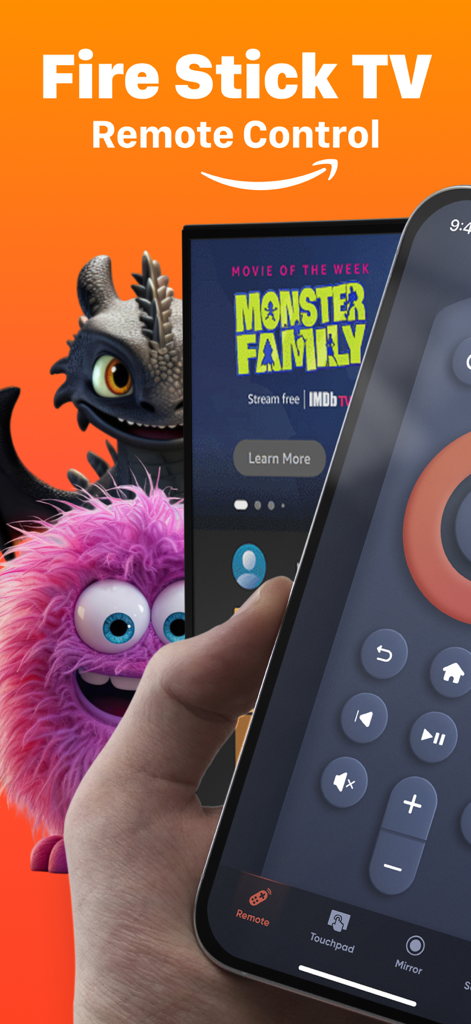
Fire Stick TVリモートコントロールアプリの画面が表示されたiPhoneを持つ手

Fire Stick TVリモートコントロールアプリの画面が表示されたiPhoneを持つ手

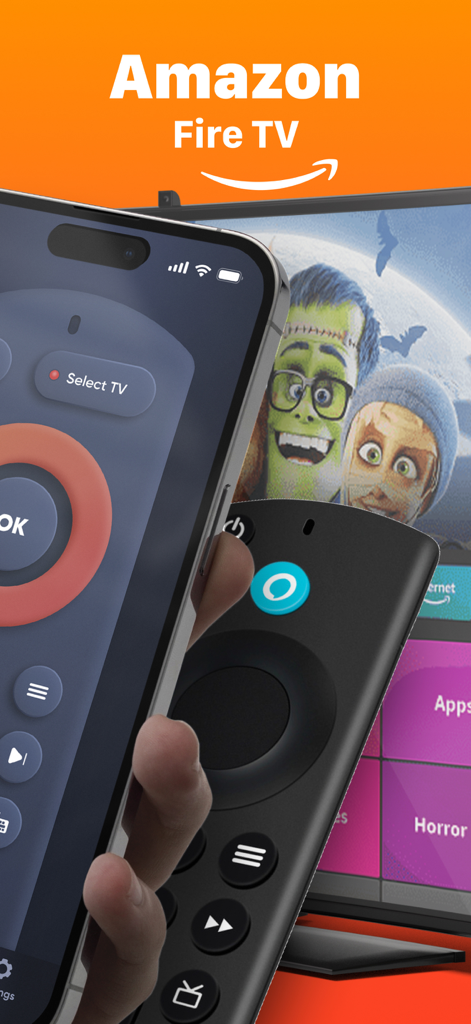
物理的なFirestickリモコンの横に、Fire TVリモートアプリが表示されたiPhone

物理的なFirestickリモコンの横に、Fire TVリモートアプリが表示されたiPhone

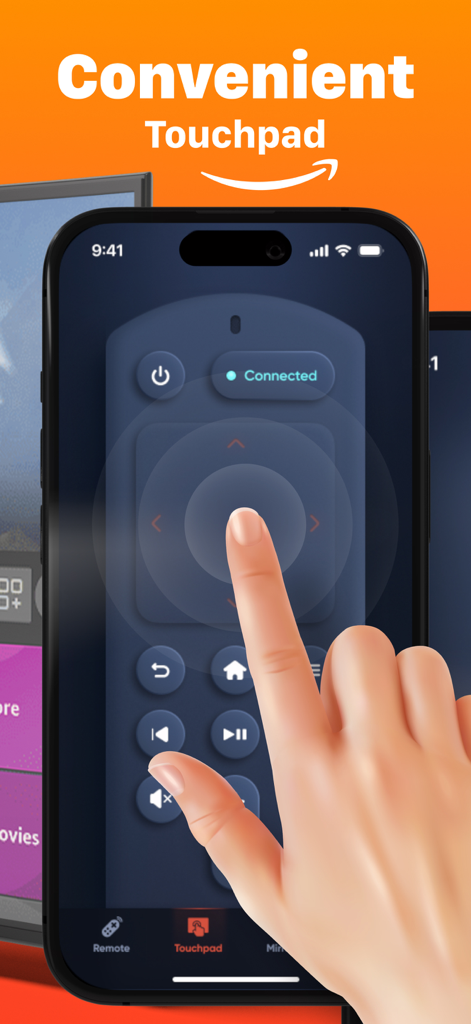
Fire TVリモートアプリの便利なタッチパッドインターフェースが表示されたiPhone画面。スムーズなナビゲーションに使用。

Fire TVリモートアプリの便利なタッチパッドインターフェースが表示されたiPhone画面。スムーズなナビゲーションに使用。

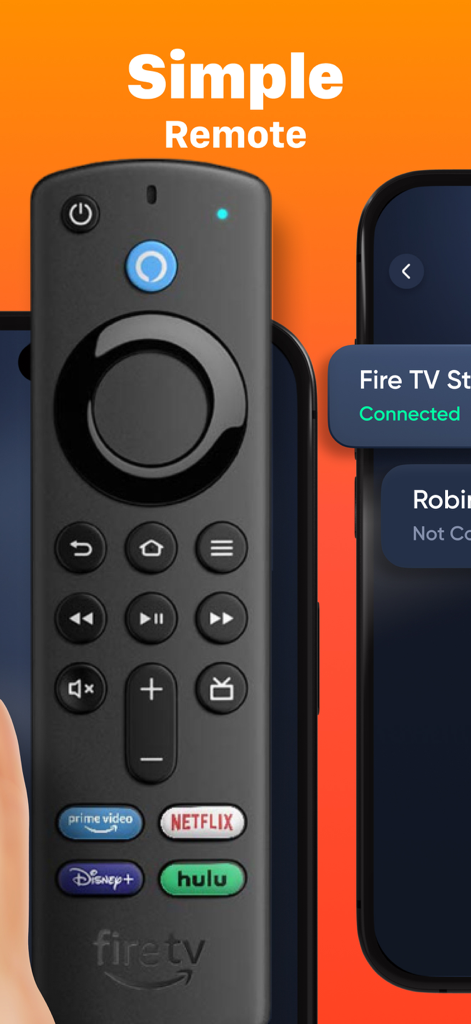
物理的なFire TVリモコンの隣に、iPhone上のFirestickリモートアプリのシンプルなインターフェース

物理的なFire TVリモコンの隣に、iPhone上のFirestickリモートアプリのシンプルなインターフェース

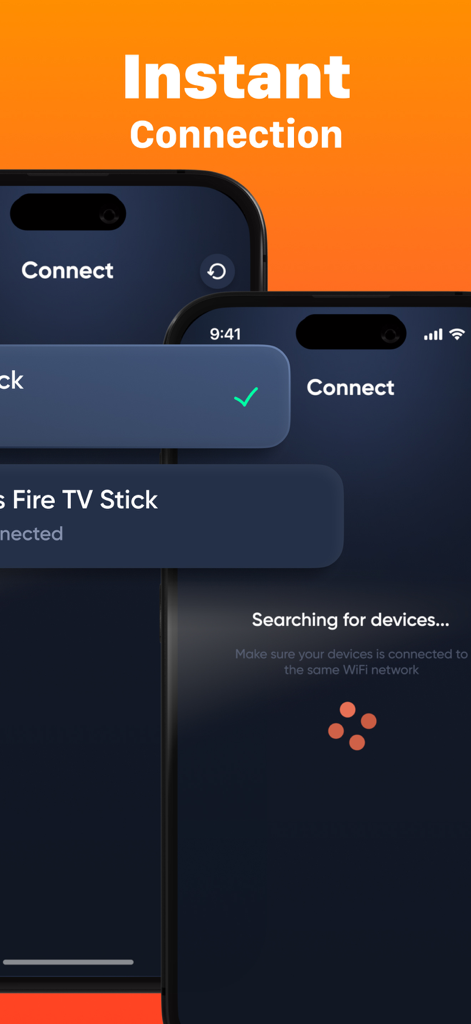
iPhone上のインスタント接続とデバイス検索画面を示すFirestick Remoteアプリのインターフェース。

iPhone上のインスタント接続とデバイス検索画面を示すFirestick Remoteアプリのインターフェース。

iPhoneからFire TVを自在に操作

このアプリを際立たせるツール、 109K+ 人のユーザーが選択.

⌨️

驚くほど速いキーボード

画面上での面倒なクリック入力にさよなら。iPhoneのネイティブキーボードを使って、数秒で映画、アプリ、番組を検索できます。

瞬時のワンタップ設定

複雑なマニュアルは忘れてください。Wi-Fi経由で数秒でFirestickに接続し、ストレスなくお気に入りの番組に戻りましょう。

🖱️

スムーズなタッチパッド操作

使い慣れたジェスチャーでメニューを操作。Netflix、Hulu、YouTubeなどを、最新のタッチパッドのような精度とスピードでスワイプ&タップしましょう。

世界中のユーザーに愛されています

Trusted by 109K+ 人がこのアプリを愛用しています.

"

"いつもソファのクッションの間に小さなリモコンをなくしてしまうのですが、iPhoneはいつも手元にあります。このアプリは救世主でした。数秒でFire TVに接続でき、インターフェースは実際、オリジナルリモコンよりもスムーズです。チャンネルを変えるために、もう枕の間を探す必要はありません!"

Sarah M.
"

"キーボード入力機能は私にとって完全にゲームチェンジャーです。以前は方向キーで映画のタイトルを検索するのが嫌でしたが、今ではすべて携帯で入力したり、音声検索を使ったりできます。信じられないほど応答性が高く、ストリーミング体験がはるかに効率的になりました。"

David L.

アプリについて

について知っておくべきこと Firestick・Fire TV Remote Stick.

説明

Firestick・Fire TV Remote Stick is a convenient and powerful app that turns your smartphone into a fully functional remote for your Fire TV and Firestick devices. Easily navigate menus, control playback, adjust volume, and launch apps — all from your phone. With a fast connection setup and an intuitive interface, it’s the perfect solution if you’ve misplaced your physical remote or want a smarter way to control your TV. KEY FEATURES: • Full Remote Control: Navigate, adjust volume, play/pause, and more. • Quick Setup: Connect to your Fire TV device in seconds. • Keyboard Input: Type faster and easier than with a physical remote. • Touchpad Mode: Smooth and responsive control for easier navigation. • Voice Search: Use your phone’s mic for quick voice commands. Download Firestick・Fire TV Remote Stick today and take full control of your Fire TV experience with just one tap! Payment will be charged to the credit card connected to your iTunes Account when you confirm the initial subscription purchase. Subscriptions automatically renew unless auto-renew is turned off at least 24-hours before the end of the current subscription period. Your account will be charged for renewal within 24-hours prior to the end of the current period, and the cost of the renewal will be identified. You may manage your subscription and auto-renewal may be turned off by going to your Account Settings after the purchase. Any unused portion of a free trial period, if offered, will be forfeited when you purchase a subscription, where applicable. Privacy Policy: https://docs.google.com/document/d/18yZQK6dE_bJx0EiUGdPTJ7ZRdnI7AoSRRJUoKWNi7Vk/edit?usp=sharing Terms of Use: https://docs.google.com/document/d/1TQzDN6y5pzRZSQUAZ2M132mD0upxLG0loz8tNEVRDBk/edit?usp=sharing

最新バージョン

2.0

サイズ

100.3 MB

リリース日

2023年12月4日

Fire TV体験をアップグレードしませんか?

物理的なリモコンを捨て、iPhoneのキーボード入力の速さとタッチパッド操作の快適さを体験している10万人以上のユーザーに加わりましょう。今すぐダウンロードして、リモコンを探す手間から解放されましょう。

ダウンロード: App Store
FAQ

よくある質問

について知っておくべきこと Firestick・Fire TV Remote Stick

Firestick・Fire TV Remote Stickとは何ですか?

Firestick・Fire TV Remote Stickは、スマートフォンをFire TVおよびFirestickデバイスのフル機能リモコンに変え、ナビゲーション、再生制御、アプリ起動を可能にします。

Firestick・Fire TV Remote Stickは完全なリモートコントロールを提供しますか?

はい、Firestick・Fire TV Remote Stickは、スマートフォンから直接、ナビゲーション、音量調整、再生/一時停止など、完全なリモートコントロール機能を提供します。

Firestick・Fire TV Remote Stickでキーボードを使用できますか?

はい、Firestick・Fire TV Remote Stickにはキーボード入力機能があり、従来の物理リモコンよりも速く簡単に文字を入力できます。

Firestick・Fire TV Remote Stickにはタッチパッド機能がありますか?

はい、Firestick・Fire TV Remote Stickにはスムーズで応答性の高いコントロールのためのタッチパッドモードが含まれており、Fire TVデバイスでのナビゲーションを向上させます。

Firestick・Fire TV Remote Stickは音声検索をサポートしていますか?

はい、Firestick・Fire TV Remote Stickを使用すると、スマートフォンのマイクを使用して、Fire TVを制御するためのクイック音声コマンドを実行できます。

Firestick・Fire TV Remote Stickはデバイスにどれくらいの速さで接続できますか?

Firestick・Fire TV Remote Stickは、同じWi-Fiネットワーク上のデバイスを検索してすばやく接続するため、数秒でセットアッププロセスが迅速に行われます。

Firestick・Fire TV Remote Stickのサブスクリプションの支払いはどのように処理されますか?

Firestick・Fire TV Remote Stickの支払いは、最初のサブスクリプション購入時にiTunesアカウントに請求されます。サブスクリプションは、期間終了の24時間前までにオフにしない限り、自動更新されます。

Firestick・Fire TV Remote Stickの自動更新をオフにするにはどうすればよいですか?

購入後にアカウント設定にアクセスすることで、Firestick・Fire TV Remote Stickサブスクリプションを管理し、自動更新をオフにすることができます。

Firestick・Fire TV Remote Stickの無料トライアルに登録した場合、どうなりますか?

Firestick・Fire TV Remote Stickの無料トライアル期間の未使用部分は、提供されている場合、サブスクリプションが購入されると失効します。

Firestick・Fire TV Remote Stickのプライバシーポリシーはどこで見つけられますか?

Firestick・Fire TV Remote Stickのプライバシーポリシーは、アプリのストア説明に記載されているリンクから入手できます:docs.google.com/document/d/18yZQK6dE_bJx0EiUGdPTJ7ZRdnI7AoSRRJUoKWNi7Vk/edit。