FortiToken Mobile

FortiToken Mobile

ダウンロード: App Store
Spark by MWM logo
ロゴ: FortiToken Mobile

FortiToken Mobile: 現代の労働者のための安全でワンタップ認証

エンタープライズグレードの多要素セキュリティで、プロフェッショナルアカウントを保護します。プッシュ通知と生体認証で、ログインをシームレスに承認しながら、個人データをプライベートに保ちます。

ダウンロード: App Store

開発元

Fortinet, Inc

カテゴリ

Business

ダウンロード

3M+

ユーザー評価

2.8/5

評価数

500

対応言語

6

セキュリティを一目で確認

このインターフェースを利用する 3M+ 人のユーザー.

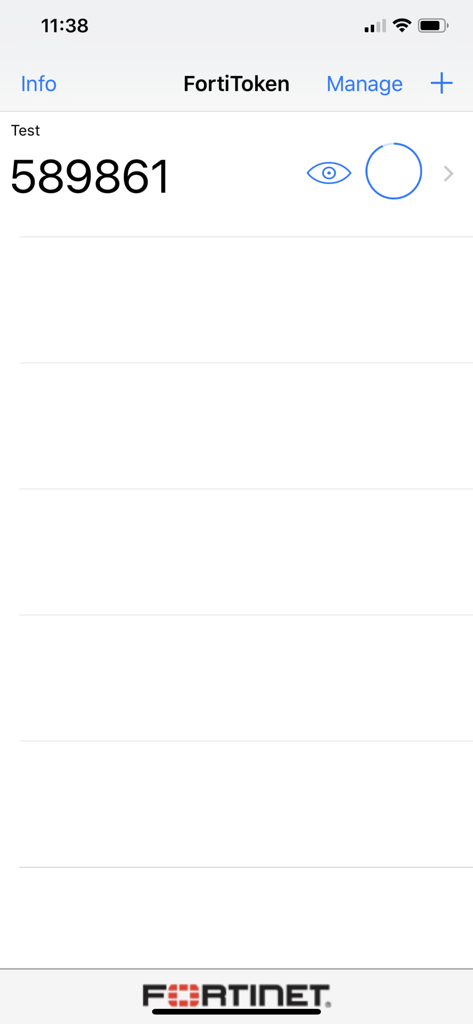
FortiToken Mobile画面に6桁の認証コードが表示されている

FortiToken Mobile画面に6桁の認証コードが表示されている

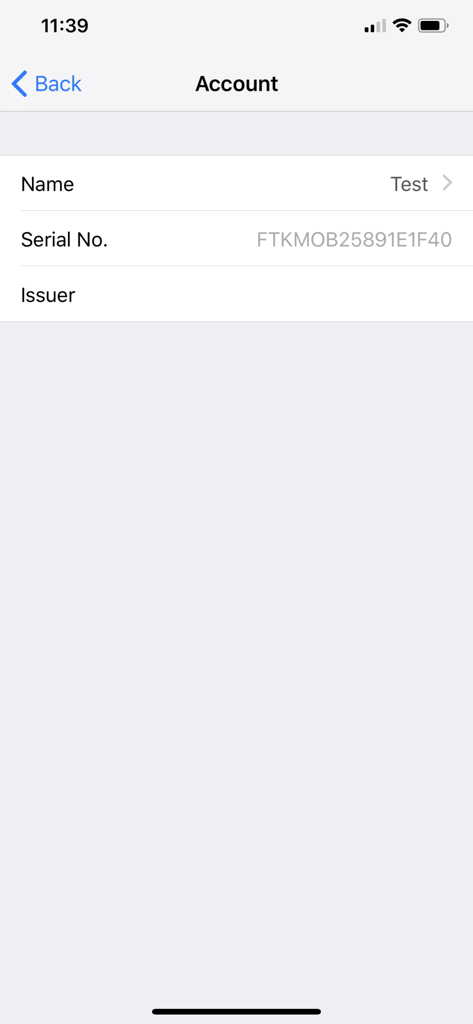
FortiToken Mobileアカウント詳細画面にトークン名とシリアル番号が表示されている

FortiToken Mobileアカウント詳細画面にトークン名とシリアル番号が表示されている

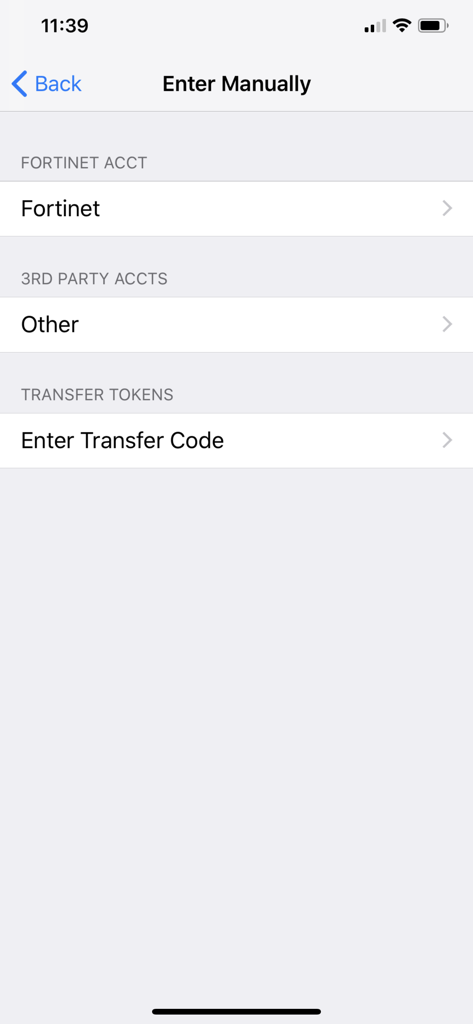
FortiToken Mobile手動入力画面にFortinetアカウントおよびサードパーティアカウントの追加オプションが表示されている

FortiToken Mobile手動入力画面にFortinetアカウントおよびサードパーティアカウントの追加オプションが表示されている

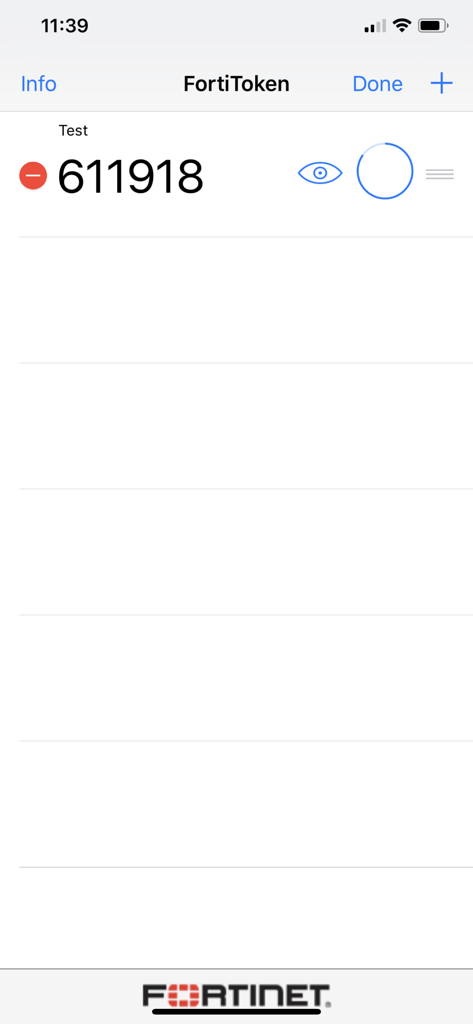
FortiToken Mobileアプリのインターフェースに、安全なログインのための6桁のワンタイムパスワードが表示されている

FortiToken Mobileアプリのインターフェースに、安全なログインのための6桁のワンタイムパスワードが表示されている

安全なアクセスを、シンプルに

このアプリを際立たせるツール、 3M+ 人のユーザーが選択.

インスタントワンタップログイン

手動コードはもう不要です。プッシュ通知で安全なアクセスリクエストを即座に承認し、摩擦のないワークフローを実現します。

🛡️

エンタープライズグレードのプライバシー

個人データは個人情報として保護されます。写真、ブラウザ履歴、メッセージにアクセスすることはありません。BYOD(私物デバイスの業務利用)の心配もありません。

👤

シームレスな生体認証セキュリティ

FaceIDまたはTouchIDを使用してトークンを簡単にアンロックできます。iPhoneに期待される利便性と高度なセキュリティを兼ね備えています。

世界中のユーザーに愛されています

Trusted by 3M+ 人がこのアプリを愛用しています.

"

"ハードウェートークンからFortiToken Mobileに切り替えたことは、ハイブリッドチームにとって画期的な出来事でした。プッシュ通知によりVPNへのログインがシームレスになり、FaceIDの統合は、コードを手動で入力する手間なく、セキュリティをさらに強化します。"

Mark S., ITインフラストラクチャマネージャー
"

"個人のデバイスを仕事で使用しているため、当初はプライバシーが心配でした。このアプリは、権限について透明性があり、過度なアクセスはしません。シンプルで信頼性が高く、安全なリモートアクセスを完全にスムーズにします。"

Elena R., シニアプロジェクトリーダー

レビュー分析

ユーザーレビューの分析.

感情スコア

20%
ネガティブ

概要

The app receives predominantly negative feedback, primarily due to severe stability issues. Many users report that the app crashes immediately upon opening or fails to launch entirely, especially after recent updates to version 5.5.0 and on iOS 18.5 and iOS 26. Additionally, several users experienced problems with notifications, ranging from not receiving them at all to them disappearing, and a specific bug where 6-digit codes do not refresh automatically. On the positive side, a small number of users found the app simple, practical for corporate use, and appreciated its integration with Apple Watch, though these positive aspects are largely overshadowed by widespread critical bugs.

主なテーマ

App Crashing(39)
Notification Problems(6)
Simplicity(2)
Outdated Interface(2)
Apple Watch Integration(1)
Six-Digit Code Refresh Issue(1)

アプリについて

について知っておくべきこと FortiToken Mobile.

説明

FortiToken Mobile is an OATH compliant, event-based and time-based One Time Password (OTP) generator application for the mobile device. It is the client component of Fortinet’s highly secure, simple to use and administer, and extremely cost effective solution for meeting your strong authentication needs. You will need to use FortiOS or FortiAuthenticator as the back-end validation server. Requires iOS 12 or later. Compatible with iPhone, iPad, and iPod touch. Privacy and Control: FortiToken Mobile cannot change settings on your phone, take pictures or video, record or transmit audio, nor can it read or send emails. Further, it cannot see your browser history, and it requires your permission to send you notifications or to change any settings. And, FortiToken Mobile cannot remotely wipe your phone. Any visibility FortiToken Mobile requires is to verify your OS version to determine app version compatibility. Sensitive information, such as Email Address or Token seeds may be entered during manual installation of FortiToken tokens, 3rd Party tokens, and Token Transfer. While FortiToken Mobile cannot change any settings without your permission, the following permissions are relevant to FortiToken Mobile operations: • Access to camera for scanning QR codes for easy token activation • TouchID/FaceID: used for app security, respectively. • Access to the Internet for communication to activate tokens and receive push notifications • "Send Feedback by Email", to automatically populate the "Sender" field • Internally share files between applications to prepare an attachment to be sent by email for "Send Feedback by Email" • FortiToken must keep the phone awake while it is upgrading the internal database to avoid data corruption. By downloading and Installing FortiToken Mobile, I agree with all terms stated above.

最新バージョン

6.1.0

サイズ

18.7 MB

リリース日

2012年2月10日

数秒で接続を保護

FortiToken Mobileを信頼する300万人以上のプロフェッショナルに加わり、シームレスでプライバシー重視の認証を体験してください。今すぐダウンロードして、安全なワークスペースに素早くワンタップでアクセスしましょう。

ダウンロード: App Store
FAQ

よくある質問

について知っておくべきこと FortiToken Mobile

FortiToken Mobileとは何ですか?

FortiToken Mobileは、モバイルデバイス向けのOATH準拠のワンタイムパスワード(OTP)ジェネレーターです。Fortinetのセキュアな強力な認証ソリューションのクライアントコンポーネントとして機能します。

FortiToken Mobileは機能するためにサーバーを必要としますか?

はい、FortiToken Mobileは、バックエンド検証サーバーとして機能するためにFortiOSまたはFortiAuthenticatorを必要とします。このセットアップにより、強力な認証機能が有効になります。

FortiToken Mobileはどのオペレーティングシステムと互換性がありますか?

FortiToken MobileはiOS 12以降と互換性があります。iPhone、iPad、iPod touchデバイスで動作し、幅広いAppleデバイスをサポートします。

FortiToken Mobileは私の個人データや電話機能にアクセスしますか?

FortiToken Mobileは、メールを読み取ったり、ブラウザの履歴を見たり、オーディオ/ビデオを録音したりしません。通知の許可と、QRコードなどの特定の機能(カメラアクセスなど)の許可が必要です。

FortiToken Mobileで新しい認証トークンを追加するにはどうすればよいですか?

FortiToken Mobileでトークンを追加するには、インターフェースの「+」ボタンをタップします。これにより、QRコードのスキャンまたはアカウント名やシークレットキーなどの詳細を手動で入力してアクティブ化できます。

FortiToken MobileはFaceIDまたはTouchIDをセキュリティに使用できますか?

はい、FortiToken Mobileは、アプリケーションセキュリティを強化するためにTouchIDまたはFaceIDを使用します。これらの生体認証方法は、アプリへのアクセスを保護します。