LastPass Authenticator

LastPass Authenticator

ダウンロード: App Storeダウンロード: Google Play
Spark by MWM logo
ロゴ: LastPass Authenticator

LastPass Authenticator: ワンタップ2要素認証で手軽なセキュリティを

シームレスな2要素認証でデジタルライフを守ります。ワンタップ承認の利便性と、すべてのデバイスに対応した安全なクラウドバックアップの安心感をご体験ください。

開発元

LastPass US LP

カテゴリ

Productivity

ダウンロード

1M+

ユーザー評価

4.6/5

評価数

53K+

対応言語

7

一目でわかるセキュリティ

このインターフェースを利用する 1M+ 人のユーザー.

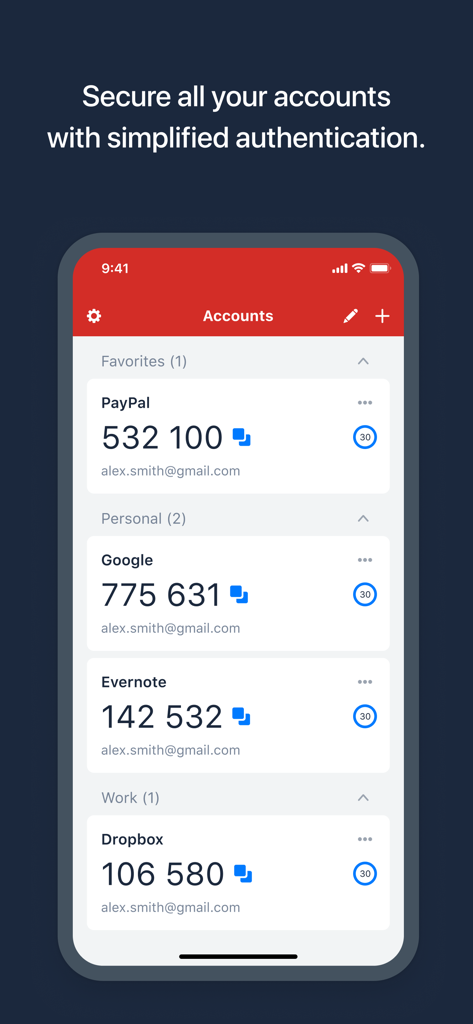
PayPal、Google、Dropboxなどのアカウントの6桁のセキュリティコードを表示するLastPass Authenticatorのインターフェース

PayPal、Google、Dropboxなどのアカウントの6桁のセキュリティコードを表示するLastPass Authenticatorのインターフェース

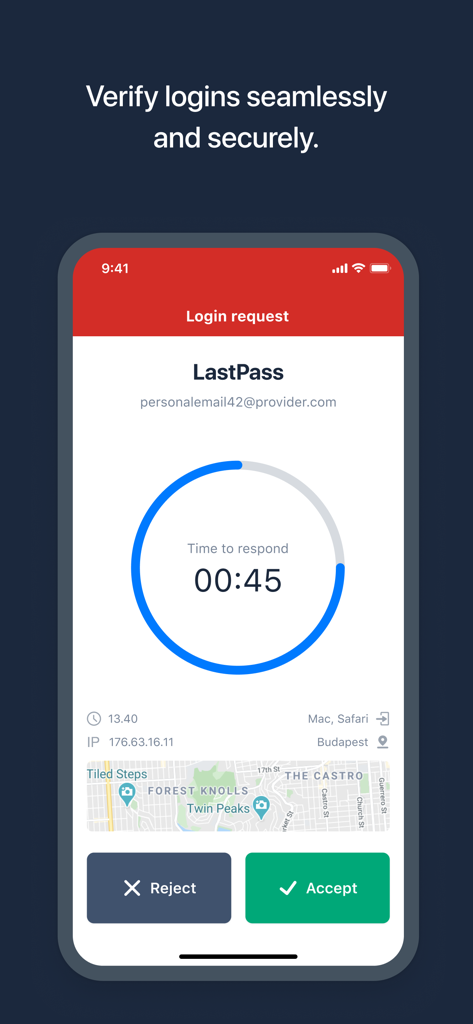
ワンタップの承認・拒否ボタンを備えた安全なログインリクエストを表示するLastPass Authenticatorアプリ

ワンタップの承認・拒否ボタンを備えた安全なログインリクエストを表示するLastPass Authenticatorアプリ

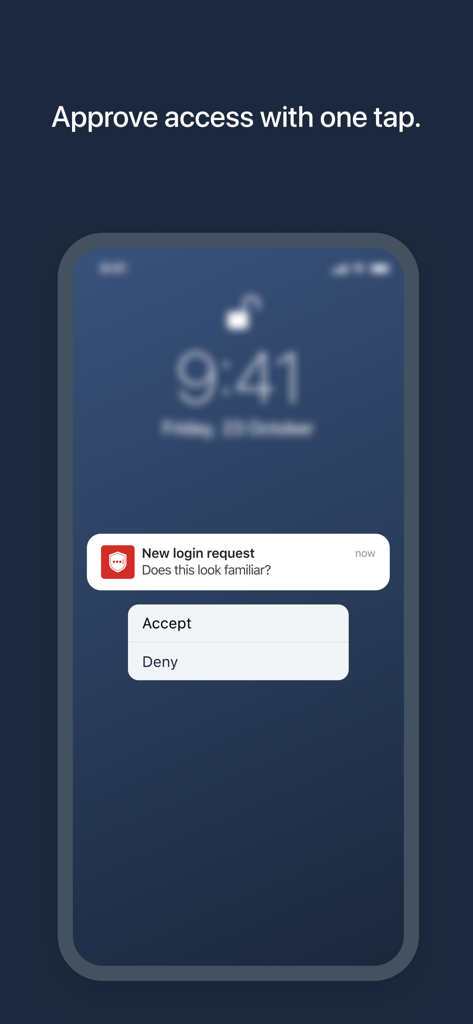
スマートフォンの画面に表示された、ワンタップログイン承認のためのLastPass Authenticatorプッシュ通知

スマートフォンの画面に表示された、ワンタップログイン承認のためのLastPass Authenticatorプッシュ通知

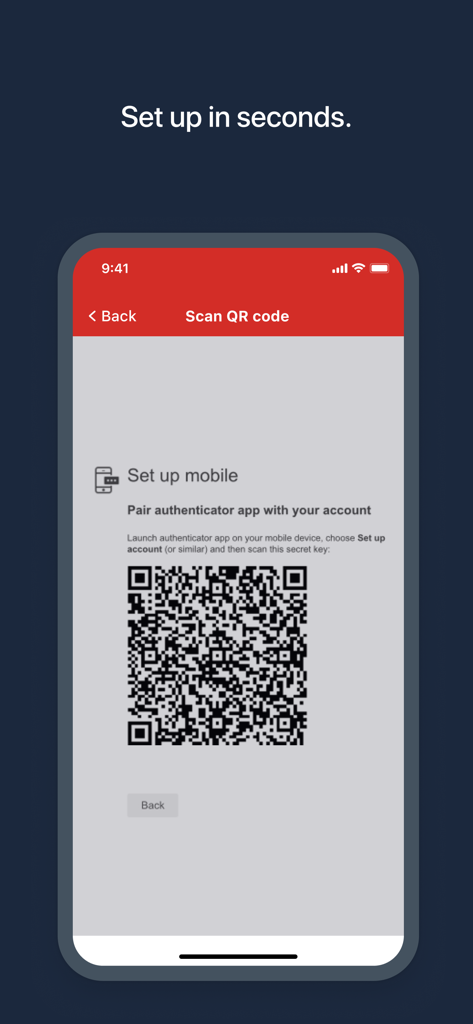
迅速なアカウント設定のためのQRコードを表示するLastPass Authenticatorのアプリ画面

迅速なアカウント設定のためのQRコードを表示するLastPass Authenticatorのアプリ画面

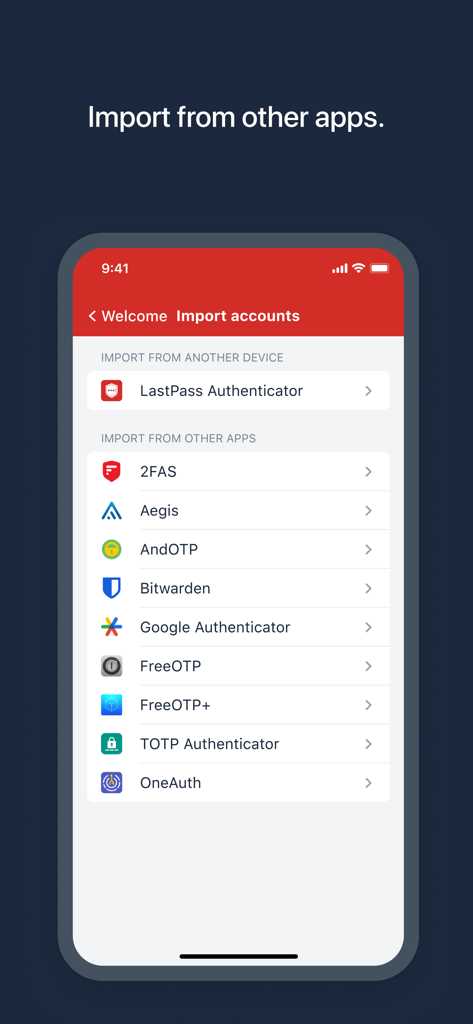
他の認証アプリからセキュリティアカウントをインポートするオプションを表示するLastPass Authenticatorの画面

他の認証アプリからセキュリティアカウントをインポートするオプションを表示するLastPass Authenticatorの画面

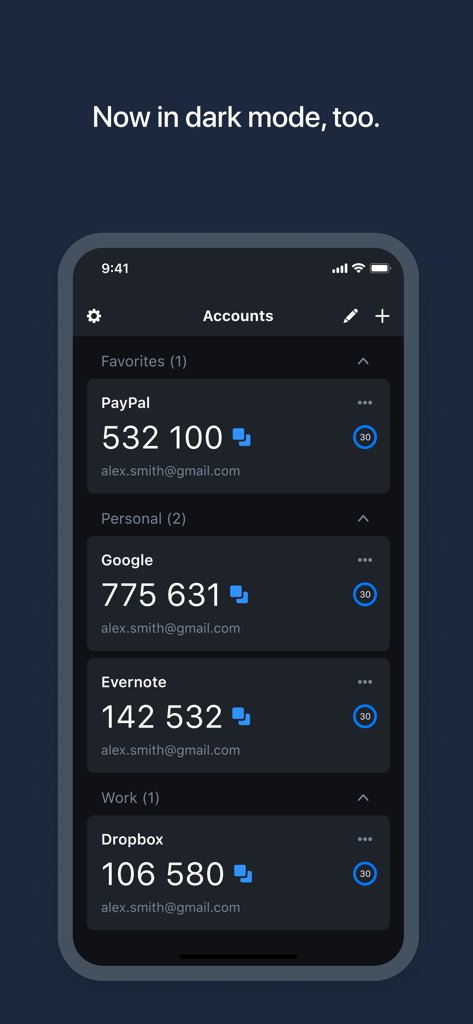
ダークモードで複数のアカウントの2要素認証コードを表示するLastPass Authenticatorアプリ

ダークモードで複数のアカウントの2要素認証コードを表示するLastPass Authenticatorアプリ

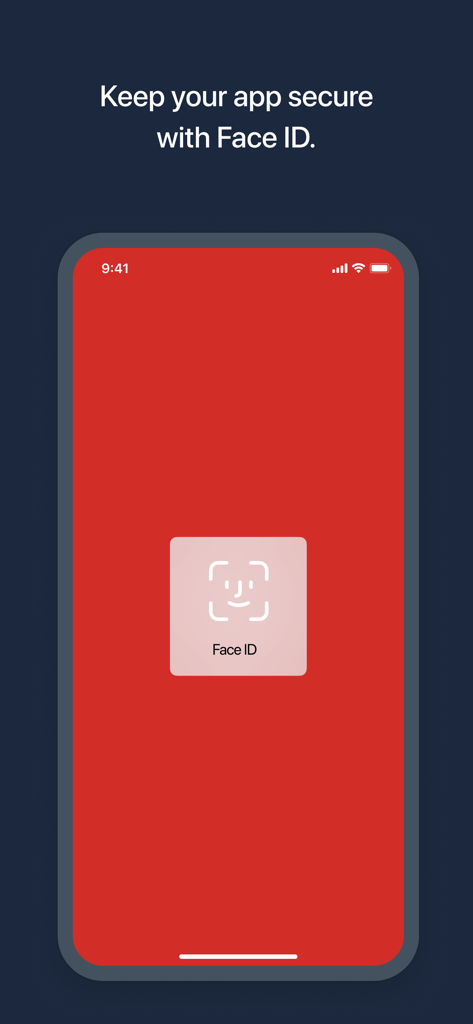
Face ID生体認証によるセキュリティ認証を表示するLastPass Authenticatorモバイルアプリの画面

Face ID生体認証によるセキュリティ認証を表示するLastPass Authenticatorモバイルアプリの画面

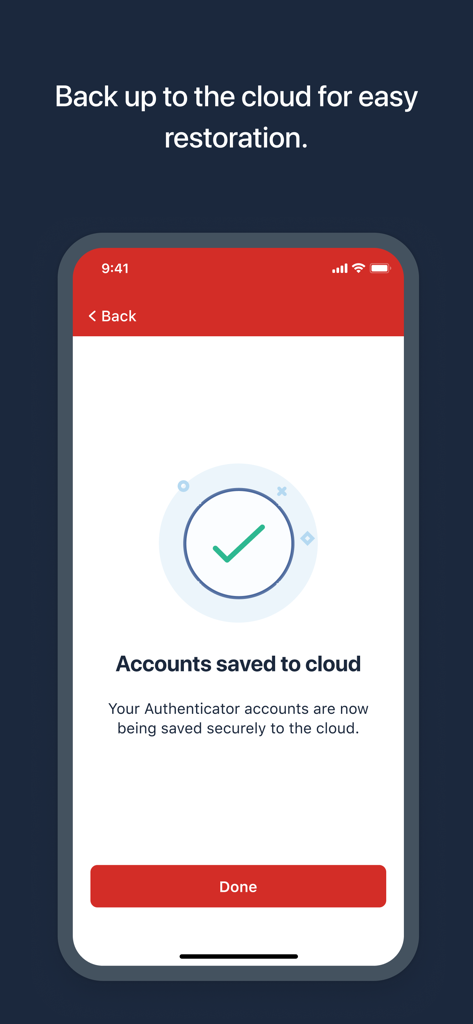
LastPass Authenticatorのアカウントがクラウドに正常に保存されたことを示すスマートフォンの画面

LastPass Authenticatorのアカウントがクラウドに正常に保存されたことを示すスマートフォンの画面

プロ級のセキュリティをシンプルに

このアプリを際立たせるツール、 1M+ 人のユーザーが選択.

ワンタップ承認

6桁のコードを入力する手間を省きます。iPhoneやApple Watchからワンタップで瞬時に本人確認を行えます。

☁️

暗号化されたクラウドバックアップ

締め出される心配はありません。アカウントを安全にクラウドへバックアップし、新しいデバイスや交換したデバイスでも簡単に復元できます。

🛡️

ユニバーサルな互換性

デジタルライフのすべてを1つのアプリで。LastPassはもちろん、GoogleやAmazonなど、TOTPベースの認証をサポートするあらゆるサービスとシームレスに連携します。

世界中のユーザーに愛されています

Trusted by 1M+ 人がこのアプリを愛用しています.

"

"数十のアカウントを管理するリモートマーケティングリーダーとして、ワンタップのプッシュ通知には本当に助けられています。会議の合間に手動でコードを入力する必要がなくなりました。日々のワークフローにおいて、高度なセキュリティと究極の利便性が完璧なバランスで保たれています。"

Sarah M.、デジタルマーケティングリード
"

"暗号化されたクラウドバックアップ機能が、このアプリの最大の特徴です。iPhoneを機種変更した際、投資アカウントにアクセスできなくなるのが怖かったのですが、移行は非常にスムーズでした。信頼性が高く、すべてのデバイスをサポートしており、心から安心できます。"

David R.、ファイナンシャルアナリスト

アプリについて

について知っておくべきこと LastPass Authenticator.

説明

LastPass Authenticator offers effortless two-factor authentication for your LastPass account and other supported apps. With one-tap verification and secure cloud backup, LastPass Authenticator gives you all the security, without any of the frustration. ADD MORE SECURITY Safeguard your LastPass account by requiring two-factor authentication codes when signing in. Two-factor authentication improves your digital security by protecting your account with an additional login step. Even if your password is compromised, your account can’t be accessed without the two-factor authentication code. You can even mark a device as “trusted”, so you won’t be prompted for codes on that device while your account remains protected by two-factor authentication. TURNING IT ON To turn on LastPass Authenticator for your LastPass account: 1. Download LastPass Authenticator to your mobile device. 2. Log in to LastPass on your computer and launch “Account Settings” from your vault. 3. In “Multifactor Options”, edit LastPass Authenticator and view the barcode. 4. Scan the barcode with the LastPass Authenticator app. 5. Set your preferences and save your changes. LastPass Authenticator can also be turned on for any service or app that supports Google Authenticator or TOTP-based two-factor authentication. LOGGING IN To login to your LastPass account or other supported vendor service: 1. Open the app to generate a 6-digit, 30-second code OR approve/deny an automated push notification 2. Alternatively, send SMS code 3. Enter the code into the login prompt on your device OR hit approve/deny request FEATURES - Generates 6-digit codes every 30 seconds - Push notifications for one-tap approval - Free encrypted backup to restore your tokens on a new/reinstalled device - Support for SMS codes - Automated set-up via QR code - Support for LastPass accounts - Support for other TOTP-compatible services and apps (including any that support Google Authenticator) - Add multiple accounts
最新バージョン

2.25.0

サイズ

36.5 MB

リリース日

2016年3月16日

ワンタップでデジタルワールドを保護

セキュリティを簡素化している100万人以上のプロフェッショナルの仲間入りをしましょう。手間のかからないワンタップ認証と安全なクラウドバックアップにより、二度とアクセスできなくなる心配はありません。

ダウンロード: App Storeダウンロード: Google Play