micro:bit

micro:bit

ダウンロード: App Storeダウンロード: Google Play
Spark by MWM logo
ロゴ: micro:bit

micro:bit:あなたの創造的なコーディングプロジェクトに命を吹き込む

若いメイカーや学生のための究極のSTEMコンパニオン。Bluetooth経由でプログラムをワイヤレスで書き込み、Microsoft MakeCodeで構築し、iPadやiPhoneから直接リアルタイムのセンサーデータを監視できます。

開発元

Micro:bit Educational Foundation

カテゴリ

Education

ダウンロード

478K+

ユーザー評価

3.4/5

評価数

700

対応言語

5

ブロックから現実へ

このインターフェースを利用する 478K+ 人のユーザー.

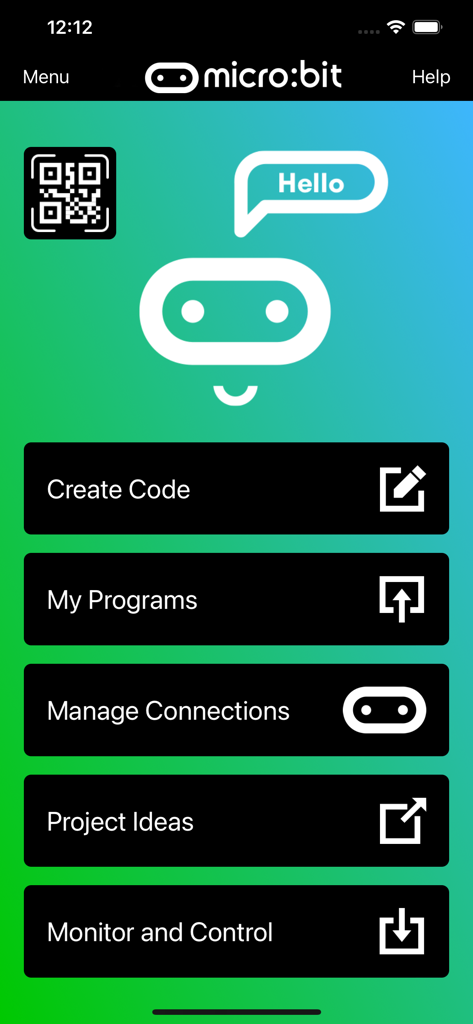
「コード作成」「マイプログラム」「監視とコントロール」のオプションがあるmicro:bitモバイルアプリのメインメニュー

「コード作成」「マイプログラム」「監視とコントロール」のオプションがあるmicro:bitモバイルアプリのメインメニュー

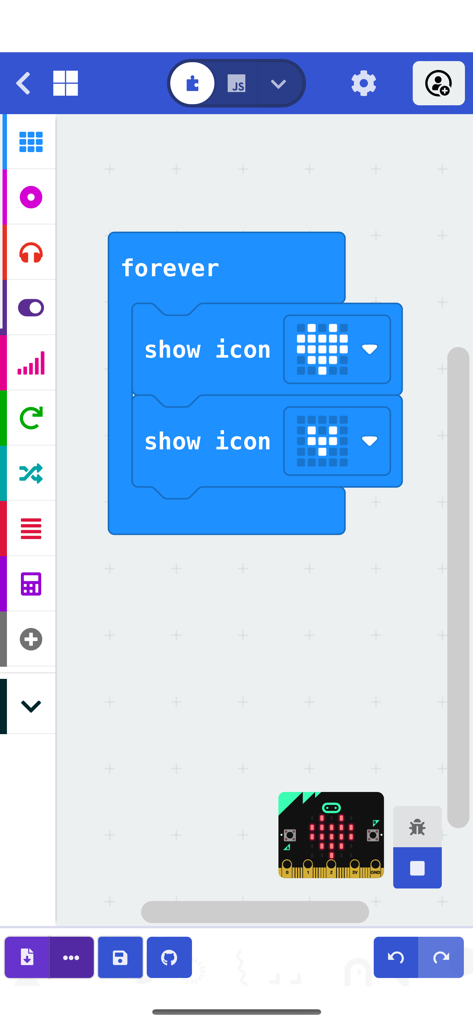
ハートのアニメーションプログラムを表示しているmicro:bitアプリのブロックベースのコーディングインターフェース

ハートのアニメーションプログラムを表示しているmicro:bitアプリのブロックベースのコーディングインターフェース

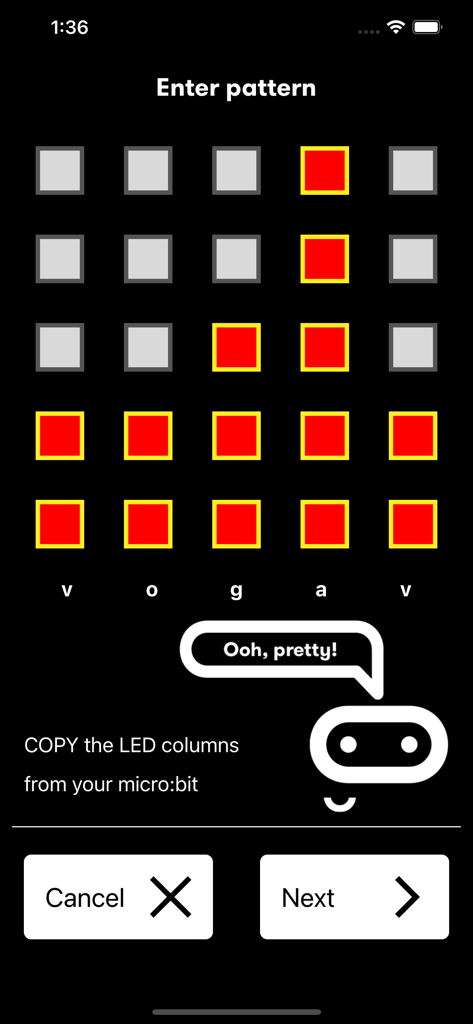
物理デバイスをペアリングするためにmicro:bitアプリでLEDパターンを入力するインターフェース

物理デバイスをペアリングするためにmicro:bitアプリでLEDパターンを入力するインターフェース

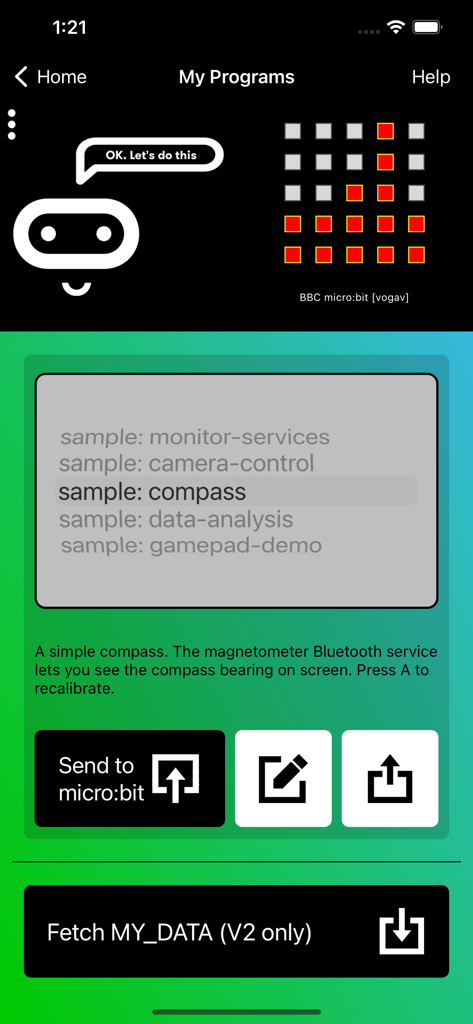
コンパスのコーディングプロジェクトを表示しているmicro:bitアプリの「マイプログラム」画面

コンパスのコーディングプロジェクトを表示しているmicro:bitアプリの「マイプログラム」画面

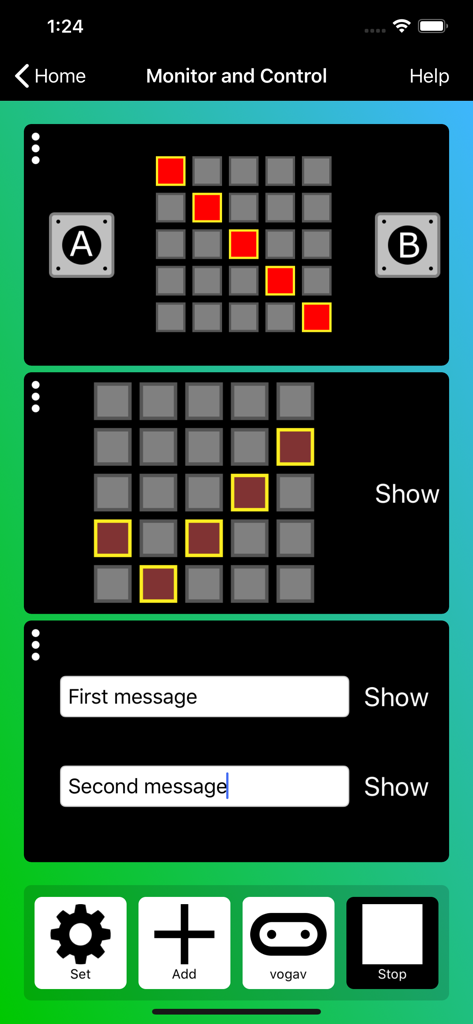
LEDマトリックスとメッセージコントロールを備えたmicro:bitアプリの監視・コントロールインターフェース

LEDマトリックスとメッセージコントロールを備えたmicro:bitアプリの監視・コントロールインターフェース

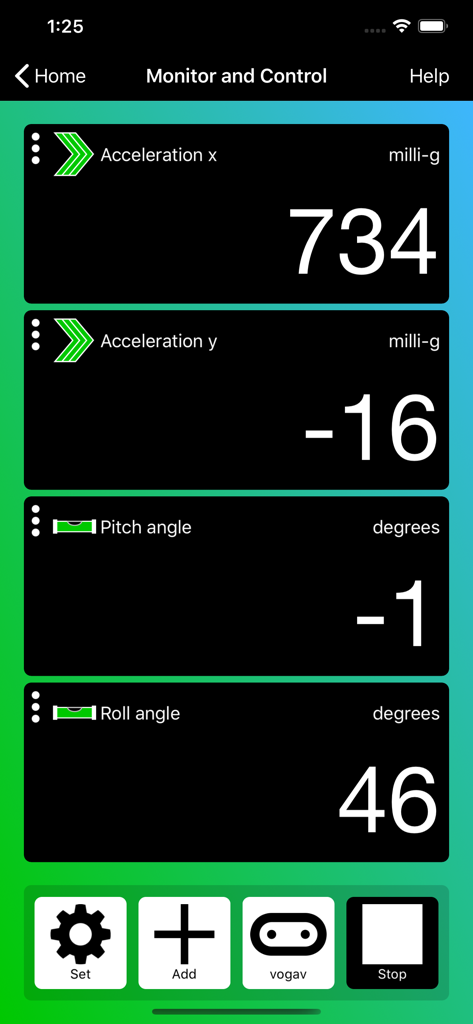
加速度と回転のリアルタイムセンサーデータを表示しているmicro:bitアプリの監視・コントロールインターフェース

加速度と回転のリアルタイムセンサーデータを表示しているmicro:bitアプリの監視・コントロールインターフェース

フィジカルコーディングで創造性を解き放とう

このアプリを際立たせるツール、 478K+ 人のユーザーが選択.

ワイヤレスBluetooth書き込み

ケーブルを一本も使わずに、数秒でmicro:bitにコードを送信。教室での自由な活動や、外出先でのものづくりに最適です。

📊

ライブ監視とコントロール

センサーデータをリアルタイムで可視化し、iPhoneやiPadから直接デバイスのボタンやLEDを操作できます。

🧩

直感的なブロックプログラミング

内蔵のMicrosoft MakeCodeエディターでSTEMスキルを習得。Scratchのような親しみやすいインターフェースで、ブロックをドラッグ&ドロップして複雑なプログラムを構築できます。

世界中のユーザーに愛されています

Trusted by 478K+ 人がこのアプリを愛用しています.

"

"ワイヤレスBluetooth書き込みは、私の教室にとって完全に革新的なものです!もう、絡まったUSBケーブルや古いデスクトップのポートの問題に悩まされることはありません。生徒たちは学校のiPadを使ってコーディングし、プロジェクトが即座に動くのを見るのが大好きです。リアルタイムのセンサー監視により、データサイエンスの概念の説明もインタラクティブで理解しやすくなりました。"

サラ・J、中学校STEM教師
"

"このアプリで自分だけのゲームやガジェットを作るのが大好きです!ソファでくつろぎながらスマホでコードを書いて、それをmicro:bitに飛ばせるなんて最高にクールです。ゲームパッドシミュレーターがお気に入りの機能で、自作ロボットをプロのようにワイヤレスで操作できます。"

レオ、12歳のメイカー

アプリについて

について知っておくべきこと micro:bit.

説明

The micro:bit app is the essential companion to the BBC micro:bit, the pocket sized programmable computer. The app allows you to flash any micro:bit hex file to your device, as well as including online access to the Microsoft MakeCode editor for simple block-based programming. When your program is ready, the app beams it to the micro:bit via Bluetooth wirelessly. Easy-to-follow screens lead you through the process of pairing your iPad (or iPhone) to the micro:bit and then transferring your program code. Compared with previous versions, the micro:bit app Version 3.1 contains these additional features: • A simpler pairing and micro:bit discovery flow • The micro:bit V2 can be put into pairing mode by triple-tapping the reset button • Retrieval of the micro:bit data log files from off your micro:bit • Pair with any number of micro:bits • Choose which micro:bit is currently connected • Store HEX files in the app • Choose a HEX file for flashing • Export and delete HEX files • Import stored HEX files directly into JavaScript Blocks editor • Rapid download from JavaScript Blocks editor • Monitor data detected by micro:bit sensors • Use the range of micro:bit Bluetooth services in real time • Display messages on the micro:bit LEDs • Send control commands to the micro:bit buttons and pins • De-bug your program code while it is running in the micro:bit • Use a simulated gamepad to send commands to the micro:bit • View camera images ready for taking photos or video As well as providing more flexible handling of your program scripts and HEX files, a major addition in Version 3 is the Monitor and Control page. This lets you observe real-time data from the micro:bit sensors, send messages directly to the LEDs and control the micro:bit buttons and pins from your iPad or iPhone. Monitor is ideal for exploiting Bluetooth services in real time, and for de-bugging your program code while it is running in the micro:bit. The MakeCode code editor now requires iOS 13 or later.

最新バージョン

3.1.1

サイズ

59.3 MB

リリース日

2016年3月31日

コードに命を吹き込む準備はできましたか?

iPadやiPhoneにmicro:bitアプリをダウンロードして、Microsoft MakeCodeを使って数秒でワイヤレスプロジェクトの作成を始めましょう。何千人もの若いメイカーの仲間に加わり、今すぐあなたのアイデアを現実にしましょう。

ダウンロード: App Storeダウンロード: Google Play