Microsoft SharePoint

Microsoft SharePoint

ダウンロード: App Storeダウンロード: Google Play
Spark by MWM logo
ロゴ: Microsoft SharePoint

Microsoft SharePoint:インテリジェントなモバイルイントラネット

どこからでもチームやファイルに接続。パーソナライズされたニュース、企業リソース、AI搭載検索にアクセスして、移動中でも生産性を維持しましょう。

ダウンロード: App Store

開発元

Microsoft Corporation

カテゴリ

Productivity

ダウンロード

15M+

ユーザー評価

4.5/5

評価数

466K+

対応言語

31

職場の活用シーン

このインターフェースを利用する 15M+ 人のユーザー.

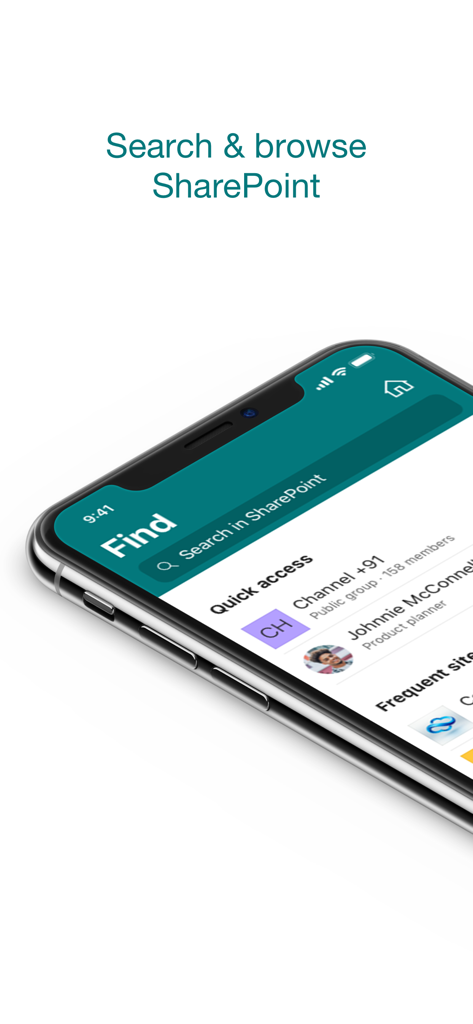
Microsoft SharePoint モバイルアプリの検索およびブラウズインターフェース
Microsoft SharePoint モバイルアプリの検索およびブラウズインターフェース

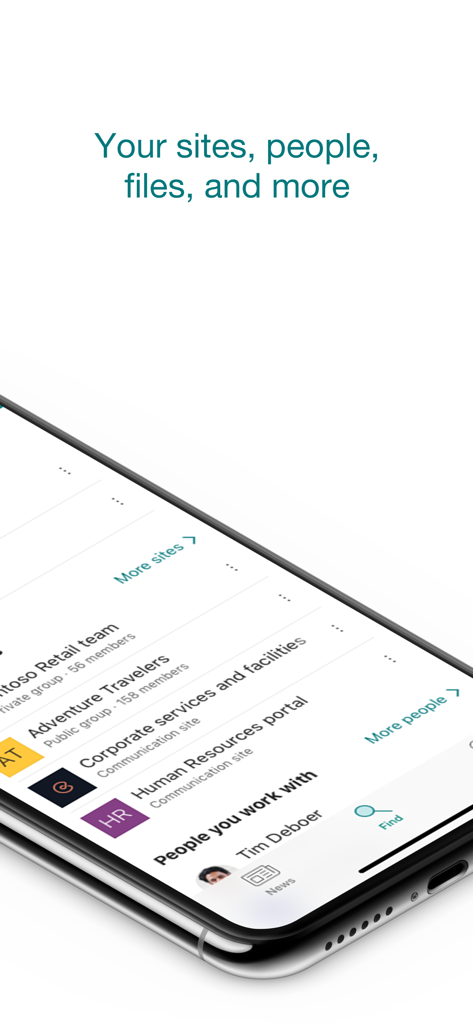
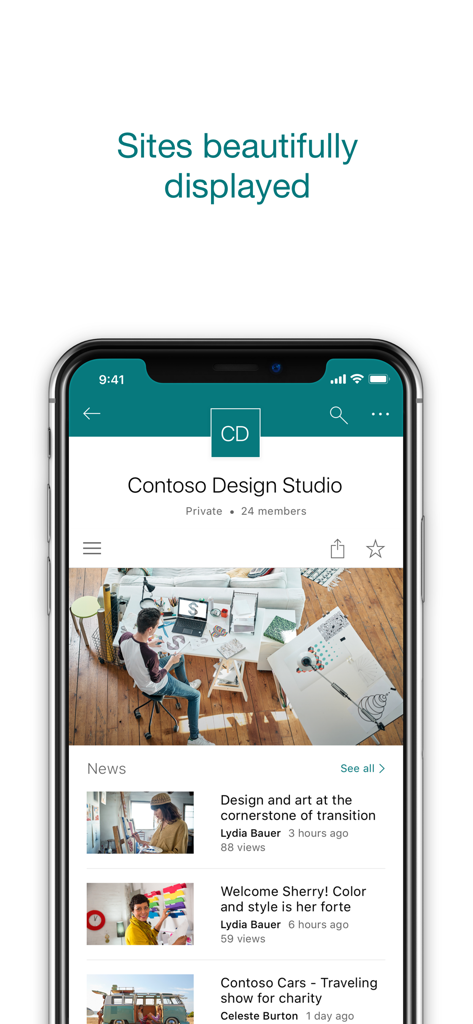
企業サイトと連絡先のリストを表示する Microsoft SharePoint モバイルアプリのインターフェース

企業サイトと連絡先のリストを表示する Microsoft SharePoint モバイルアプリのインターフェース

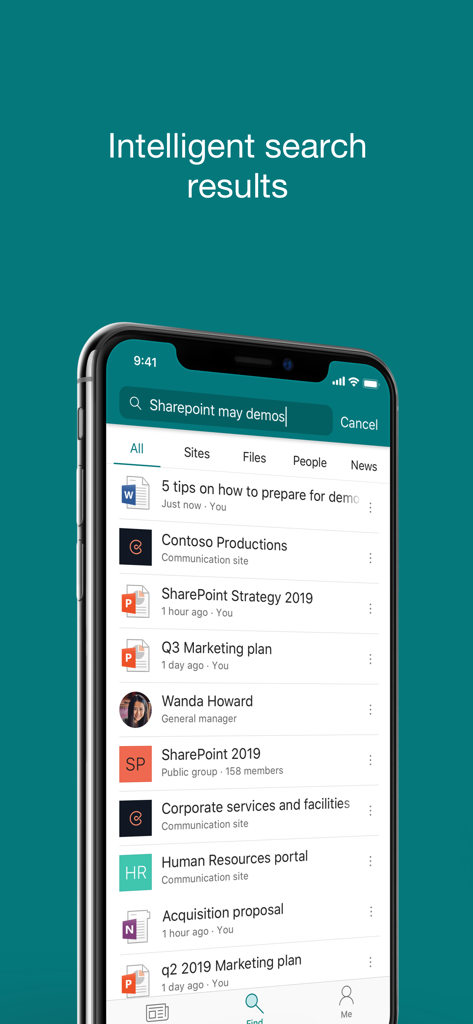
ドキュメント、人物、企業サイトのインテリジェントな検索結果を表示する Microsoft SharePoint モバイルアプリのインターフェース

ドキュメント、人物、企業サイトのインテリジェントな検索結果を表示する Microsoft SharePoint モバイルアプリのインターフェース

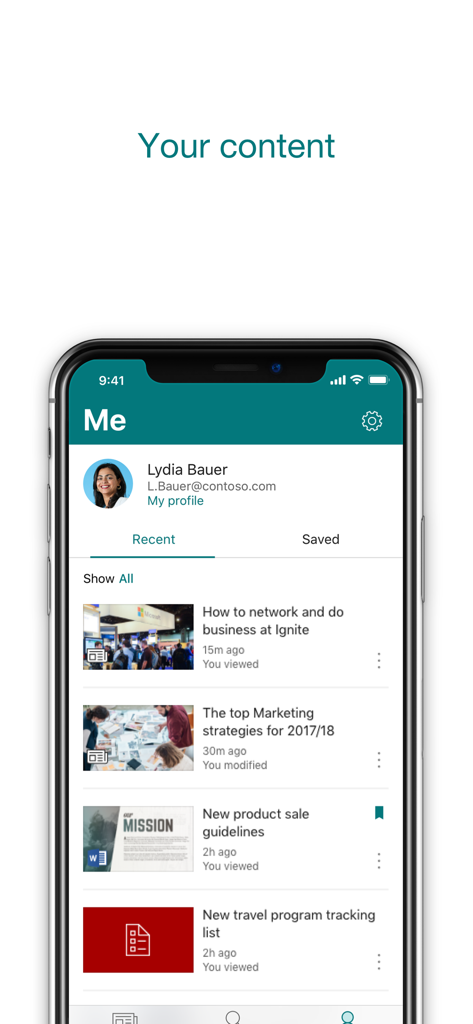
最近のファイルや会社ニュースのリストを表示する Microsoft SharePoint モバイルアプリのパーソナライズされたユーザープロフィール画面

最近のファイルや会社ニュースのリストを表示する Microsoft SharePoint モバイルアプリのパーソナライズされたユーザープロフィール画面

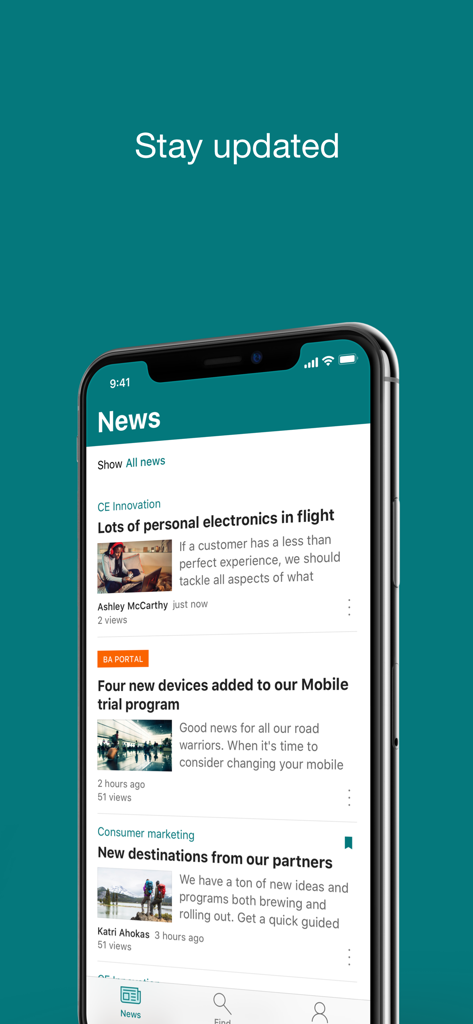
モバイルデバイス上の Microsoft SharePoint ニュースフィード

モバイルデバイス上の Microsoft SharePoint ニュースフィード

会社の記事が含まれるチームサイトのニュースフィードを表示する Microsoft SharePoint アプリのインターフェース

会社の記事が含まれるチームサイトのニュースフィードを表示する Microsoft SharePoint アプリのインターフェース

どこからでも生産性を向上

このアプリを際立たせるツール、 15M+ 人のユーザーが選択.

🔍

インテリジェントなファイル検索

フォルダを探し回る必要はありません。AIが現在のプロジェクトやコラボレーションに基づいて、必要なドキュメントやサイトを正確に表示します。

👥

専門知識を指先一つで

同僚を素早く見つけてつながります。リッチなプロフィールを表示してチーム構成を理解し、同僚の最新の作業状況を把握できます。

📢

リアルタイムの企業のインサイト

重要な情報を見逃しません。ニュース、レポート、ステータスアップデートのパーソナライズされたフィードにアクセスしたり、現場から直接進捗状況を共有したりできます。

世界中のユーザーに愛されています

Trusted by 15M+ 人がこのアプリを愛用しています.

"

"AI駆動の検索は、私のワークフローに革命をもたらしました。クライアントとの会議に向かう途中に必要なドキュメントを正確に引き出せるので、大幅な時間の節約になっています。アプリがどのプロジェクトを優先すべきか、実際に理解しているように感じます。"

サラ・ジェンキンス、シニアプロジェクトマネージャー
"

"ハイブリッドチームのエンゲージメント維持は、モバイルニュース機能のおかげでずっと簡単になりました。社内イベントの簡単なアップデートや写真を即座に共有できるのが気に入っています。また、連絡先検索を使えば、部署を越えてコラボレーションする際に、名前に顔を一致させるのがとても簡単になります。"

マーカス・チェン、コーポレートコミュニケーションリード

レビュー分析

ユーザーレビューの分析.

感情スコア

33%
ネガティブ

概要

The mobile app elicits strong negative feedback, largely due to severe login and stability issues, including frequent crashes, freezing, and persistent authentication problems, particularly affecting iOS and iPad users. Critical file management deficiencies are also common, with users reporting difficulties uploading, downloading, or reliably opening various documents. The user interface is widely criticized for being complex, unintuitive, and hard to navigate, with issues like broken buttons and inconsistent displays. Despite these significant drawbacks, some users recognize the app's potential for team collaboration, centralized information access, and secure document organization.

主なテーマ

User Interface and Usability(13)
File Management and Access(12)
Login and Stability Issues(10)
Collaboration and Centralization(5)
Overall Positive Experience(5)
App Performance(3)

アプリについて

について知っておくべきこと Microsoft SharePoint.

説明

Find files, news, sites and people - personalized for you and your organization. SharePoint infuses AI into the mobile app experience to keep you focused and productive while on the go. AI builds an understanding of what you work on, how you work, and how your colleagues' work relates to you. When you need expertise, content, or resources when you're on the go, SharePoint is a great place to start looking.   · Browse your sites, files, people and more to get back to what you were working on  · Use search to find and discover important content · Access your personalized view of team sites, communication sites, and news posts  · Tap on a user to get to their contact card and see who they work with and what they are working on · Create news posts on the go and share your updates, reports, status, and experiences with your team · Sign in to your SharePoint sites, whether they're in the cloud or on-premises. The app works with SharePoint Online and SharePoint Server versions 2013 and higher · Add multiple accounts, and easily switch between them   What people are saying:   The SharePoint mobile app has been featured in TechCrunch, The Verge, ZDNet, PCWorld and Computerworld.   Over 2 years of app store reviews: "making collaboration easier than ever!!""" "keeps me connected with my office documents and coworkers" "seamless integration with other Office apps" "it's so easy and simple to use!!"   Note: To sign in to SharePoint, your organization needs to have an Office 365 subscription that includes SharePoint Online or an on-premises SharePoint Server. This app is provided by Microsoft. Data provided through the use of this store and this app may be accessible to Microsoft and transferred to, stored, and processed in the United States or any other country where Microsoft or its affiliates maintain facilities.

最新バージョン

4.55.2

サイズ

76.1 MB

リリース日

2016年6月20日

場所を選ばない、インテリジェントなイントラネット

接続と生産性を維持している1,500万人以上のプロフェッショナルの仲間入りをしましょう。モバイルデバイスから直接、AIを活用してファイル、ニュース、チームの専門知識にアクセスできます。

ダウンロード: App Storeダウンロード: Google Play
FAQ

よくある質問

について知っておくべきこと Microsoft SharePoint

Microsoft SharePointモバイルアプリとは何ですか?

Microsoft SharePointモバイルアプリは、組織内のファイル、ニュース、サイト、ユーザーをパーソナライズして見つけやすくします。作業内容と同僚とのつながりを理解することで、生産性を維持します。

Microsoft SharePointアプリでコンテンツを検索できますか?

はい、Microsoft SharePointアプリには、重要なコンテンツを見つけて発見するための検索機能が含まれています。サイト、ファイル、ユーザー、ニュース全体を検索できます。

Microsoft SharePointアプリはオンプレミスサーバーをサポートしていますか?

はい、Microsoft SharePointアプリは、SharePoint Online(クラウド)とオンプレミスSharePoint Server 2013以降の両方で動作します。ユーザーはそれぞれのSharePointサイトにサインインします。

Microsoft SharePointアプリでニュース投稿を作成できますか?

はい、Microsoft SharePointアプリを使用して外出先でニュース投稿を作成できます。これにより、チームと最新情報、レポート、ステータス、エクスペリエンスを共有できます。

Microsoft SharePointアプリにサインインするための要件は何ですか?

Microsoft SharePointアプリにサインインするには、組織でSharePoint OnlineまたはオンプレミスのSharePoint Serverを含むOffice 365サブスクリプションが必要です。

アプリで複数のSharePointアカウントを管理できますか?

はい、Microsoft SharePointアプリでは、複数のアカウントを追加して簡単に切り替えることができます。この機能は、さまざまな組織のニーズに対応します。

Microsoft SharePointアプリはどのようにコンテンツをパーソナライズしますか?

Microsoft SharePointアプリは、AIをモバイルエクスペリエンスに組み込んでいます。作業内容、作業方法、同僚の作業がどのように自分に関連しているかを理解して、コンテンツをパーソナライズします。

Microsoft SharePointアプリで最近使用したコンテンツや保存したコンテンツを表示できますか?

はい、Microsoft SharePointアプリは、パーソナライズされたコンテンツビューを提供します。アプリ内の「最近使用した」および「保存した」アイテムのセクションにアクセスできます。

Microsoft SharePointアプリで同僚の連絡先情報を表示できますか?

はい、Microsoft SharePointアプリでユーザーをタップすると、その連絡先カードにアクセスできます。また、誰と協力しているか、何に取り組んでいるかも表示されます。

Microsoft SharePointアプリによってデータが米国外で処理されますか?

はい、Microsoft SharePointアプリの使用によって提供されるデータは、Microsoftがアクセスでき、米国またはMicrosoftもしくはその関連会社が施設を維持しているその他の国に転送、保存、処理される場合があります。