Miracast: Screen Mirroring TV

Miracast: Screen Mirroring TV

ダウンロード: App Store
Spark by MWM logo
ロゴ: Miracast: Screen Mirroring TV
Miracast: Screen Mirroring TV – Your iPhone, Now on the Big Screen

Seamlessly stream web videos, photos, and IPTV from your iPhone or Apple Watch to any Smart TV in HD quality—no expensive hardware required.

ダウンロード: App Store

開発元

Hainan Delta Software Co., Ltd

カテゴリ

Utilities

ダウンロード

333K+

ユーザー評価

4.6/5

評価数

4K+

対応言語

8

Your Content, Super-Sized

このインターフェースを利用する 333K+ 人のユーザー.

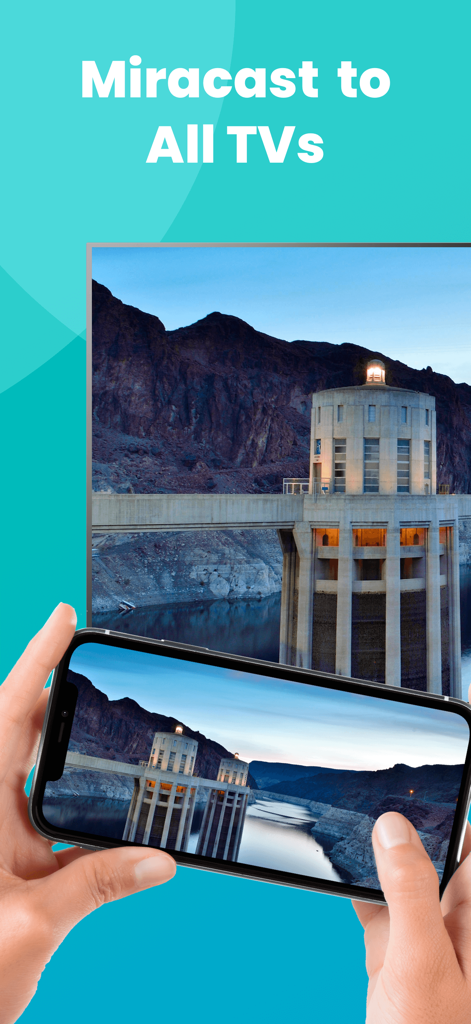
An iPhone screen mirroring a landscape photo to a large smart TV using the Miracast app.

An iPhone screen mirroring a landscape photo to a large smart TV using the Miracast app.

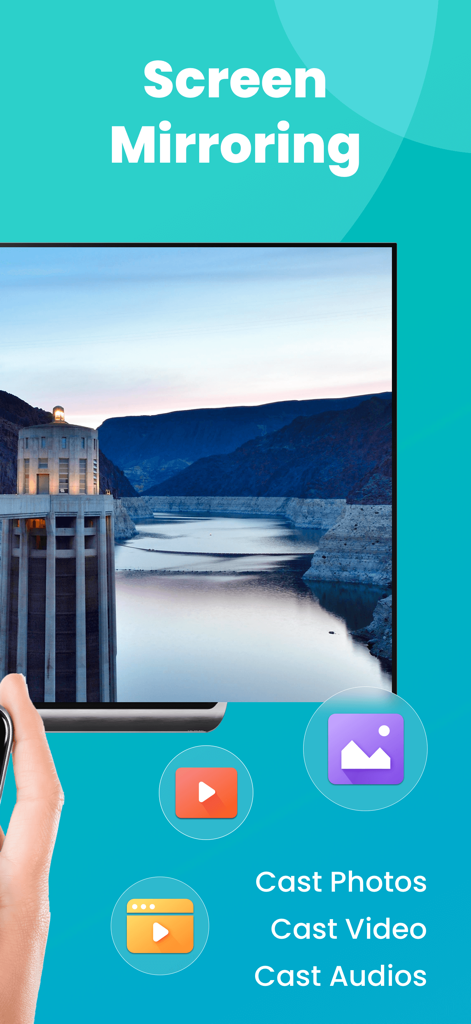
Miracast app interface showing screen mirroring and options to cast photos videos and audio to a smart TV

Miracast app interface showing screen mirroring and options to cast photos videos and audio to a smart TV

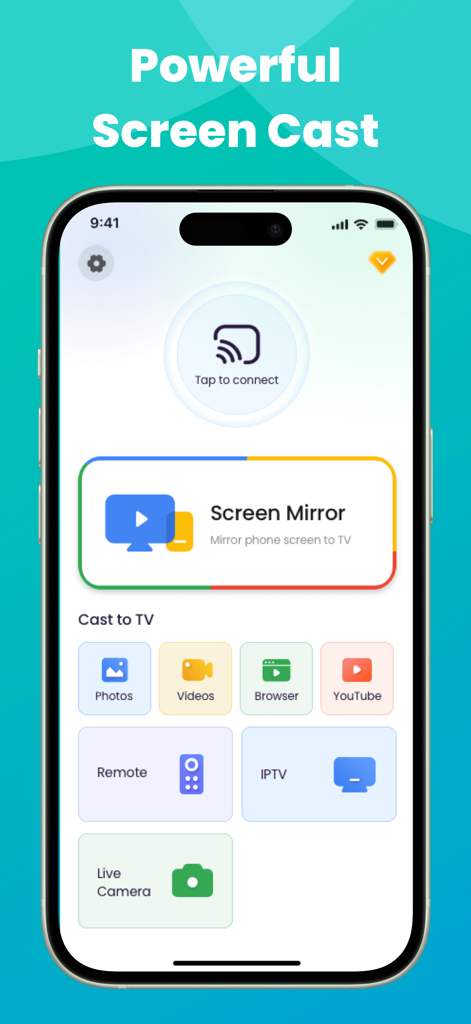
Miracast app interface on iPhone showing screen mirroring and casting options for photos, videos, and IPTV

Miracast app interface on iPhone showing screen mirroring and casting options for photos, videos, and IPTV

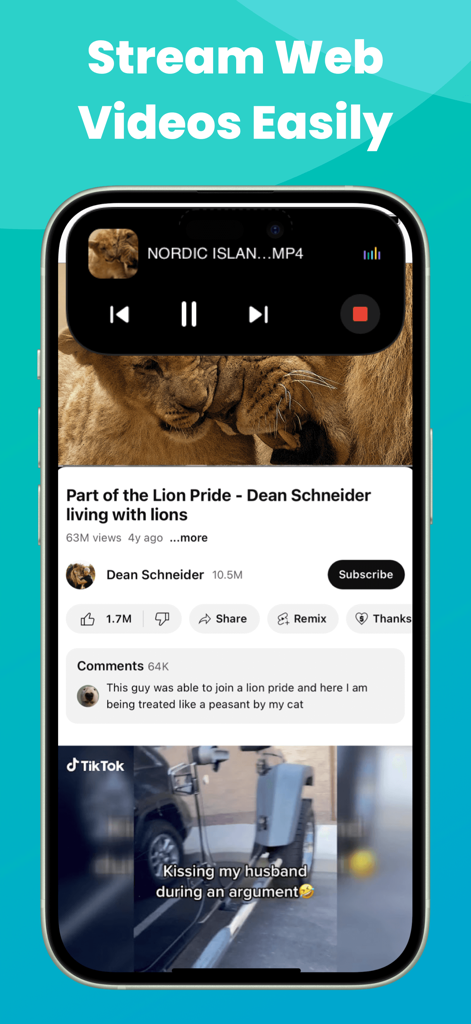
iPhone displaying web video streaming with Dynamic Island media controls for Miracast app

iPhone displaying web video streaming with Dynamic Island media controls for Miracast app

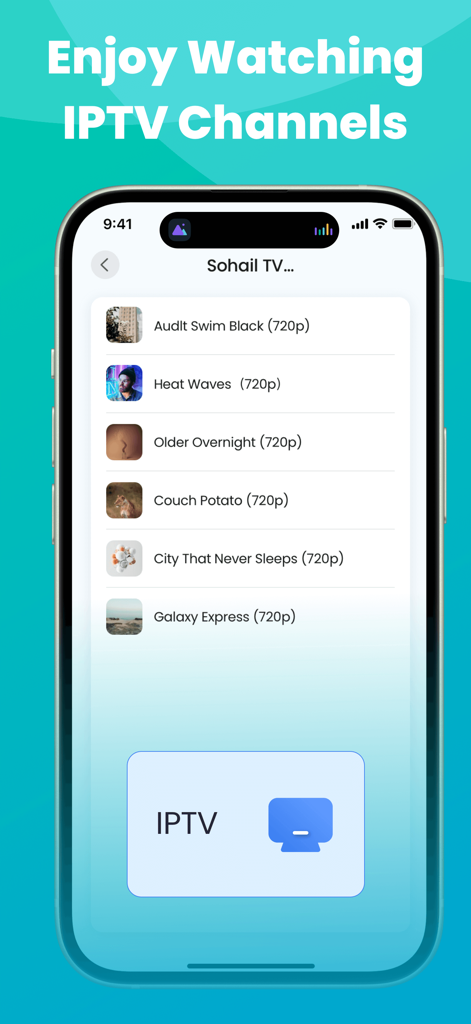
Miracast app interface showing a list of IPTV channels available for screen mirroring to a TV

Miracast app interface showing a list of IPTV channels available for screen mirroring to a TV

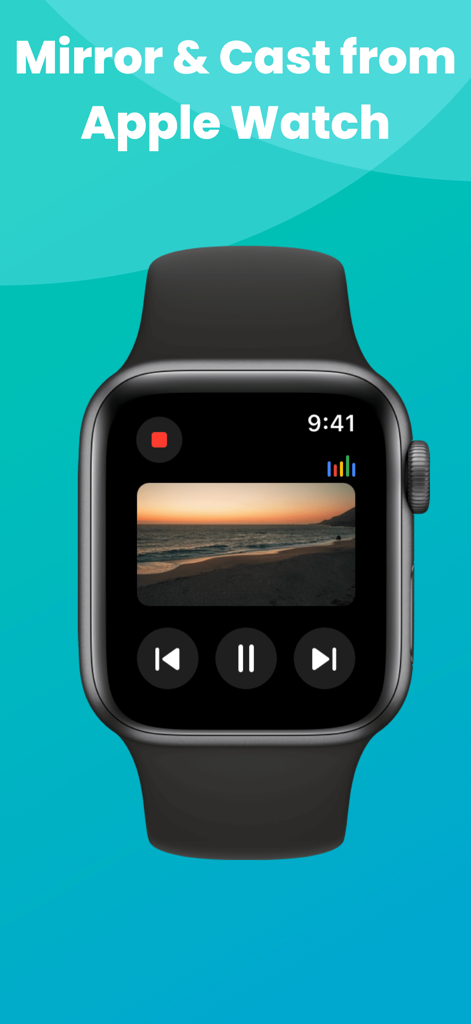
An Apple Watch displaying media controls and a beach video being mirrored from the Miracast app.

An Apple Watch displaying media controls and a beach video being mirrored from the Miracast app.

Unlock the Full Potential of Your Smart TV

このアプリを際立たせるツール、 333K+ 人のユーザーが選択.

📺

Universal Smart TV Compatibility

Effortlessly mirror your iPhone or iPad to Roku, Fire TV, Samsung, and more. Enjoy high-quality screen sharing without the $150 Apple TV price tag.

🎬

Web Video & IPTV Casting

Cast your favorite web videos, live streams, and IPTV playlists directly to the big screen. Perfect for cord-cutters looking for a cinematic HD experience.

🏝️

Modern Apple Ecosystem Control

Stay in command with Live Activities on your Dynamic Island and manage your stream directly from your Apple Watch for a truly premium, frictionless experience.

世界中のユーザーに愛されています

Trusted by 333K+ 人がこのアプリを愛用しています.

"

"Finally, a way to bridge my iPhone with my Roku TV without buying extra hardware! I use it to stream my IPTV playlists and show vacation photos to the family. The Dynamic Island integration is a brilliant touch—it makes managing the connection so seamless while I'm multitasking."

David Miller
"

"This app is a lifesaver for my home office setup. I can instantly mirror spreadsheets and presentations from my iPad to the big screen for a better view. The lag is minimal, and being able to control the stream right from my Apple Watch feels like magic. Truly a premium experience!"

Sarah Jenkins

レビュー分析

ユーザーレビューの分析.

感情スコア

30%
ネガティブ

概要

The app receives predominantly negative feedback, with a global sentiment score of 29.5 out of 100. Users frequently express frustration with its problematic subscription model, citing unexpected charges, immediate deductions after supposed free trials, and high costs often labeled as scams. A significant number of complaints also revolve around severe functional issues, including slow performance, lag, inability to connect to televisions, video playback without picture, and frequent disconnections. Despite these widespread issues, a small number of users reported positive experiences with initial setup ease and successful casting to specific devices like Roku and Fire Stick, along with some generic positive feedback.

主なテーマ

Overall Satisfaction(9)
Basic Functionality(2)
Device Compatibility(1)
Initial Connection Ease(1)
Streaming Quality Perception(1)

アプリについて

について知っておくべきこと Miracast: Screen Mirroring TV.

説明

Wanner enjoy web videos, online movies, live streams, IPTV and your local photos & videos on big Smart TV screens, but do not want to spend too much money on external devices? Look no further than Miracast: Screen Mirroring TV! As long as this miracast screen mirroring app is connected to the same Wi-Fi as the smart view TV, it can turn your iPhone/iPad, even the Apple Watch into a mirror meister and enables you to easily screen share to the big display in real time with high quality. Features: ●The screen sharing app works very well with popular Smart TV brands. ●Screen Mirror to the smart TV display seamlessly. Screen share your presentations, documents, table or play exciting games on a larger screen effortlessly. ●Screen Cast photos/videos from your photo library to the big TV screen. Wireless display your precious photos & interesting videos on a bigger screen, break through the small screen size limitations and enhance your visual experience. ●Screen Cast web videos found from online websites on larger TV screens. Broadcast online videos from any website (like YouTube) to Smart TV with HD quality like a powerful web caster. ●Screencast IPTV content as easy as a few taps with this miracast: screen mirroring software. Bring IPTV m3u/m3u8 playlists content to your smart TV screen for the best viewing experience. ●Livestream your camera to Chromecast-enabled TV & enjoy crystal-clear picture quality on a bigger screen. Enable Live Camera to achieve real-time shooting in a wider range & experience a different kind of photography fun. ●View the miracast: screen mirroring app live activities on Dynamic Island of your iPhone. When the TV assist app is running in the background, Dynamic Island will display your current operations. ●This miracast: screen mirroring software can also work on Apple Watch. ●Download our self-developed smart mirror receiver app on your Fire TV (search for Screen Mirroring Receiver for Fire TV) & Roku TV (Screen Mirroring for Roku TV) for smoother screen mirroring. Attention: We don't support air screen mirroring copyright-protected contents without permission of the holder. If you try to screen mirror them, you will just get a black screen or a screen only with sound but no video! Disclaimer: This miracast: screen mirroring app is not affiliated with any of the trademarks mentioned here. Terms of Use: https://www.deltasoftware.cc/terms-of-use Privacy Policy: https://www.deltasoftware.cc/privacy-policy

最新バージョン

1.5.5

サイズ

160.6 MB

リリース日

2024年10月21日

Ready to Go Big? Upgrade Your TV Experience Today.

Join over 333,000 users casting IPTV, web videos, and memories directly from their iPhone. No expensive hardware, no cables—just seamless mirroring on any Smart TV.

ダウンロード: App Store
FAQ

よくある質問

について知っておくべきこと Miracast: Screen Mirroring TV

Miracast: Screen Mirroring TVとは何ですか?

Miracast: Screen Mirroring TVは、iPhone/iPad/Apple Watchからウェブ動画、オンラインムービー、ライブストリーム、IPTV、ローカルメディアをSmart TV画面にワイヤレスでミラーリングおよびキャストできるアプリです。

Miracast: Screen Mirroring TVはどのようにテレビに接続しますか?

Miracast: Screen Mirroring TVは、アプリとSmart TVの両方が同じWi-Fiネットワークに接続されていることを要求してテレビに接続します。これにより、リアルタイムで高品質な画面共有が可能になります。

Miracast: Screen Mirroring TVで写真や動画を画面ミラーリングできますか?

はい、Miracast: Screen Mirroring TVを使用すると、写真ライブラリから写真や動画を直接大きなテレビ画面にキャストできます。ウェブ動画のキャストもサポートしています。

Miracast: Screen Mirroring TVはIPTVコンテンツをサポートしていますか?

はい、Miracast: Screen Mirroring TVは、IPTV m3u/m3u8プレイリストをスマートTV画面に表示できるようにすることで、IPTVコンテンツのスクリーンキャストをサポートしています。

Miracast: Screen Mirroring TVでApple Watchからストリーミングできますか?

はい、Miracast: Screen Mirroring TVはApple Watchでも動作します。ユーザーはApple Watchから互換性のあるテレビにコンテンツを直接ミラーリングおよびキャストできます。

Miracast: Screen Mirroring TVはFire TVまたはRoku TVで動作しますか?

はい、Miracast: Screen Mirroring TVはFire TVおよびRoku TVで動作します。これらのデバイスでよりスムーズなミラーリングを行うために、ユーザーは特別な「Screen Mirroring Receiver」アプリをダウンロードします。

Miracast: Screen Mirroring TVで著作権で保護されたコンテンツをミラーリングできますか?

いいえ、Miracast: Screen Mirroring TVは、許可なく著作権で保護されたコンテンツのミラーリングをサポートしていません。試みると、黒い画面または音声なしのビデオが表示されます。

Miracast: Screen Mirroring TVはDynamic Islandでライブアクティビティを表示しますか?

はい、Miracast: Screen Mirroring TVはiPhoneのDynamic Islandでライブアクティビティを表示します。アプリがバックグラウンドで実行されているときに現在の操作を表示します。