Screen Mirroring | Cast to TV

Screen Mirroring | Cast to TV

ダウンロード: App Store
Spark by MWM logo
ロゴ: Screen Mirroring | Cast to TV
スクリーンミラーリング | テレビにキャスト:オールインワンのホームエンターテイメントハブ

iPhoneをあらゆるスマートTVまたはストリーミングデバイスにワイヤレスで接続します。ワンタップで遅延のないミラーリング、Web動画キャスト、HDでのライブTVをお楽しみください。

ダウンロード: App Store

開発元

Ozuna Limited

カテゴリ

Utilities

ダウンロード

4M+

ユーザー評価

4.6/5

評価数

24K+

対応言語

9

あなたのエンターテイメントをアップグレード

このインターフェースを利用する 4M+ 人のユーザー.

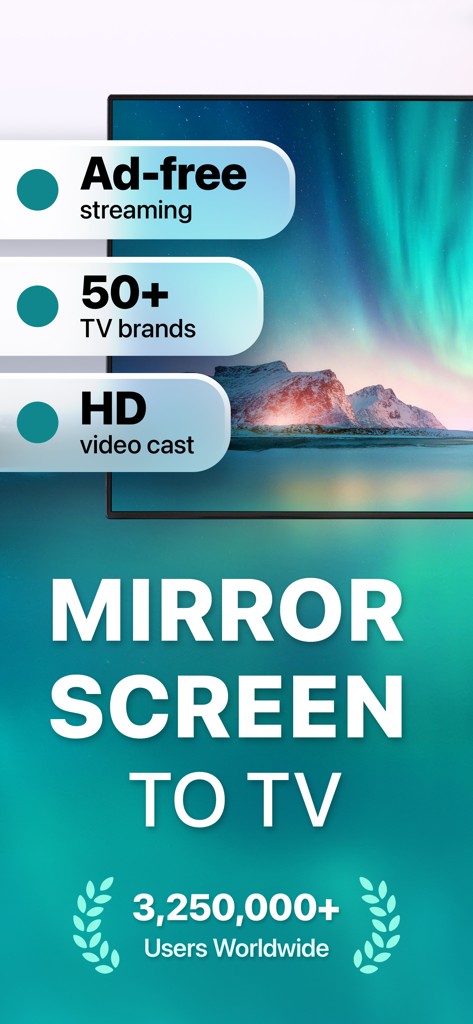
50以上のTVブランドとの互換性とHD動画キャストを強調するスクリーンミラーリングアプリのプロモーション画面

50以上のTVブランドとの互換性とHD動画キャストを強調するスクリーンミラーリングアプリのプロモーション画面

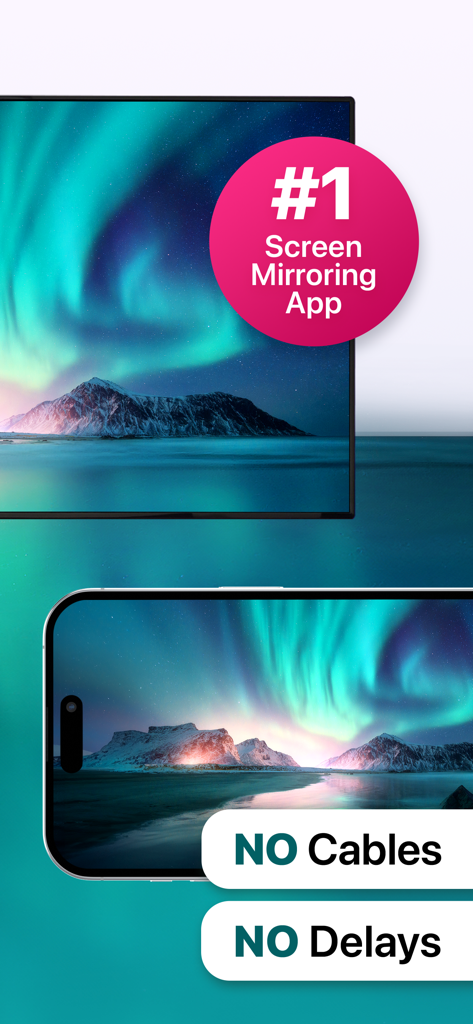
ケーブルや遅延なしでTV画面にオーロラの風景をミラーリングするiPhone

ケーブルや遅延なしでTV画面にオーロラの風景をミラーリングするiPhone

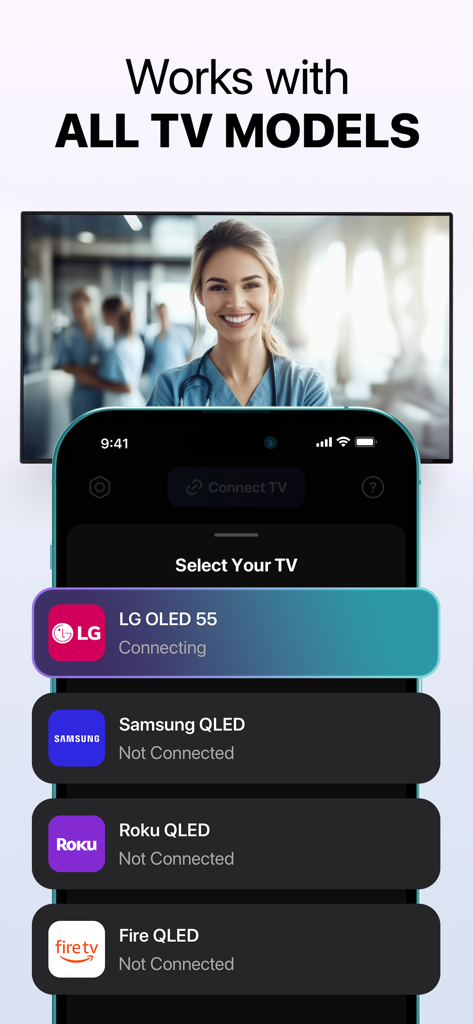
LG Samsung RokuおよびFire TVブランドの接続オプションを表示するiPhone画面

LG Samsung RokuおよびFire TVブランドの接続オプションを表示するiPhone画面

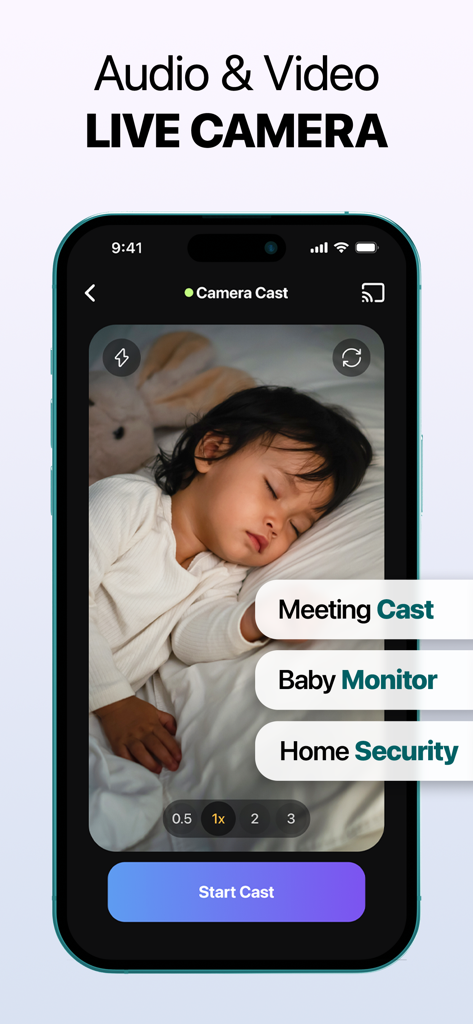
眠っている赤ちゃんのライブカメラフィードを表示するiPhone画面、キャスト会議とホームセキュリティのラベル付き

眠っている赤ちゃんのライブカメラフィードを表示するiPhone画面、キャスト会議とホームセキュリティのラベル付き

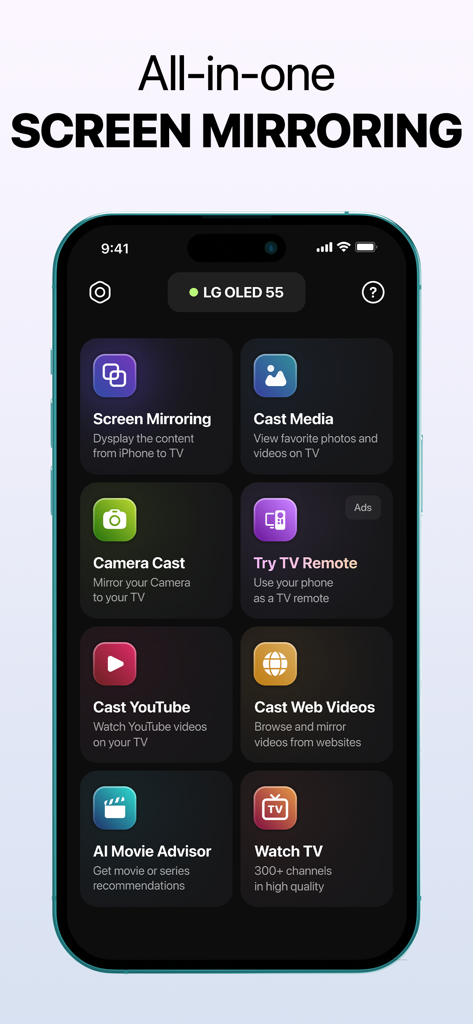
さまざまなキャストおよびミラーリングオプションを表示するiPhone上のオールインワン画面ミラーリングアプリインターフェース

さまざまなキャストおよびミラーリングオプションを表示するiPhone上のオールインワン画面ミラーリングアプリインターフェース

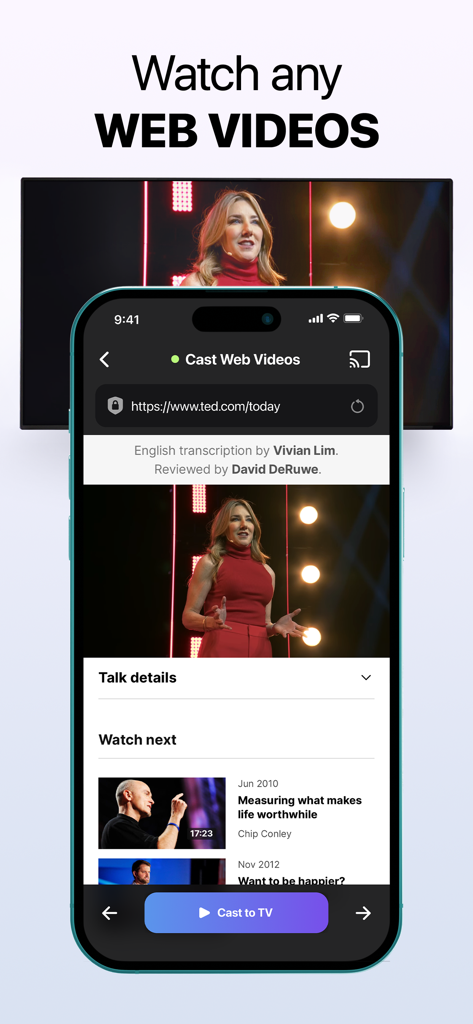
モバイルブラウザからテレビ画面にキャストされているWeb動画を表示するiPhoneアプリインターフェース

モバイルブラウザからテレビ画面にキャストされているWeb動画を表示するiPhoneアプリインターフェース

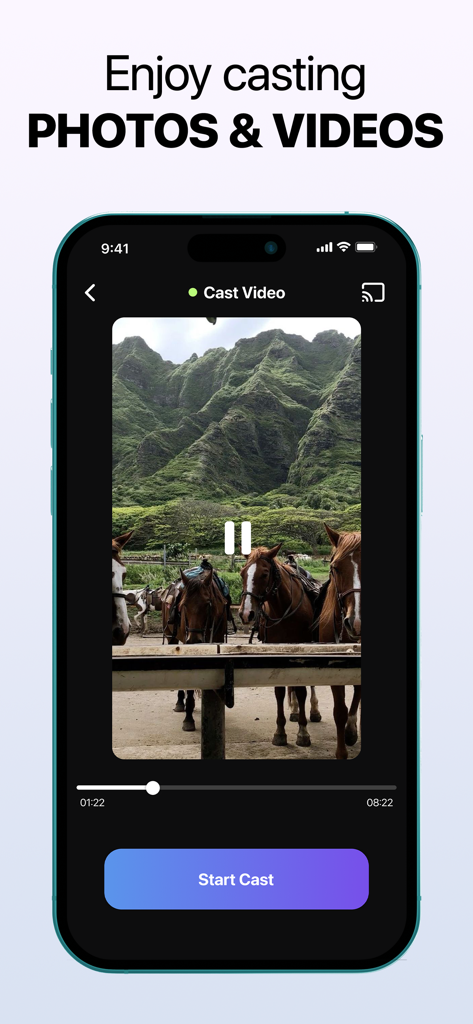
緑の山の前で馬の動画と「キャスト開始」ボタンが表示された動画キャスト機能を備えたiPhoneインターフェース

緑の山の前で馬の動画と「キャスト開始」ボタンが表示された動画キャスト機能を備えたiPhoneインターフェース

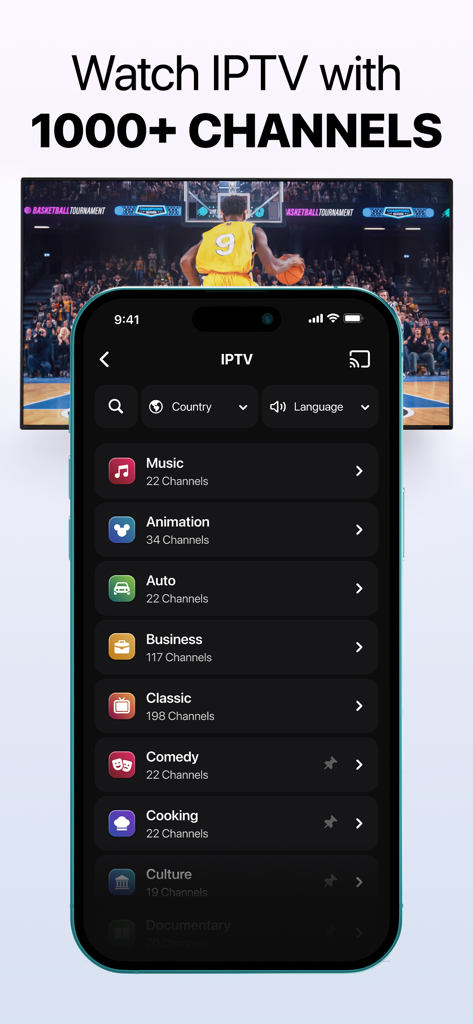
IPTVチャンネルカテゴリとテレビにキャストされているバスケットボールの試合を表示するスクリーンミラーリングアプリ

IPTVチャンネルカテゴリとテレビにキャストされているバスケットボールの試合を表示するスクリーンミラーリングアプリ

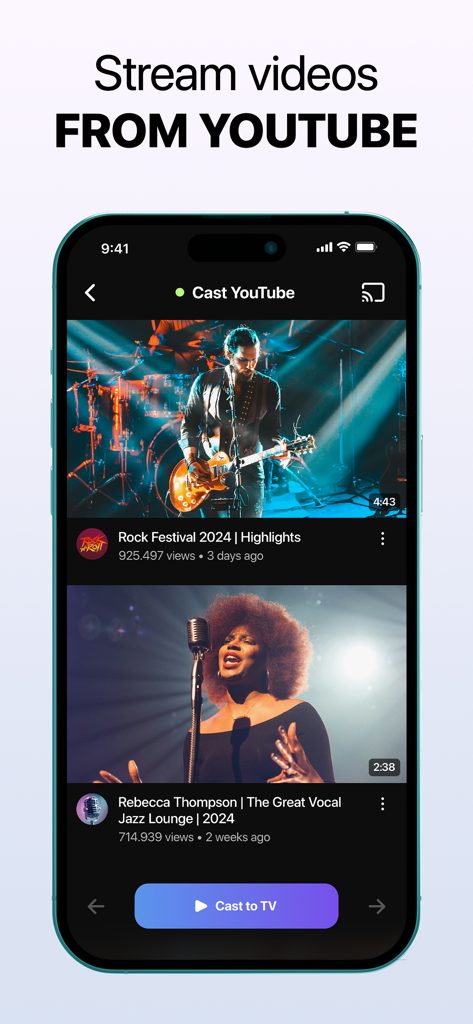
スマートTVにYouTube動画をキャストするためのiPhoneアプリのインターフェース

スマートTVにYouTube動画をキャストするためのiPhoneアプリのインターフェース

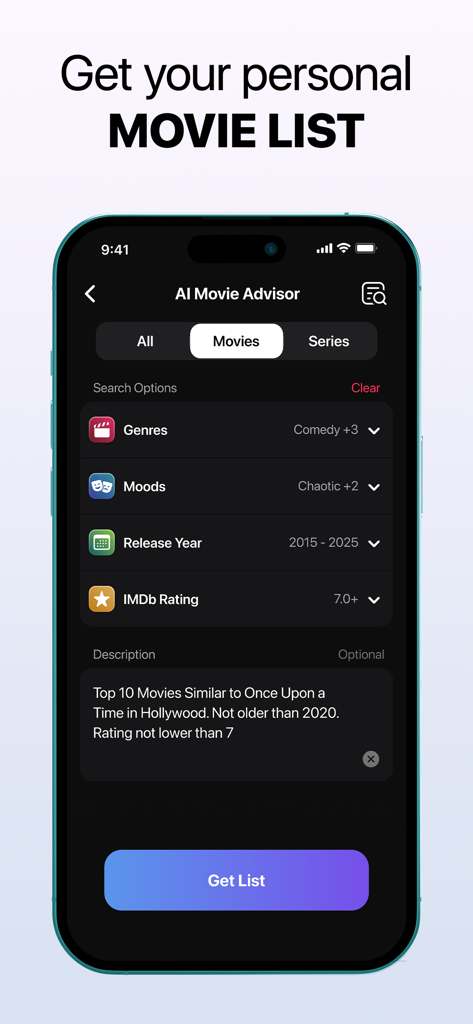
パーソナライズされた映画検索と推奨オプションを表示するAI映画アドバイザー画面

パーソナライズされた映画検索と推奨オプションを表示するAI映画アドバイザー画面

家中のあらゆる画面に対応する1つのアプリ

このアプリを際立たせるツール、 4M+ 人のユーザーが選択.

📺

ユニバーサル互換性

Apple TVがなくても問題ありません。Roku、Samsung、LG、Fire TV、Vizio、Chromecastにワンタップでシームレスにキャストし、iPhoneとホームハードウェアの間のギャップを埋めます。

🌐

無制限のWeb & IPTVキャスト

小さい画面から解放されましょう。Web動画、YouTube、またはライブIPTVチャンネルを直接TVにストリーミングします。AI映画アドバイザーを使用して、次のお気に入りの番組をすぐに見つけましょう。

📸

家族共有 & ライブカメラ

友達のためにフォトギャラリーをすぐに表示したり、iPhoneをライブカメラに変えたりできます。家族の瞬間を共有したり、スマートベビーモニターとして家を監視したりするのに最適です。

世界中のユーザーに愛されています

Trusted by 4M+ 人がこのアプリを愛用しています.

"

"ついに、私のiPhoneとRokuをうまく連携させられるアプリが登場しました!ハイキングの写真を大画面で見せるのが大好きで、ライブカメラ機能は、他の部屋にいるときにちょっとしたペットモニターとしても実際にうまく機能します。セットアップもとても簡単です。"

ジェシカ・レイノルズ
"

"Webキャストはスポーツのゲームチェンジャーです。ブラウザからTVに遅延なく直接ゲームをストリーミングできます。さらに、AI映画アドバイザーのおかげで、昨夜のスクロール時間を少なくとも30分節約できました。コードカッターなら間違いなくダウンロードする価値があります。"

マイケル・チェン

レビュー分析

ユーザーレビューの分析.

感情スコア

19%
ネガティブ

概要

The app receives overwhelmingly negative feedback from users. Many report that the application simply "doesn't work" or exhibits significant performance issues such as video delays, glitches, and audio problems across various devices. A major concern is the prevalence of billing issues, with numerous complaints about unauthorized charges, unexpected deductions for paid services despite expectations of free trials, and claims of the app being a "scam." Users also express considerable frustration over the difficulty in cancelling subscriptions, often citing an inability to find cancellation options or receive refunds. While a few users praised the app for its ad-free experience, ease of use, reliable HD streaming, and broad device compatibility, these positive comments are significantly overshadowed by widespread negative experiences related to functionality and predatory billing practices.

主なテーマ

General Satisfaction(6)
Ease of Use(2)
Mirroring Quality(1)
Compatibility(1)
Ad Experience(1)

アプリについて

について知っておくべきこと Screen Mirroring | Cast to TV.

説明

Revolutionize Your Entertainment with Screen Mirroring | Cast to TV Stay connected and stream effortlessly with Screen Mirroring | Cast to TV. The app lets you mirror your screen or cast your phone to devices like Roku, LG, Chromecast, Fire TV, Samsung Smart TVs, and more. Compatible with iPhone mirroring, AirPlay, Miracast, and Smart View, it delivers seamless streaming and sharp, high-definition quality across all platforms. How to Connect iPhone to TV: 1. Open the app and tap the Connect TV button on the home screen. 2. When prompted, tap Allow in the local network access request window. 3. Ensure both your phone and smart TV are connected to the same Wi-Fi network and VPN services are disabled. 4. Wait for your smart TV to appear in the list of devices. 5. Select your TV and wait for the connection to establish. 6. If additional steps are required on your TV, follow the on-screen instructions on your phone (e.g., confirm the connection on the TV using Yes or Allow). Powerful Features for Every Need - Full Screen Mirroring Mirror your entire screen for gaming, presentations, or enhanced browsing on a larger display with seamless functionality. - Cast Web Videos and Cast YouTube Stream videos from YouTube or the web effortlessly using our new web video cast and web casting tools. Enjoy high-quality playback straight on your TV! - Photo and Video Casting Showcase your photo gallery and favorite videos on the big screen with photo mirroring, perfect for reliving memories with loved ones and having a cinema-like experience at home. - IPTV Stream a variety of channels through live television. With the best online TV streaming, finding live TV streaming options is as simple as ever. Get access to IPTV! - Universal Compatibility Supports a wide range of smart TVs and streaming devices, including Samsung, Roku, LG, Chromecast, Fire TV, and Vizio, for ultimate flexibility. - User-Friendly Setup Featuring an intuitive interface with quick-connect options, you can immediately connect to your TV—no complex configurations needed! - High-Quality Performance Lag-free streaming and crystal-clear visuals ensure you enjoy an unparalleled experience, whether you're casting YouTube on TV or using other features. - AI Movie Advisor Get a personalized list of movies and series tailored to your taste. Finding the perfect movies to watch has never been easier! - Live Camera Perfect for turning your device into a video nanny, streaming live presentations, capturing family gatherings, or sharing lessons and sessions in real-time. *This app provides access to third-party IPTV streams, which are not controlled or modified by the developer. Content availability may vary, and the developer is not responsible for the nature, accuracy, or legality of streamed content. Viewer discretion is advised. Why Choose Screen Mirroring | Cast to TV? This app blends simplicity with cutting-edge streaming, perfect for sharing photos, binge-watching, or presentations. With versatile tools like a web/video caster and reliable cross-platform compatibility, it ensures seamless streaming for any modern home setup. Elevate Your Streaming Experience Unlock the full potential of your devices with Screen Mirroring | Cast to TV. Whether you're using AirPlay, Miracast, Smart View, DLNA, Chromecast, or exploring web video casting features, this app simplifies how you connect and stream. Take control of your entertainment with an app that delivers on every promise, from casting YouTube on TV to mirroring your entire device. Subscription Information Subscriptions are billed to your iTunes Account upon purchase confirmation. Auto-renewal ensures uninterrupted service unless disabled at least 24 hours before the current billing cycle ends. Manage your subscriptions in your Account Settings. Privacy Policy: https://screen-casting.app/pp.html Terms of Use: https://screen-casting.app/tou.html Support available at support@screen-casting.app

最新バージョン

1.34

サイズ

211.0 MB

リリース日

2024年10月11日

iPhoneコンテンツを大画面で体験する準備はできましたか?

ホームエンターテイメントをシンプルにした400万人以上のユーザーに加わりましょう。今すぐダウンロードして、あらゆるスマートTVへのインスタントで遅延のないキャストをお楽しみください。お気に入りの動画、写真、IPTVを数秒でストリーミングできます。

ダウンロード: App Store
FAQ

よくある質問

について知っておくべきこと Screen Mirroring | Cast to TV

iPhoneをScreen Mirroring | Cast to TVでテレビに接続する方法は?

アプリをご利用いただくには、iPhoneとスマートTVが同じWi-Fiネットワークに接続されており、VPNが無効になっている必要があります。アプリを開き、「TVに接続」をタップし、ローカルネットワークへのアクセスを許可し、リストからTVを選択して接続を確認してください。

Screen Mirroring | Cast to TVはどのようなデバイスに対応していますか?

Screen Mirroring | Cast to TVは、Roku、LG、Chromecast、Fire TV、Samsung Smart TV、Vizioに対応しています。iPhoneミラーリング、AirPlay、Miracast、Smart View、DLNAとの互換性があります。

Screen Mirroring | Cast to TVはフルスクリーンミラーリングを提供しますか?

はい、Screen Mirroring | Cast to TVは、ゲーム、プレゼンテーション、またはブラウジングの強化のためにフルスクリーンミラーリングを提供します。より大きなディスプレイでシームレスな機能を提供します。

Screen Mirroring | Cast to TVでウェブ動画やYouTubeをキャストできますか?

はい、Screen Mirroring | Cast to TVでは、YouTubeやウェブからの動画ストリーミングが可能です。ウェブ動画キャストやウェブキャスティングツールを使用して、テレビで高品質な再生ができます。

Screen Mirroring | Cast to TVは広告なしですか?

はい、Screen Mirroring | Cast to TVは広告なしのストリーミングを提供します。この機能は、中断のない視聴体験のために強調されています。

Screen Mirroring | Cast to TVにはAIムービーアドバイザーが含まれていますか?

はい、Screen Mirroring | Cast to TVにはAIムービーアドバイザーが含まれています。この機能は、あなたの好みに合わせたパーソナライズされた映画やシリーズのリストを提供します。

Screen Mirroring | Cast to TVでライブTVチャンネルを視聴できますか?

はい、Screen Mirroring | Cast to TVはIPTVストリームへのアクセスを提供します。1000以上のチャンネルを通じて、さまざまなチャンネルをライブテレビでストリーミングできます。

Screen Mirroring | Cast to TVを世界中で何人のユーザーが利用していますか?

世界中で1000万人以上のユーザーがScreen Mirroring | Cast to TVを利用しています。これは、その広範な普及と人気を示しています。

Screen Mirroring | Cast to TVのサブスクリプションはどのように機能しますか?

Screen Mirroring | Cast to TVのサブスクリプションは、購入時にiTunesアカウントに請求されます。自動更新は、請求期間終了の24時間前までに無効にされない限り継続され、アカウント設定で管理できます。

Screen Mirroring | Cast to TVはライブカメラストリーミングをサポートしていますか?

はい、Screen Mirroring | Cast to TVはライブカメラ機能を提供します。ユーザーはデバイスをビデオベビーモニターに変えたり、プレゼンテーションをストリーミングしたり、イベントをリアルタイムで共有したりできます。

Screen Mirroring | Cast to TVはiPhoneと互換性がありますか?

はい、Screen Mirroring | Cast to TVはiPhoneと互換性があります。アプリの説明には、iPhoneミラーリングについて具体的に言及されており、iPhoneをテレビに接続する方法についての指示が提供されています。