Owlfiles - File Manager

Owlfiles - File Manager

ダウンロード: App Store
Spark by MWM logo
ロゴ: Owlfiles - File Manager
Owlfiles:パワーユーザーとプロフェッショナルのためのオールインワンファイルマネージャー

壁に囲まれた庭から解放されましょう。NAS、コンピューター、クラウドストレージを一つの場所でアクセス。完全な制御とデスクトップクラスのパフォーマンスでデータにストリーミング、同期、管理を行いましょう。

ダウンロード: App Store

開発元

Skyjos Co., Ltd.

カテゴリ

Utilities

ダウンロード

2M+

ユーザー評価

4.5/5

評価数

20K+

対応言語

14

完全なファイルマスターを体験する

このインターフェースを利用する 2M+ 人のユーザー.

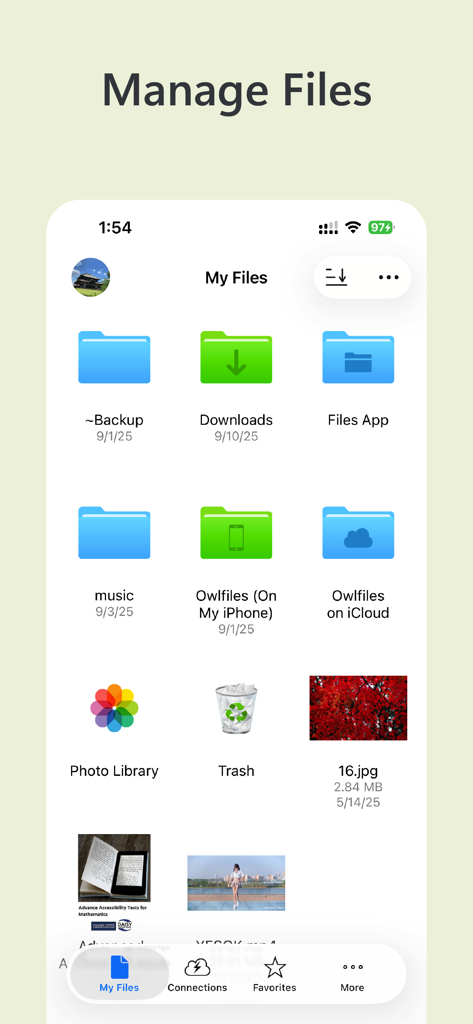
Owlfilesアプリのダッシュボードにローカルおよびクラウドのファイルフォルダが表示されています

Owlfilesアプリのダッシュボードにローカルおよびクラウドのファイルフォルダが表示されています

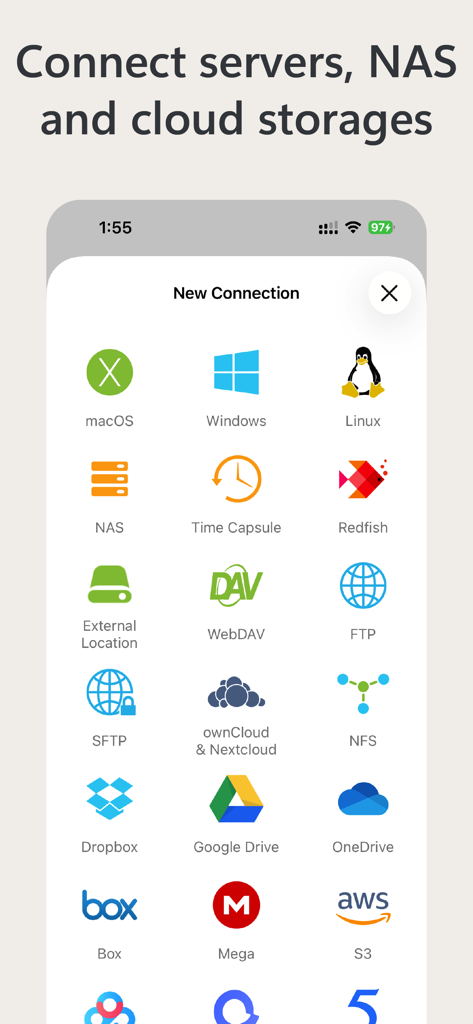
Owlfilesインターフェースにサーバー、NAS、さまざまなクラウドストレージサービスへの接続オプションが表示されています。

Owlfilesインターフェースにサーバー、NAS、さまざまなクラウドストレージサービスへの接続オプションが表示されています。

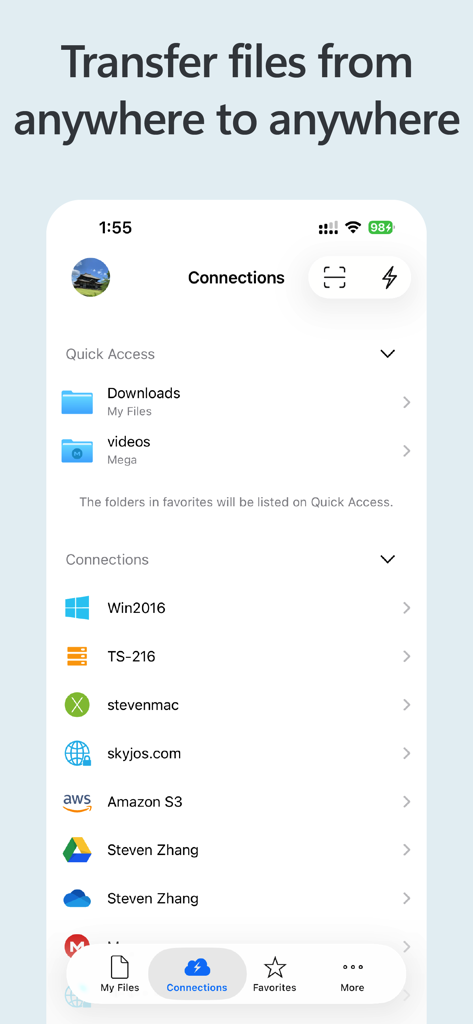
Amazon S3 Google DriveおよびNASサーバーのようなさまざまなクラウドおよびネットワークストレージ接続を示すOwlfilesアプリのスクリーンショット

Amazon S3 Google DriveおよびNASサーバーのようなさまざまなクラウドおよびネットワークストレージ接続を示すOwlfilesアプリのスクリーンショット

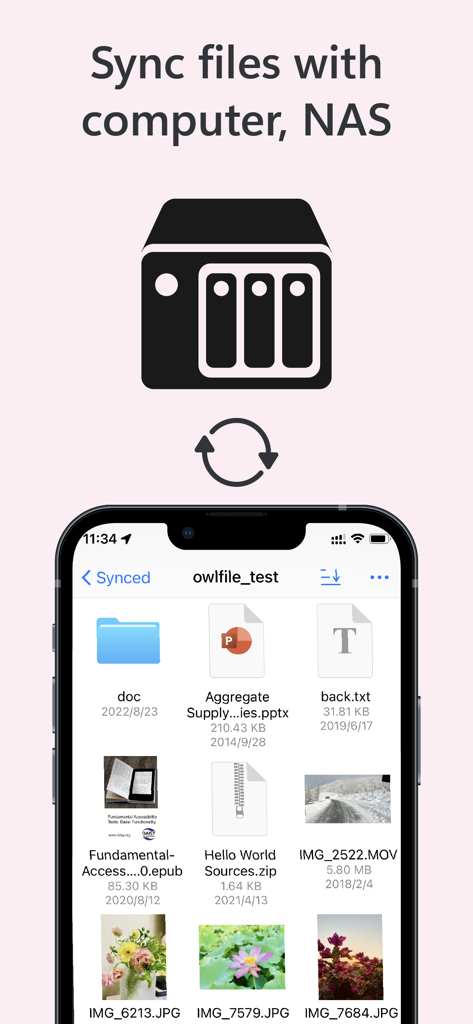
Owlfilesアプリのインターフェースに、モバイルデバイスとNASサーバー間のファイル同期が表示されています

Owlfilesアプリのインターフェースに、モバイルデバイスとNASサーバー間のファイル同期が表示されています

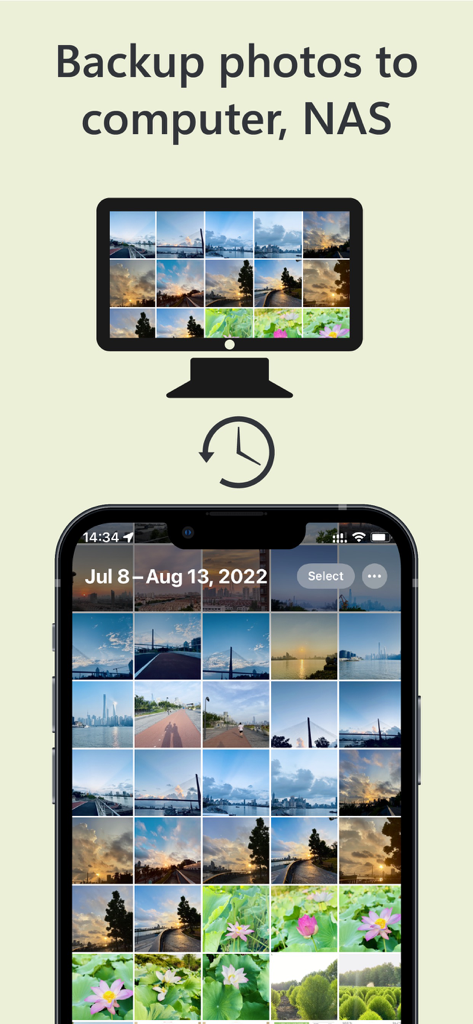
Owlfilesアプリのインターフェースに、スマートフォンからコンピューターおよびNASストレージへの写真バックアッププロセスが表示されています

Owlfilesアプリのインターフェースに、スマートフォンからコンピューターおよびNASストレージへの写真バックアッププロセスが表示されています

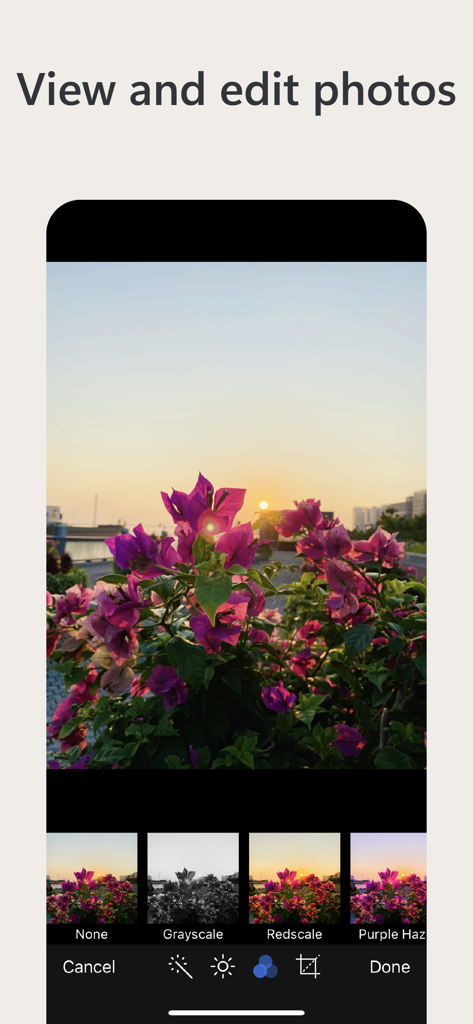
Owlfilesモバイルアプリのインターフェースに、夕日のピンクの花の写真と、下部にあるグレースケールやレッドスケールなどのさまざまな編集フィルターが表示されています。

Owlfilesモバイルアプリのインターフェースに、夕日のピンクの花の写真と、下部にあるグレースケールやレッドスケールなどのさまざまな編集フィルターが表示されています。

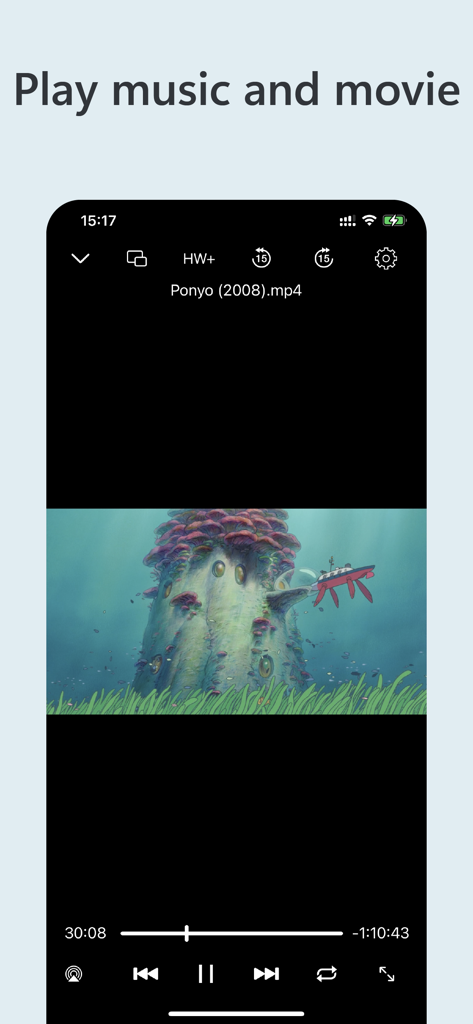
Owlfilesアプリのビデオプレーヤーインターフェースに、モバイルデバイスで映画が再生されています

Owlfilesアプリのビデオプレーヤーインターフェースに、モバイルデバイスで映画が再生されています

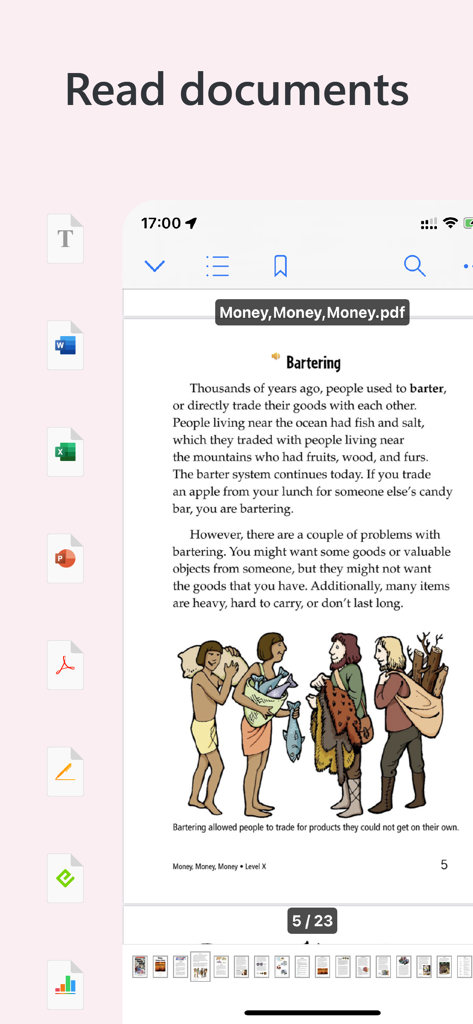
Owlfilesアプリのインターフェースに、側面にさまざまなファイル形式アイコンが付いたPDFドキュメントが表示されています

Owlfilesアプリのインターフェースに、側面にさまざまなファイル形式アイコンが付いたPDFドキュメントが表示されています

ファイルエコシステム全体をマスターする

このアプリを際立たせるツール、 2M+ 人のユーザーが選択.

🖥️

シームレスなネットワーク統合

NAS、SMB、FTP、S3ストレージに即座にアクセス。リモートファイルをまるでデバイスにローカルに保存されているかのように、MacまたはPCからブラウズおよび管理できます。

デスクトップクラスの生産性

複雑な一括リネームを実行し、フォルダ同期を自動化し、プログレードの拡張機能を使用してサーバー上で直接Officeドキュメントを編集します。

🎞️

ユニバーサルメディアセンター

ローカルストレージ容量を無駄にすることなく、ホームネットワークから直接4Kビデオをストリーミングし、RAW画像をブラウズし、デジタルライブラリ(CBZ、ePub)を読み取ります。

世界中のユーザーに愛されています

Trusted by 2M+ 人がこのアプリを愛用しています.

"

"Owlfilesは、私のiPad中心のワークフローにとって究極のブリッジです。ラップトップに触れることなく、高解像度のRAW写真をライブラリからホームNASにシームレスに移動できます。一括リネームと内蔵PDFスキャナーは、私の日常のフリーランスビジネスにとって不可欠なツールとなっています。"

Sarah Jenkins, Creative Director
"

"iOSで見つけた最高の技術ユーティリティです。SMB、SFTP、Wake-on-LANが1つのアプリにあるのは信じられないほどです。サーバーから映画コレクション全体をストリーミングし、リモートバックアップを簡単に管理できます。まさにファイル管理の「Swiss Army Knife」です。"

Marcus Thorne, Systems Architect

アプリについて

について知っておくべきこと Owlfiles - File Manager.

説明

Owlfiles is a powerful file management app. It can access not only local files, but also access files on your computer, NAS and cloud. Stream movies and music to your iPhone/iPad. Directly view and manage documents, photos on your computers, NAS and cloud without downloading. FEATURES: * Access network shares on macOS, Windows, NAS via SMB protocol. * Access NFS, WebDAV, FTP and SFTP services. * Access Google Drive, OneDrive, Dropbox, Box, Amazon S3, S3 Compatible Storages, Mega Cloud. * Automatically discover computers, servers and NAS when you setup a new connection. * Video Player: Supports various video formats, subtitles and play speed adjustment. * Music Player: Supports various audio formats, playlist, LRC and play speed adjustment. * Photo Gallery: Supports JPG, PNG, WEBP, GIF, various RAW images, live photo and motion photo. * Text Editor: search text, line numbers, and syntax highlight (Swift, Objective-c, Java, C++ etc.). * ePub Book Reader * CBZ Comic Reader * supports favorites and recents. * Multiple windows on iPad * Scan documents to PDF or images. * Integrated with iOS Files app, iOS Photos app * Use Siri shortcuts to download and upload files. File Transfer: * Copy and move files among computer, NAS, cloud, iPhone and iPad. * Copy and move photos from iOS photo library to computer, NAS and cloud storages. * Transfer files by drag and drop. * Built-in FTP Server and HTTP Server for file transfer. * Nearby file transfer: Directly transfer files between two nearby iOS devices without Wi-Fi or LTE connection. Network Tools: * Ping a host * List all opened ports of a host. * List all devices on LAN * Wake-On-Lan (WOL) Features of Owlfiles Pro * Create unlimited connections with your computers, NAS and cloud storages. * Sync connections to all your devices. * Batch rename files. * Edit photos * Edit documents in Office apps, iWork apps or Acrobat Reader by using Owlfiles extension, and save back to computer, NAS after editing. * Backup photos to your computers, NAS and cloud storages. * Sync files between iOS device and computer/NAS/cloud storage. * Use Owlfiles on your mobile, desktop and TV platforms. If you purchase Owlfiles Pro, your payment will be charged to your credit card through your iTunes account. Owlfiles Pro subscription: $1.99/month, $12.99/year. Price may vary by location. Your subscription will automatically renew unless canceled at least 24 hours before the end of the current period. After purchase, manage your subscriptions in App Store Account Settings. Privacy Policy: https://www.skyjos.com/owlfiles/privacy.html Terms of Use (EULA): https://www.skyjos.com/owlfiles/terms.html ===== CONTACT US ===== Email: support@skyjos.com Twitter: @SkyjosApps Facebook: @SkyjosApp

最新バージョン

14.2.1

サイズ

170.5 MB

リリース日

2012年3月28日

今日、あなたのデジタルエコシステムを統合しましょう

NAS、コンピューター、クラウドストレージのギャップを埋めた200万人以上のパワーユーザーに加わりましょう。モバイルデバイスで究極のデスクトップクラスのファイル管理を体験してください。

ダウンロード: App Store