QR/Barcode Scanner for iPhone

QR/Barcode Scanner for iPhone

ダウンロード: App Store
Spark by MWM logo
ロゴ: QR/Barcode Scanner for iPhone
iPhone用QR/バーコードスキャナー: スピード、節約、セキュリティのための究極のオールインワンツール

標準カメラを超えた機能。手間なく価格を比較し、内蔵2FAでオンラインアカウントを保護し、高速でプライバシーも保護された単一アプリですべてのスキャンの履歴を記録しましょう。

ダウンロード: App Store

開発元

AKRURA PTE. LTD

カテゴリ

Utilities

ダウンロード

33K+

ユーザー評価

4.8/5

評価数

300

対応言語

24

実際に見てみましょう

このインターフェースを利用する 33K+ 人のユーザー.

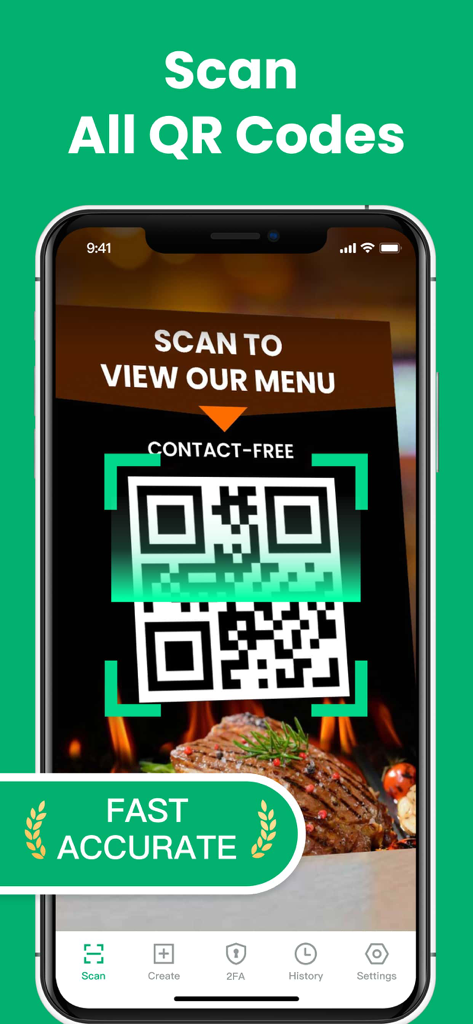
iPhoneで、QR・バーコードスキャナーアプリを使用して、連絡先交換不要のレストランメニューQRコードをスキャンしている様子。

iPhoneで、QR・バーコードスキャナーアプリを使用して、連絡先交換不要のレストランメニューQRコードをスキャンしている様子。

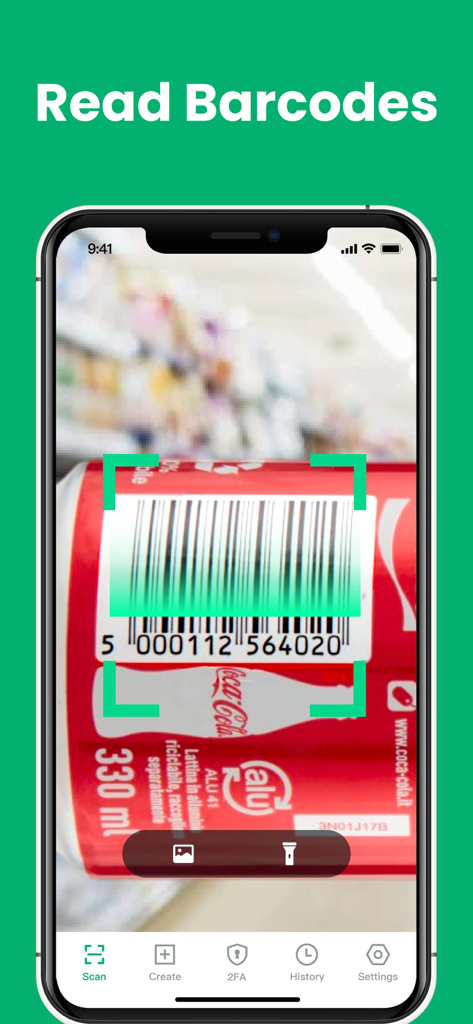
iPhoneアプリが、ソーダ缶の製品バーコードをスキャンしている様子。

iPhoneアプリが、ソーダ缶の製品バーコードをスキャンしている様子。

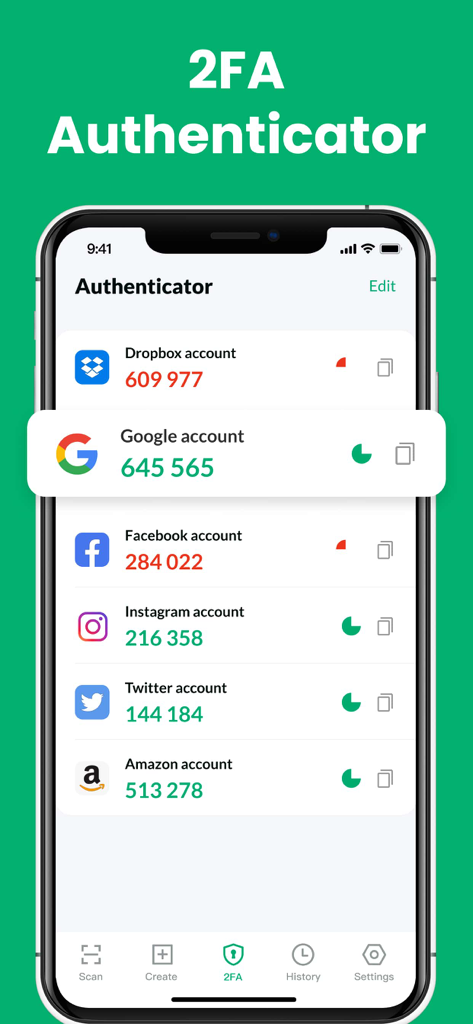
複数のアカウントの確認コードが表示されている2FA認証機能を示すiPhoneアプリ画面。

複数のアカウントの確認コードが表示されている2FA認証機能を示すiPhoneアプリ画面。

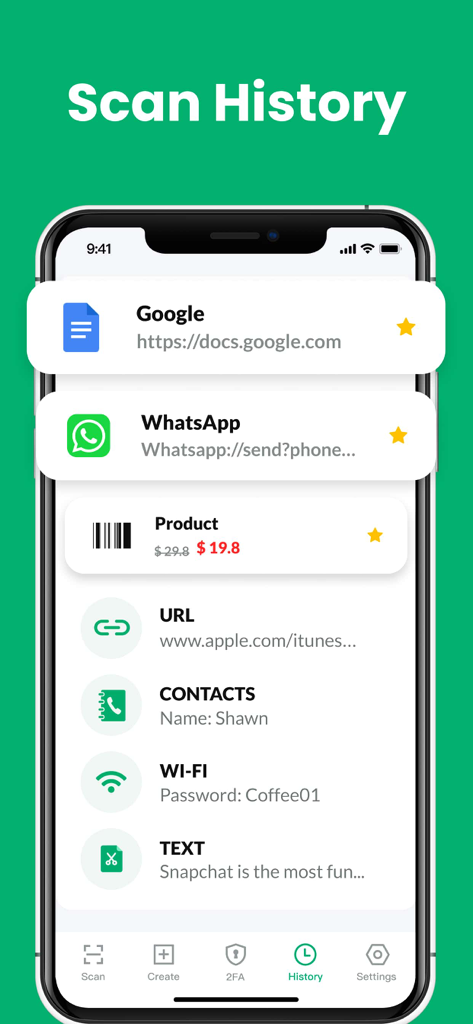
QR・バーコードスキャナーアプリのスキャン履歴画面。URL、製品、連絡先を含む以前のスキャンのリストが表示されている。

QR・バーコードスキャナーアプリのスキャン履歴画面。URL、製品、連絡先を含む以前のスキャンのリストが表示されている。

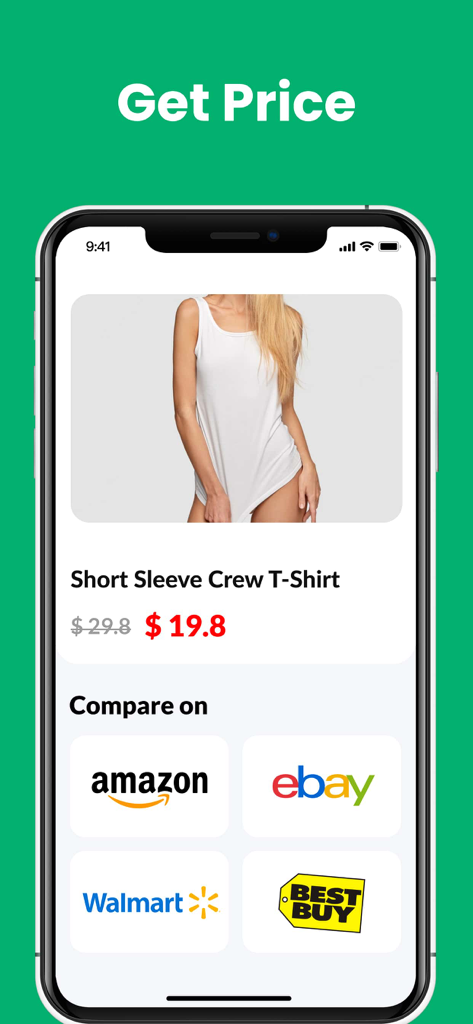
Amazon、eBay、Walmart、Best Buyでの製品価格比較を示すiPhoneアプリ画面。

Amazon、eBay、Walmart、Best Buyでの製品価格比較を示すiPhoneアプリ画面。

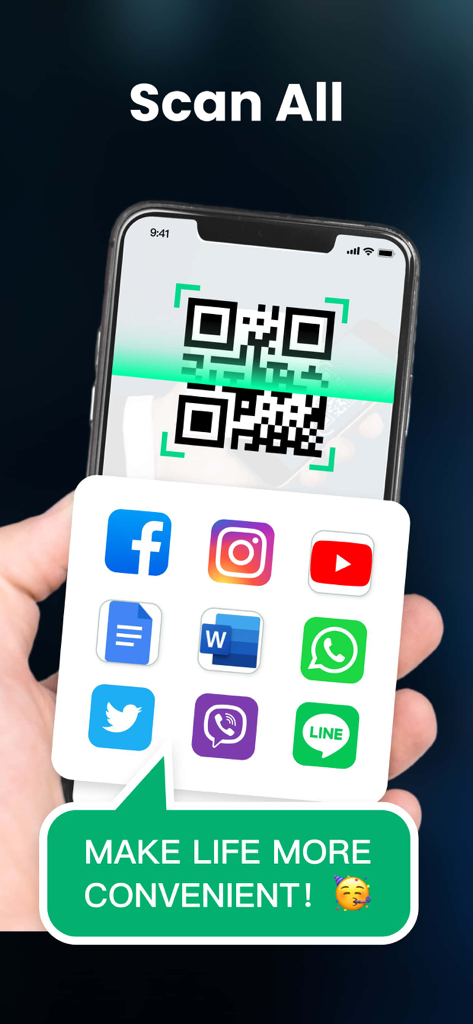
ソーシャルメディアや生産性アプリへのリンクが表示されたQRコードをスキャンしているスマートフォン。

ソーシャルメディアや生産性アプリへのリンクが表示されたQRコードをスキャンしているスマートフォン。

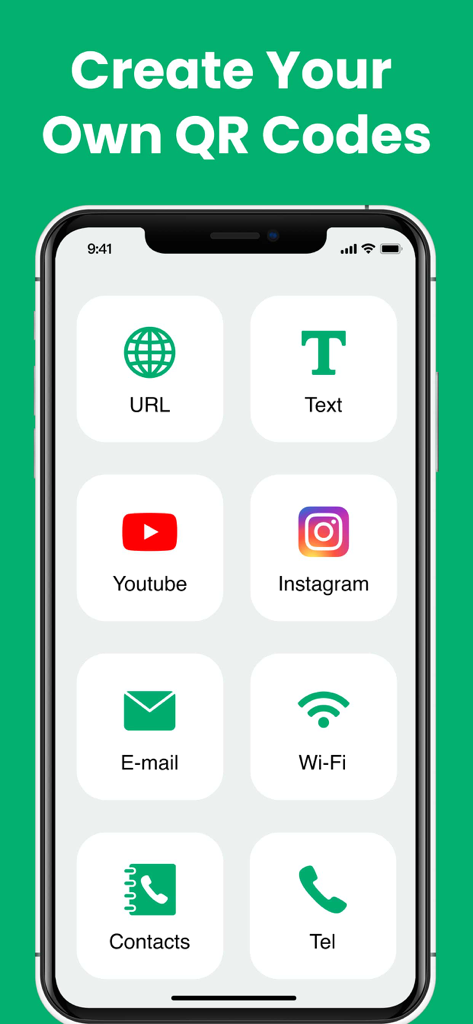
URL、テキスト、ソーシャルメディア、連絡先用のカスタムQRコードを作成するための複数のオプションを示すiPhoneアプリ画面。

URL、テキスト、ソーシャルメディア、連絡先用のカスタムQRコードを作成するための複数のオプションを示すiPhoneアプリ画面。

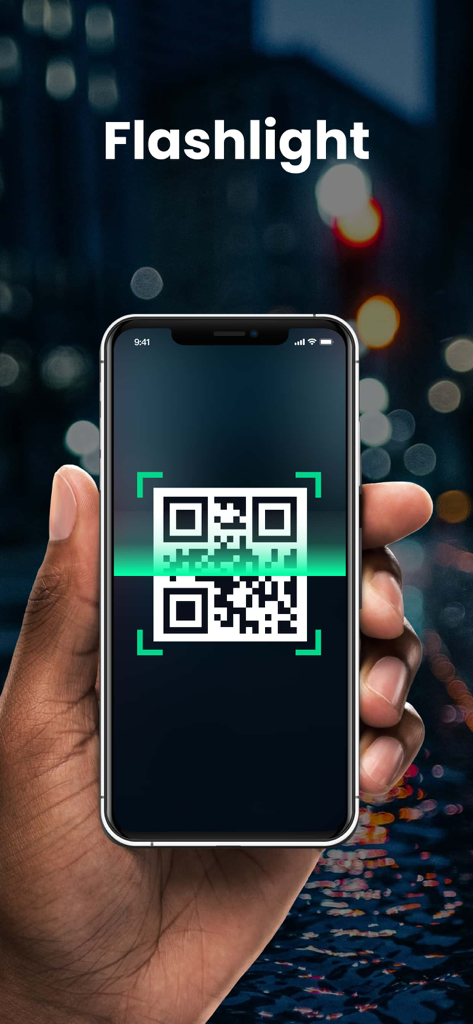
暗い場所で、フラッシュライト対応のQR・バーコードスキャナーアプリを使用しているiPhoneを持っている手。

暗い場所で、フラッシュライト対応のQR・バーコードスキャナーアプリを使用しているiPhoneを持っている手。

あなたの日常のためのスマートスキャン

このアプリを際立たせるツール、 33K+ 人のユーザーが選択.

🏷️

スマート価格比較

店舗でバーコードをスキャンするだけで、オンライン価格を即座に比較し、常に最良の取引を得ていることを確認しましょう。

🛡️

内蔵2FAセキュリティ

統合された2要素認証でオンラインアカウントを保護し、ログインを安全かつアクセス可能に保ちましょう。

インスタントスキャン履歴

インターネット接続なしでも機能する整理された履歴により、スキャンしたすべてのメニュー、連絡先、クーポンを数秒でアクセスしましょう。

世界中のユーザーに愛されています

Trusted by 33K+ 人がこのアプリを愛用しています.

"

"このアプリは、毎週の買い物に必須です。価格比較機能は即座にお金を節約するのに役立ち、自動ズームは高い棚のバーコードを楽にスキャンできるのに驚くほどです。標準のカメラアプリよりもはるかに高速で高機能です。"

サラ・ジェンキンス
"

"セキュリティと整理の両方を重視する私にとって、このアプリは完璧です。スキャナーに2FA認証が組み込まれているのは天才的なアイデアで、スキャン履歴のおかげで、出張中にスキャンするすべてのビジネス文書やメニューを追跡できます。"

マーカス・ソーン

アプリについて

について知っておくべきこと QR/Barcode Scanner for iPhone.

説明

Extremely fast QR & barcode scanner that supports all QR & barcode formats! It’s the must-have scanner app for iPhone and iPad. It’s very easy to use, no need to press any buttons or adjust the zoom, just open it and point to the QR code/barcode, it will auto recognize, scan and decode the QR code/barcode. After scanning, several relevant options for the results will be provided, you can search the products online, visit the websites, or connect to Wi-Fi without entering the password. It even supports 2FA authentication to protect your online accounts! QR code reader can scan and decode all kinds of QR codes and barcodes, such as contacts, products, URL, Wi-Fi, text, books, E-mail, location, calendar, and so on. It is also commonly used to scan promotion and coupon codes in shops to get discounts. Key Features: * Safe & easy-to-use scanner app * Instant scan * Privacy safe, only camera permission required * Price scanner * Support scan QR & barcodes from gallery * Support 2FA authentication to secure your online accounts * Scan history saved * Flashlight supported * Auto zoom * No internet connection required How to use: 1. Open the scanner 2. Point the camera to the QR code/barcode 3. Auto recognize, scan and decode 4. Get results and relevant options Support all QR & barcode formats QR code, Data Matrix, Maxi code, Code 39, Code 93, Codabar, UPC-A, EAN-8... Scan history saved All scan history will be saved for instant viewing at any time. Price scanner You can scan product barcodes and compare prices online. 2FA authenticator Two-factor authentication adds an extra layer of security to your sign-ins. You can scan 2FA QR codes, and get verification codes within our app to safeguard all your online accounts. Auto zoom No need to adjust the zoom, it’s easy to scan far away Flashlight supported Easily scan QR code/barcode in dark environment. Subscription Terms and Details - You can subscribe to remove ads and get unlimited access to all features - Subscription options: weekly, yearly, lifetime - The payment will be charged to your iTunes account at confirmation of purchase. - The subscription automatically renews unless auto-renew is turned off at least 24 hours before the end of the current period. - Subscription may be managed and auto-renewal may be turned off by going to Account Settings after purchase. - The account will be charged for renewal within 24 hours prior to the end of the current period. - Any unused portion of a free trial period will be forfeited when the user purchases a subscription to that publication. Privacy Policy: https://qrcodereader.akrura.ltd/privacypolicy.html Terms of Use: https://qrcodereader.akrura.ltd/terms.html

最新バージョン

1.2.0

サイズ

74.6 MB

リリース日

2022年4月21日

よりスマートにスキャン、より速くショッピングする準備はできましたか?

iPhone用最速オールインワン・スキャナーを信頼する33,000人以上のユーザーに加わりましょう。価格比較、2FAによるアカウント保護、スキャン履歴の記録をすべてプライバシー保護された単一アプリで行いましょう。

ダウンロード: App Store