TV Cast for Samsung TV App

TV Cast for Samsung TV App

ダウンロード: App Storeダウンロード: Google Play
Spark by MWM logo
ロゴ: TV Cast for Samsung TV App

Samsung TV用TVキャストアプリ:あらゆるWeb動画を大画面にストリーミング

コードカットの究極のソリューション。追加のハードウェアやケーブルなしで、映画、ライブスポーツ、Webベースの番組をSamsung Smart TVで直接視聴できます。

開発元

Kraus und Karnath GbR 2Kit Consulting

カテゴリ

Photo & Video

ダウンロード

10M+

ユーザー評価

3.8/5

評価数

72K+

対応言語

1

大画面体験

このインターフェースを利用する 10M+ 人のユーザー.

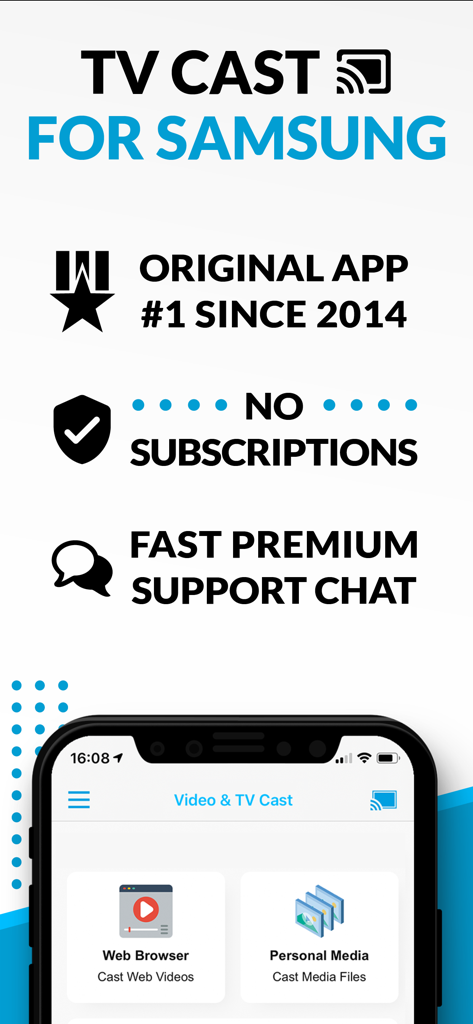
Samsung TV用TVキャストのプロモーション画面。長年の実績、サブスクリプション不要、プレミアムサポートチャットを強調しています。

Samsung TV用TVキャストのプロモーション画面。長年の実績、サブスクリプション不要、プレミアムサポートチャットを強調しています。

女性が海辺にいる動画をSamsung Smart TVにキャストしている携帯電話の画面。

女性が海辺にいる動画をSamsung Smart TVにキャストしている携帯電話の画面。

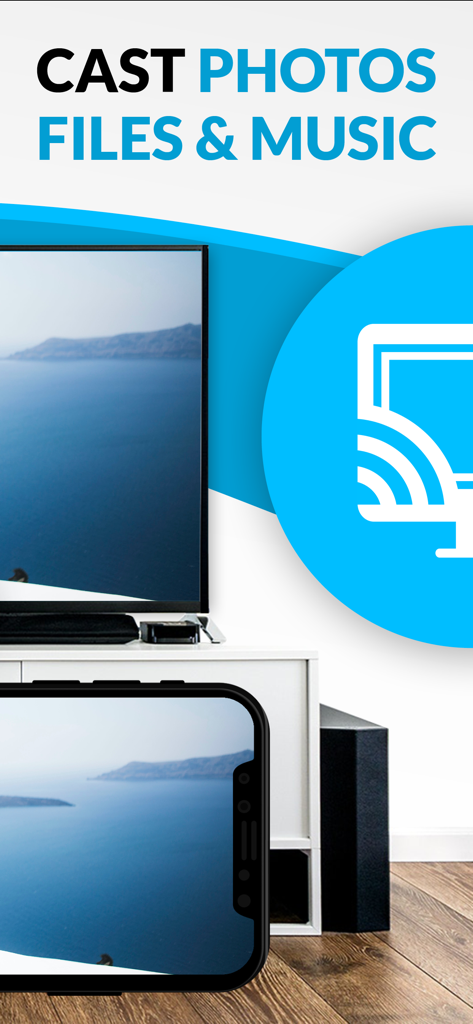
モダンなリビングルームのSamsung Smart TVに、海岸沿いの風景写真をキャストしているiPhone。

モダンなリビングルームのSamsung Smart TVに、海岸沿いの風景写真をキャストしているiPhone。

Samsung TVの可能性を解き放つ

このアプリを際立たせるツール、 10M+ 人のユーザーが選択.

🌐

ユニバーサルWebキャスト

ネイティブTVアプリがない映画、ライブスポーツ、ニッチな国際チャンネルをストリーミングします。ウェブサイトにあれば、大画面で見ることができます。

🛡️

広告なしのエクスペリエンス

煩わしいポップアップや迷惑なWeb広告をバイパスします。通常のWebストリーミングの煩雑さなしに、クリーンで中断のない視聴体験をお楽しみください。

📲

完全なモバイルコントロール

iPhoneをスマートリモコンとして使用し、シーク、再生、一時停止を行います。カメラロールからパーソナルビデオを高解像度でキャストすることもできます。

世界中のユーザーに愛されています

Trusted by 10M+ 人がこのアプリを愛用しています.

"

"ついにコードをカットしましたが、ライブスポーツが見られなくなりました。このアプリを使えば、iPhoneでストリームを見つけてSamsung TVに直接送信するのがとても簡単です。広告ブロッカーのアップグレードは、それらの乱雑なストリーミングサイトをきれいにし、ゲームを楽しめるようにしてくれるので、それだけの価値があります。"

Mark J.、スポーツ愛好家
"

"あらゆるミラーリングアプリを試しましたが、いつも遅延がありました。これは、画面をミラーリングするだけでなく、動画を直接ストリーミングするため、異なります。Samsung Smart Hubにネイティブアプリがない国際番組を見るために使用しています。毎回完璧に動作します!"

Elena R.、サンフランシスコ

アプリについて

について知っておくべきこと TV Cast for Samsung TV App.

説明

Watch any web-video, online movie, livestream or live tv show on your Samsung Smart TV or Blu-ray Player. Enjoy the show on your big screen with the no#1 web video streamer. With Video & TV Cast for Samsung Smart TV you can browse the web and stream any web video, online movie, livestream or live tv show you want on your Samsung Smart TV. Mp4, m3u8, hls livestreams and also video-over-https are supported. There is no time limit at all! You can watch videos of 2 minutes or 2 hours or even more. Just open Video & TV Cast, navigate to a website, wait for link detection and send the video with a single tap to your Samsung Smart TV. The discovered link will be shown below the browser. A tap on the link will start the show. You don't need to install a big media server like Plex or any other third party software. >>> Important Notes * To enable video casting please open the Samsung App Store (Smart Hub) on your TV or Blu-ray Player, search for 'TV Cast' and install the receiver app. * Please enter the ip-adress of your iPhone/iPad by using the number pad and up/down/left/right keys on your Samsung TV Remote. Just enter the numbers, no need to press the enter key. * iTunes movies, Flash video and other DRM protected videos like HBO now are not supported! * Please test your favorite videos with the free edition before upgrading! * Please use the Remote Playbar for video control while browsing (see more info below) * The app streams only the video part of a website and not the whole website content (No screen or tab mirroring!). * Sometimes it is necessary to play the video on your iPad or iPhone first before it gets discovered by the app for streaming. It may also be neccessary to start casting multiple times until it works with specific videos. * If a specific video is not working, please check the FAQ on the app startpage. If that does not help you, please drop us an email before leaving a negative comment on the App Store. We will try to add support for that website as soon as possible. >>> UPGRADE FEATURES (available as in-app purchases) * Premium Edition: Unlocks all of the features listed here. Also future features are included, so you do not have to pay for them when they are released in an updated app version. * Remote Playbar: Use the Playbar for advanced video control while browsing, including video scrubbing, forward, rewind, play, pause, stop. The playbar works on all Samsung Smart TVs and Blu-ray Players. You can also use the included TV Remote for basic video control (play, pause, stop, forward and rewind videos) and navigating in Samsung Smart Hub. The TV Remote currently works on 2010 - 2013 TVs. * Local Videos: Cast your camera roll videos from an iPhone or iPad. Supports mp4, m4v and mov videos that were saved to the camera roll via Apples SD-Card/USB Adapter, iTunes Desktop Software or third party apps. * Ad-Blocker: Blocks ads & popups on most websites and removes the sponsoring ads from the app. You can update and enable/disable ad-blocking at any time in the settings. * Bookmarks: Save unlimited website bookmarks. Synchronize and transfer them between different TV Cast apps and iOS devices by using backup and restore via iCloud. * Desktop Mode: Change the browser user-agent and cloak your iPhone/iPad as a desktop PC to load the desktop website instead of a mobile website. Please note that this will NOT enable video casting on websites that serve Flash videos in desktop mode. * Change Homepage: Set your personal homepage in the settings. Disclaimer: This app is not affiliated with Samsung or any other trademark mentioned here.

最新バージョン

3.8

サイズ

34.7 MB

リリース日

2015年3月26日

Samsung TVの可能性を最大限に引き出す

1000万人以上のコードカットユーザーに加わり、iPhoneからあらゆるWeb動画、ライブスポーツ、国際ニュースを大画面にストリーミングしましょう。追加のハードウェアや制限はなく、ワンタップで完了します。

ダウンロード: App Storeダウンロード: Google Play
FAQ

よくある質問

について知っておくべきこと TV Cast for Samsung TV App
Samsung TVアプリのTVキャストとは何ですか?

Samsung TVアプリのTVキャストは、Web動画、オンラインムービー、ライブストリーム、ライブTV番組をSamsung Smart TVやBlu-rayプレーヤーにストリーミングします。モバイルデバイスから直接キャストできます。

Samsung TVアプリのTVキャストはサブスクリプションが必要ですか?

いいえ、Samsung TVアプリのTVキャストには継続的なサブスクリプション料金はかかりません。アプリは、主なプロモーション資料で「サブスクリプションなし」を強調しており、機能に対する買い切り型購入を示唆しています。

Samsung TVアプリのTVキャストはアプリ内課金を提供していますか?

はい、Samsung TVアプリのTVキャストは、アップグレード機能のためのアプリ内課金を提供しています。プレミアムエディションは、追加料金なしで将来のアップデートを含む、利用可能なすべての機能をアンロックします。

Samsung TVアプリのTVキャストはどのビデオフォーマットをサポートしていますか?

Samsung TVアプリのTVキャストは、mp4、m3u8、hlsライブストリーム、およびvideo-over-httpsのストリーミングをサポートしています。ユーザーはさまざまなWebビデオフォーマットをSamsung Smart TVに直接キャストできます。

Samsung TVアプリのTVキャストにはストリーミングの時間制限がありますか?

いいえ、Samsung TVアプリのTVキャストにはストリーミングの時間制限はありません。ユーザーは、数時間続くビデオを含む、あらゆる長さのビデオを中断なく視聴できます。

Samsung TVアプリのTVキャストをテレビでセットアップするにはどうすればよいですか?

Samsung TVアプリのTVキャストをセットアップするには、テレビまたはBlu-rayプレーヤーでSamsung App Store(Smart Hub)を開きます。ビデオキャストを有効にするために「TV Cast」レシーバーアプリを検索してインストールしてください。

iPhone/iPadをSamsung TVアプリのTVキャストに接続するにはどうすればよいですか?

ユーザーは、リモコンの数字キーとナビゲーションキーを使用して、Samsung TVでデバイスのIPアドレスを入力することで、iPhone/iPadをSamsung TVアプリのTVキャストに接続します。

Samsung TVアプリのTVキャストはDRM保護されたコンテンツをサポートしていますか?

いいえ、Samsung TVアプリのTVキャストはDRM保護されたビデオをサポートしていません。これには、iTunesムービー、Flashビデオ、HBO Nowなどのサービスからのコンテンツが含まれます。

Samsung TVアプリのTVキャストは私のデバイスの画面をミラーリングしますか?

いいえ、Samsung TVアプリのTVキャストはデバイスの画面やタブをミラーリングしません。Webサイトのビデオ部分のみをSamsung Smart TVに直接ストリーミングします。

Samsung TVアプリのTVキャストのリモートプレイバー機能とは何ですか?

Samsung TVアプリのTVキャストのリモートプレイバー機能は、ブラウジング中にシーク、早送り、巻き戻し、再生、一時停止、停止などの高度なビデオコントロールを提供します。

Samsung TVアプリのTVキャストでローカルビデオをキャストできますか?

はい、Samsung TVアプリのTVキャストでは、ユーザーはiPhoneまたはiPadのカメラロールからローカルビデオをキャストできます。mp4、m4v、movフォーマットをサポートしています。

Samsung TVアプリのTVキャストには広告ブロッカーが含まれていますか?

はい、Samsung TVアプリのTVキャストは、アプリ内課金として広告ブロッカー機能を提供しています。ほとんどのWebサイトの広告やポップアップをブロックし、アプリ内のスポンサー広告を削除します。

TVキャスト for Samsung TVアプリはカスタマーサポートを提供していますか?

はい、TVキャスト for Samsung TVアプリは「FAST PREMIUM SUPPORT CHAT」を提供しています。これは、ユーザーがアプリの機能や発生した問題について迅速なサポートを得られることを示しています。