TV Remote Control “Universo”

TV Remote Control “Universo”

ダウンロード: App Store
Spark by MWM logo
ロゴ: TV Remote Control “Universo”
TVリモコン「Universo」: スマートホームの究極コマンドセンター

失くしたリモコンを探す手間と、散らかりを解消。iPhoneを高精度ユニバーサルコントローラーに変え、タッチパッド操作、簡単なキーボード入力、家中のあらゆるテレビへのワンタップアクセスを実現します。

ダウンロード: App Store

開発元

Nemo Apps LLC

カテゴリ

Utilities

ダウンロード

464K+

ユーザー評価

4.7/5

評価数

8K+

対応言語

23

指先でコントロール

このインターフェースを利用する 464K+ 人のユーザー.

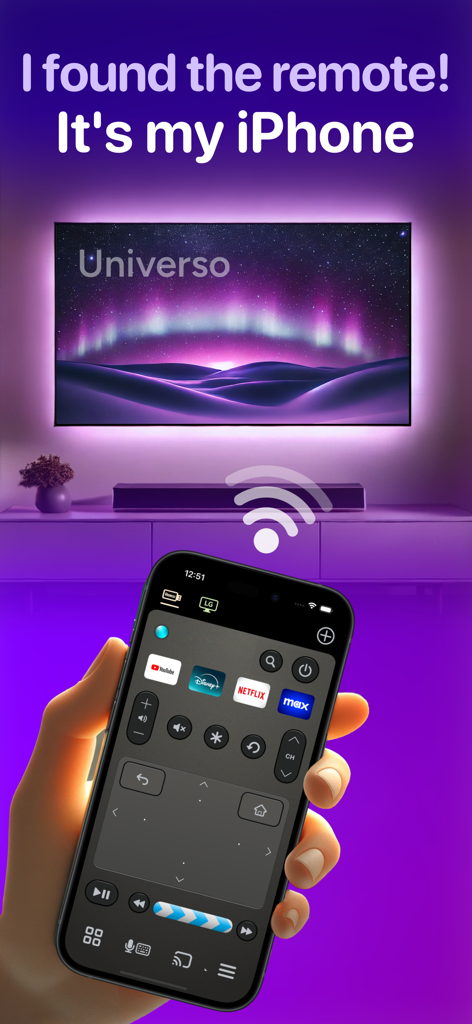
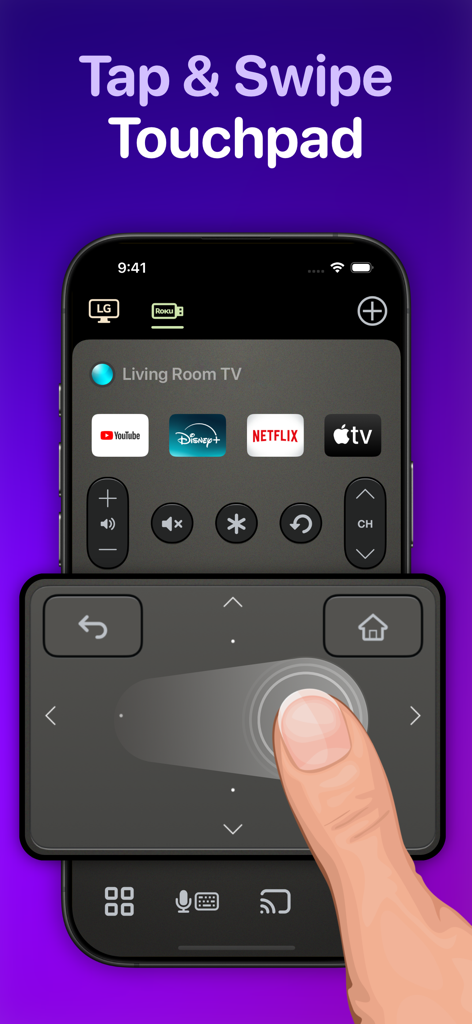
タッチパッドとストリーミングショートカットが表示されたUniverso TVリモコンアプリが搭載されたiPhone画面。

タッチパッドとストリーミングショートカットが表示されたUniverso TVリモコンアプリが搭載されたiPhone画面。

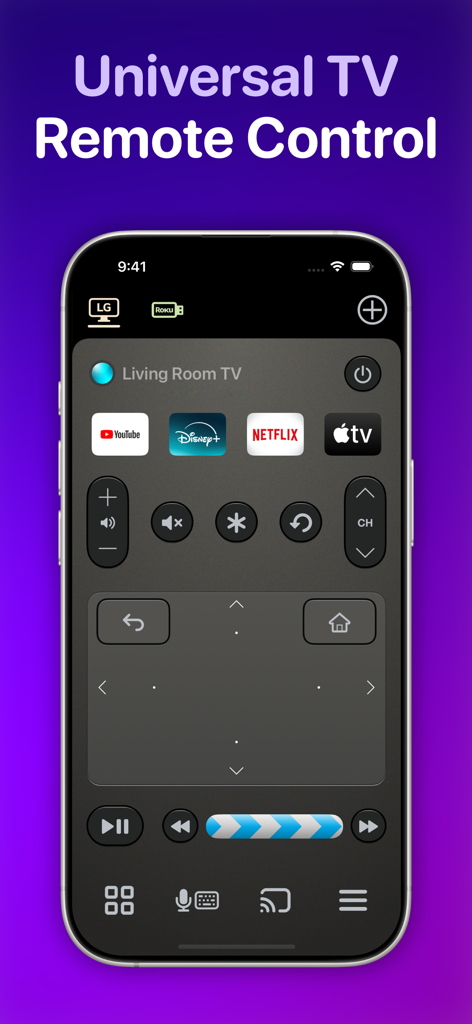
タッチパッドとストリーミングアプリのショートカットを備えた、iPhone上のUniversoユニバーサルTVリモコンアプリインターフェース

タッチパッドとストリーミングアプリのショートカットを備えた、iPhone上のUniversoユニバーサルTVリモコンアプリインターフェース

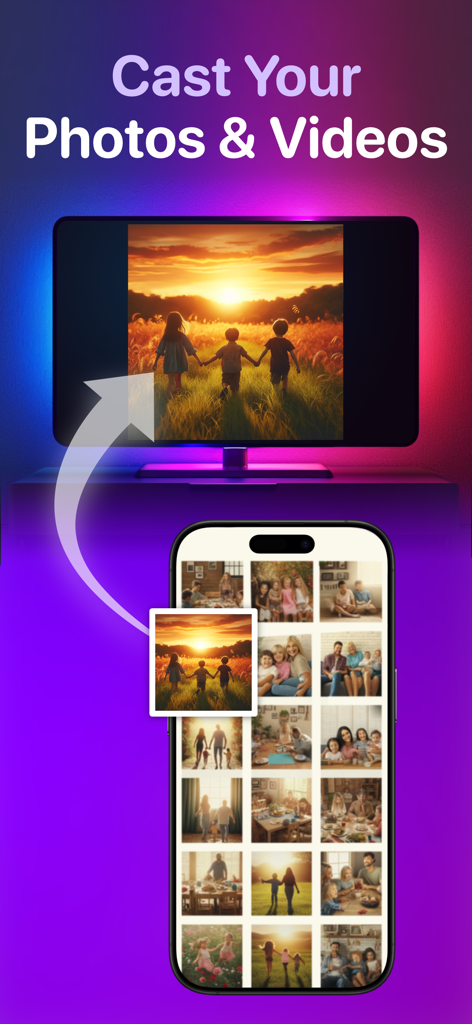
スマートテレビに写真や動画をキャストする機能を示す、写真や動画をキャストする機能を示すiPhoneアプリインターフェース

スマートテレビに写真や動画をキャストする機能を示す、写真や動画をキャストする機能を示すiPhoneアプリインターフェース

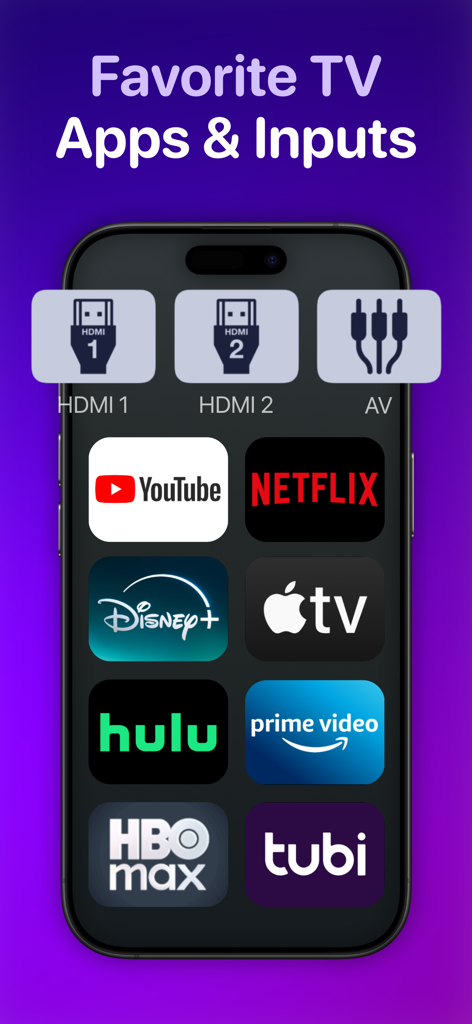
人気のストリーミングアプリとテレビ入力用のショートカットが表示されたスマートフォンの画面

人気のストリーミングアプリとテレビ入力用のショートカットが表示されたスマートフォンの画面

Universoリモートアプリのスワイプタッチパッドを使用してスマートテレビを操作しているユーザー

Universoリモートアプリのスワイプタッチパッドを使用してスマートテレビを操作しているユーザー

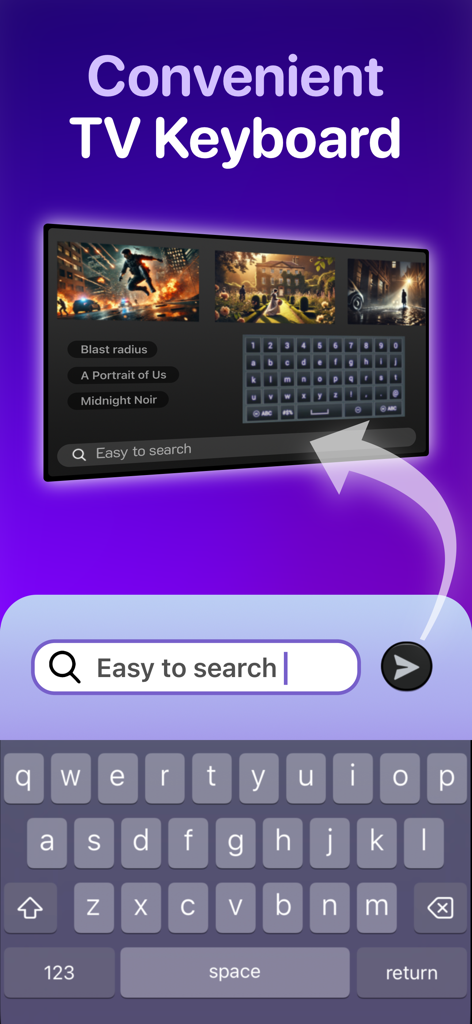
スマートテレビ画面でコンテンツを検索するために使用されるiPhoneキーボード

スマートテレビ画面でコンテンツを検索するために使用されるiPhoneキーボード

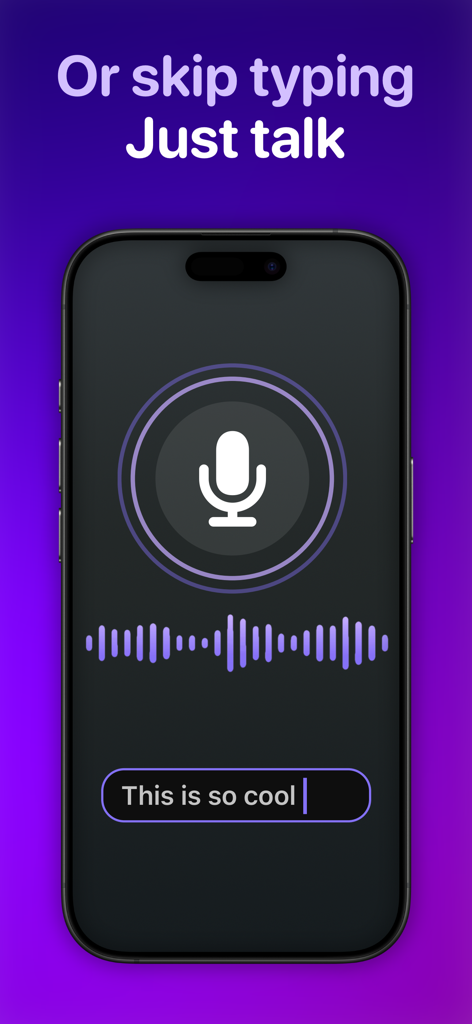
ユニバーサルTVリモコンアプリの音声テキスト変換機能を示すiPhone画面

ユニバーサルTVリモコンアプリの音声テキスト変換機能を示すiPhone画面

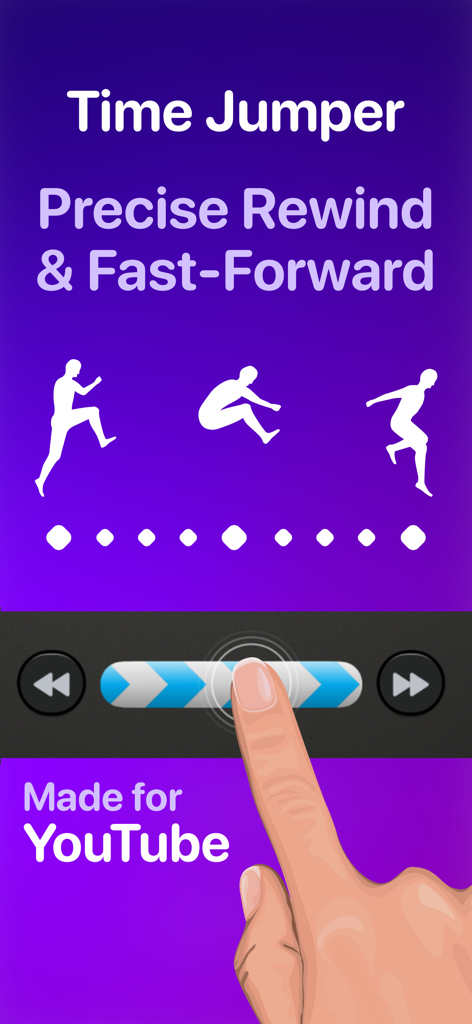
YouTubeでの精密な巻き戻しと早送りのためのタイムジャンパー機能を示すインターフェース

YouTubeでの精密な巻き戻しと早送りのためのタイムジャンパー機能を示すインターフェース

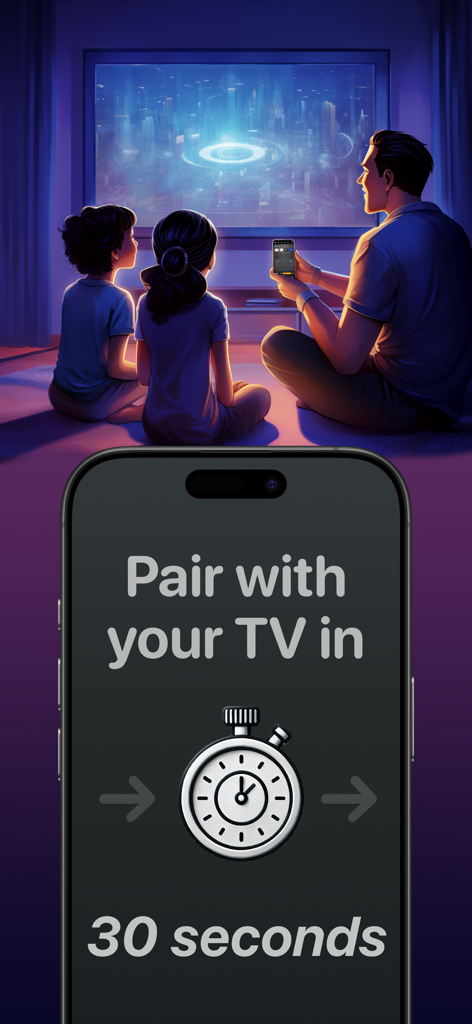
Universoリモートアプリの30秒ペアリングタイマーが表示されたiPhone画面でテレビを見ている家族

Universoリモートアプリの30秒ペアリングタイマーが表示されたiPhone画面でテレビを見ている家族

ホームエンターテイメントをマスターする

このアプリを際立たせるツール、 464K+ 人のユーザーが選択.

⌨️

思考の速さで検索

十字キーで文字を探すのはもうやめましょう。iPhoneキーボードまたは音声文字起こしを使用して、数秒で映画を見つけたり、パスワードを入力したりできます。

🖐️

視線フリーの高精度コントロール

片手操作のために設計された広々としたスワイプタッチパッドを使用してメニューを操作できるため、視聴中に携帯電話を見る必要がありません。

🏠

究極のユニバーサルハブ

リビングのSamsung、寝室のRoku、ゲーム機を、お気に入りのアプリやHDMI入力用のカスタムショートカットでシームレスに切り替えます。

世界中のユーザーに愛されています

Trusted by 464K+ 人がこのアプリを愛用しています.

"

"ついに、本当にプレミアムなユニバーサルリモコンが登場しました。リビングのSamsungと寝室のRokuの間で、私は3つの異なるリモコンを使い分けていました。今では、カスタムHDMIボタンを使ってPS5やNetflixに直接ジャンプできます。キーボード入力は、ストリーミングアプリにログインする際に非常に役立ちます!"

サラ・ミラー
"

"タイムジャンパー機能は、YouTubeを視聴する上でゲームチェンジャーです。実際の精度で動画をシークできるようになりました。テレビから目を離さずにメニューを操作できるスワイプタッチパッドが気に入っています。LGに付属していた物理リモコンよりもはるかに応答性が高いです。"

ジェイソン・チェン

アプリについて

について知っておくべきこと TV Remote Control “Universo”.

説明

Turn your iPhone into a universal remote control for smart televisions and streaming devices. Simplify Entertainment When you’re ready to relax at the end of a hard day, do you want to spend the next 10 minutes hunting for a lost TV remote in the sofa cushions? Place this app on all your iPhones, and a fully functional remote control is always one tap away. Designed to Keep Your Eyes on the TV • With a spacious swipe touchpad right under your thumb, you can navigate the user interface of your TV without needing to look down at your phone. • Make a long swipe to take several steps in one motion. • Tap a side of the pad to step once. • Long press a side of the pad to smoothly scroll through menus and program lists. • Built-in back and home buttons keep all navigation convenient in one spot. Skip to the Action • Introducing the Time Jumper. It’s a media “scrubber” that gives you precision control over the current play position in a video. Slowly shift it to rewind or advance 10 seconds at a time. Flick it rapidly to leap to a far-off scene in the video. • Time Jumper works great with YouTube and apps that implement rewind and fast forward similarly. • Our remote control includes standard playback buttons like play, pause, rewind and fast-forward. Multi-Device Support • Set up remote controls for multiple TV’s and streaming devices in one place. One tap switches between them. Cast Your Photos and Home Movies to Your TV • Make it family slideshow time by sharing photos and videos from your iPhone onto the big screen. Keyboard Input and Voice Search • Enter text on your TV easily with the standard iOS keyboard or with automatic voice transcription. Customizable App and Input Buttons • Launch apps like YouTube, Netflix, Max, and Disney with one tap. Switch TV inputs/sources like HDMI1, HDMI2, or Antenna (“Live TV”). • For your most-used apps and TV inputs, make quick access buttons on the main panel. For example, if you have a PlayStation on HDMI1, and an Xbox on HDMI2, make a button for each. Other Features offered on many TV’s: • Power on/off. This app uses Wake-on-LAN (WoL) to power on TV’s that support it. • Audio buttons for volume control and mute. • Inputs, settings, menu, caption buttons. • Change channels with channel up/down buttons and numpad. • Previous channel button to flip between two channels. Great for sports. • TV guide button to see an on-TV program list. • Haptic feedback when command is sent to TV. How Does This App Work? • This app connects with your TV securely on your home wireless network. It doesn’t use IR (Infrared) like a traditional remote control. • Wi-Fi connection is great. You don’t need to point your phone at the TV for it to work. Also, there is no cross-interference between two TV’s. • This app uses Apple Bonjour (zeroconf) and Universal Plug and Play (UPnP) discovery to detect devices on your home network automatically to make setup easy. Compatibility This app is compatible with the latest versions of most major TV platforms, including: • Samsung Tizen • LG WebOS • Sony Bravia • Vizio SmartCast • Roku • Fire TV OS • Google TV Supports devices including: • Chromecast • Roku Streaming Stick • Amazon Fire TV Stick • Nvidia Shield And many TV models from: • Samsung (2016+) • LG • Sony • Vizio (2016+) • TCL • Hisense • Sharp • Toshiba Also: Philips, Insignia, Panasonic, JVC, RCA, Onn, Element, Magnavox, Grundig, Onida, OnePlus, Realme, Xiaomi, Skyworth, Blaupunkt, Metz, XGIMI, Haier, Pioneer, Westinghouse This app is not affiliated with the TV brands mentioned here. All trademarks are property of their respective owners. We try to make the most out of the functionality offered by the TV platform for control by apps. But the capabilities offered vary by manufacturer and model. So some of the remote control features listed here may not be available for your TV. Terms of use: https://www.apple.com/legal/internet-services/itunes/dev/stdeula

最新バージョン

3.4.0

サイズ

112.7 MB

リリース日

2024年3月4日

テレビにふさわしいプロ仕様リモコンにアップグレード

失くしたリモコンを探すのをやめ、操作を始めましょう。464,000人以上のユーザーがiPhoneを家中のあらゆる画面の究極コマンドセンターに変えました。

ダウンロード: App Store