XLSX Sheets: Edit Spreadsheet

XLSX Sheets: Edit Spreadsheet

ダウンロード: App Store
Spark by MWM logo
ロゴ: XLSX Sheets: Edit Spreadsheet
XLSX Sheets: プロフェッショナルな表計算パワーを、モバイルライフのために再定義

かさばるソフトウェアは捨てて、より速く、よりスマートなデータ管理方法を手に入れましょう。Excel互換ファイルを編集し、リアルタイムの提案で数式をマスターし、オフラインでもどこでも作業できます。

ダウンロード: App Store

開発元

Rhophi Analytics LLP

カテゴリ

Productivity

ダウンロード

2M+

ユーザー評価

4.6/5

評価数

7K+

対応言語

18

制限のない表計算

このインターフェースを利用する 2M+ 人のユーザー.

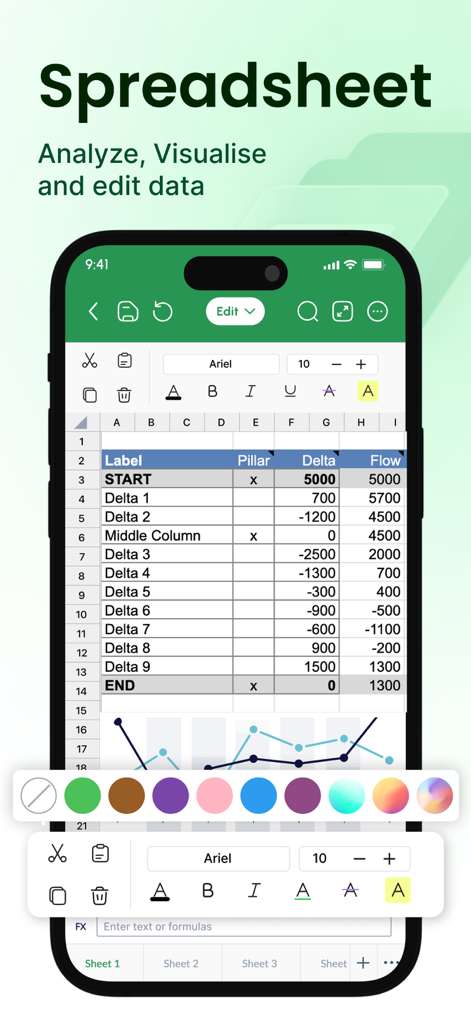
XLSX Sheetsアプリのインターフェース。モバイルデバイス上に表計算とグラフが表示されています。

XLSX Sheetsアプリのインターフェース。モバイルデバイス上に表計算とグラフが表示されています。

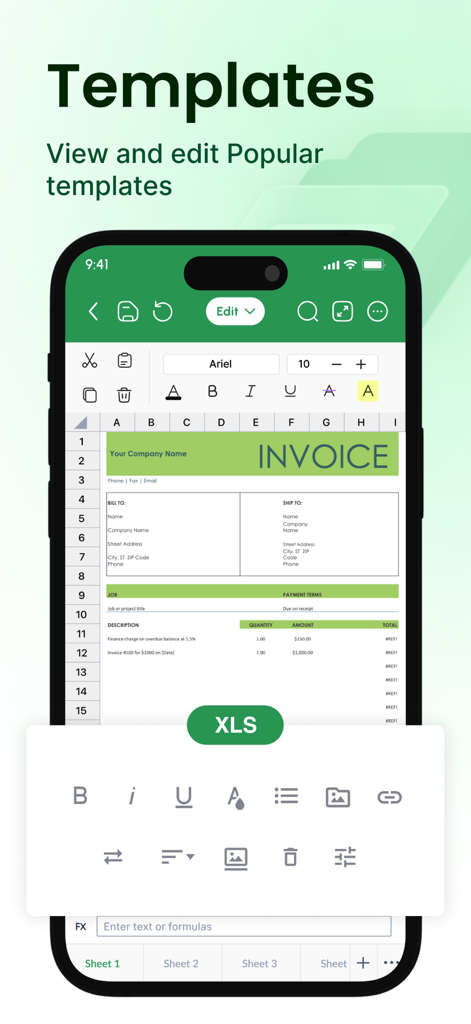
XLSX Sheetsアプリで編集可能な請求書テンプレートが表示された携帯電話。

XLSX Sheetsアプリで編集可能な請求書テンプレートが表示された携帯電話。

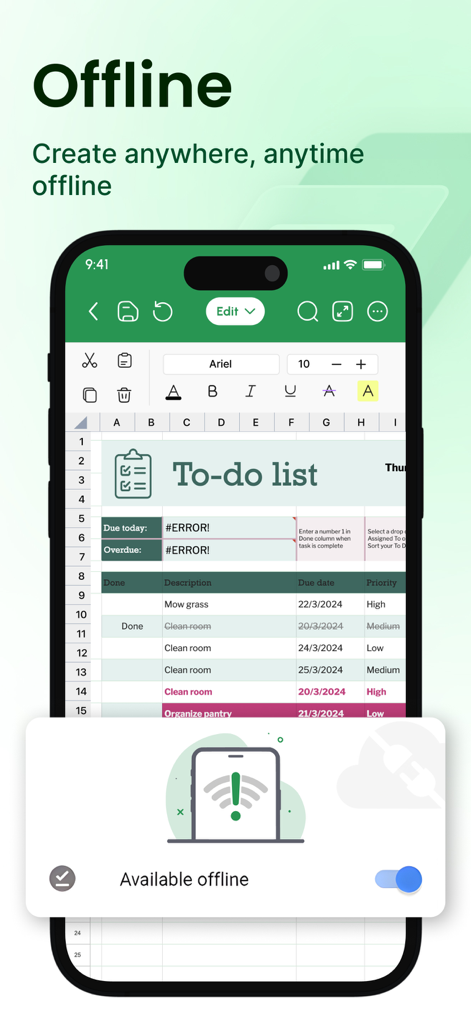
XLSX Sheetsモバイルアプリのインターフェース。オフライン編集モードが有効になったToDoリストが表示されています。

XLSX Sheetsモバイルアプリのインターフェース。オフライン編集モードが有効になったToDoリストが表示されています。

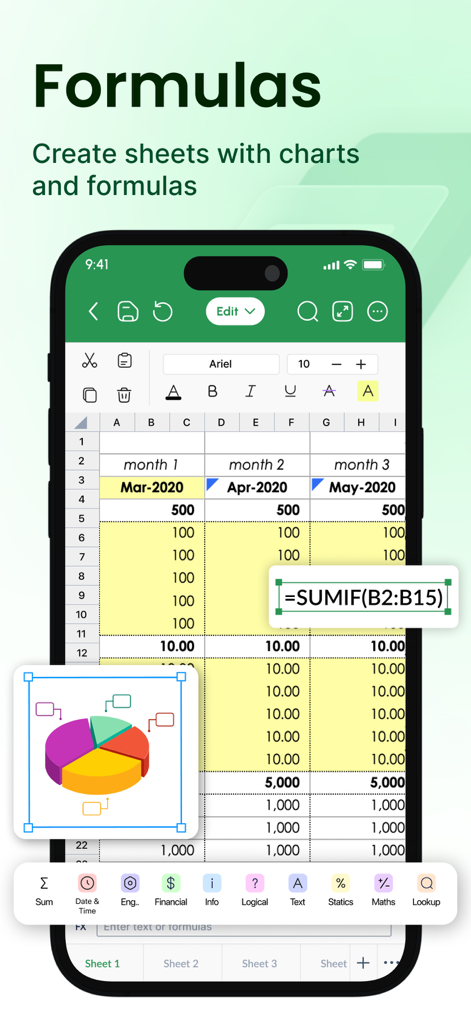
モバイル表計算インターフェース。SUMIF数式が編集され、3D円グラフが表示されています。

モバイル表計算インターフェース。SUMIF数式が編集され、3D円グラフが表示されています。

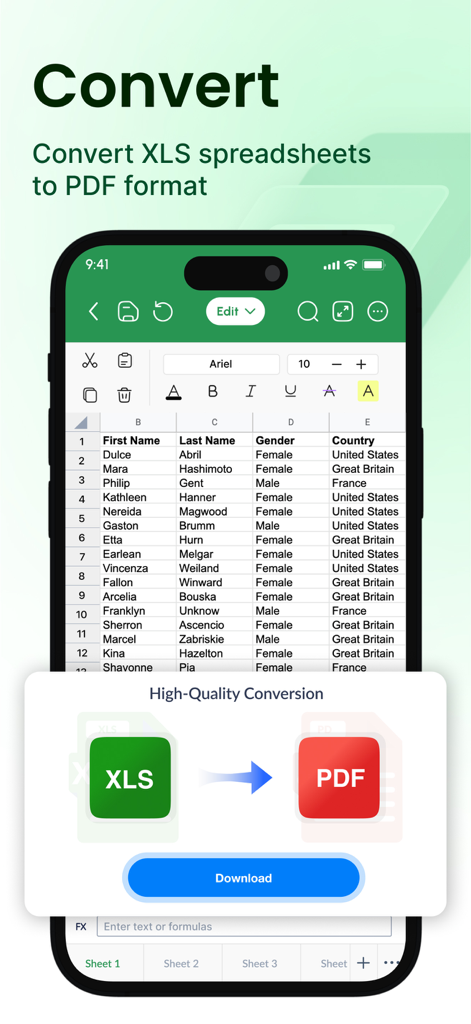
モバイルアプリのインターフェース。Excel表計算からPDFドキュメントへの変換が表示されています。

モバイルアプリのインターフェース。Excel表計算からPDFドキュメントへの変換が表示されています。

移動中でもデータをマスター

このアプリを際立たせるツール、 2M+ 人のユーザーが選択.

スピードと正確性のために構築

リアルタイムの数式提案と、モバイルでの迅速な編集に最適化されたインターフェースで、複雑さを解消しましょう。

✈️

完全なオフライン生産性

地下鉄や飛行機の中でも、オフラインモードのおかげで、信号を気にせずに作業を続けられます。オンラインに戻るとすぐに進行状況が同期されます。

📄

ワンタップのプロフェッショナルエクスポート

表計算をプロフェッショナルなPDFやCSVに即座に変換し、請求書やレポートを外出先でクライアントと共有できます。

世界中のユーザーに愛されています

Trusted by 2M+ 人がこのアプリを愛用しています.

"

"XLSX Sheetsは、毎日の通勤に最適なコンパニオンです。オフラインモードのおかげで、電波状況を気にせず、電車内でプロジェクトの予算やタイムラインを更新できます。試した他のモバイル表計算アプリよりも、大幅に高速で直感的です。"

Alex R., プロジェクトマネージャー
"

"会計や予算作成のテンプレートは、中小企業の追跡設定に非常に役立ちました。iPadで直接グラフを使ってデータを視覚化し、PDFとしてレポートを即座にエクスポートしてパートナーと共有できるのが気に入っています。モバイルデータ管理が本当に楽しくなります。"

Jordan M., 起業家

レビュー分析

ユーザーレビューの分析.

感情スコア

17%
ネガティブ

概要

The app garners overwhelmingly negative feedback, primarily due to its aggressive monetization strategy. Many users report unexpected auto-renewals and significant charges for subscriptions they did not intend to purchase, often finding basic functionalities locked behind a paywall. There are frequent complaints about the difficulty or inability to obtain refunds and accusations of the app being a scam. Consequently, the user experience is largely characterized by frustration over unwanted payments and inadequate customer support.

主なテーマ

Refund Difficulty / Support Issues(15)
Unexpected Charges(14)
Paywall / Premium Requirement(12)
Excessive Advertisements(5)
Accusations of Scam/Deception(5)
Ease of Use(3)
App Performance / Instability(3)

アプリについて

について知っておくべきこと XLSX Sheets: Edit Spreadsheet.

説明

Powerful & Easy XLSX Editing at your fingertips: Tired of bulky spreadsheet software that limits your mobility? Introducing XLSX Sheets, your all-in-one mobile solution for creating, editing, and managing Excel-friendly Spreadsheets and Smartsheets with unmatched ease and efficiency. Effortlessly manage data at your fingertips, anywhere, anytime: • Edit with precision: Utilize a comprehensive suite of editing tools for Excel-compatible spreadsheet control. Cut, copy, paste, format cells, and apply Excel-compatible formulas seamlessly. • Formula mastery made easy: Access a library of easy-to-advanced Excel compatible functions and receive real-time formula suggestions as you type, ensuring error-free calculations. • Visualize your success: Effortlessly create and manipulate charts and graphs in both spreadsheet and Smartsheet files, gaining clear insights from your data. • Real-time sheet collaboration: Work seamlessly with colleagues or classmates by sharing spreadsheets and xls through popular cloud services like Google Drive, Dropbox, and OneDrive. Your perfect spreadsheet companion: • Analyze advanced data: Leverage powerful tools to sort, filter, and create pivot tables, extracting valuable insights from your sheets. • Streamlined compatible workflows: Utilize Excel-compatible templates for tasks like budgeting, to-do lists, accounting, and financial analysis, saving you valuable time and effort. • Seamless data exchange: Import data from various sources, including CSV files, web tables, and other XLS files, ensuring compatibility across platforms. Export or convert your sheet to formats like PDF, CSV, or XLS for maximum flexibility. Sheets tailored for your unique needs: • Personalize your experience: Choose from customizable themes, cell styles, and conditional formatting options to make your spreadsheets visually appealing and functional. • Work offline, uninterrupted: Continue working on your spreadsheets even without an internet connection. Offline sheet access ensures you have control over your data, wherever you are. • Customer support: Enjoy regular xls updates and top-notch customer support to keep your editing experience smooth and efficient. Whether you are a business professional, student, or simply someone who needs to manage data on the go, XLSX Sheets is the perfect tool for you. Download it today and experience the power of mobile spreadsheets! Key features: • Edit, create, and manage XLS sheets and Smartsheets • Powerful excel compatible formula builder with real-time suggestions • Comprehensive data visualization tools (charts, graphs & pivots) • Real-time spreadsheet collaboration through cloud integration • Advanced data analysis features (sort, filter, pivot tables, budget calculations) • Modern templates for various tasks (budgeting, accounting, reporting, etc.) • Import and export data in various formats (CSV, PDF, XLS) • Customizable themes, cell styles, and formatting options • Offline spreadsheet access for uninterrupted work • Regular updates and dedicated customer support Download XLSX Sheets today and start working smarter, not harder! Weekly/Monthly/Yearly subscriptions available. Choose the plan that best suits your needs. Cancel anytime. Subscription will be charged to your credit card through your App Store account. Your subscription will automatically renew unless canceled at least 24 hours before the end of the current period. Manage your subscription in the Account Settings on the App Store after purchase. Terms of use - https://sites.google.com/a1apps.co/tc-xlsx-sheets-ios/home Any feedback is welcomed at p3@a1apps.helpscoutapp.com

最新バージョン

1.1.29

サイズ

231.1 MB

リリース日

2023年2月23日

どこからでも表計算をマスターしましょう

200万人以上のプロフェッショナルが、かさばるソフトウェアを捨てて、より高速なモバイルファースト編集を選んでいます。今すぐXLSX Sheetsをダウンロードして、オフラインでもデータを管理しましょう。

ダウンロード: App Store
FAQ

よくある質問

について知っておくべきこと XLSX Sheets: Edit Spreadsheet

XLSX Sheetsとは何ですか?

XLSX Sheetsは、Excel互換のスプレッドシートやスマートシートを作成、編集、管理するためのモバイルソリューションです。包括的な編集ツール、数式の習得、データ可視化、リアルタイム共同編集機能を提供します。

XLSX SheetsはExcelファイルを編集できますか?

はい、XLSX SheetsはExcel互換のスプレッドシートを作成、編集、管理できるように設計されています。包括的な編集ツールとExcel互換の数式を提供し、既存のExcelファイルとのシームレスな互換性を保証します。

XLSX Sheetsは数式をサポートしていますか?

はい、XLSX Sheetsは数式をサポートしています。簡単から高度なExcel互換関数ライブラリを提供し、リアルタイムで数式候補を表示します。これにより、スプレッドシート内での正確かつ効率的な計算が保証されます。

XLSX Sheetsを使用して他の人と共同編集できますか?

はい、XLSX Sheetsではリアルタイムでシートの共同編集が可能です。Google Drive、Dropbox、OneDriveなどの一般的なクラウドサービスを介してスプレッドシートやXLSファイルを共有することで、他の人とシームレスに共同作業できます。

XLSX Sheetsはオフラインで動作しますか?

はい、XLSX Sheetsではオフラインで作業できます。インターネット接続がない状態でも、スプレッドシートの編集を続けることができます。これにより、どこにいても中断なくデータにアクセスし、管理できます。

XLSX Sheetsはどのようなファイル形式のインポートとエクスポートをサポートしていますか?

XLSX Sheetsは、CSVファイル、Webテーブル、その他のXLSファイルからのデータのインポートをサポートしています。最大限の柔軟性と互換性のために、シートをPDF、CSV、またはXLS形式でエクスポートまたは変換できます。

XLSX Sheetsの料金はいくらですか?

XLSX Sheetsは、週次、月次、年次のサブスクリプションオプションを提供しています。ニーズに最適なプランを選択できます。サブスクリプション料金は、App Storeアカウントを通じて処理されます。

XLSX Sheetsのサブスクリプションをキャンセルするにはどうすればよいですか?

購入後、App Storeの「アカウント設定」でXLSX Sheetsのサブスクリプションをキャンセルできます。自動更新を防ぐために、現在の期間が終了する少なくとも24時間前までにキャンセルを完了してください。

XLSX Sheetsはテンプレートを提供していますか?

はい、XLSX Sheetsは、予算作成、ToDoリスト、会計、財務分析など、さまざまなタスクに対応するExcel互換テンプレートを提供しています。これにより、ワークフローが効率化され、時間を節約できます。

XLSX SheetsでXLSスプレッドシートをPDFに変換できますか?

はい、XLSX SheetsはXLSスプレッドシートをPDF形式に変換できます。また、CSVまたはXLS形式へのエクスポートも可能で、データ共有やアーカイブの目的に対して柔軟性を提供します。