YACReader - Comic Reader

YACReader - Comic Reader

ダウンロード: App Store
Spark by MWM logo
ロゴ: YACReader - Comic Reader

YACReader - コミックリーダー:熱心なコレクターのための究極のデジタルライブラリ

あなたの個人的なコレクションを完全にコントロール。プレミアムな読書体験で、iPadとデスクトップ間でCBR、CBZ、PDFファイルをストリーミング、同期、管理できます。マンガ、Webtoon、グラフィックノベルのために設計されています。

ダウンロード: App Store

開発元

Luis Ángel San Martín

カテゴリ

Entertainment

ダウンロード

396K+

ユーザー評価

4.8/5

評価数

2K+

対応言語

2

あなたのライブラリを洗練させる

このインターフェースを利用する 396K+ 人のユーザー.

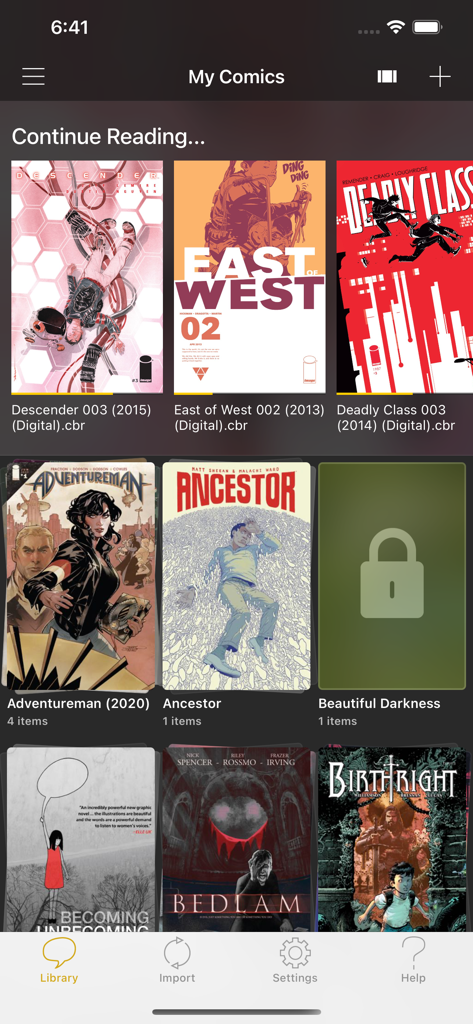
YACReaderアプリのライブラリインターフェース。コミックブックの表紙とコレクションフォルダが表示されています。

YACReaderアプリのライブラリインターフェース。コミックブックの表紙とコレクションフォルダが表示されています。

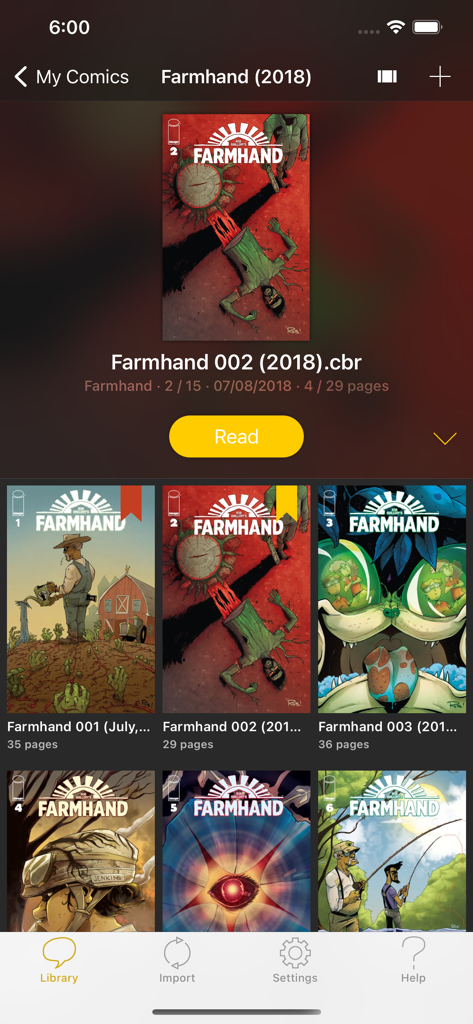
YACReaderモバイルアプリのライブラリインターフェース。Farmhandシリーズのデジタルコミックコレクションが表示されています。

YACReaderモバイルアプリのライブラリインターフェース。Farmhandシリーズのデジタルコミックコレクションが表示されています。

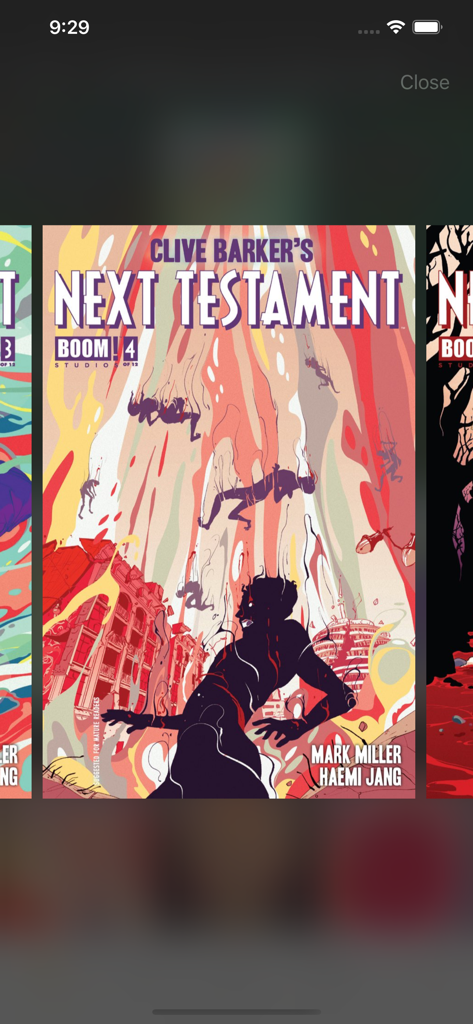
YACReaderのデジタルコミックブックライブラリインターフェース。Clive Barker's Next Testamentの表紙が表示されています。

YACReaderのデジタルコミックブックライブラリインターフェース。Clive Barker's Next Testamentの表紙が表示されています。

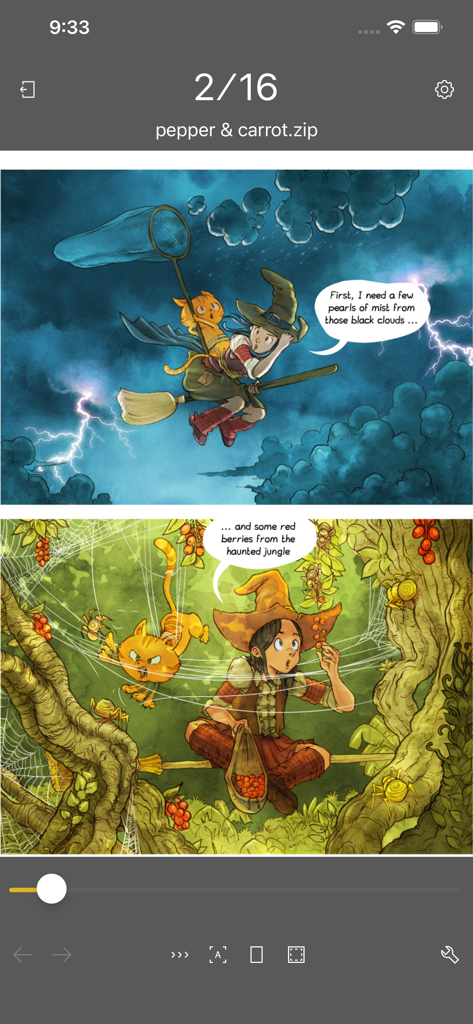
YACReader iOSアプリ。ナビゲーションコントロール付きのデジタルコミックが表示されています。

YACReader iOSアプリ。ナビゲーションコントロール付きのデジタルコミックが表示されています。

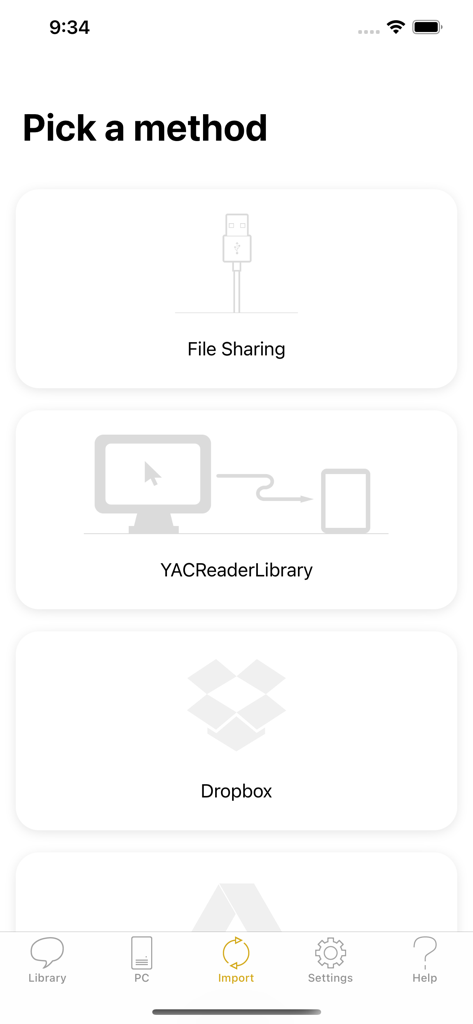
YACReaderアプリのインターフェース。ファイル共有やDropboxなどのクラウドサービスを含むコミックインポート方法が表示されています。

YACReaderアプリのインターフェース。ファイル共有やDropboxなどのクラウドサービスを含むコミックインポート方法が表示されています。

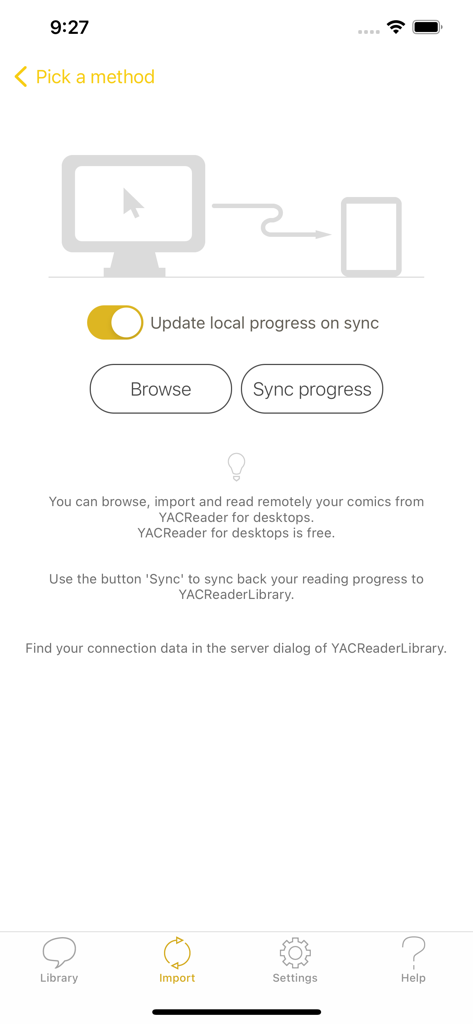
YACReaderのインポートと同期コミックス画面。デスクトップ接続と進捗状況の更新オプションが表示されています。

YACReaderのインポートと同期コミックス画面。デスクトップ接続と進捗状況の更新オプションが表示されています。

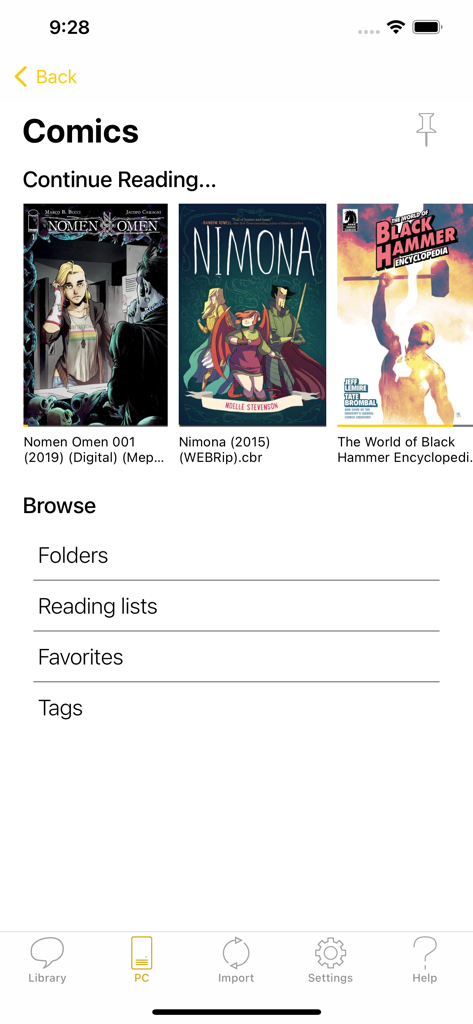
YACReaderアプリのライブラリスクリーン。デジタルコミックの表紙と整理カテゴリが表示されています。

YACReaderアプリのライブラリスクリーン。デジタルコミックの表紙と整理カテゴリが表示されています。

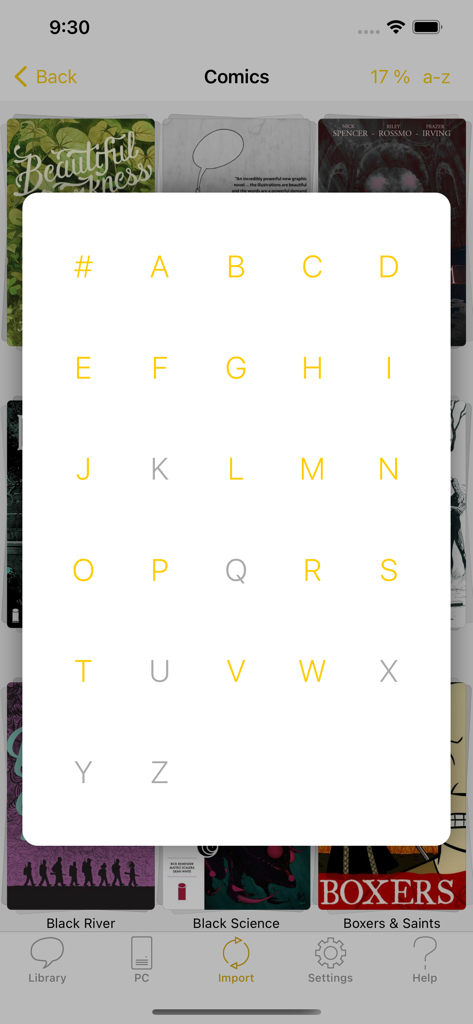
YACReaderアプリのインターフェース。AからZまでのアルファベットグリッドオーバーレイが表示され、デジタルコミックブックコレクションの検索とナビゲーションが可能です。

YACReaderアプリのインターフェース。AからZまでのアルファベットグリッドオーバーレイが表示され、デジタルコミックブックコレクションの検索とナビゲーションが可能です。

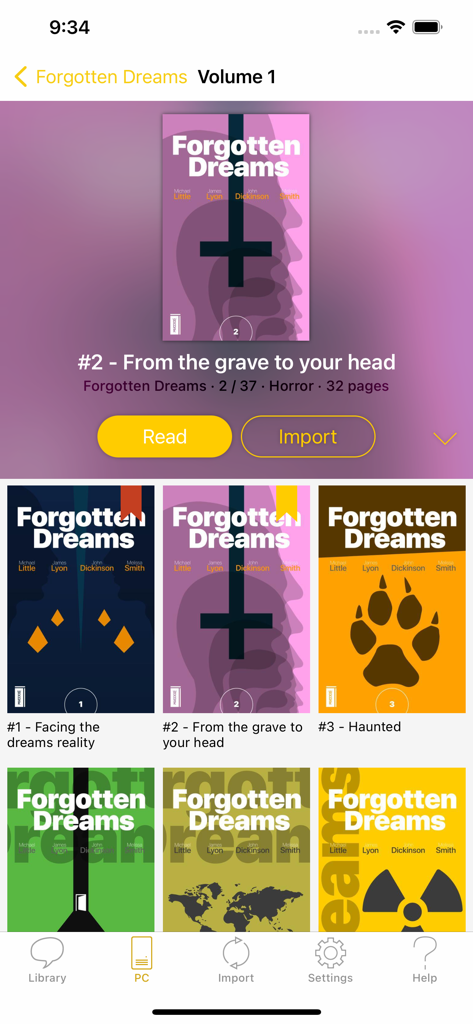
YACReaderモバイルアプリのインターフェース。Forgotten Dreamsというタイトルのコミックコレクションと、読み取りおよびインポートボタンが表示されています。

YACReaderモバイルアプリのインターフェース。Forgotten Dreamsというタイトルのコミックコレクションと、読み取りおよびインポートボタンが表示されています。

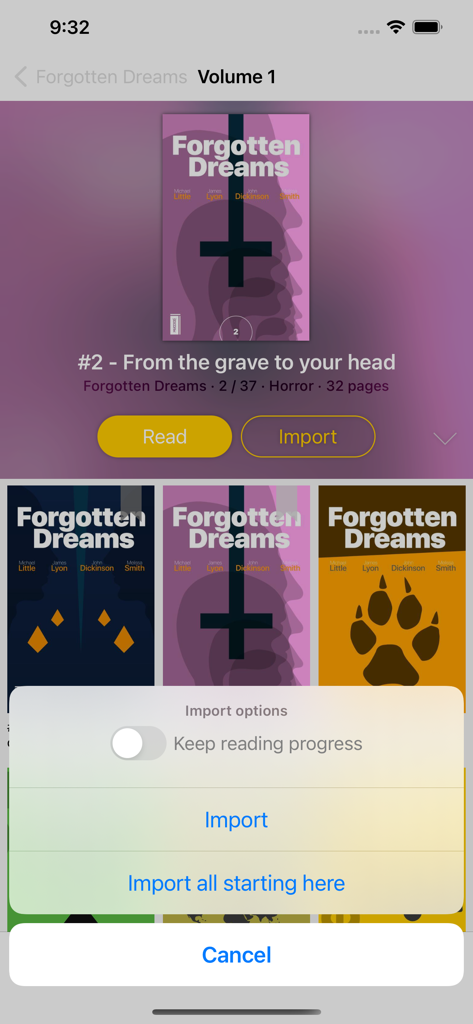
YACReaderアプリ。コミックコレクションとファイルインポートオプションメニューが表示されています。

YACReaderアプリ。コミックコレクションとファイルインポートオプションメニューが表示されています。

デジタルコレクションを管理しよう

このアプリを際立たせるツール、 396K+ 人のユーザーが選択.

🖥️

シームレスなデスクトップ同期

ローカルストレージを無駄にすることなく、PCまたはMacからiPadにホームライブラリ全体をブラウズしてストリーミングできます。

🇯🇵

マンガ&Webtoon対応

右から左へのモードと連続垂直スクロールを即座に切り替えて、完璧な読書体験を実現します。

🛠️

高度な読書エンジン

画像フィルター、自動マージン切り取り、パネルごとのガイド付き読書で各ページを最適化します。

世界中のユーザーに愛されています

Trusted by 396K+ 人がこのアプリを愛用しています.

"

"長年のデジタルコレクターとして、ついに完璧なワークフローを見つけました。PCからiPad Proに巨大なCBRライブラリをストリーミングできる能力は完璧です。ストレージ容量を気にする必要がなくなり、画像フィルターはビンテージスキャンを信じられないほど美しく見せます。パワーユーザーにとってはゴールドスタンダードです。"

Marcus Thompson
"

"マンガとWebtoonにとって、間違いなく最高のアプリです。右から左へのモードと連続垂直スクロールの切り替えはシームレスです。Dropboxの統合が気に入っています。最新のチャプターのインポートが数秒で完了します。ガイド付き読書機能は、小さい画面でも救世主です!"

Elena Rodriguez

アプリについて

について知っておくべきこと YACReader - Comic Reader.

説明

YACReader offers you the best way to read and manage your digital comics and mangas. Enjoy your collections anywhere. YACReader supports all the common digital comic formats, such as: cbz, cbr, zip, rar, rar5 or pdf. Importing your comics into your iPad or iPhone has never been easier. You can use your Dropbox, Box and OneDrive account for synchronizing your comics with YACReader. YACReader supports iTunes/Finder File Sharing to copy comics between your computer and YACReader. You can also browse, import ,remote read (stream) and sync back the digital comic collections stored in your computer using the desktop version of YACReader (totally free)*. Import comics from any place in your device thanks to the integration with Document Picker. Organize your comic library creating folders and copy, cut, paste or delete comics and folders. YACReader has the easiest method for selecting multiple comics and folders and organize them. Using a tap gesture is all you need to read your comics from start to finish thanks to the built-in YACReader automatic scroll. Enjoy reading comics and do not worry about anything else. Do you like Manga? YACReader supports Manga mode for reading right to left and it also support continuous vertical scroll for webtoon. Configure your reading experience with various fit modes, single or double page mode, continuous scroll, automatic margins trimming, several ways to setup the hot areas in the screen and more. YACReader offers guided reading, you can zoom in any panel and then continue reading panel by panel from there. It also includes settings to personalize the experience. This is a feature continuously developed thanks to all the feedback coming from the users. You can also enhance you comics with a full featured image filters editor, filter settings can be synchronized through YACReaderLibrary across any device that supports the new filters. YACReader is kept updated to support the latest iOS features, such as Widgets, Dark Mode or Split Screen. YACReader for desktops has been downloaded more than 2 million times since 2009, every update counts with hundreds of thousand downloads. Now, you can also enjoy YACReader on your iOS device. The best feature YACReader has to offer is its customer support, if you have any questions don't hesitate to contact me. Visit the web site at http://ios.yacreader.com or get support at ios@yacreader.com *Visit the web site of YACReader for computers at http://www.yacreader.com - YACReader for computer is FREE and is available for all major computer platforms. Find other users and help at: http:www.yacreader.com/forum - Facebook page - http://www.facebook.com/YACReader , Twitter - http://twitter.com/yacreader or the YouTube channel - http://www.youtube.com/user/yacreader.

最新バージョン

3.36.3

サイズ

110.6 MB

リリース日

2013年4月27日

究極のコミックライブラリをどこへでも

基本的なリーダー以上のものを求める200万人以上のコレクターに加わりましょう。プロフェッショナルなアーカイブの精度とサブスクリプション不要の自由度で、CBR、マンガ、Webtoonを体験してください。

ダウンロード: App Store