Actions: To Do List Organizer

Actions: To Do List Organizer

다운로드: App Store다운로드: Google Play
Spark by MWM logo
로고: Actions: To Do List Organizer

Actions: 우아한 단순함으로 하루를 마스터하세요

미적 감각을 중시하는 성취 지향적인 사람들을 위한 프리미엄 할 일 목록입니다. 자연어를 사용하여 작업을 예약하고, 아름다운 카드 기반 목록으로 삶을 정리하며, 깔끔한 작업 공간에서 집중력을 되찾으세요.

개발사

Bonobo Pte Ltd

카테고리

Productivity

다운로드

1M+

사용자 평점

4.5/5

총 평가 수

23K+

지원 언어

12

모든 카드 속 명료함

이 인터페이스를 사용하는 1M+ 명의 사용자.

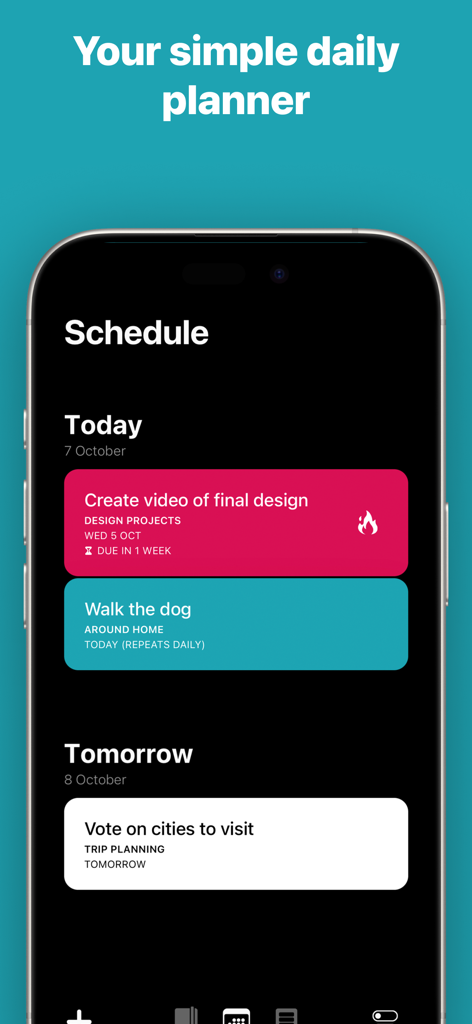
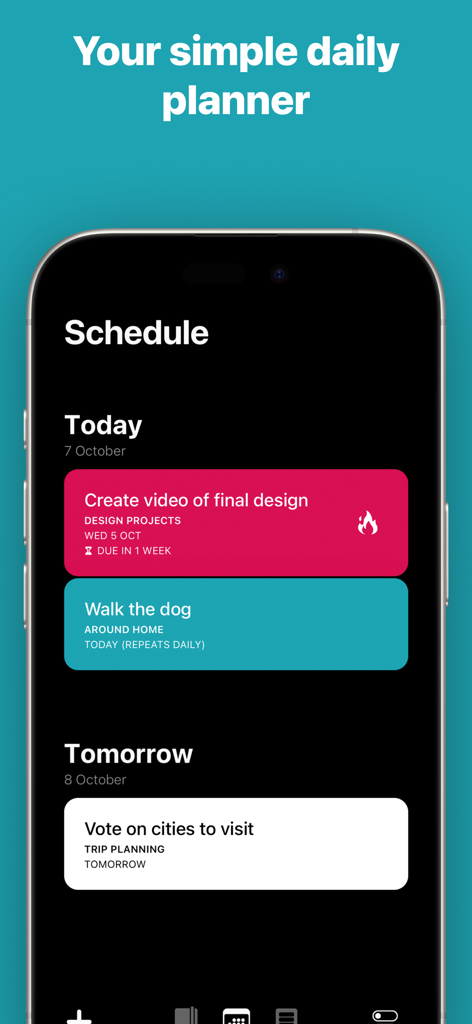
아이폰에 색상 코딩된 작업 카드를 사용하여 일일 계획을 보여주는 Actions 앱 스케줄 인터페이스

아이폰에 색상 코딩된 작업 카드를 사용하여 일일 계획을 보여주는 Actions 앱 스케줄 인터페이스

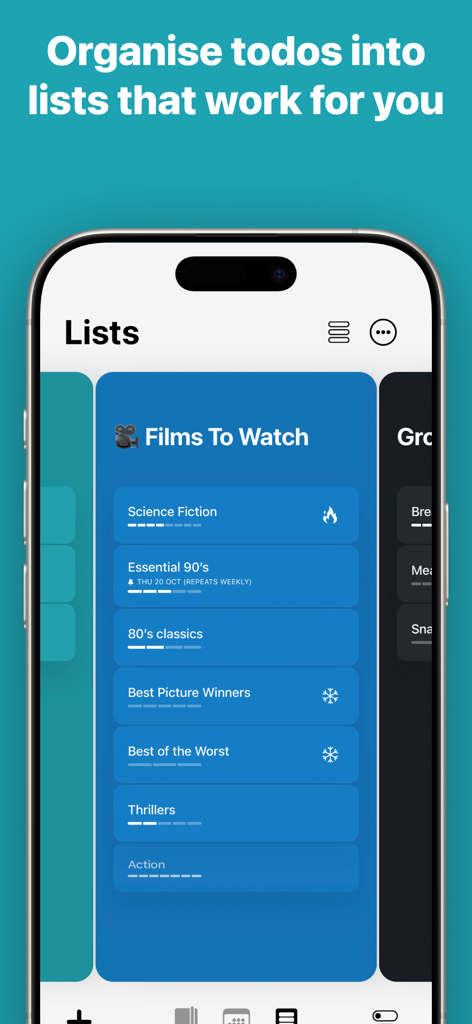
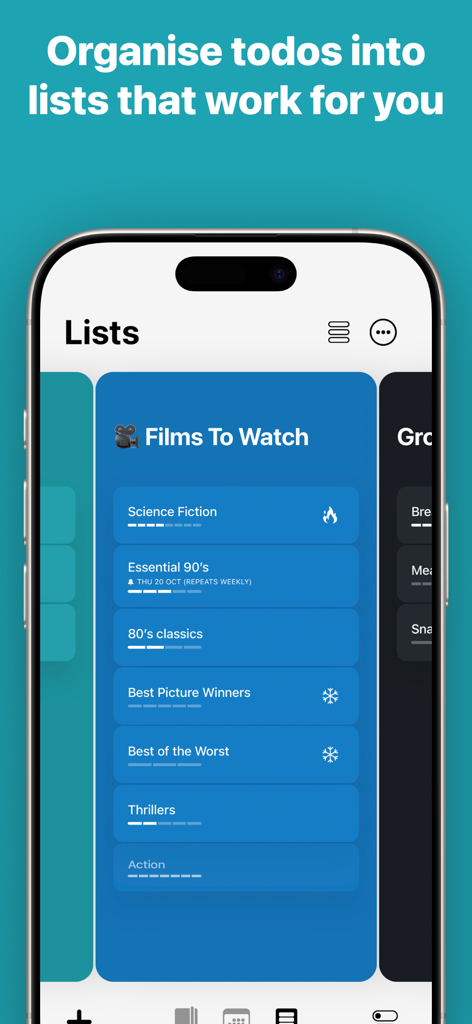
디지털 카드로 정리된 영화 목록을 보여주는 Actions To Do List 앱의 아이폰 스크린샷

디지털 카드로 정리된 영화 목록을 보여주는 Actions To Do List 앱의 아이폰 스크린샷

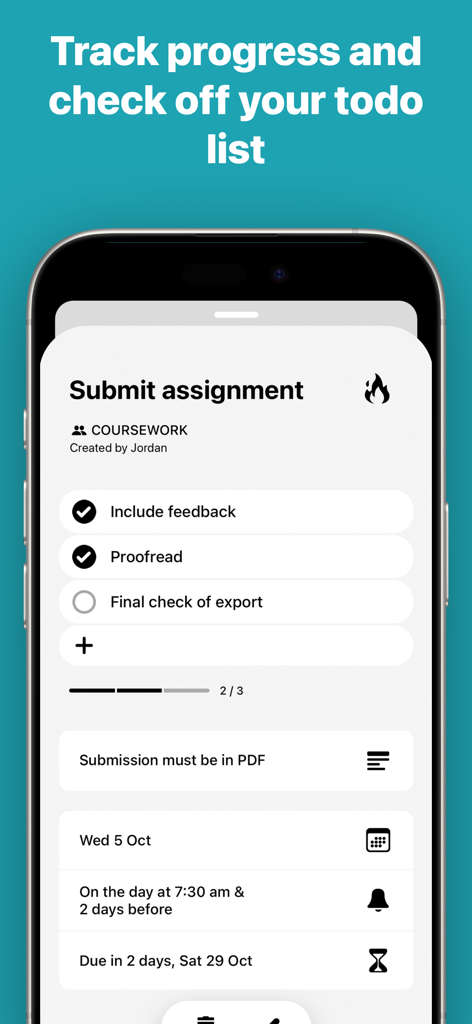
진행률 표시줄과 알림이 있는 과제 체크리스트를 보여주는 Actions 앱의 미니멀리스트 작업 인터페이스.

진행률 표시줄과 알림이 있는 과제 체크리스트를 보여주는 Actions 앱의 미니멀리스트 작업 인터페이스.

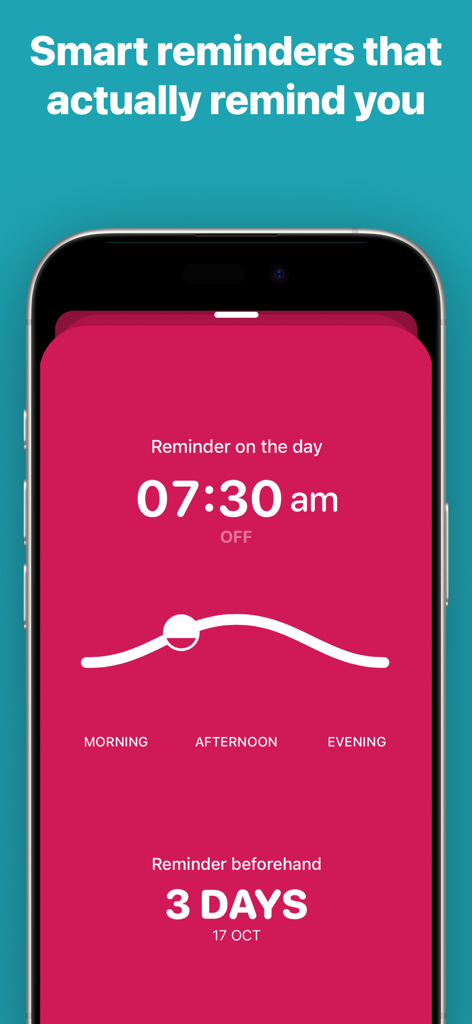
핑크색 미적 인터페이스를 보여주는 Actions To Do List 앱의 스마트 알림 설정 화면.

핑크색 미적 인터페이스를 보여주는 Actions To Do List 앱의 스마트 알림 설정 화면.

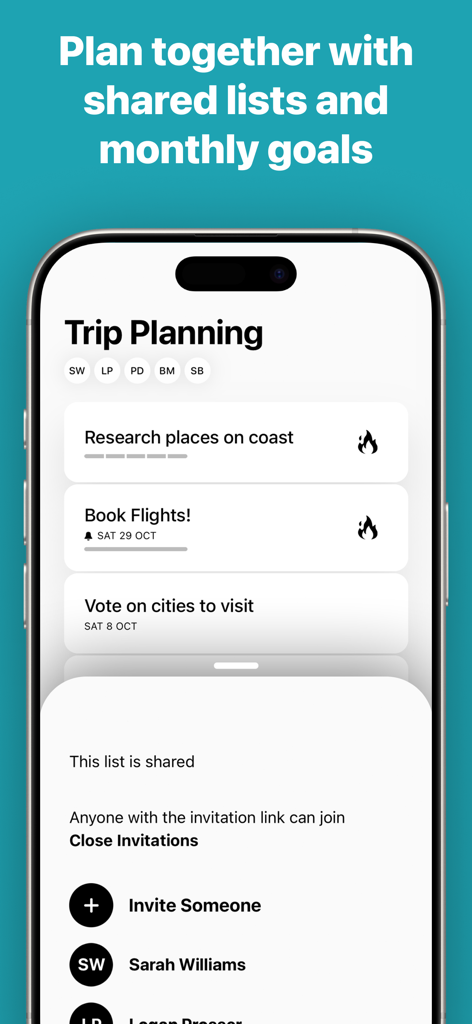
공동 작업자와 작업 카드가 있는 공유 여행 계획 목록을 보여주는 Actions 할 일 목록 앱의 인터페이스

공동 작업자와 작업 카드가 있는 공유 여행 계획 목록을 보여주는 Actions 할 일 목록 앱의 인터페이스

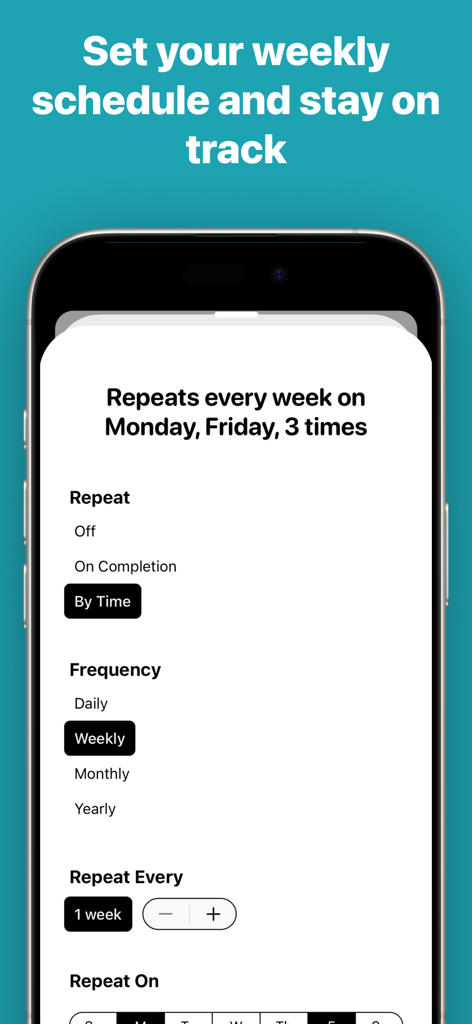
반복되는 주간 작업 및 일정 관리 설정을 보여주는 Actions 앱의 인터페이스.

반복되는 주간 작업 및 일정 관리 설정을 보여주는 Actions 앱의 인터페이스.

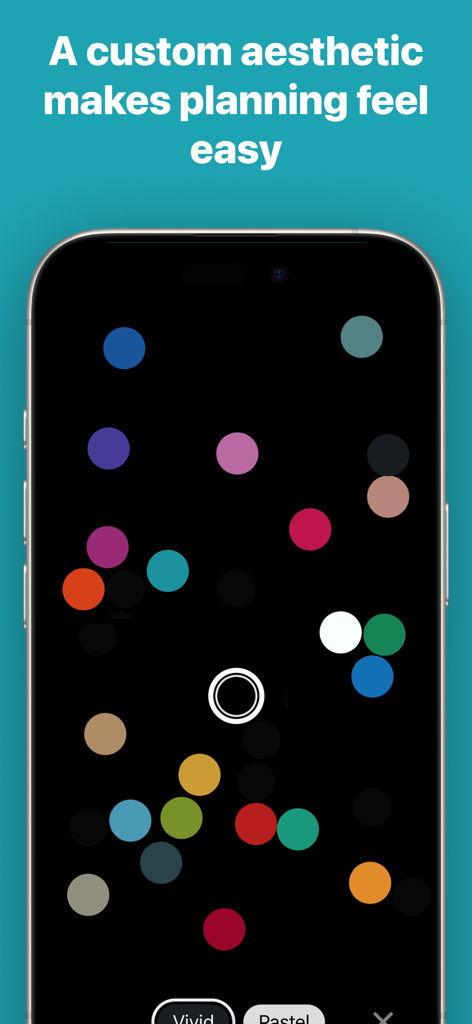
어두운 미니멀리스트 인터페이스에 생생한 색상의 점들이 특징인 Actions 앱 색상 사용자 지정 화면

어두운 미니멀리스트 인터페이스에 생생한 색상의 점들이 특징인 Actions 앱 색상 사용자 지정 화면

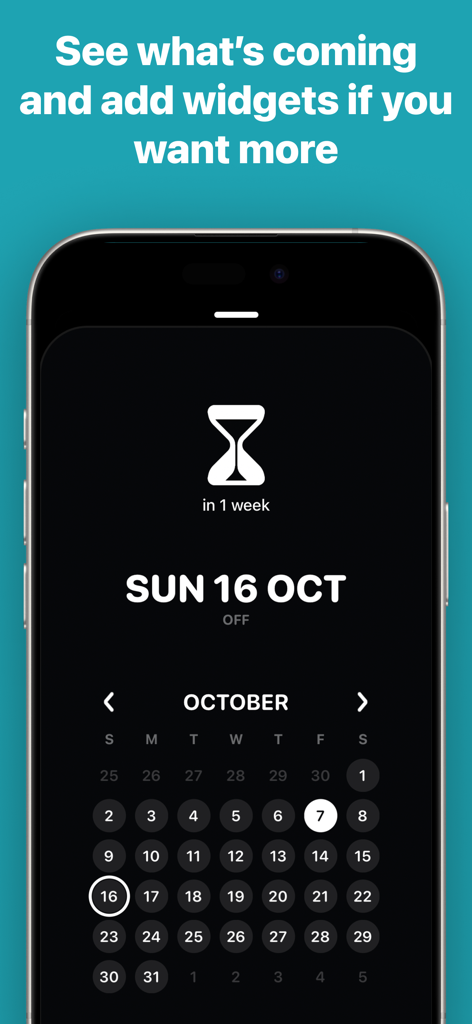
다크 모드 인터페이스가 적용된 Actions To Do List 앱의 미적 미니멀리스트 캘린더 보기.

다크 모드 인터페이스가 적용된 Actions To Do List 앱의 미적 미니멀리스트 캘린더 보기.

색상 코딩된 작업 카드가 있는 Actions 할 일 목록 앱의 미니멀리스트 일정 보기를 표시하는 스마트폰 화면

색상 코딩된 작업 카드가 있는 Actions 할 일 목록 앱의 미니멀리스트 일정 보기를 표시하는 스마트폰 화면

다양한 영화 카테고리가 있는 '볼 영화'라는 파란색 카드 기반 목록을 보여주는 Actions 앱 인터페이스

다양한 영화 카테고리가 있는 '볼 영화'라는 파란색 카드 기반 목록을 보여주는 Actions 앱 인터페이스

우아한 단순함으로 하루를 마스터하세요

이 앱을 돋보이게 하는 도구, 1M+ 명의 사용자가 선택.

✍️

손쉬운 자연어 입력

말하는 것처럼 간단하게 입력하세요. "다음 주 금요일 저녁 7시에 팀과 저녁 식사"라고 쓰면 스마트 엔진이 자동으로 스케줄링 및 알림을 처리합니다.

🎨

미적 시각적 구성

작업을 아름다운 액션 카드로 변환하세요. 사용자 지정 색상 코딩과 직관적인 카드 기반 레이아웃을 사용하여 어수선한 목록을 명확하고 영감을 주는 로드맵으로 만드세요.

지능형 디지털 웰빙

오래된 작업을 재조정하거나 정리하도록 유도하는 스마트 제안으로 집중력을 예리하게 유지하여 인터페이스가 생산성을 위한 차분한 공간으로 유지되도록 합니다.

전 세계 사용자들에게 사랑받는 앱

Trusted by 1M+ 명이 이 앱을 사랑합니다.

"

"수년 동안 물리적인 몰스킨 노트를 사용해 온 디자이너로서 디지털 전환에 회의적이었습니다. Actions는 모든 것을 바꾸어 놓았습니다. 인터페이스는 놀랍도록 차분하며, 자연어 입력 덕분에 프로젝트 작업을 브레인스토밍하는 것이 매우 쉬워졌습니다. 작동 방식만큼이나 보기도 좋은 최초의 할 일 앱입니다."

엘레나 G., 크리에이티브 디렉터
"

"기업 경력과 가족 생활을 병행하는 것은 항상 이동 중이라는 것을 의미합니다. 저는 Siri 통합과 Apple 기기 간의 원활한 동기화에 크게 의존합니다. Timepage 통합을 통해 캘린더 이벤트와 함께 작업을 보는 것은 하루를 시각화하는 방식을 완전히 변화시켰습니다. 이는 가장 우아한 형태의 생산성입니다."

마크 S., 선임 기술 리더

앱 소개

에 대해 알아야 할 모든 것 Actions: To Do List Organizer.

설명

Keep on top of everything in your head, whether it’s movies to watch or the details of your next big project. Designed for busy people who live by making lists to stay on track at work and home, the digital card based design is a clutter-free way to visualise everything that needs doing. Collect your thoughts in a calm interface with simple natural language like “Water the plants every Saturday” then let Actions take care of reminding you automatically. –––FEATURES––– • Create Action Cards to note things you do not want to forget. • Type naturally like “Post status report every second Friday” and Actions takes care of the scheduling, reminders and notifications. • Drag and drop your Action Cards into custom Lists to organise them intuitively • Colour code each list to further personalise your productivity system • Use the Schedule to see all of the Actions coming up • Swipe on Action Cards to complete them, delete them and set reminders. • Add free-form notes to Action Cards for extra details like phone numbers • Get push notifications, you can quickly choose reminders for the Morning, Afternoon, Evening or custom times • Create repeating actions with advanced rules like “Call Sam every second Tuesday in June” • Automatically and securely sync all of your Actions to the cloud instantly • To keep your lists manageable, Actions will automatically suggest Action Cards that should be rescheduled or deleted • Use the iOS Share extension to bring lists from other apps into Actions easily • Use Siri to manage your actions for hands-free productivity! Actions is a sophisticated app for getting things done, but it’s even more powerful if you have Timepage. With Timepage installed, your calendar events will automatically appear in the Schedule screen in Actions so you can see everything in context. In Timepage, you can see scheduled actions alongside your events. Master your calendar events and your to-dos with the ultimate productivity app duo! –––MEMBERSHIP––– Actions is a membership service with a free trial. Download the app free to try it out without restriction or registration. After the trial period you can choose to purchase a membership which allows unlimited use across all of your devices. Without an active membership, you can still use the app in read-only mode. • Unlimited access on all your devices. • Both monthly and annual options available. Price may vary by location. Subscriptions will be charged to your iTunes Account at confirmation of purchase. Your subscription will automatically renew unless automatic renewal is turned off at least 24-hours before the end of the current period. Your account will be charged for renewal within 24-hours prior to the end of the current period. You can manage your subscriptions and automatic renewal status in Account Settings after purchase. Any unused portion of the free trial peri​od will be forfeited when you purchase a subscription. Privacy Policy: https://bonobolabs.com/privacy Terms of Service: https://bonobolabs.com/terms –––QUESTIONS?––– If you’ve got a question or something isn’t working quite right, you can contact us directly from the Menu > Help > Contact Support. Got a feature idea? Let us know at https://bonobo.canny.io/actions –––THANK YOU––– We have put thousands of hours into creating Actions. We read every single one of your reviews. If you enjoy using Actions please take a minute to leave us a nice review, thank you!

최신 버전

3.9.4

크기

239.6 MB

출시일

2018년 2월 14일

세련된 명료함으로 하루를 마스터하세요.

Moleskine Studio 커뮤니티에 참여하세요. 오늘 무료 체험을 시작하고 작업을 아름답게 정리되고 깔끔한 일정으로 변환하세요.

다운로드: App Store다운로드: Google Play