Audiobus: Mixer for Music Apps

Audiobus: Mixer for Music Apps

다운로드: App Store
Spark by MWM logo
로고: Audiobus: Mixer for Music Apps

Audiobus: 음악 앱용 믹서 — 모바일 스튜디오를 위한 컨트롤 센터

전문적인 가상 케이블로 창의적인 도구들 사이의 장벽을 허무세요. 오디오를 원활하게 라우팅하고, MIDI를 동기화하며, AUv3 플러그인을 호스팅하여 iPad와 iPhone을 강력한 모듈식 제작 시스템으로 변화시킵니다.

개발사

Audiobus Pty. Ltd.

카테고리

Music

다운로드

383K+

사용자 평점

4.4/5

총 평가 수

1K+

지원 언어

13

시각화된 당신의 스튜디오

이 인터페이스를 사용하는 383K+ 명의 사용자.

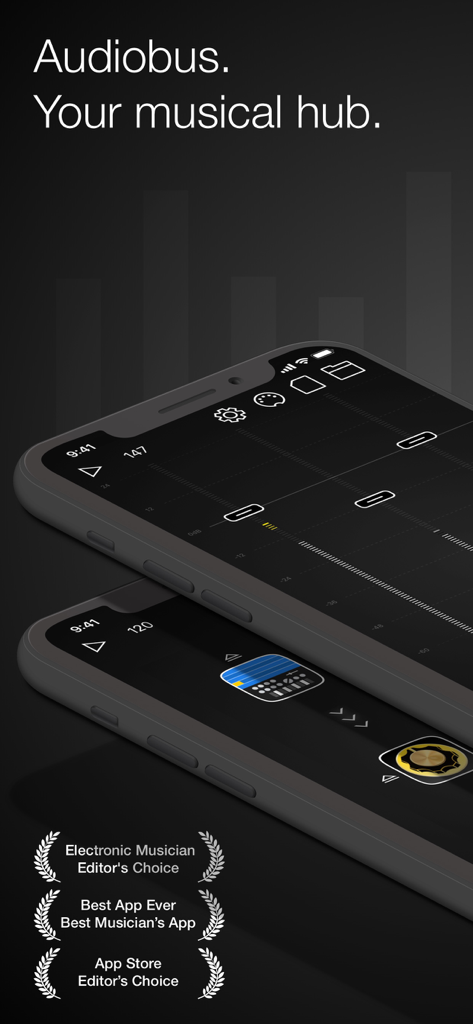
업계 수상 경력과 음악적 허브 태그라인이 특징인 iPhone용 Audiobus 음악 믹서 앱 인터페이스

업계 수상 경력과 음악적 허브 태그라인이 특징인 iPhone용 Audiobus 음악 믹서 앱 인터페이스

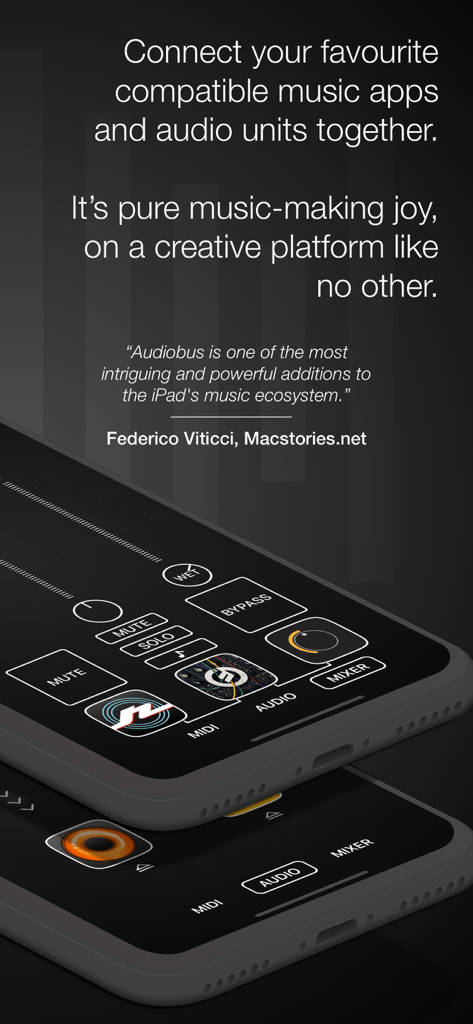
음악 제작 앱을 위한 믹서 및 라우팅 기능을 보여주는 모바일 장치의 Audiobus 앱 인터페이스

음악 제작 앱을 위한 믹서 및 라우팅 기능을 보여주는 모바일 장치의 Audiobus 앱 인터페이스

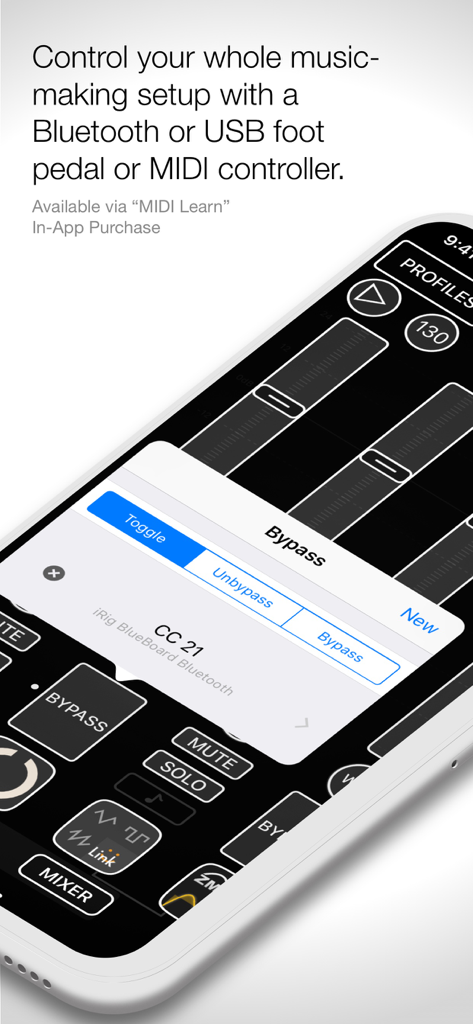
외부 하드웨어 컨트롤러를 위한 MIDI Learn 설정을 보여주는 Audiobus 앱 스크린샷

외부 하드웨어 컨트롤러를 위한 MIDI Learn 설정을 보여주는 Audiobus 앱 스크린샷

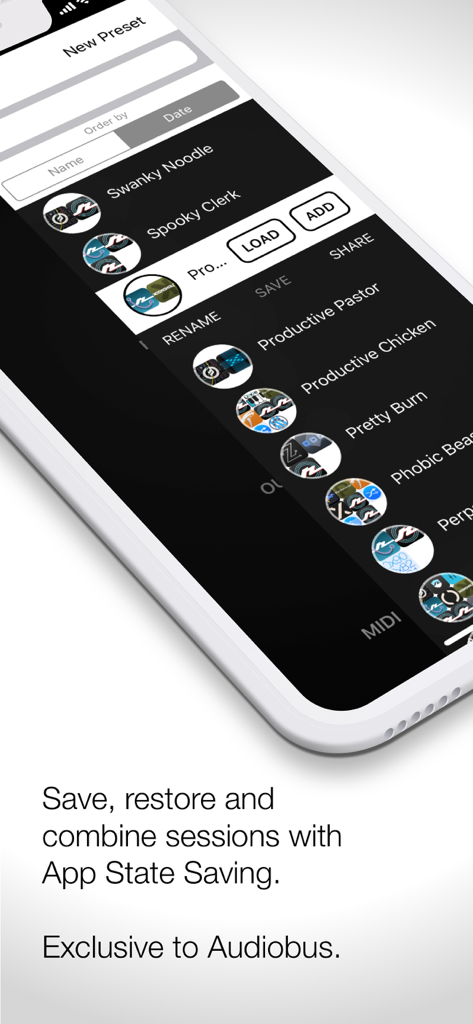
저장된 음악 제작 세션 및 프리셋 목록을 보여주는 Audiobus 앱 인터페이스

저장된 음악 제작 세션 및 프리셋 목록을 보여주는 Audiobus 앱 인터페이스

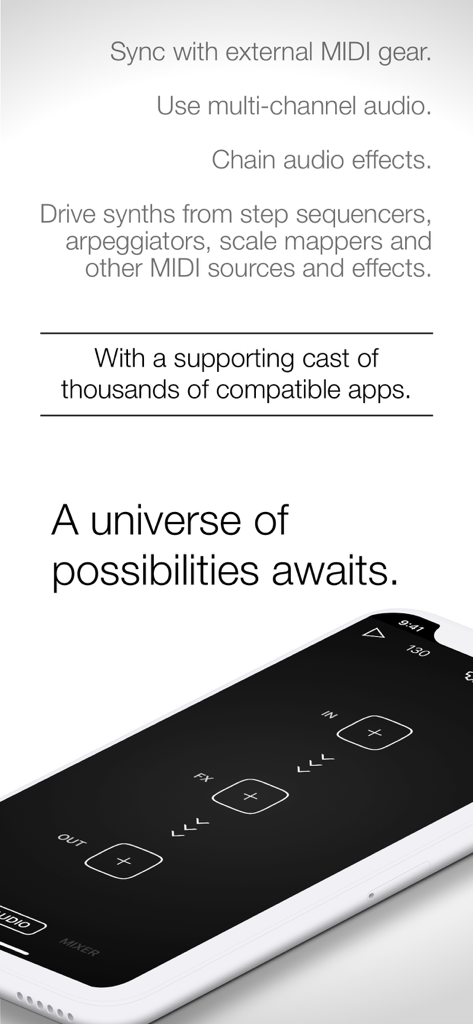
스마트폰에서 MIDI 및 오디오 이펙트용 라우팅 슬롯을 보여주는 Audiobus 앱 인터페이스

스마트폰에서 MIDI 및 오디오 이펙트용 라우팅 슬롯을 보여주는 Audiobus 앱 인터페이스

모바일 음악 워크플로우를 향상시키세요

이 앱을 돋보이게 하는 도구, 383K+ 명의 사용자가 선택.

🔌

원활한 앱 간 상호 연결

마치 하이엔드 스튜디오에서 실제 패치 케이블을 사용하는 것처럼 AUv3 유닛과 독립 앱 간에 라이브 오디오 및 MIDI를 라우팅하세요.

🎚️

통합 믹싱 및 라우팅

레벨 밸런스를 조절하고 복잡한 이펙트를 병렬 또는 직렬로 연결할 수 있는 강력한 믹서로 사운드 환경을 마스터하세요.

⏱️

전문적인 동기화 및 제어

동급 최고의 MIDI 클록 동기화와 맞춤형 컨트롤러 매핑을 통해 전체 설정을 제어하여 안정적이고 지연 시간이 짧은 라이브 공연을 실현하세요.

전 세계 사용자들에게 사랑받는 앱

Trusted by 383K+ 명이 이 앱을 사랑합니다.

"

"Audiobus는 제 iPad를 전문 스튜디오로 바꿔준 디지털 접착제입니다. 지연 시간 없이 좋아하는 부티크 이펙트를 통해 어떤 신디사이저든 제 DAW로 바로 라우팅할 수 있습니다. 제 모바일 제작 워크플로우에 있어서 완벽한 게임 체인저입니다."

마커스 쏜(Marcus Thorne), 일렉트로닉 프로듀서
"

"신뢰성이 타의 추종을 불허합니다. 라이브 세트 중에 하드웨어 MIDI 컨트롤러를 여러 앱과 동시에 동기화하는 데 사용합니다. 믹서 인터페이스는 직관적이며 MIDI Learn 기능 덕분에 복잡한 라우팅도 수월하게 느껴집니다. iOS 뮤지션이라면 정말 필수 아이템입니다."

엘레나 로드리게스(Elena Rodriguez), 라이브 퍼포머

리뷰 분석

사용자 리뷰 인사이트.

감정 점수

24%
부정적

요약

The app currently receives overwhelmingly negative feedback, primarily due to recent updates that introduced a mandatory subscription model, data trackers, and a requirement for a constant internet connection, which severely impacts offline usability. Users who previously purchased the app express frustration over the sudden paywall and perceived betrayal, with the 3.6 update specifically noted for removing MIDI and mixer functionality. While some positive remarks highlight the app's historical strength in audio mixing and routing, praising its intuitiveness and integration with other audio apps, these positive aspects are largely overshadowed by widespread complaints about performance issues, including frequent crashes, slow startup times, and connectivity problems with Inter-App Audio (IAA).

주요 테마

Subscription Model(18)
Performance & Stability(16)
Data Tracking(11)
Offline Usability(11)
Core Audio Functionality(5)
Previous Version Quality(4)

앱 소개

에 대해 알아야 할 모든 것 Audiobus: Mixer for Music Apps.

설명

Unlock new dimensions of music creation with Audiobus, the ultimate hub that connects your music apps seamlessly, just like virtual cables. Whether you're crafting beats, experimenting with effects, or syncing live performances, Audiobus empowers your creativity with endless possibilities. With Audiobus, you can: - Send live audio or MIDI from one Audiobus-compatible app or AUv3 Audio Unit to another - Add effects on top of your favourite synthesizer, and use your favourite step sequencer to drive it or plug in your guitar, and create your own effects chain, in parallel with your mic input - Adjust the mix and balance with the mixer - Send the result to your favourite DAW, sampler or looper, or run it out through a multi-channel audio interface Integrate your music gear with Audiobus: - Connect a Bluetooth or wired MIDI keyboard to play a synth or other app or Audio Unit. - Control your whole session from a foot switch or other MIDI controller using Audiobus' MIDI Learn In-App Purchase. - Sync with external hardware with Audiobus' best-in-class MIDI clock. Explore a vibrant ecosystem of over a thousand compatible apps, including: - Korg Gadget - GarageBand - Launchpad - Animoog - Loopy HD - Cubasis - Auria - Amplitube ...and many more! Check the full list at https://audiob.us/apps. For detailed guidance, visit the Audiobus user manual at https://audiob.us/help. Subscribe to access to premium app features; subscription details are the following: - Length: weekly or yearly - Free trial: only on selected subscriptions - Your payment will be charged to your iTunes Account as soon as you confirm your purchase - You can manage your subscriptions and turn off auto-renewal from your Account Settings after the purchase - Your subscription will renew automatically, unless you turn off auto-renew at least 24 hours before the end of the current period - The cost of renewal will be charged to your account in the 24 hours prior to the end of the current period - When canceling a subscription, your subscription will stay active until the end of the period. Auto-renewal will be disabled, but the current subscription will not be refunded - Any unused portion of a free trial period, if offered, will be forfeited when purchasing a subscription Terms & Conditions: [https://magic-cake-e95.notion.site/Audiobus-Terms-Conditions-14acf6557a088036899aed8f1a3ffd9d?pvs=4](https://www.notion.so/Audiobus-Terms-Conditions-14acf6557a088036899aed8f1a3ffd9d?pvs=21) Privacy Policy: [https://magic-cake-e95.notion.site/Audiobus-Privacy-Policy-14acf6557a08808ca1adc1d8a0e67223?pvs=4](https://www.notion.so/Audiobus-Privacy-Policy-14acf6557a08808ca1adc1d8a0e67223?pvs=21) Pay a visit to our website for more information: https://audiob.us/ If you have any questions, please contact us at audiobus.help@gmail.com

최신 버전

3.7.1

크기

63.5 MB

출시일

2017년 4월 3일

당신만의 궁극적인 iOS 스튜디오를 구축할 준비가 되셨나요?

모바일 음악 제작의 업계 표준 브리지를 사용하는 38만 명 이상의 프로듀서와 함께하세요. Audiobus를 다운로드하고 한계 없는 창의성을 라우팅해 보세요.

다운로드: App Store