Chromecaster: Get Streaming TV

Chromecaster: Get Streaming TV

다운로드: App Store
Spark by MWM logo
로고: Chromecaster: Get Streaming TV
Chromecaster: 스트리밍 TV 받기 – iPhone 콘텐츠를 4K로 큰 화면에

iPhone과 Chromecast를 위한 궁극의 연결. 웹 동영상, 고해상도 가족 사진, Google Drive 또는 Dropbox의 클라우드 저장 영화를 TV로 손쉽게 스트리밍하세요.

개발사

TV Cast Pte. Ltd.

카테고리

Utilities

다운로드

7M+

사용자 평점

4.3/5

총 평가 수

1K+

지원 언어

1

큰 화면 경험

이 인터페이스를 사용하는 7M+ 명의 사용자.

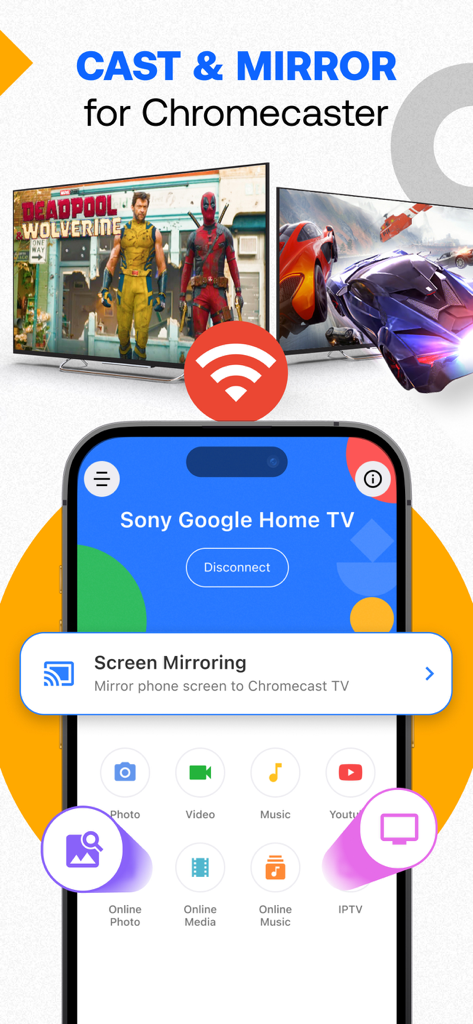
iPhone 앱 인터페이스가 Google Home TV로 화면 전송 및 미러링 옵션을 보여줍니다.

iPhone 앱 인터페이스가 Google Home TV로 화면 전송 및 미러링 옵션을 보여줍니다.

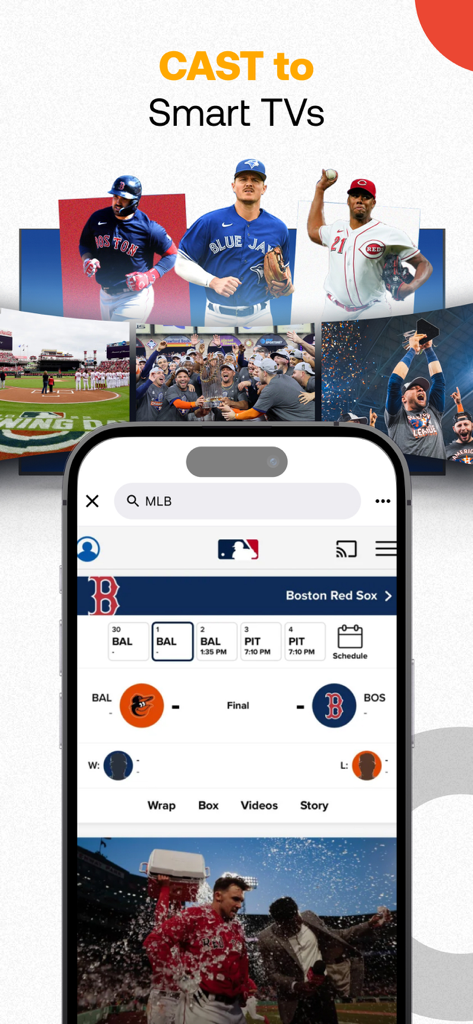
iPhone 화면에 MLB 야구 점수 및 동영상이 스마트 TV로 전송되는 것을 보여줍니다.

iPhone 화면에 MLB 야구 점수 및 동영상이 스마트 TV로 전송되는 것을 보여줍니다.

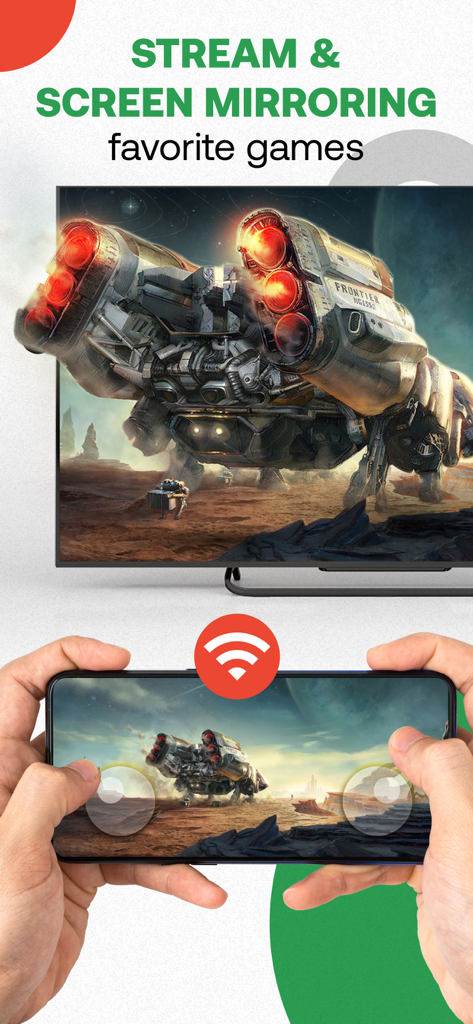
스마트폰을 사용하여 비디오 게임을 텔레비전 화면으로 미러링하는 사람

스마트폰을 사용하여 비디오 게임을 텔레비전 화면으로 미러링하는 사람

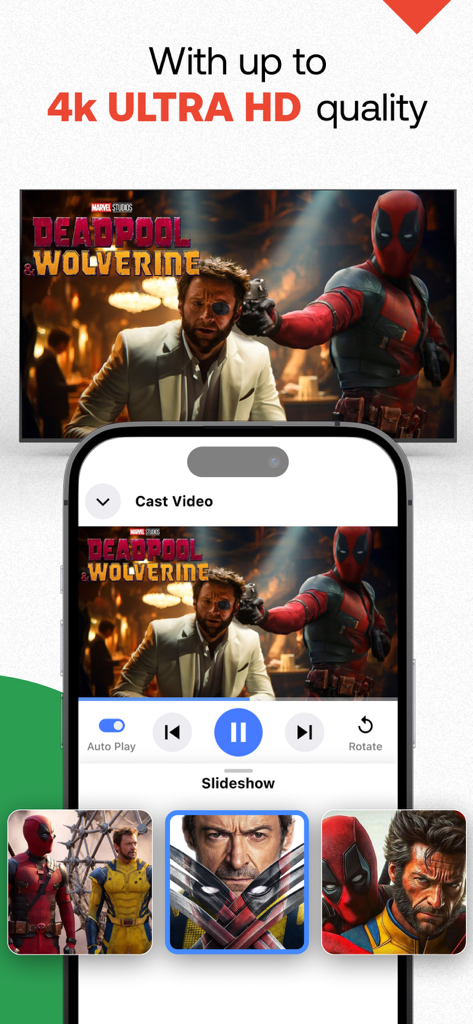
iPhone 화면이 고품질 4K Ultra HD 비디오 콘텐츠를 텔레비전으로 전송합니다.

iPhone 화면이 고품질 4K Ultra HD 비디오 콘텐츠를 텔레비전으로 전송합니다.

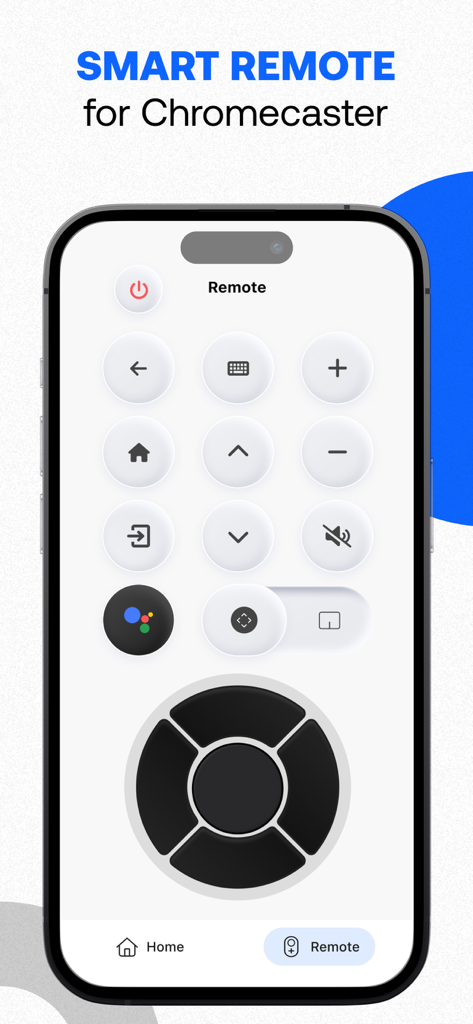
Chromecaster 앱의 스마트 리모컨 인터페이스를 보여주는 스마트폰.

Chromecaster 앱의 스마트 리모컨 인터페이스를 보여주는 스마트폰.

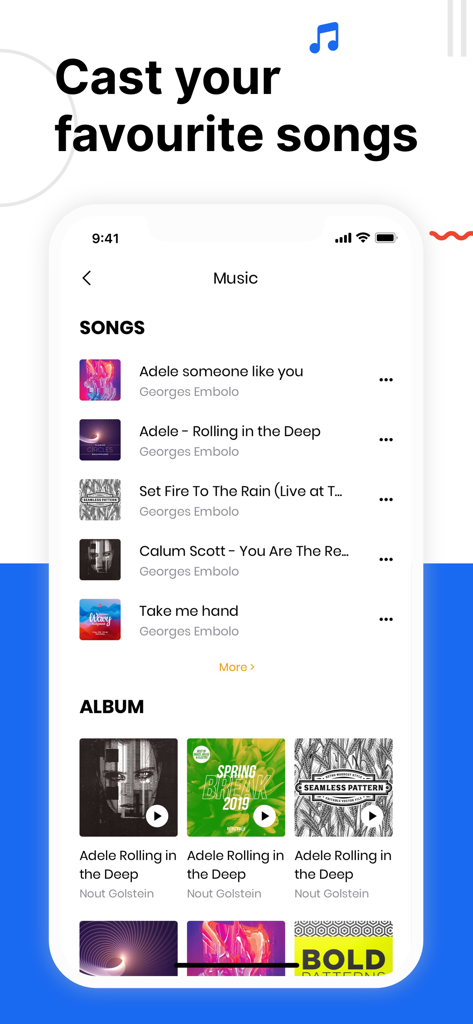
TV로 음악 및 노래를 전송하는 옵션을 보여주는 Chromecaster 앱의 인터페이스

TV로 음악 및 노래를 전송하는 옵션을 보여주는 Chromecaster 앱의 인터페이스

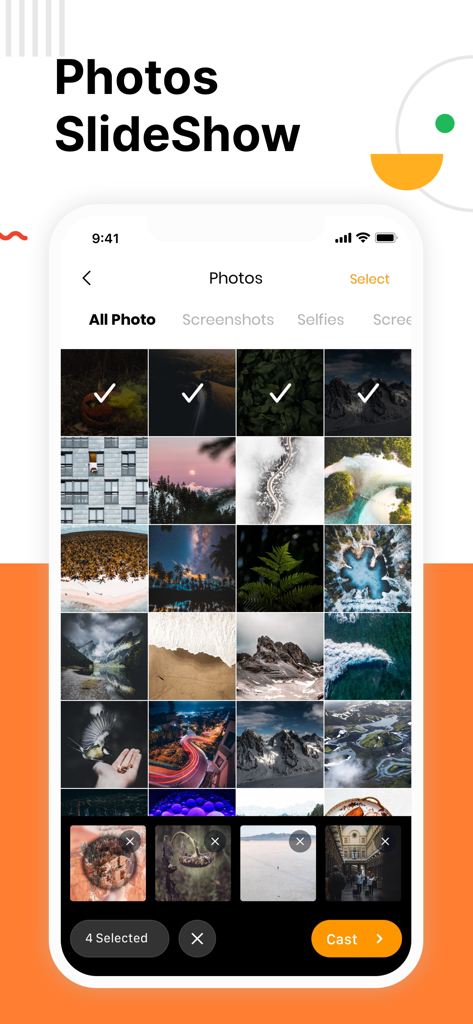
선택한 이미지와 TV 슬라이드쇼를 위한 전송 버튼이 있는 사진 갤러리를 보여주는 iPhone 화면

선택한 이미지와 TV 슬라이드쇼를 위한 전송 버튼이 있는 사진 갤러리를 보여주는 iPhone 화면

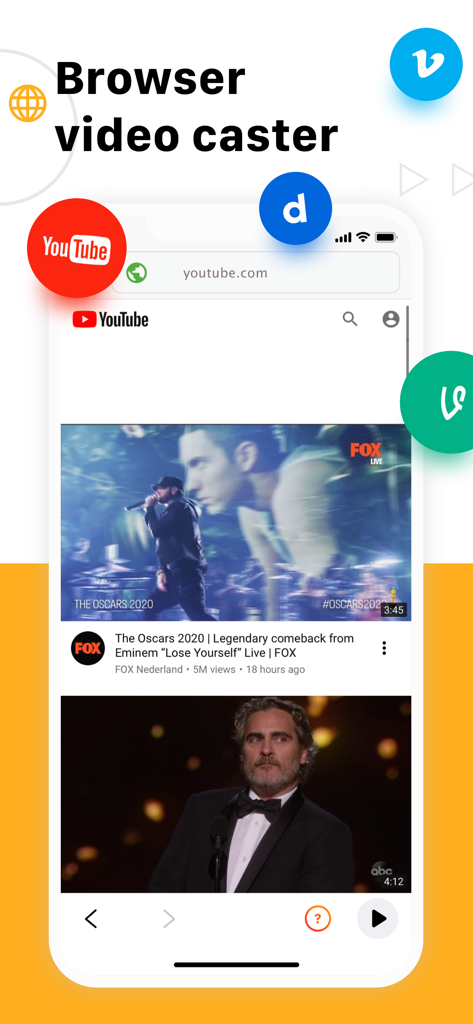
YouTube 및 기타 비디오 아이콘이 있는 브라우저 비디오 캐스터 기능을 보여주는 Chromecaster 앱 인터페이스

YouTube 및 기타 비디오 아이콘이 있는 브라우저 비디오 캐스터 기능을 보여주는 Chromecaster 앱 인터페이스

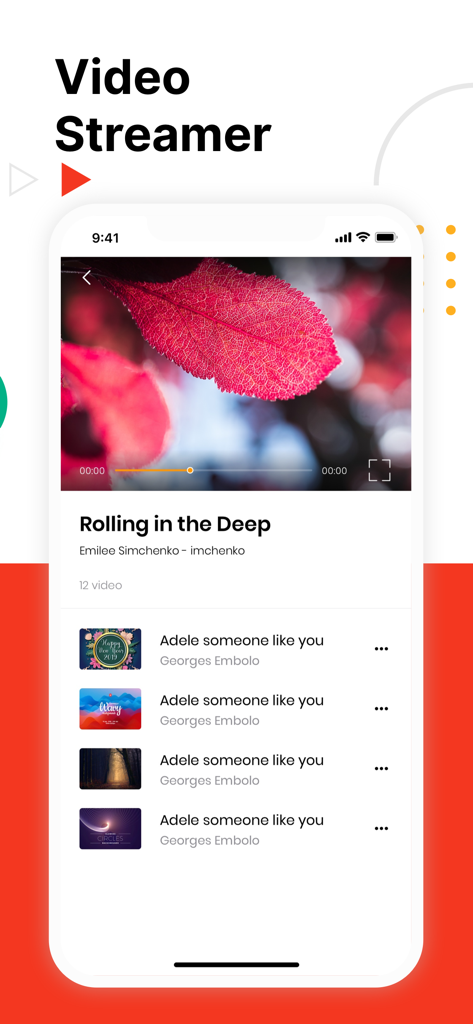
iPhone에서 비디오 플레이어와 음악 비디오 재생 목록을 보여주는 Chromecaster의 모바일 앱 인터페이스

iPhone에서 비디오 플레이어와 음악 비디오 재생 목록을 보여주는 Chromecaster의 모바일 앱 인터페이스

Chromecast를 위한 iPhone 최고의 동반자

이 앱을 돋보이게 하는 도구, 7M+ 명의 사용자가 선택.

📺

놀라운 4K 및 HD 품질

고해상도 iPhone 동영상을 생생하게 경험하세요. 가족의 추억과 개인 미디어를 크리스탈처럼 선명한 품질로 큰 화면에서 즐기세요.

🌐

모든 웹 스트리머

제한된 앱에 멈추지 마세요. 웹 브라우저에서 TV로 직접 동영상을 전송하세요. 틈새 스포츠 또는 취미 콘텐츠에 완벽합니다.

☁️

직접 클라우드 통합

휴대폰 저장 공간을 절약하세요. 다운로드할 필요 없이 Google Drive 또는 Dropbox에서 직접 영화 및 홈 비디오를 스트리밍하세요.

전 세계 사용자들에게 사랑받는 앱

Trusted by 7M+ 명이 이 앱을 사랑합니다.

"

"드디어 4K 휴가 동영상을 번거로움 없이 큰 화면으로 볼 수 있는 방법이 생겼어요! iPhone 카메라 롤에서 사진을 Chromecast로 직접 전송할 수 있다는 점이 마음에 듭니다. 가족 영화 밤을 더욱 개인적으로 만들었고 설정도 매우 간단했습니다."

Sarah Jenkins
"

"저는 iPhone을 사용하지만 집에서는 Chromecast를 선호하며 이 앱은 완벽한 연결입니다. 웹 스트리밍 기능은 자체 TV 앱이 없는 틈새 스포츠를 시청하는 데 완벽하게 작동하며, Dropbox 파일에 직접 액세스할 수 있다는 점은 시간을 크게 절약해 줍니다."

Marcus Thompson

리뷰 분석

사용자 리뷰 인사이트.

감정 점수

6%
부정적

요약

This mobile app receives overwhelmingly negative feedback, primarily due to numerous reports of intrusive ads and forced payments, often even after users have paid for subscriptions. Many users experience significant functionality issues, including unstable connections, lag, freezing, and audio problems, rendering the app largely ineffective. Furthermore, there are widespread complaints about the inability to cancel subscriptions, difficulty obtaining refunds, and unresponsive customer support. Overall, users view the app as a scam and a waste of money, with poor performance failing to justify its cost.

주요 테마

Forced Payments/Subscriptions(20)
App Functionality(18)
Overall Value(13)
Intrusive Advertising(7)
Connection Stability(6)
Refund & Support Issues(6)
Image Quality(1)
Viewer Performance(1)

앱 소개

에 대해 알아야 할 모든 것 Chromecaster: Get Streaming TV.

설명

The best TV Cast for streaming to TV! Stream any web video and your photos, videos & music from your device to TV. TV Cast enhances your TV Experience and lets you enjoy the show on your big screen. Features - Stream & Cast to TV with HD, 4k quality - Easy connect and control media playing - Full playback controls, add and remove videos from playback queue. - Cast video, photo, music from Camera Roll to TV. - Cast any media files from Dropbox & Google Drive Cloud. - Web video streamer How TV-Cast works: To use TV Cast, simply connect your iPhone,iPad and Chromecast device to the same network Notice * Remember connecting to your Chromecast Device before start playing video. * iTunes movies, Flash video, and DRM protected videos like Amazon Prime, Netflix, Hulu, Vudu, DirecTV, Xfinity, HBO now are not supported! * The app streams only the video part of a website and not the whole website content. Sometimes it is necessary to play the video on your iPad or iPhone first before it gets discovered by the app for streaming.

 Premium Subscription: TV Cast includes an optional auto-renewable subscription to access current and future premium categories (price may vary depending on location): - Subscription starts from USD 2.99. - a 1-year subscription with 7 days free trial • Check in app for exact pricing in your region • Payment will be charged to your iTunes account at confirmation of purchase and will automatically renew (at the duration/price selected) unless auto-renew is turned off at least 24 hours before the end of the current period. • Account will be charged for renewal within 24-hours prior to the end of the current period, and identify the cost of the renewal. • You can manage your subscription and/or turn off auto-renewal by going to your iTunes Account Settings, but refunds will not be given for any unused portion of the term. Terms of Service: https://www.tvcast.in/policies/#terms Privacy: https://www.tvcast.in/policies/#terms
 Please leave a review on the App Store if you love using the app. We cannot wait to hear from you and we always appreciate your support. Your 5-star rating for each version will keep the updates coming. Thanks in advance. Disclaimer: This app is not affiliated with Google or any other trademark mentioned here.

최신 버전

5.8

크기

307.0 MB

출시일

2019년 9월 30일

콘텐츠를 큰 화면으로 경험할 준비가 되셨나요?

iOS와 Chromecast의 격차를 해소하는 7백만 명 이상의 사용자와 함께하세요. 지금 다운로드하여 4K 추억, 클라우드 파일 및 웹 동영상을 즉시 스트리밍하세요.

다운로드: App Store