TV Cast Pro for LG webOS

TV Cast Pro for LG webOS

다운로드: App Store다운로드: Google Play
Spark by MWM logo
로고: TV Cast Pro for LG webOS

LG webOS용 TV Cast Pro: 모든 웹 비디오를 대화면으로 스트리밍하세요

코드 커팅의 궁극적인 자유를 경험하세요. 강력한 광고 차단기와 시간 제한 없이 온라인 영화, 라이브 스포츠 및 개인 비디오를 LG 스마트 TV로 전송하세요.

개발사

Kraus und Karnath GbR 2Kit Consulting

카테고리

Photo & Video

다운로드

568K+

사용자 평점

3.3/5

총 평가 수

4K+

지원 언어

1

당신의 TV, 무한한 가능성

이 인터페이스를 사용하는 568K+ 명의 사용자.

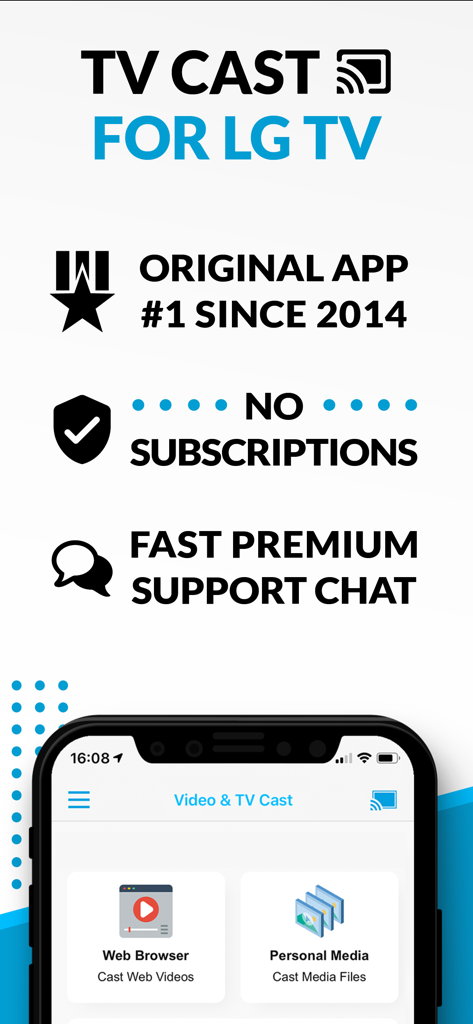
웹 브라우저 전송 및 구독 모델 없음이 강조된 LG TV용 TV Cast 앱 개요.

웹 브라우저 전송 및 구독 모델 없음이 강조된 LG TV용 TV Cast 앱 개요.

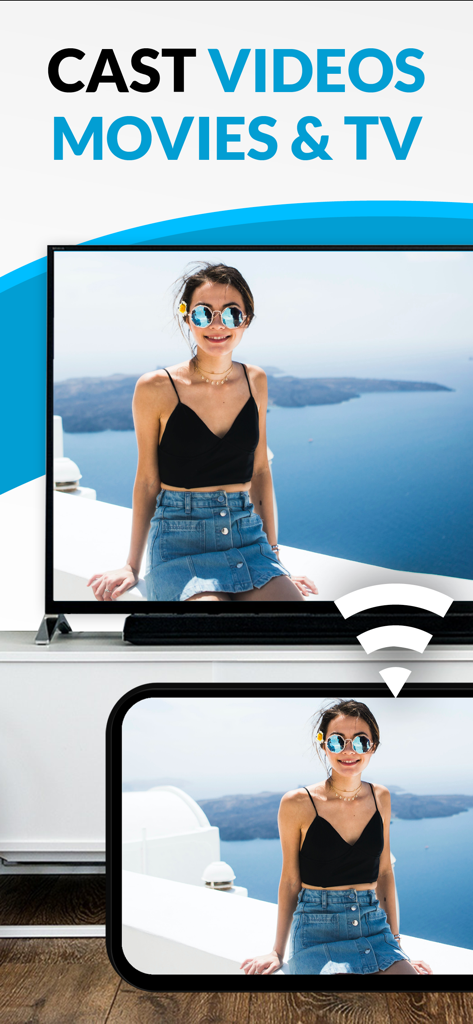
스마트폰에서 LG 스마트 TV 화면으로 비디오 전송

스마트폰에서 LG 스마트 TV 화면으로 비디오 전송

바다 풍경 사진을 LG 스마트 TV로 전송하는 스마트폰.

바다 풍경 사진을 LG 스마트 TV로 전송하는 스마트폰.

LG 스마트 TV 경험을 변화시키세요

이 앱을 돋보이게 하는 도구, 568K+ 명의 사용자가 선택.

🌐

경계 없는 스트리밍

일반 앱에서는 볼 수 없는 비주류 스포츠, 웹 전용 영화 및 라이브 스트림을 시청하세요. 웹에 있다면 TV에서도 볼 수 있습니다.

🚫

깨끗하고 광고 없는 시청

방해가 되는 팝업과 리디렉션을 제거하세요. Pro 광고 차단기는 가장 복잡한 웹사이트에서도 부드럽고 영화 같은 경험을 보장합니다.

📲

고급 모바일 제어

iPhone을 정밀 리모컨으로 사용하세요. 손바닥에 맞게 설계된 직관적인 재생 바를 사용하여 웹 비디오를 손쉽게 탐색, 일시 중지 및 재생할 수 있습니다.

전 세계 사용자들에게 사랑받는 앱

Trusted by 568K+ 명이 이 앱을 사랑합니다.

"

"몇 달 동안 웹의 비주류 스포츠를 LG TV로 스트리밍할 수 있는 안정적인 방법을 찾고 있었습니다. 이 앱은 정말 혁신적입니다! Pro 버전의 광고 차단기는 복잡한 스트리밍 사이트에서도 실제로 작동하며, 구형 webOS 모델임에도 설정이 매우 쉬웠습니다. 더 이상 휴대폰 화면을 찡그리며 볼 필요가 없습니다!"

David Miller
"

"iPhone으로 홈 비디오를 공유하는 것을 좋아하는 사람으로서 이 앱은 정확히 제가 필요로 하던 것입니다. 로컬 비디오 전송이 매끄럽고, 휴대폰을 리모컨으로 사용하여 비디오를 재생, 일시 중지 및 탐색할 수 있다는 점이 마음에 듭니다. 우리 거실 TV를 위한 완벽한 동반자입니다."

Sarah Jenkins

리뷰 분석

사용자 리뷰 인사이트.

감정 점수

10%
부정적

요약

The "TV Cast Pro for LG webOS" app receives overwhelmingly negative feedback, primarily due to persistent connectivity issues and a general failure to function as advertised, leading many users to describe it as a "scam" and demand refunds. While some specific features like ease of use, intuitive interface, and impressive image quality for web videos are praised by a few, these positive aspects are largely overshadowed. Users are particularly frustrated by the app's inability to support popular streaming services, various file types, and its misleading claims regarding full screen mirroring, with many experiencing buffering, low resolution, or only sound output.

주요 테마

Overall Positive Experience(2)
Ease of Use(1)
Image Quality(1)
Reliability (web content)(1)
Multi-tasking Capabilities(1)

앱 소개

에 대해 알아야 할 모든 것 TV Cast Pro for LG webOS.

설명

Watch any web-video, online movie, livestream or live tv show on your LG Smart TV with webOS and NetCast. Enjoy the show on your big screen with the no#1 web video streamer. With Video & TV Cast for LG Smart TV you can browse the web and stream any web video, online movie, livestream or live tv show you want on your LG Smart TV. Mp4, m3u8, hls livestreams and also video-over-https are supported. There is no time limit at all! You can watch videos of 2 minutes or 2 hours or even more. Just open Video & TV Cast, navigate to a website, wait for link detection and send the video with a single tap to your LG Smart TV. The discovered link will be shown below the browser. A tap on the link will start the show. You don't need to install a big media server like Plex or any other third party software. >>> Important Notes * To enable video casting please open the LG App Store (LG Smart World / LG Content Store) on your TV, search for 'TV Cast' and install the companion app. * Please enter the ip-address of your iPhone/iPad by using the number pad and up/down/left/right keys on your TV Remote or scroll wheel on your Magic Remote. Just enter the numbers, no need to press the enter key. * iTunes movies, Flash video and DRM protected videos like Amazon Prime, Netflix, Hulu, Vudu, DirecTV, Xfinity, HBO now are not supported! * Please test your favorite videos with the free edition before upgrading! * Please use the hardware remote of your LG for controlling the TV app and video playback. * The app streams only the video part of a website and not the whole website content (No screen or tab mirroring!). * Sometimes it is necessary to play the video on your iPad or iPhone first before it gets discovered by the app for streaming. It may also be neccessary to start casting multiple times until it works with specific videos. * If a specific video is not working, please check the FAQ on the app startpage. If that does not help you, please drop us an email before leaving a negative comment on the App Store. We will try to add support for that website as soon as possible. >>> PRO FEATURES * Remote Playbar: Use the Playbar for advanced video control while browsing, including video scrubbing, forward, rewind, play, pause, stop. The playbar works on all LG Smart TVs. * Local Videos: Cast your camera roll videos from an iPhone or iPad. Supports mp4, m4v and mov videos that were saved to the camera roll via Apples SD-Card/USB Adapter, iTunes Desktop Software or third party apps. * Ad-Blocker + No Sponsoring Ads: The Pro app version has no ads and the Ad-Blocker blocks ads & popups on most websites that you visit. You can update, enable/disable ad-blocking at any time in the settings. * Bookmarks: Save unlimited website bookmarks. Synchronize and transfer them between different TV Cast apps and iOS devices by using backup and restore via iCloud. * Desktop Mode: Change the browser user-agent and cloak your iPhone/iPad as a desktop PC to load the desktop website instead of a mobile website. Please note that this will NOT enable video casting on websites that serve Flash videos in desktop mode. * Change Homepage: Set your personal homepage in the settings Disclaimer: This app is not affiliated with LG Electronics or any other trademark mentioned here.

최신 버전

3.7

크기

30.8 MB

출시일

2016년 6월 23일

대화면에서 웹을 경험할 준비가 되셨나요?

LG 스마트 TV를 업그레이드한 50만 명 이상의 사용자와 함께하세요. 모든 온라인 영화나 라이브 스트림을 광고 없이 스트리밍하고 iPhone에서 바로 완벽하게 제어할 수 있는 1위 비디오 캐스터를 다운로드하세요.

다운로드: App Store다운로드: Google Play