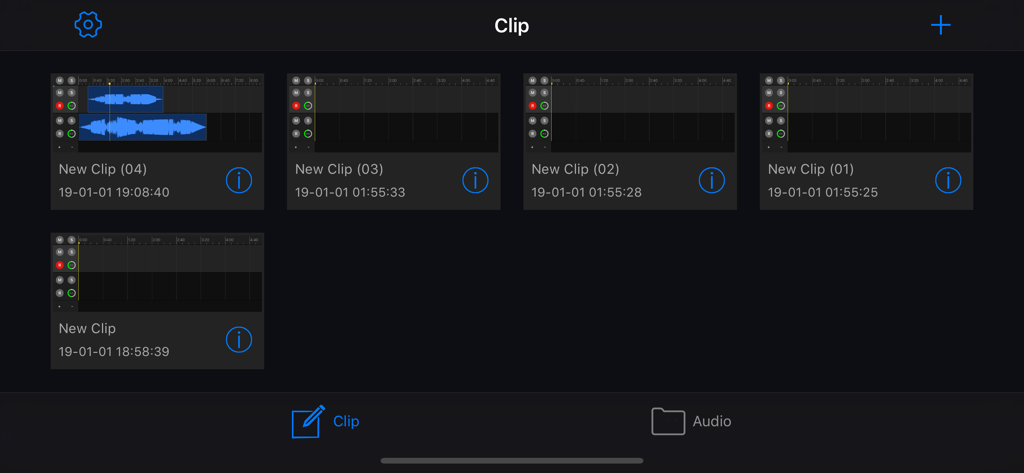
EZAudioCut (MT) is a multi-track audio editor for the iOS platform. If you have used the PC platform's Audition, Cool Edit and other DAW software, you can easily get started.
EZAudioCut (MT) continues the high-precision editing of monorail editing products, supporting high-precision scaling and high-precision editing on the iOS platform. Let the self-media people completely bid farewell to the PC and complete the demand for self-media production in the mobile environment.
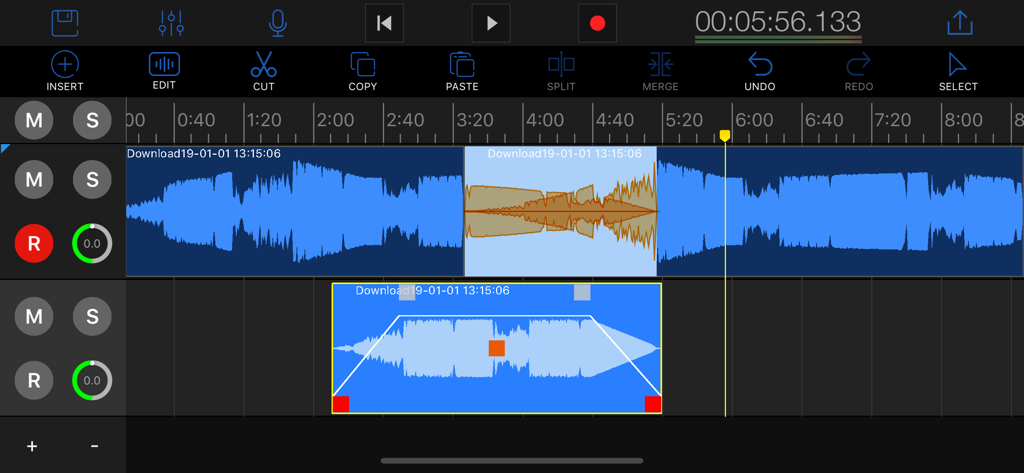
EZAudioCut (MT) maximum support for 64-track audio simultaneous editing, providing real-time editing waveform preview. What you do with the audio is instantly presented to you.
You can record while playing back with EZAudioCut (MT) accompaniment.
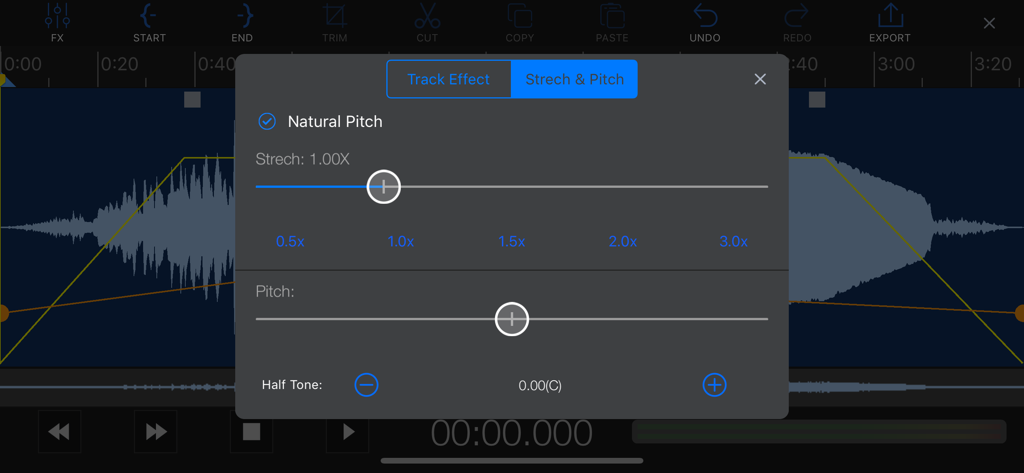
Support downgrades and upgrades. (You can't find the accompaniment of the boys version of the boys version, it doesn't matter, easy to cut to help you down, record your own perfect scale).
EZAudioCut (MT) supports multi-track stitching, multiple audio mixing, arrangement and more. Complete your audio editing goals.
Support Noise Reduction.
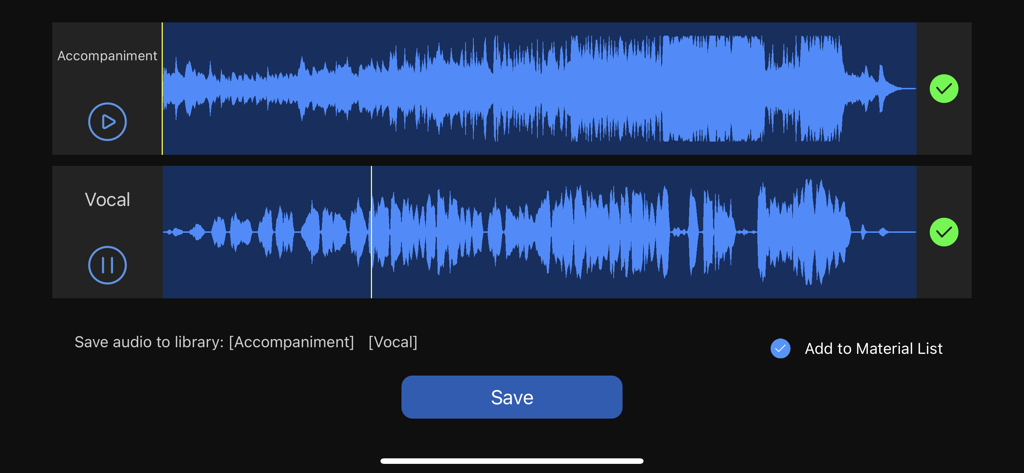
Support Vocal Remove(Center Channel Extract).
● Ultra-high-precision editing up to 64 tracks of mixing
● Audio accompaniment extraction (center channel extraction)
● New tone shifting, shifting, better downshifting effect
● Powerful RNN voice noise reduction
● Excellent sound processing
● Support for importing network song links
1. High-precision editing, zooming, real-time audition, and preview preview.
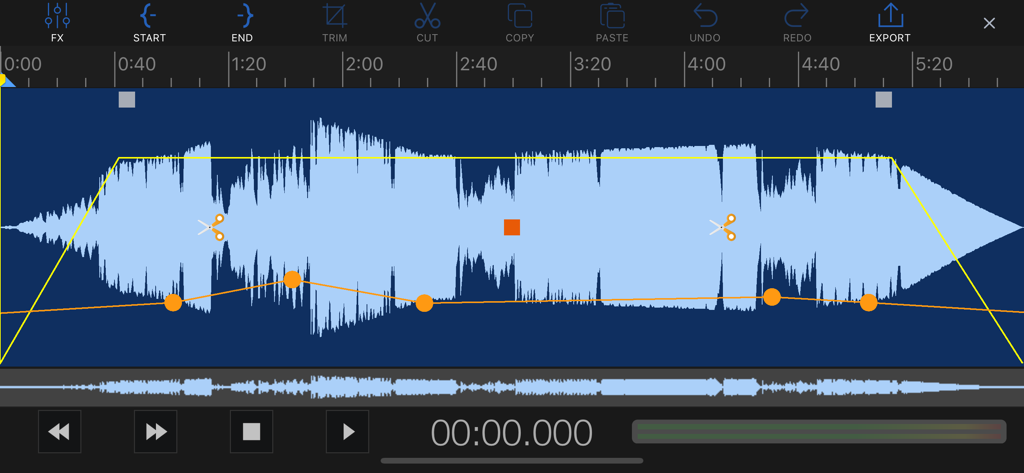
2. Copy,Paste,Trim,Gain,Split,Merge, Move, Snap ,Fade in, fade out, cross fade .
3. Track volume adjust, clip volume gain, volume line editing .
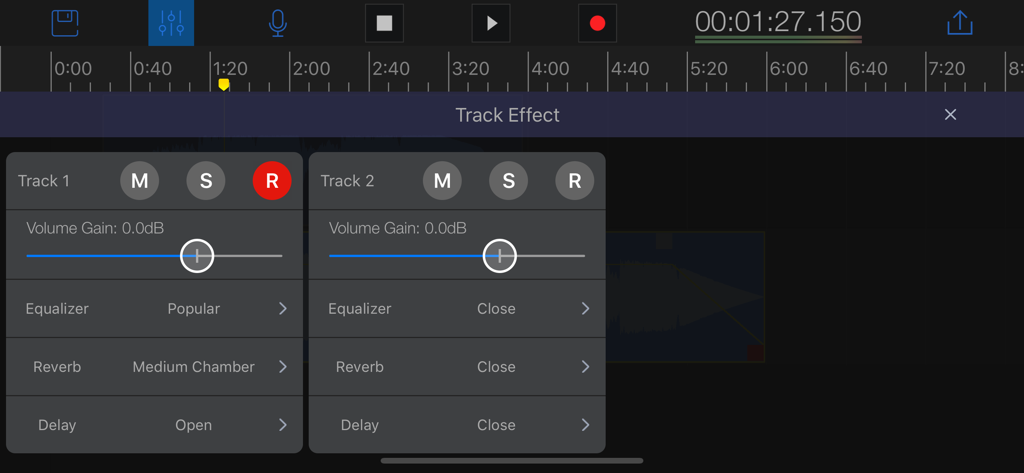
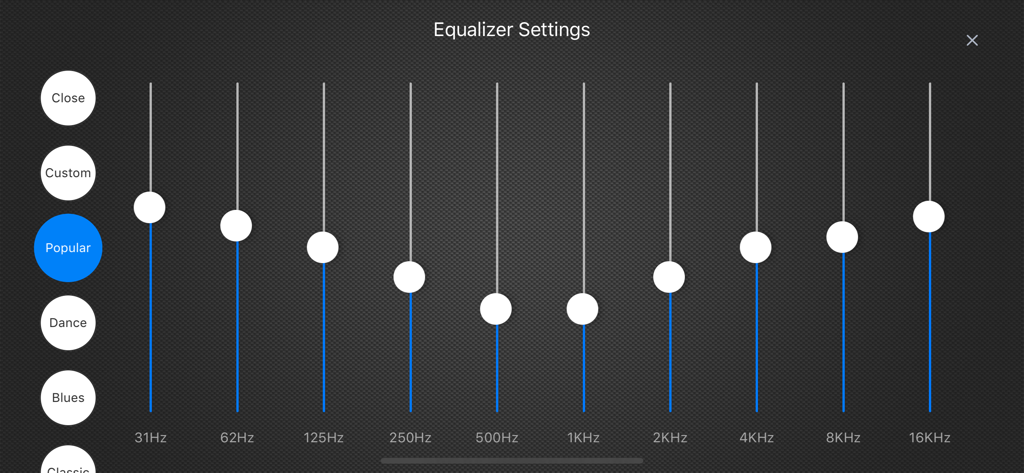
4. Equalizer (EQ), Reverb, Delay, Tempo, Pitch,Speed,Noise Reduction.
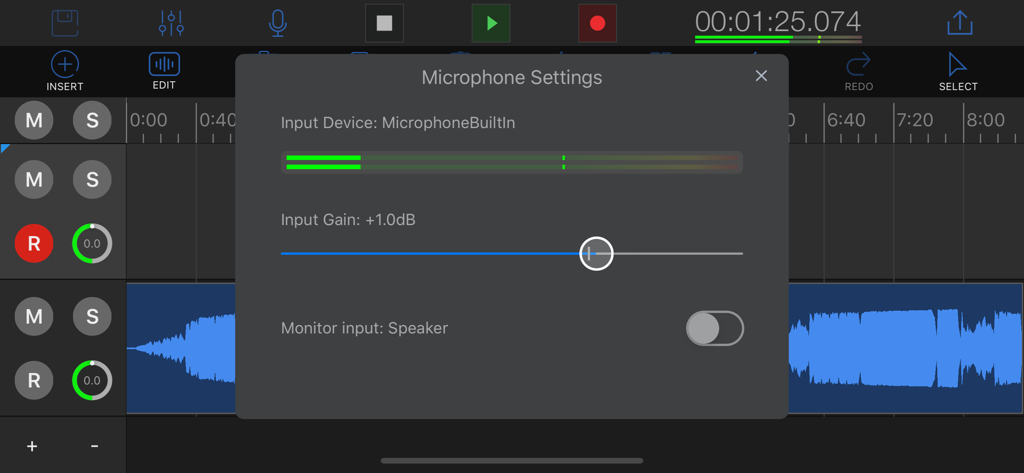
5. Monitoring during recording, microphone gain.
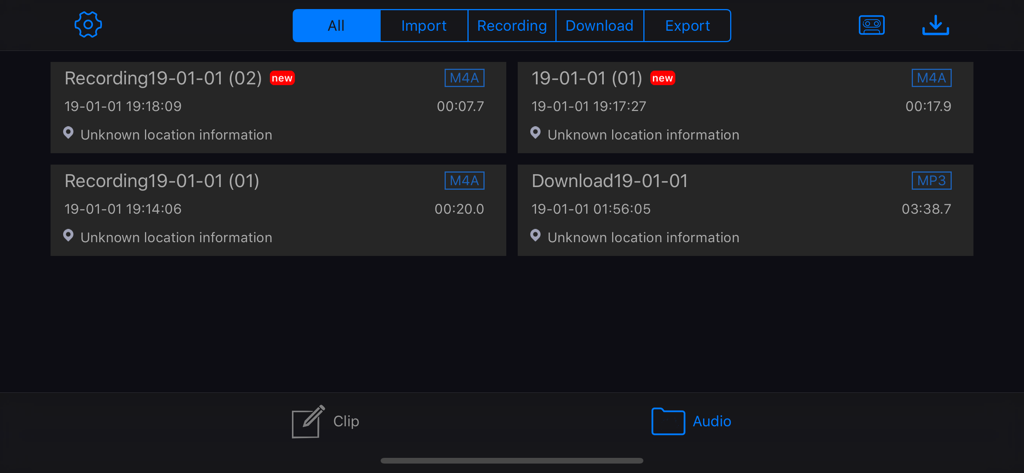
6. multiple sources of import (recording, external chain download, other APP, video extraction, iCoud).
7. Multiple quality(44k,32k,16k) audio and format export(m4a,aac,mp3,wav,aifc).
8. Network songs outside the chain import editing function.
9. Video extraction audio function, support audio format transcoding.
10. undo, redo (maximum 50 steps).
11. Recycle bin.
12. Single recorder mode.
13. Easy to share audio(Wifi,SMS,Mail,AirDrop,Other App) .
14. Support iPhone and iPad to use at the same time, one purchase, multiple devices.
15.Support real-time recording monitoring function.
If you find any problems or suggestions, please contact us.
Mail: llg023@gmail.com
QQ: 183524323
QQGroup:511042520
WeChat: ruomux
Web: http://www.iruomu.com