Google Authenticator

Google Authenticator

다운로드: App Store다운로드: Google Play
Spark by MWM logo
로고: Google Authenticator

Google Authenticator: 간편한 2단계 인증으로 디지털 라이프를 강화하세요

업계 표준 보안으로 은행, 암호화폐 및 업무용 계정을 안전하게 보호하세요. 즉시 코드를 생성하고, 오프라인에서도 안전하게 유지하며, 모든 기기 간에 원활하게 동기화하세요.

개발사

Google LLC

카테고리

Utilities

다운로드

134M+

사용자 평점

4.8/5

총 평가 수

4M+

지원 언어

32

한눈에 보는 보안

이 인터페이스를 사용하는 134M+ 명의 사용자.

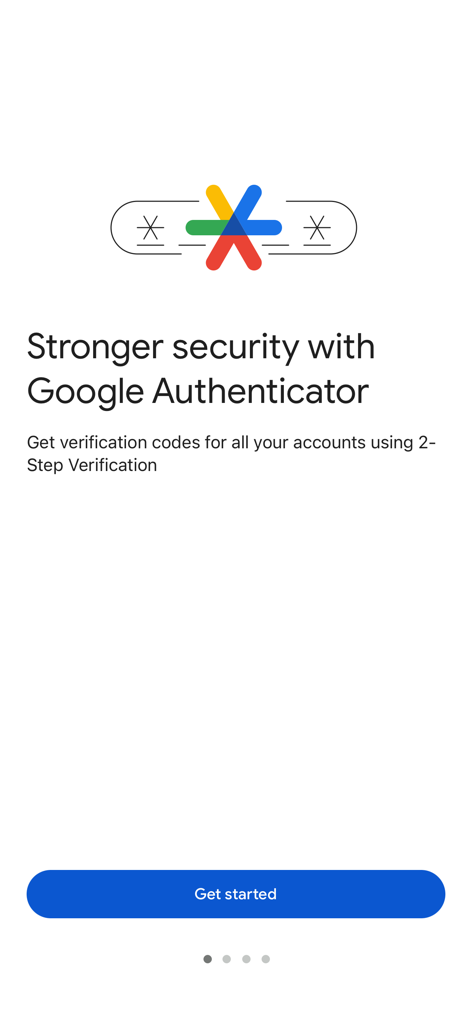
Google Authenticator 온보딩 화면, 2단계 인증 보안 설명

Google Authenticator 온보딩 화면, 2단계 인증 보안 설명

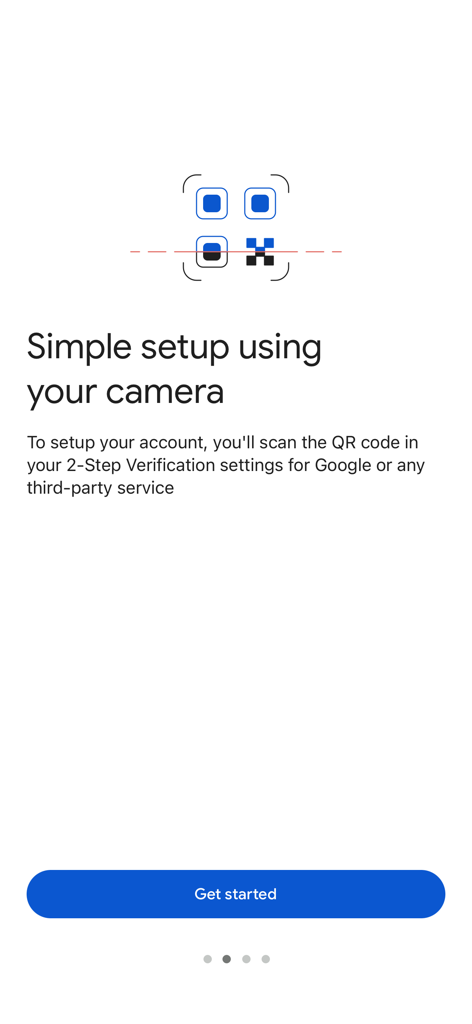
Google Authenticator 온보딩 화면, QR 코드 스캔을 통한 간편 설정 표시

Google Authenticator 온보딩 화면, QR 코드 스캔을 통한 간편 설정 표시

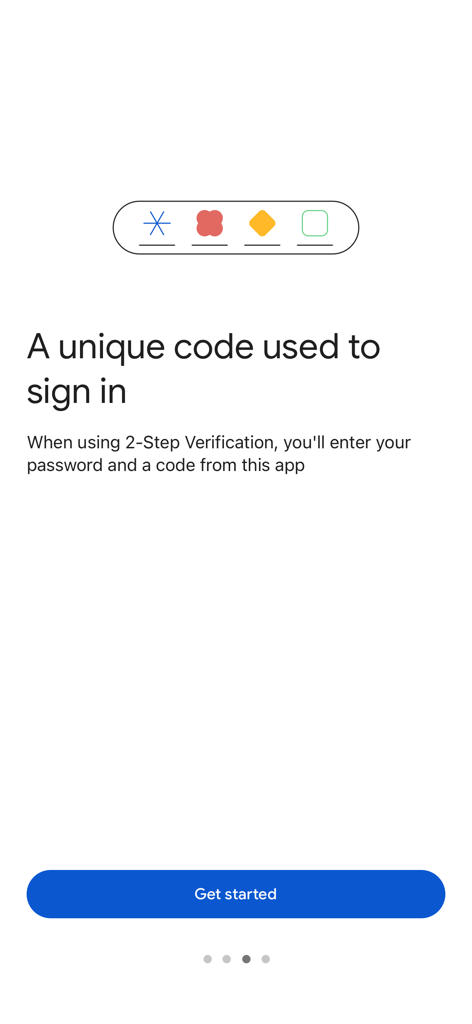
Google Authenticator 온보딩 화면, 2단계 인증 코드 로그인 프로세스 설명

Google Authenticator 온보딩 화면, 2단계 인증 코드 로그인 프로세스 설명

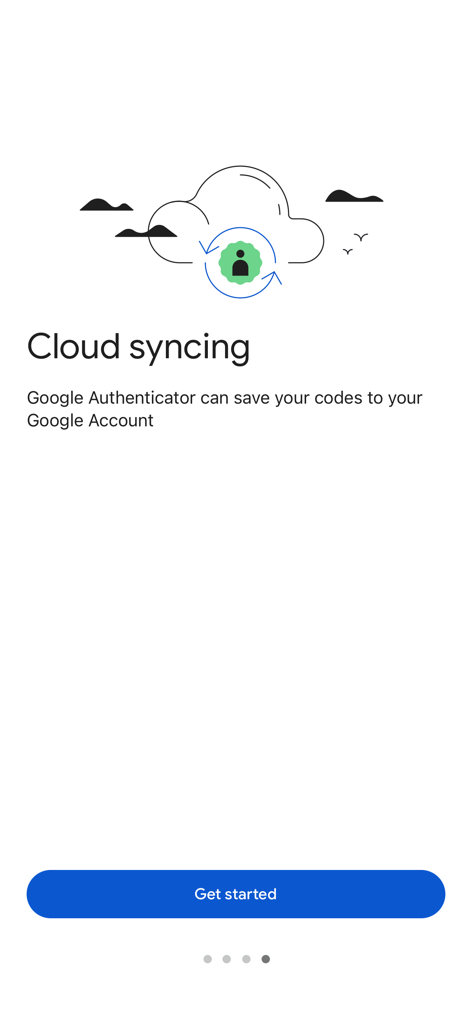
Google Authenticator 앱 화면, 보안 코드 클라우드 동기화 설명

Google Authenticator 앱 화면, 보안 코드 클라우드 동기화 설명

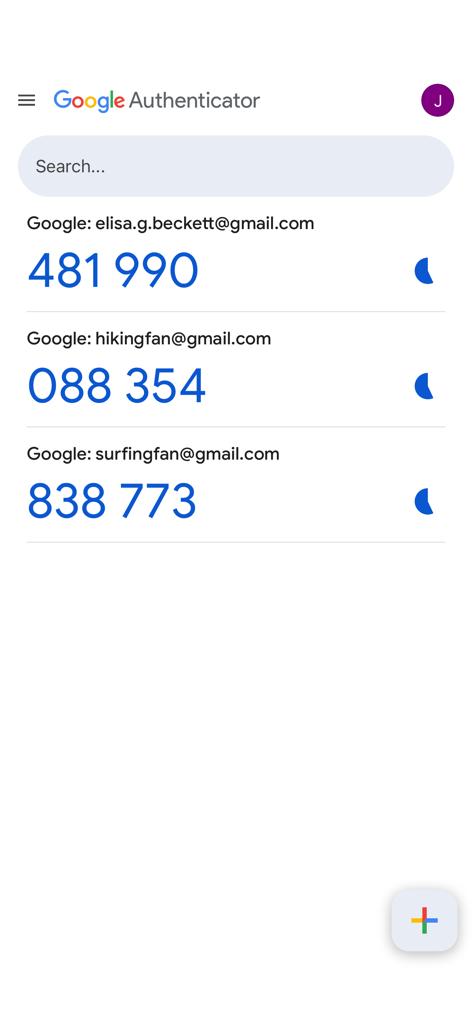
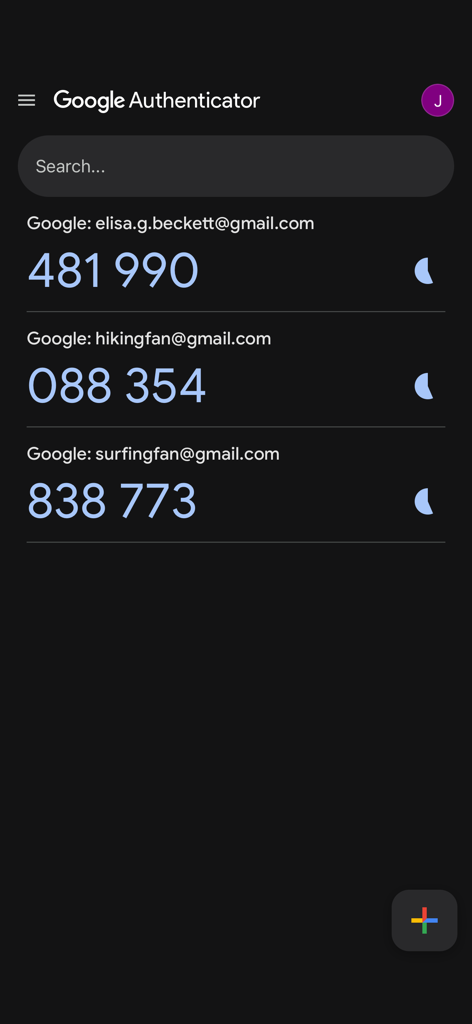
Google Authenticator 홈 화면, 여러 계정에 대한 2FA 인증 코드 표시

Google Authenticator 홈 화면, 여러 계정에 대한 2FA 인증 코드 표시

Google Authenticator 앱 인터페이스, 여러 계정에 대한 6자리 인증 코드 표시.

Google Authenticator 앱 인터페이스, 여러 계정에 대한 6자리 인증 코드 표시.

디지털 라이프를 위한 프로 수준의 보안

이 앱을 돋보이게 하는 도구, 134M+ 명의 사용자가 선택.

☁️

클라우드 동기화 복구

계정이 잠길까 봐 걱정하지 마세요. 코드는 Google 계정에 안전하게 백업되어 모든 기기에서 동기화되므로 안심할 수 있습니다.

QR 코드로 즉시 설정

몇 초 만에 새 계정을 안전하게 보호하세요. QR 코드를 스캔하여 암호화폐 거래소부터 회사 Slack 및 GitHub까지 가장 중요한 앱을 연결하세요.

✈️

안정적인 오프라인 액세스

여행 중이거나 인터넷 연결이 되지 않는 곳에서도 안전하게 보호하세요. 셀룰러 또는 인터넷 연결 없이 즉시 인증 코드를 생성하세요.

전 세계 사용자들에게 사랑받는 앱

Trusted by 134M+ 명이 이 앱을 사랑합니다.

"

"Google 계정 동기화 기능이 추가된 최신 업데이트는 제가 딱 원했던 것입니다. 휴대폰을 업그레이드해도 업무용 계정에 액세스하지 못할까 봐 더 이상 걱정하지 않아도 됩니다. 빠르고, 오프라인에서도 작동하며, QR 코드 설정 덕분에 새 서비스를 추가하는 것이 매우 원활합니다."

David Chen
"

"Google Authenticator는 암호화폐 지갑과 은행 앱을 보호하는 데 필수입니다. SMS 코드보다 훨씬 높은 수준의 보안을 제공하며, iPhone과 iPad에서 동시에 액세스할 수 있다는 점이 좋습니다. 간단하고 필수적입니다."

Elena Rodriguez

앱 소개

에 대해 알아야 할 모든 것 Google Authenticator.

설명

Google Authenticator adds an extra layer of security to your online accounts by adding a second step of verification when you sign in. This means that in addition to your password, you'll also need to enter a code that is generated by the Google Authenticator app on your phone. The verification code can be generated by the Google Authenticator app on your phone, even if you don't have a network or cellular connection. • Sync your Authenticator codes to your Google Account and across your devices. This way, you can always access them even if you lose your phone. • Set up your Authenticator accounts automatically with a QR code. This is quick and easy, and it helps to ensure that your codes are set up correctly. • Support for multiple accounts. You can use the Authenticator app to manage multiple accounts, so you don't have to switch between apps every time you need to sign in. • Support for time-based and counter-based code generation. You can choose the type of code generation that best suits your needs. • Transfer accounts between devices with a QR code. This is a convenient way to move your accounts to a new device. To use Google Authenticator with Google, you need to enable 2-Step Verification on your Google Account. To get started visit http://www.google.com/2step

최신 버전

5.0.0

크기

37.6 MB

출시일

2010년 9월 20일

몇 초 만에 세상을 안전하게 보호하세요

Google Authenticator를 신뢰하는 수백만 사용자와 함께 원활하고 오프라인에서도 사용할 수 있는 2단계 인증을 경험하세요. 지금 다운로드하여 기기 간에 코드를 동기화하고 잠길 위험을 없애세요.

다운로드: App Store다운로드: Google Play
FAQ

자주 묻는 질문

에 대해 알아야 할 모든 것 Google Authenticator

Google Authenticator는 무엇인가요?

Google Authenticator는 온라인 계정에 추가적인 보안 계층을 제공합니다. 비밀번호 외에 2단계 인증을 위해 로그인 시 입력하는 고유한 인증 코드를 휴대폰에서 생성합니다.

Google Authenticator는 오프라인에서도 작동하나요?

네, Google Authenticator는 네트워크 또는 셀룰러 연결이 없어도 휴대폰에서 인증 코드를 생성합니다. 이를 통해 코드에 지속적으로 액세스할 수 있습니다.

Google Authenticator 코드를 여러 기기에서 동기화할 수 있나요?

네, Google Authenticator는 인증 코드를 Google 계정으로 동기화합니다. 이 기능을 사용하면 휴대폰을 분실하더라도 모든 기기에서 코드에 액세스할 수 있습니다.

새 계정에 Google Authenticator를 어떻게 설정하나요?

카메라로 QR 코드를 스캔하여 Google Authenticator 계정을 자동으로 설정할 수 있습니다. 이 방법은 빠르고 쉬우며 2단계 인증 설정 내에서 올바르게 설정되도록 합니다.

Google Authenticator는 여러 계정을 지원하나요?

네, Google Authenticator는 여러 계정을 지원합니다. 앱 내에서 여러 계정을 관리할 수 있어 로그인 시 서로 다른 애플리케이션을 전환할 필요가 없습니다.

Google Authenticator 계정을 새 휴대폰으로 이전할 수 있나요?

네, Google Authenticator를 사용하면 기기 간에 계정을 이전할 수 있습니다. 이 과정에서 QR 코드를 사용할 수 있으며, 이는 계정을 새 기기로 편리하게 이동할 수 있는 방법을 제공합니다.

Google Authenticator는 안전한가요?

네, Google Authenticator는 온라인 계정에 두 번째 인증 단계를 추가하여 더 강력한 보안을 제공합니다. 비밀번호 외에 앱에서 생성된 고유 코드가 필요합니다.