FortiToken Mobile

FortiToken Mobile

다운로드: App Store
Spark by MWM logo
로고: FortiToken Mobile

FortiToken Mobile: 현대적인 직장인을 위한 안전하고 원터치 인증

기업 수준의 다단계 보안으로 전문 계정을 보호하세요. 개인 데이터를 비공개로 유지하면서 푸시 알림 및 생체 인식을 통해 원활하게 로그인을 승인합니다.

다운로드: App Store

개발사

Fortinet, Inc

카테고리

Business

다운로드

3M+

사용자 평점

2.8/5

총 평가 수

500

지원 언어

6

한눈에 보는 보안

이 인터페이스를 사용하는 3M+ 명의 사용자.

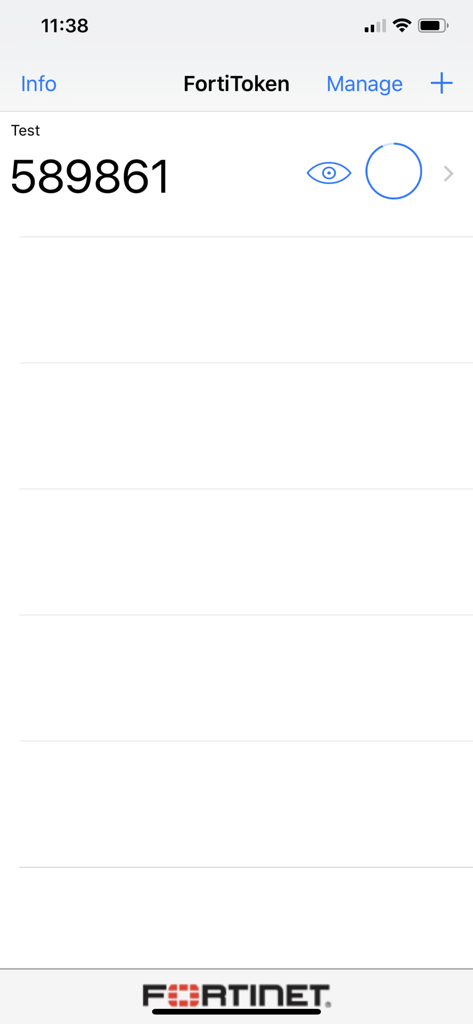
FortiToken Mobile 화면에 6자리 인증 코드가 표시됨

FortiToken Mobile 화면에 6자리 인증 코드가 표시됨

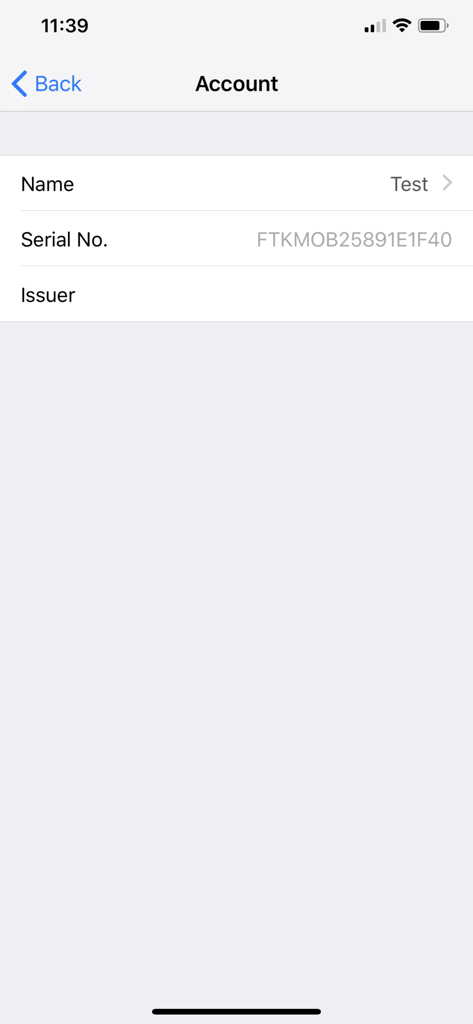
FortiToken Mobile 계정 세부 정보 화면에 토큰 이름과 일련 번호가 표시됨

FortiToken Mobile 계정 세부 정보 화면에 토큰 이름과 일련 번호가 표시됨

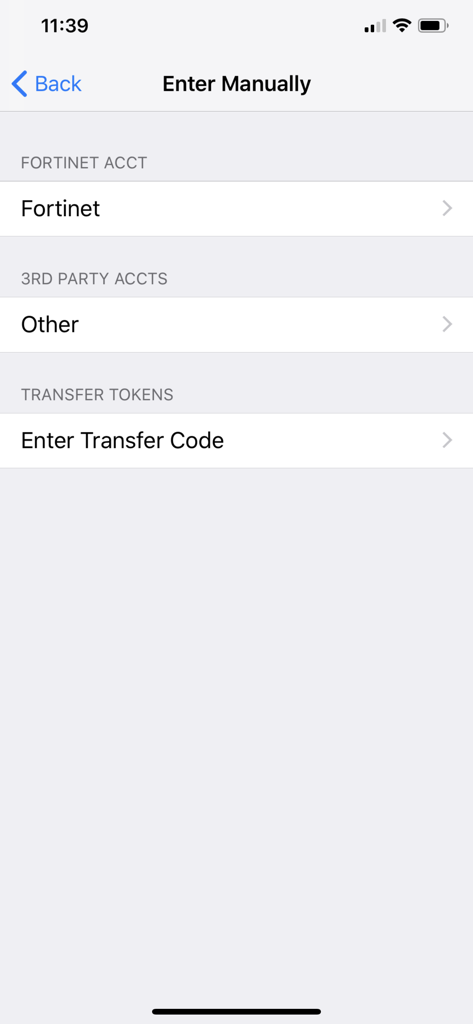
FortiToken Mobile 수동 입력 화면에 Fortinet 계정 및 타사 계정 추가 옵션이 표시됨

FortiToken Mobile 수동 입력 화면에 Fortinet 계정 및 타사 계정 추가 옵션이 표시됨

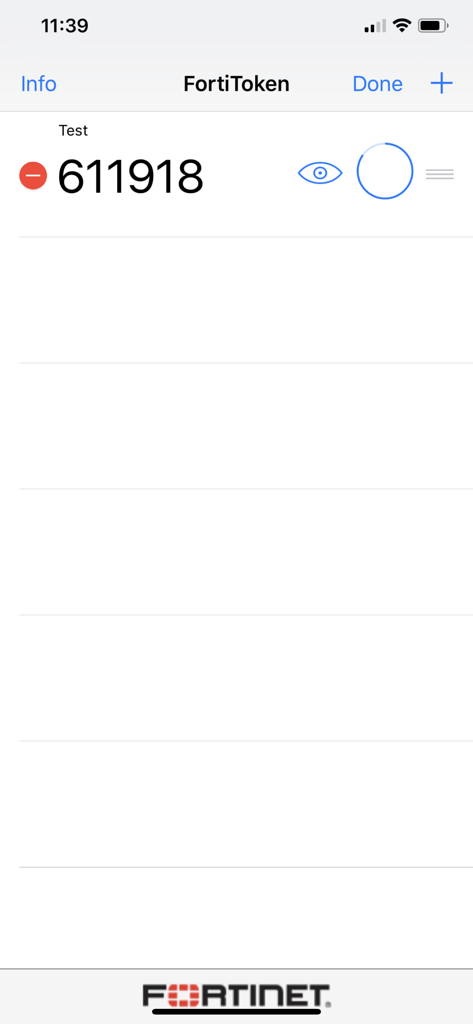
FortiToken Mobile 앱 인터페이스에 보안 로그인을 위한 6자리 일회용 비밀번호가 표시됨

FortiToken Mobile 앱 인터페이스에 보안 로그인을 위한 6자리 일회용 비밀번호가 표시됨

간소화된 안전한 액세스

이 앱을 돋보이게 하는 도구, 3M+ 명의 사용자가 선택.

즉각적인 원터치 로그인

수동 코드 입력은 이제 그만. 번거로움 없는 워크플로를 위해 푸시 알림을 통해 안전한 액세스 요청을 즉시 승인하세요.

🛡️

기업 수준의 개인 정보 보호

개인 데이터는 개인 정보로 유지됩니다. 사진, 브라우저 기록 또는 메시지에 액세스하지 않으므로 BYOD에 대한 완전한 안심을 보장합니다.

👤

원활한 생체 인식 보안

FaceID 또는 TouchID를 사용하여 토큰을 쉽게 잠금 해제하여 높은 수준의 보안과 iPhone에서 기대하는 편리함을 결합합니다.

전 세계 사용자들에게 사랑받는 앱

Trusted by 3M+ 명이 이 앱을 사랑합니다.

"

"하드웨어 토큰에서 FortiToken Mobile로 전환한 것은 저희 하이브리드 팀에게 혁신적이었습니다. 푸시 알림을 통해 VPN 로그인이 원활해졌고 FaceID 통합은 수동으로 코드를 입력하는 번거로움 없이 보안 계층을 추가했습니다."

Mark S., IT 인프라 관리자
"

"업무에 개인 기기를 사용하는 사람으로서 처음에는 개인 정보 보호가 걱정되었습니다. 이 앱은 권한에 대해 투명하며 과도하게 접근하지 않습니다. 간단하고 안정적이며 안전한 원격 액세스를 완벽하게 처리합니다."

Elena R., 선임 프로젝트 책임자

리뷰 분석

사용자 리뷰 인사이트.

감정 점수

20%
부정적

요약

The app receives predominantly negative feedback, primarily due to severe stability issues. Many users report that the app crashes immediately upon opening or fails to launch entirely, especially after recent updates to version 5.5.0 and on iOS 18.5 and iOS 26. Additionally, several users experienced problems with notifications, ranging from not receiving them at all to them disappearing, and a specific bug where 6-digit codes do not refresh automatically. On the positive side, a small number of users found the app simple, practical for corporate use, and appreciated its integration with Apple Watch, though these positive aspects are largely overshadowed by widespread critical bugs.

주요 테마

App Crashing(39)
Notification Problems(6)
Simplicity(2)
Outdated Interface(2)
Apple Watch Integration(1)
Six-Digit Code Refresh Issue(1)

앱 소개

에 대해 알아야 할 모든 것 FortiToken Mobile.

설명

FortiToken Mobile is an OATH compliant, event-based and time-based One Time Password (OTP) generator application for the mobile device. It is the client component of Fortinet’s highly secure, simple to use and administer, and extremely cost effective solution for meeting your strong authentication needs. You will need to use FortiOS or FortiAuthenticator as the back-end validation server. Requires iOS 12 or later. Compatible with iPhone, iPad, and iPod touch. Privacy and Control: FortiToken Mobile cannot change settings on your phone, take pictures or video, record or transmit audio, nor can it read or send emails. Further, it cannot see your browser history, and it requires your permission to send you notifications or to change any settings. And, FortiToken Mobile cannot remotely wipe your phone. Any visibility FortiToken Mobile requires is to verify your OS version to determine app version compatibility. Sensitive information, such as Email Address or Token seeds may be entered during manual installation of FortiToken tokens, 3rd Party tokens, and Token Transfer. While FortiToken Mobile cannot change any settings without your permission, the following permissions are relevant to FortiToken Mobile operations: • Access to camera for scanning QR codes for easy token activation • TouchID/FaceID: used for app security, respectively. • Access to the Internet for communication to activate tokens and receive push notifications • "Send Feedback by Email", to automatically populate the "Sender" field • Internally share files between applications to prepare an attachment to be sent by email for "Send Feedback by Email" • FortiToken must keep the phone awake while it is upgrading the internal database to avoid data corruption. By downloading and Installing FortiToken Mobile, I agree with all terms stated above.

최신 버전

6.1.0

크기

18.7 MB

출시일

2012년 2월 10일

몇 초 만에 연결을 안전하게 보호하세요

원활하고 개인 정보 보호 중심의 인증을 위해 FortiToken Mobile을 신뢰하는 3백만 명 이상의 전문가와 함께하세요. 지금 다운로드하여 보안 워크스페이스에 대한 빠르고 원터치 액세스를 이용하세요.

다운로드: App Store
FAQ

자주 묻는 질문

에 대해 알아야 할 모든 것 FortiToken Mobile

FortiToken Mobile이란 무엇인가요?

FortiToken Mobile은 모바일 장치를 위한 OATH 규격의 일회용 비밀번호(OTP) 생성기입니다. Fortinet의 안전한 강력한 인증 솔루션의 클라이언트 구성 요소 역할을 합니다.

FortiToken Mobile이 작동하려면 서버가 필요한가요?

네, FortiToken Mobile은 백엔드 검증 서버 역할을 하는 FortiOS 또는 FortiAuthenticator가 필요합니다. 이 설정은 강력한 인증 기능을 가능하게 합니다.

FortiToken Mobile과 호환되는 운영 체제는 무엇인가요?

FortiToken Mobile은 iOS 12 이상과 호환됩니다. iPhone, iPad 및 iPod touch 장치에서 실행되어 Apple 장치에 대한 광범위한 지원을 보장합니다.

FortiToken Mobile이 내 개인 데이터나 전화 기능을 액세스하나요?

FortiToken Mobile은 이메일을 읽거나, 브라우저 기록을 보거나, 오디오/비디오를 녹음하지 않습니다. 알림 및 QR 코드와 같은 특정 기능에 대한 권한이 필요합니다.

FortiToken Mobile에서 새 인증 토큰을 어떻게 추가하나요?

FortiToken Mobile에서 "+" 버튼을 탭하여 새 토큰을 추가합니다. 이를 통해 QR 코드 스캔 또는 계정 이름 및 비밀 키와 같은 세부 정보의 수동 입력을 통해 활성화할 수 있습니다.

FortiToken Mobile에서 FaceID 또는 TouchID를 보안에 사용할 수 있나요?

네, FortiToken Mobile은 향상된 애플리케이션 보안을 위해 TouchID 또는 FaceID를 사용합니다. 이러한 생체 인식 인증 방법은 앱 액세스를 보호합니다.