iA Writer

iA Writer

다운로드: App Store
Spark by MWM logo
로고: iA Writer

iA Writer: 방해 없는 글쓰기의 표준

깊이 있는 작업을 위해 설계된 미니멀리스트 환경으로 집중력을 되찾으세요. 방해되지 않는 깔끔한 일반 텍스트 공간에서 최고의 글을 작성하세요.

개발사

Information Architects AG

카테고리

Productivity

다운로드

440K+

사용자 평점

4.4/5

총 평가 수

6K+

지원 언어

11

순수한 집중, 시각화

이 인터페이스를 사용하는 440K+ 명의 사용자.

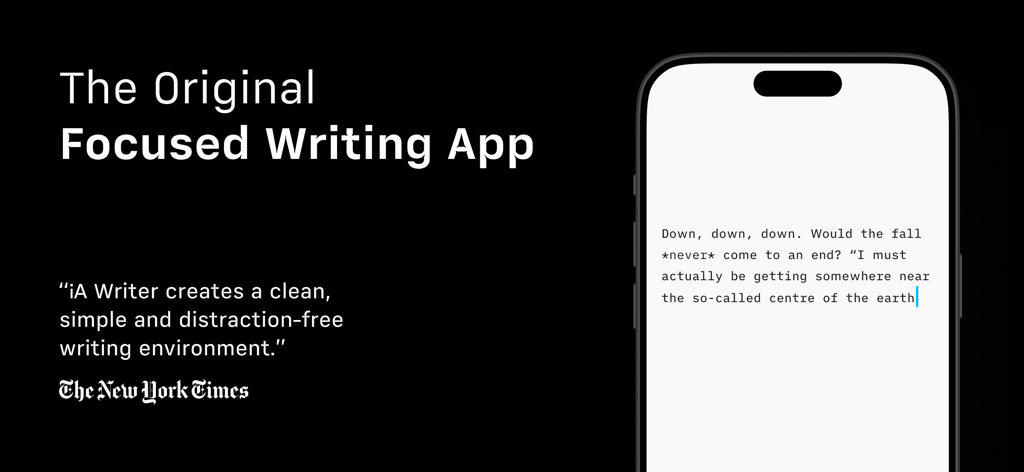
iA Writer 방해 없는 글쓰기 앱 아이폰 인터페이스

iA Writer 방해 없는 글쓰기 앱 아이폰 인터페이스

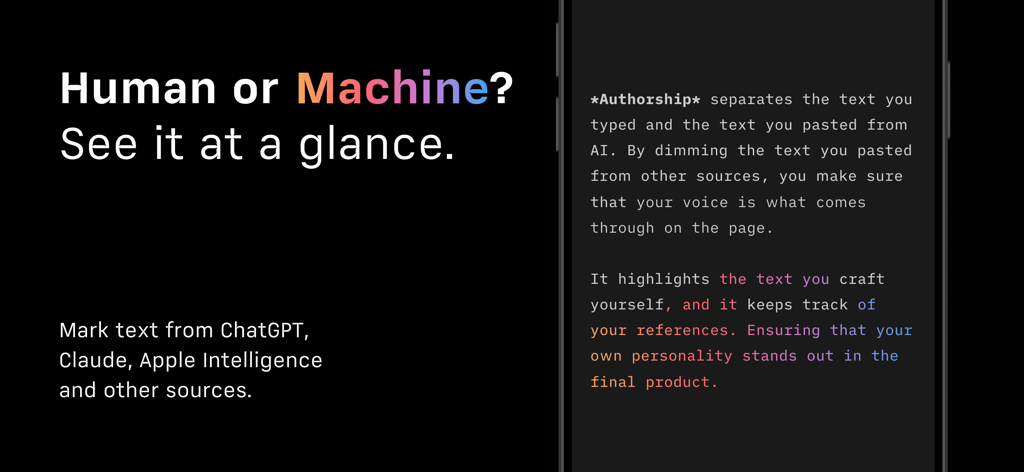
iA Writer 앱 인터페이스는 인간이 작성한 텍스트와 AI 생성 콘텐츠를 구별하는 저작권 기능을 보여줍니다.

iA Writer 앱 인터페이스는 인간이 작성한 텍스트와 AI 생성 콘텐츠를 구별하는 저작권 기능을 보여줍니다.

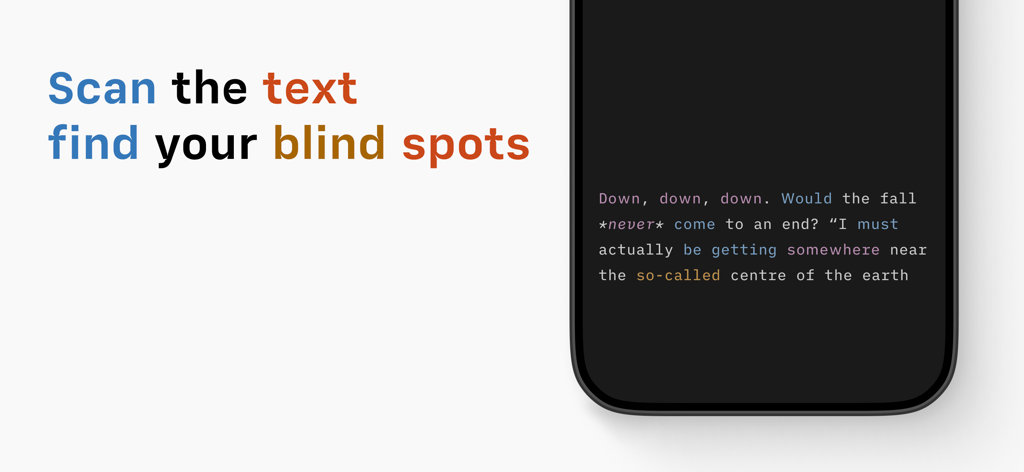
어두운 모드의 모바일 인터페이스에서 iA Writer 구문 분석 기능

어두운 모드의 모바일 인터페이스에서 iA Writer 구문 분석 기능

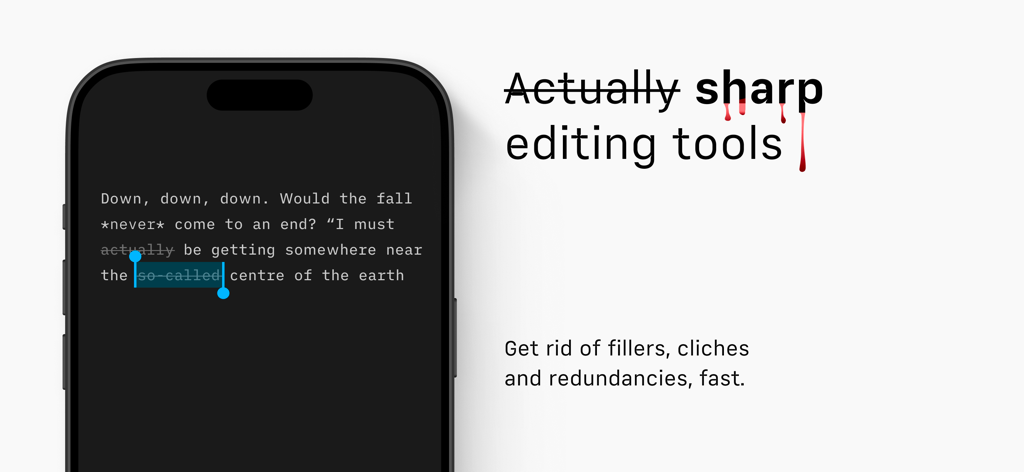
모바일 화면에서 구문 분석과 불필요한 단어 및 중복 제거를 보여주는 iA Writer 앱 인터페이스

모바일 화면에서 구문 분석과 불필요한 단어 및 중복 제거를 보여주는 iA Writer 앱 인터페이스

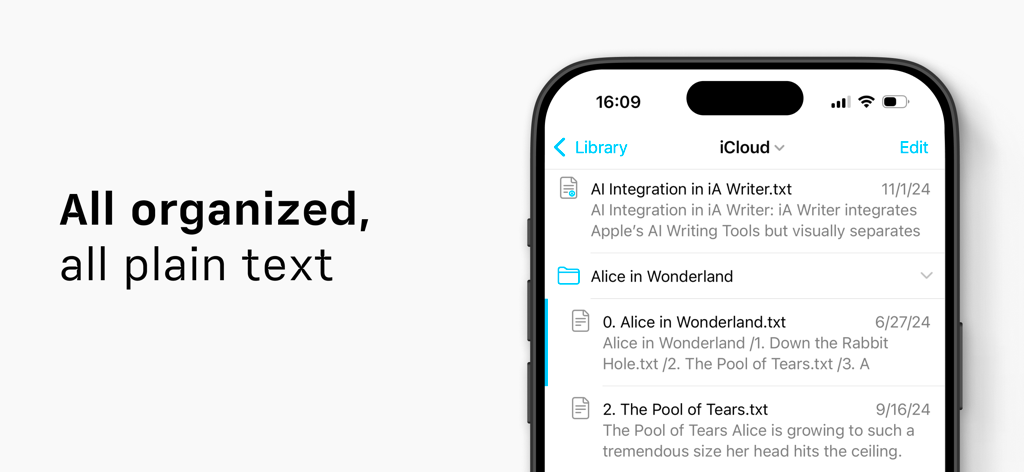
iA Writer 앱 라이브러리 인터페이스는 iCloud를 통해 동기화된 일반 텍스트 문서 목록을 보여줍니다.

iA Writer 앱 라이브러리 인터페이스는 iCloud를 통해 동기화된 일반 텍스트 문서 목록을 보여줍니다.

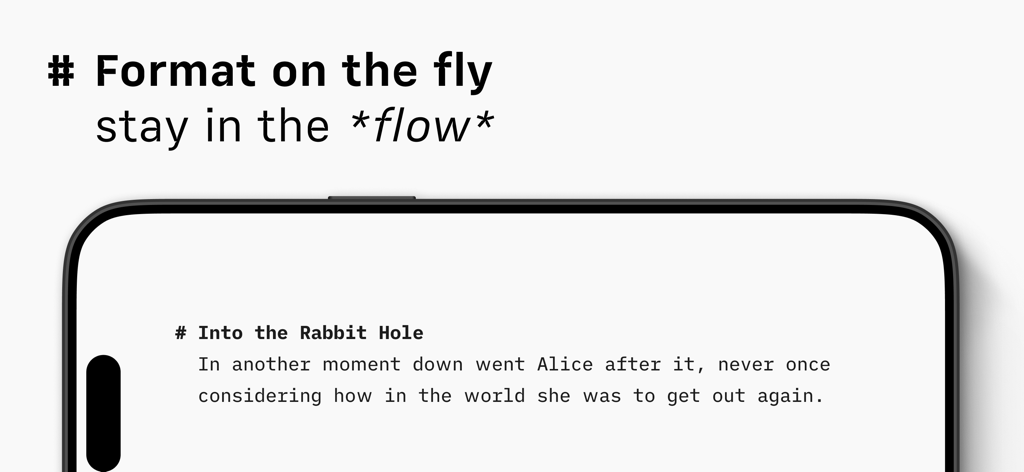
iA Writer 앱 인터페이스는 깔끔한 마크다운 서식과 집중 글쓰기를 위한 미니멀리스트 디자인을 보여줍니다.

iA Writer 앱 인터페이스는 깔끔한 마크다운 서식과 집중 글쓰기를 위한 미니멀리스트 디자인을 보여줍니다.

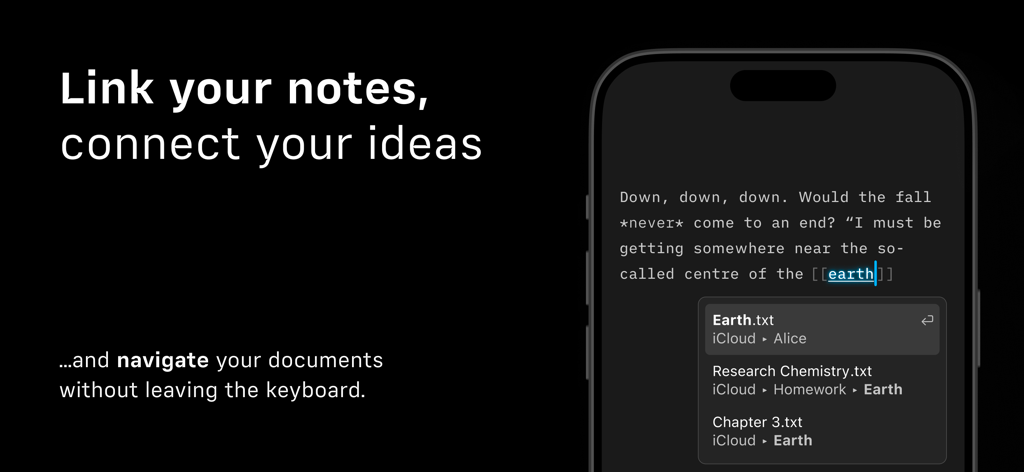
iA Writer 앱 인터페이스는 노트를 연결하고 문서를 탐색하기 위한 내부 위키 링크를 보여줍니다.

iA Writer 앱 인터페이스는 노트를 연결하고 문서를 탐색하기 위한 내부 위키 링크를 보여줍니다.

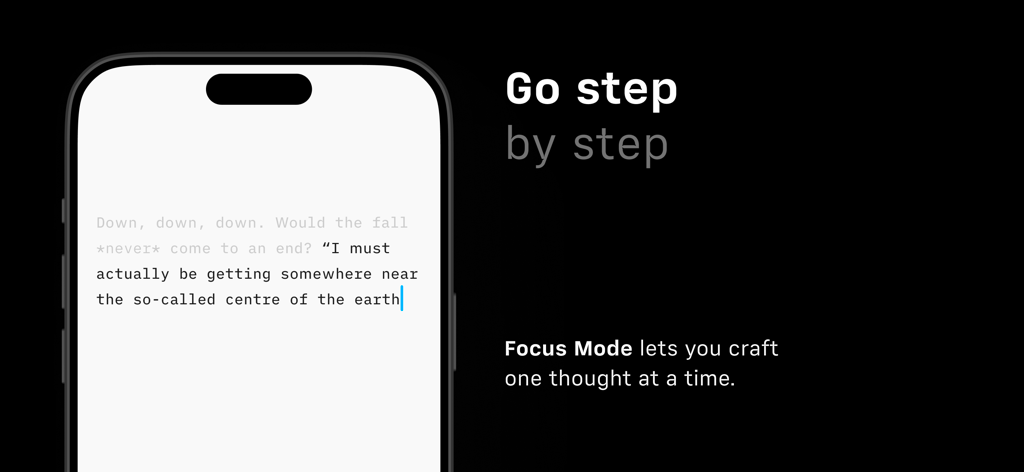
다른 문장은 흐리게 하고 한 문장만 강조하는 iA Writer 집중 모드를 보여주는 스마트폰 화면.

다른 문장은 흐리게 하고 한 문장만 강조하는 iA Writer 집중 모드를 보여주는 스마트폰 화면.

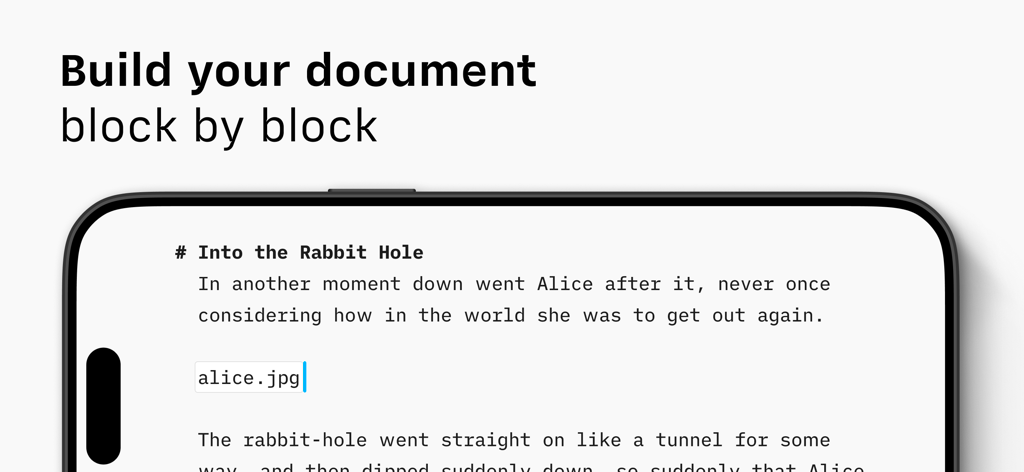
iA Writer 모바일 인터페이스는 콘텐츠 블록을 사용하여 문서를 생성하는 것을 보여줍니다.

iA Writer 모바일 인터페이스는 콘텐츠 블록을 사용하여 문서를 생성하는 것을 보여줍니다.

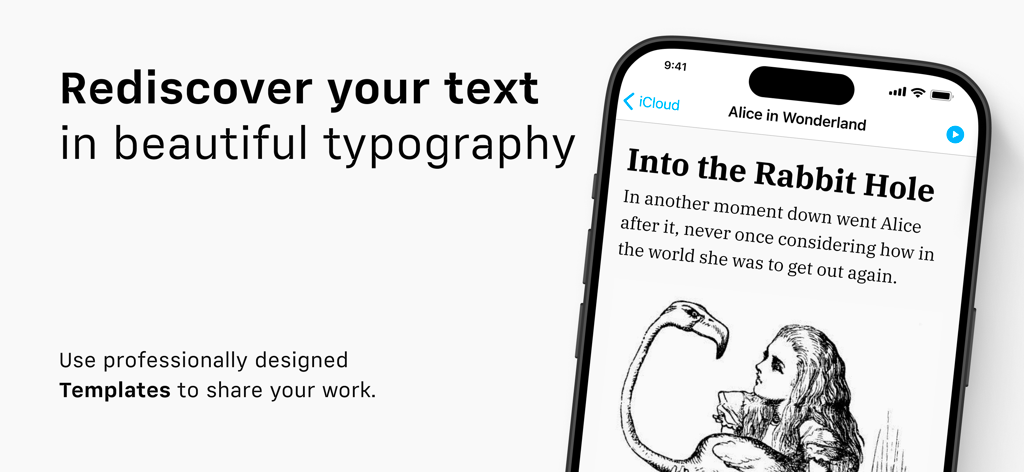
iA Writer 앱 인터페이스는 아이폰에서 깔끔한 타이포그래피와 전문적인 문서 템플릿을 보여줍니다.

iA Writer 앱 인터페이스는 아이폰에서 깔끔한 타이포그래피와 전문적인 문서 템플릿을 보여줍니다.

타협 없는 집중력으로 글쓰기

이 앱을 돋보이게 하는 도구, 440K+ 명의 사용자가 선택.

🎯

디지털 노이즈 제거

현재 작성 중인 문장이나 단락만 강조하고 나머지는 어둡게 처리하는 집중 모드로 깊이 있는 작업을 촉진하며 흐름을 유지하세요.

자신의 목소리 다듬기

구문 강조 도구는 약한 동사와 불필요한 형용사를 텍스트에서 스캔하여 전문적인 정확도로 글을 쓸 수 있도록 도와줍니다.

🚀

마찰 없는 출판

마크다운 파일을 원탭으로 WordPress, Medium 또는 보기 좋게 서식이 지정된 PDF로 내보내 초안부터 완성까지 즉시 전환하세요.

전 세계 사용자들에게 사랑받는 앱

Trusted by 440K+ 명이 이 앱을 사랑합니다.

"

"iA Writer는 제가 즉시 깊이 있는 작업 상태에 도달할 수 있게 해주는 유일한 도구입니다. 집중 모드는 서식에 빠지지 않고 일일 단어 수를 달성하는 데 게임 체인저이며, 구문 검사는 제 문장을 진정으로 날카롭게 만들었습니다."

Sarah Jenkins, 독립 언론인
"

"일반 텍스트를 주로 사용하는 저에게 iA Writer는 표준입니다. 마크다운 구현이 완벽하며, iPad에서 초안을 작성하고 블로그를 위해 깔끔한 HTML을 내보낼 수 있다는 점은 제 워크플로우를 놀랍도록 효율적으로 만듭니다."

Marcus Thorne, 소프트웨어 엔지니어 & 블로거

앱 소개

에 대해 알아야 할 모든 것 iA Writer.

설명

“Leaving life’s mess for an ideal realm of words.” —The New Yorker “My favorite iOS app for writing in Markdown, without question, is iA Writer. iA Writer is just beautiful. To me, it’s the gold standard for Markdown syntax styling... an elegant champagne flute. That’s iA Writer for me.” —John Gruber “iA Writer creates a clean, simple and distraction-free writing environment for when you really need to focus on your words.” —The New York Times “iA Writer is an example of how powerful simplicity and accessibility can be.” —The Guardian “iA Writer is all about textual production—writing this phrase, this sentence, this word at this moment.” —WIRED 4 x Best of App Store Winner # The Simple Writing App iA Writer removes distractions. Giving you a calm, focused, writing space, so you can express yourself clearly. # Focus Focus Mode dims everything but the current sentence or paragraph, helping you stay in the flow. # Start Don’t worry about the format. First, write in plain text. Then preview in HTML. # Organize Search, sort, and quickly swap between documents from different clouds. # Customize When you tap and hold a key in the command keyboard, you’re given the chance to choose your own layout. Rearrange your keys, or pick new ones from the extensive list. # Search You can open documents and launch frequent actions in no time with the new Quick Search. It lives in the keyboard so it’s always close at hand. # Work iA Writer includes an inverted light-on-dark-mode, perfect for working day and night. # Clean Spot superfluous adjectives, weak verbs, repetitive nouns, false conjunctions and clean your text of the usual rumble. # Shape Customize your templates and export to WordPress or Medium, HTML, Microsoft Word (.docx), or PDF. # 100% Text Embed links, pictures, tables and text files in plain text and see them in preview. # Get in Touch - Visit ia.net/writer for more information - Visit ia.net/writer/support for support and feedback

최신 버전

7.3.3

크기

60.5 MB

출시일

2013년 12월 19일

명확하게 글쓰기를 시작하세요

소음을 벗어나 집중력을 되찾으세요. 최고의 작업을 위해 방해 없는 글쓰기의 표준을 선택한 수천 명의 전문가들과 함께하세요.

다운로드: App Store