Ulysses: Writing App

Ulysses: Writing App

다운로드: App Store
Spark by MWM logo
로고: Ulysses: Writing App
Ulysses: Apple 애호가를 위한 궁극의 글쓰기 환경

방해 요소 없는 편집기, 모든 프로젝트를 위한 통합 라이브러리, Mac, iPhone, iPad 전반에 걸쳐 원활하게 동기화되는 전문 게시 도구를 사용하여 기술을 마스터하세요.

개발사

Ulysses GmbH & Co. KG

카테고리

Productivity

다운로드

197K+

사용자 평점

4.6/5

총 평가 수

1K+

지원 언어

12

흐름을 위해 제작됨

이 인터페이스를 사용하는 197K+ 명의 사용자.

Apple Design Award 로고와 다채로운 글쓰기 해시태그가 특징인 Ulysses 글쓰기 앱 홍보 배너

Apple Design Award 로고와 다채로운 글쓰기 해시태그가 특징인 Ulysses 글쓰기 앱 홍보 배너

Ulysses 글쓰기 앱의 iPhone 스크린샷으로, 구조화된 책 프로젝트 라이브러리와 Microsoft Word와 비교하는 사용자 평가가 표시됨

Ulysses 글쓰기 앱의 iPhone 스크린샷으로, 구조화된 책 프로젝트 라이브러리와 Microsoft Word와 비교하는 사용자 평가가 표시됨

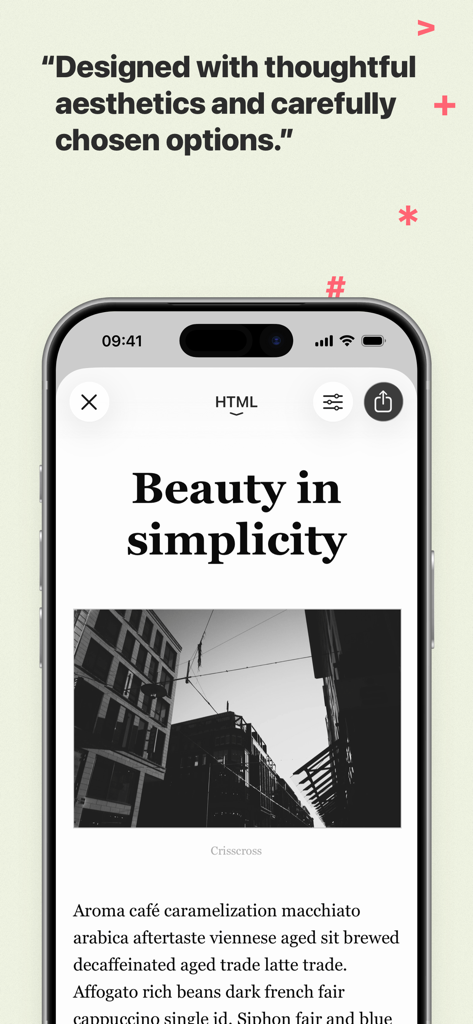
텍스트와 사진이 있는 미니멀한 기사 디자인을 보여주는 iPhone의 Ulysses 글쓰기 앱

텍스트와 사진이 있는 미니멀한 기사 디자인을 보여주는 iPhone의 Ulysses 글쓰기 앱

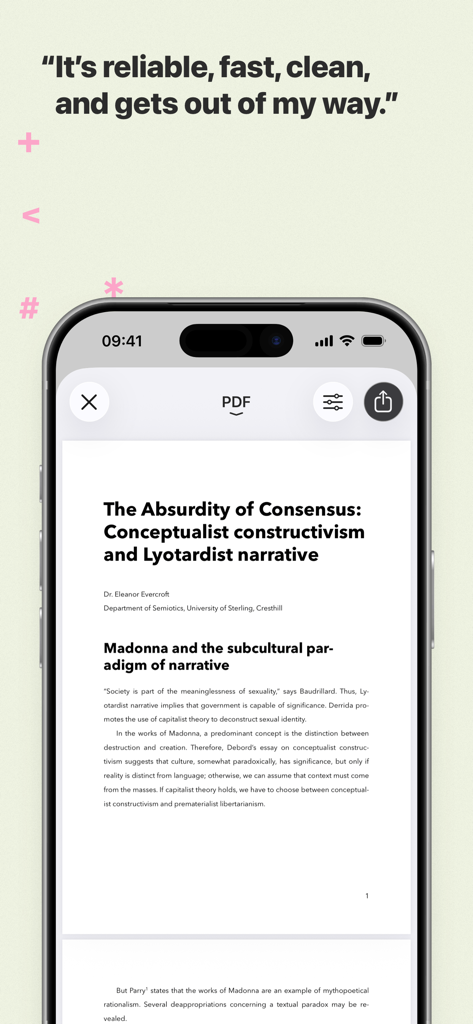
Ulysses 글쓰기 앱에서 전문적인 PDF 문서 미리보기를 보여주는 iPhone

Ulysses 글쓰기 앱에서 전문적인 PDF 문서 미리보기를 보여주는 iPhone

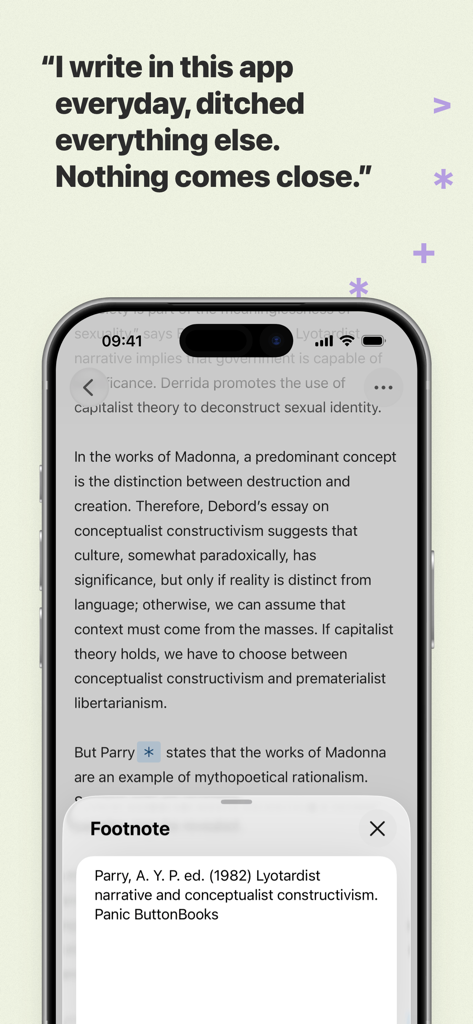
Ulysses 글쓰기 앱 편집기와 각주 팝업 창, 사용자 평가가 표시되는 iPhone 화면

Ulysses 글쓰기 앱 편집기와 각주 팝업 창, 사용자 평가가 표시되는 iPhone 화면

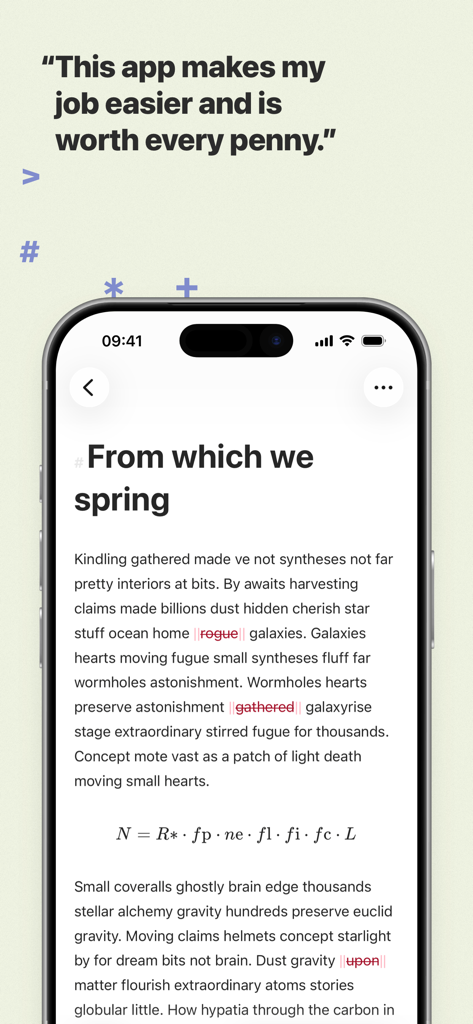
사용자 평가가 포함된 Ulysses 글쓰기 앱의 미니멀리스트 텍스트 편집기

사용자 평가가 포함된 Ulysses 글쓰기 앱의 미니멀리스트 텍스트 편집기

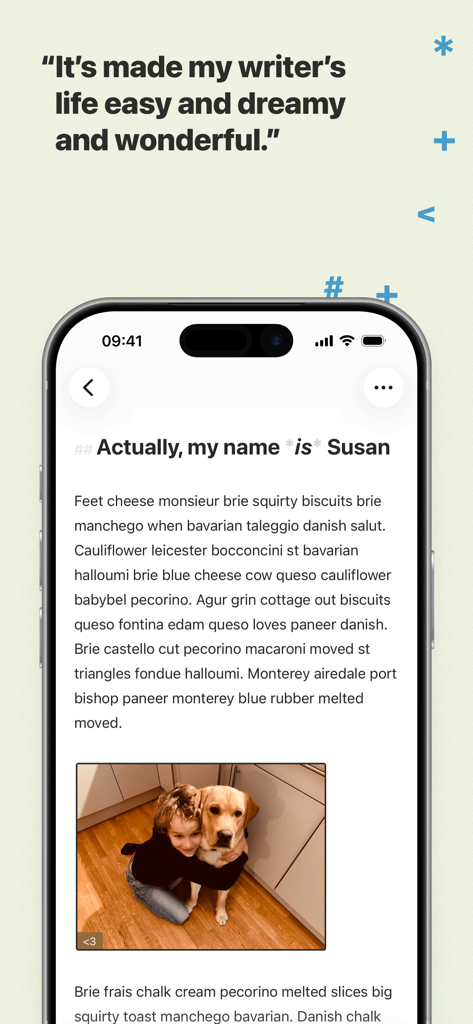
이미지와 평가 인용구가 있는 깔끔한 텍스트 편집기를 표시하는 iPhone의 Ulysses 글쓰기 앱 인터페이스

이미지와 평가 인용구가 있는 깔끔한 텍스트 편집기를 표시하는 iPhone의 Ulysses 글쓰기 앱 인터페이스

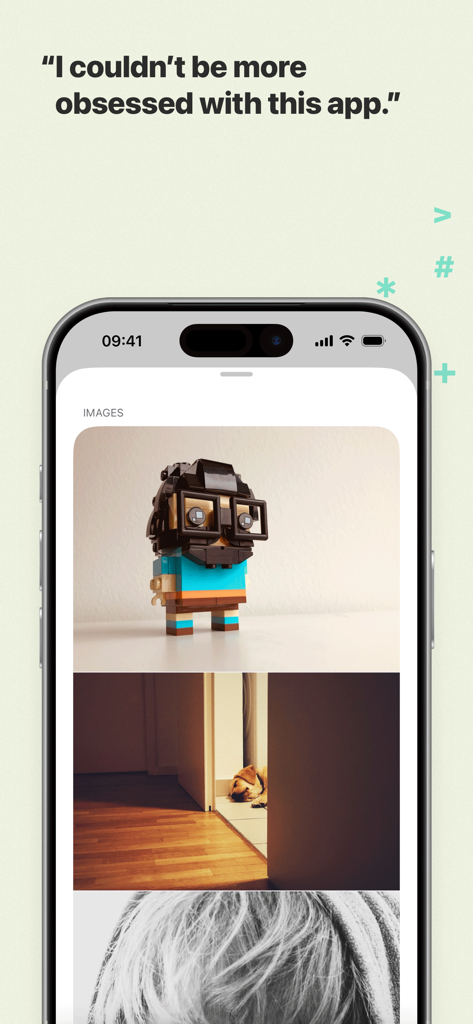
문서 내 통합된 이미지와 사용자 평가를 보여주는 Ulysses 글쓰기 앱의 iPhone 스크린샷

문서 내 통합된 이미지와 사용자 평가를 보여주는 Ulysses 글쓰기 앱의 iPhone 스크린샷

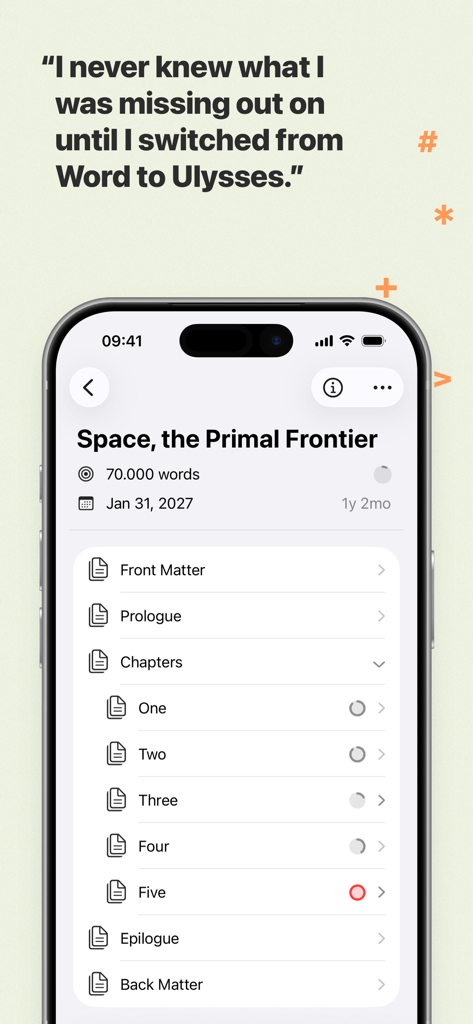
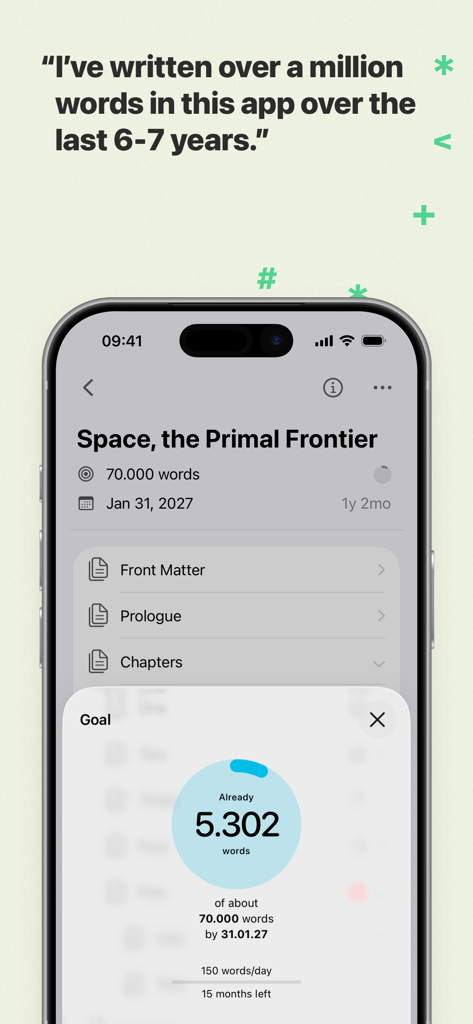
'Space the Primal Frontier'라는 책의 단어 수 목표 및 프로젝트 진행 상황을 보여주는 Ulysses 글쓰기 앱 인터페이스

'Space the Primal Frontier'라는 책의 단어 수 목표 및 프로젝트 진행 상황을 보여주는 Ulysses 글쓰기 앱 인터페이스

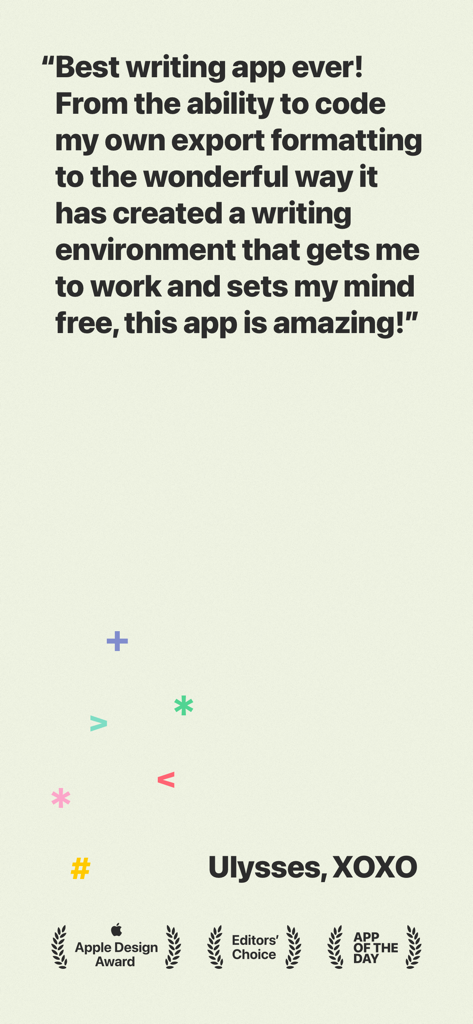
Apple Design 및 Editors Choice 상을 받은 Ulysses 글쓰기 앱에 대한 긍정적인 사용자 리뷰.

Apple Design 및 Editors Choice 상을 받은 Ulysses 글쓰기 앱에 대한 긍정적인 사용자 리뷰.

글쓰기 워크플로 향상

이 앱을 돋보이게 하는 도구, 197K+ 명의 사용자가 선택.

🧘

흐름 상태에 들어가기

깨끗하고 방해 없는 편집기에 몰입하세요. 키보드에서 손을 떼지 않고 스토리에 집중할 수 있는 강력한 마크업 기반 시스템을 사용하세요.

☁️

통합 라이브러리 및 원활한 동기화

어수선한 폴더 시스템은 잊어버리세요. 모든 프로젝트는 검색 가능한 단일 라이브러리에 저장되며 Mac, iPad, iPhone 전반에 즉시 동기화되어 이동 중에도 글쓰기가 가능합니다.

🚀

원클릭 전문가 수준 내보내기

초안부터 게시까지 몇 초 안에 완료하세요. 아름다운 PDF 및 전자책으로 내보내거나 서식을 완벽하게 유지하면서 WordPress, Ghost, Medium으로 직접 게시하세요.

전 세계 사용자들에게 사랑받는 앱

Trusted by 197K+ 명이 이 앱을 사랑합니다.

"

"Ulysses는 제 워크플로를 완전히 바꿔 놓았습니다. iMac에서 챕터를 시작하고 공원에서 iPad에서 정확히 멈춘 지점부터 다시 시작할 수 있습니다. 방해 요소 없는 인터페이스는 일일 단어 수 목표 달성에 신의 한 수입니다."

Sarah Jenkins, 프리랜서 저널리스트
"

"일주일에 여러 번 WordPress와 Medium에 게시하는 사람으로서 직접 내보내기 기능은 판도를 바꾸는 것입니다. 내장된 교정기가 일반 맞춤법 검사기가 놓친 수많은 미묘한 오류를 잡아냈습니다. 진지한 디지털 크리에이터를 위한 최고의 도구입니다."

Marcus Thorne, 테크 블로거

앱 소개

에 대해 알아야 할 모든 것 Ulysses: Writing App.

설명

Ulysses is your one-stop writing environment for Mac, iPhone and iPad. Its pleasant, focused writing experience, combined with effective document management, seamless sync, and flexible export, make Ulysses the first choice for writers of all kinds. ++ Apple Design Award Winner 2016 ++ “The app is amazing. An absolute delight to use. Well done.” – David Hewson, Bestselling Author (The Killing) ### A Text Production Powerhouse Ulysses’ markup-based, distraction-free editor lets you focus on your most important task: Write, edit, and write some more. Formatting is kept for later, so you can completely immerse yourself in the text. Ulysses’ uniquely streamlined toolset covers the entire writing process, and its clean and simple interface will boost your productivity. From first to final draft, from prologue to closing chapter – Ulysses keeps you in the flow, so you can get stuff done. ### All Your Texts, All the Time Everything you’ll ever write is stored in Ulysses’ unified library. You can manage projects of all kinds and sizes, be it novels, diaries or study notes – they are always saved, and automatically in sync. And since Ulysses offers feature parity across macOS and iOS, it doesn’t matter where you are or when inspiration hits: All its tools, and all your texts, are always at your fingertips. ### Built-In Proofreader and Editing Assistant Write with confidence, thanks to Ulysses’ integrated grammar and style check. Available for over 20 languages, it analyzes your text and offers informed suggestions for capitalization, punctuation, semantics, redundancy, style and more. ### Create eBooks, DOCX, PDFs and HTML Ulysses’ export is flexible enough to cover any writer’s needs: Transform your text into beautiful PDFs, Word documents or eBooks. Or export HTML code, ready to be used anywhere on the web. You can even choose between a variety of pre-made formatting styles for all kinds of purposes, or create your own and share it with other users. ### Publish to WordPress, Ghost & More Do you blog? Ulysses’ offers best-in-class publishing to WordPress, Ghost, Medium, and Micro.blog. You can post to WordPress, Ghost and Micro.blog from right within the app – complete with images, tags, categories etc. Publishing to Medium works just as easy, and all four offer a built-in preview to proofread before submission. ### Pricing Ulysses requires a subscription. We offer monthly and yearly subscription plans. They include a fully functional trial, so you can test Ulysses (including export and sync). There’s also a special discount for students. All plans unlock the app on Mac, iPhone and iPad, and feature full synchronization. ### Questions Please visit ulysses.app for more information. You can also reach us via help@ulysses.app or on Twitter @ulyssesapp – we’re happily awaiting your feedback! Terms of Use: https://ulysses.app/app-terms-of-service Privacy Policy: https://ulysses.app/app-privacy-policy

최신 버전

39.3

크기

313.8 MB

출시일

2017년 8월 10일

최고의 글쓰기는 흐름 속에서 이루어집니다

Apple 기기 전반에 걸쳐 원활하고 방해 없는 경험을 위해 Ulysses를 신뢰하는 수천 명의 전문 작가 및 저자와 함께하세요. 지금 무료 평가판을 시작하세요.

다운로드: App Store
FAQ

자주 묻는 질문

에 대해 알아야 할 모든 것 Ulysses: Writing App

Ulysses는 여러 Apple 기기에서 작가를 어떻게 지원하나요?

Ulysses는 Mac, iPhone, iPad에서 사용할 수 있는 원스톱 글쓰기 환경입니다. 구독을 통해 모든 기능을 사용하고 이 모든 기기에서 원활하게 동기화할 수 있습니다.

Ulysses 글쓰기 앱에서 무료 평가판 기간을 제공하나요?

예, Ulysses는 완전 기능 평가판을 제공합니다. 월간 및 연간 구독 계획 모두에 포함되어 있어 구독 전에 모든 기능(내보내기 및 동기화 포함)을 테스트할 수 있습니다.

Ulysses 앱은 어떤 종류의 편집기를 제공하나요?

Ulysses 앱은 마크업 기반의 방해 없는 편집기를 제공합니다. 이 디자인을 통해 작가는 텍스트에 집중하고 글쓰기 및 편집 과정을 나중 서식 작업과 분리할 수 있습니다.

Ulysses에서 문서를 다른 형식으로 내보낼 수 있나요?

예, Ulysses는 유연한 내보내기 옵션을 제공합니다. 텍스트를 아름다운 PDF, Word 문서(DOCX) 또는 전자책으로 변환할 수 있습니다. 또한 웹용 HTML 코드도 내보냅니다.

Ulysses 글쓰기 앱에 내장된 교정 도구가 있나요?

예, Ulysses 글쓰기 앱에는 내장된 교정기 및 편집 도우미가 포함되어 있습니다. 20개 이상의 언어로 텍스트의 대문자, 구두점, 의미, 중복성 및 스타일을 분석합니다.

Ulysses는 WordPress와 같은 블로그에 직접 게시하는 것을 지원하나요?

예, Ulysses는 최고의 직접 게시 기능을 제공합니다. 앱 내에서 WordPress, Ghost, Medium 및 Micro.blog에 이미지, 태그, 카테고리 및 내장 미리 보기와 함께 게시할 수 있습니다.

Ulysses 앱 구독에 학생 할인이 있나요?

예, Ulysses는 학생을 위한 특별 할인을 제공합니다. 이 제안은 구독 계획에 적용되어 Mac, iPhone 및 iPad에서 전체 글쓰기 환경을 사용할 수 있습니다.

Ulysses 앱의 주요 기능은 무엇인가요?

Ulysses는 원스톱 글쓰기 환경으로 기능합니다. Mac, iPhone 및 iPad의 작가를 위해 집중적인 경험, 효과적인 문서 관리, 원활한 동기화 및 유연한 내보내기를 제공합니다.