Inkflow Plus Visual Notebook

Inkflow Plus Visual Notebook

다운로드: App Store
Spark by MWM logo
로고: Inkflow Plus Visual Notebook

Inkflow Plus: 시각적 사고를 위한 워드프로세서

펜과 종이만큼 쉽게 아이디어를 캡처한 다음, 생각을 손쉽게 재배열하고 확장하여 큰 그림을 마스터하세요.

다운로드: App Store

개발사

Qrayon, LLC

카테고리

Business

다운로드

352K+

사용자 평점

4.7/5

총 평가 수

2K+

지원 언어

1

움직이는 사고

이 인터페이스를 사용하는 352K+ 명의 사용자.

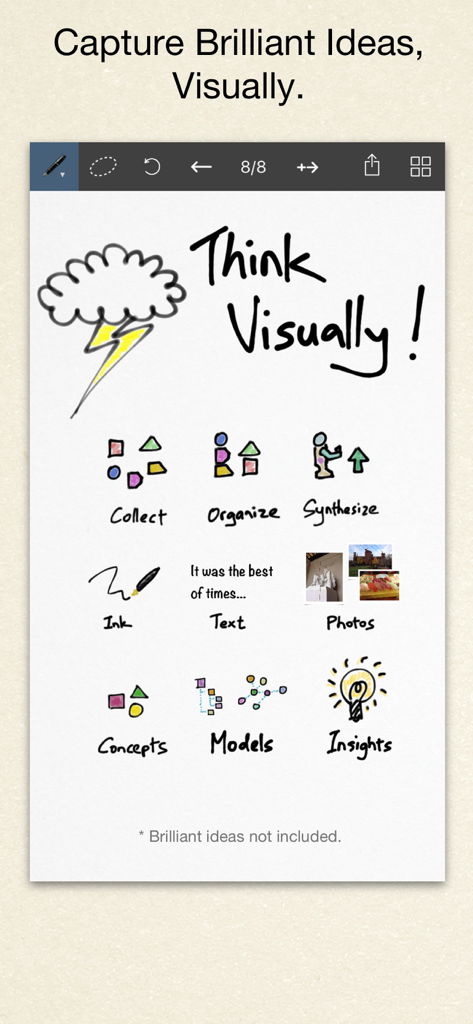
아이디어를 정리하기 위한 스케치, 텍스트, 사진과 같은 시각적 사고 도구를 보여주는 Inkflow Plus 앱의 디지털 캔버스

아이디어를 정리하기 위한 스케치, 텍스트, 사진과 같은 시각적 사고 도구를 보여주는 Inkflow Plus 앱의 디지털 캔버스

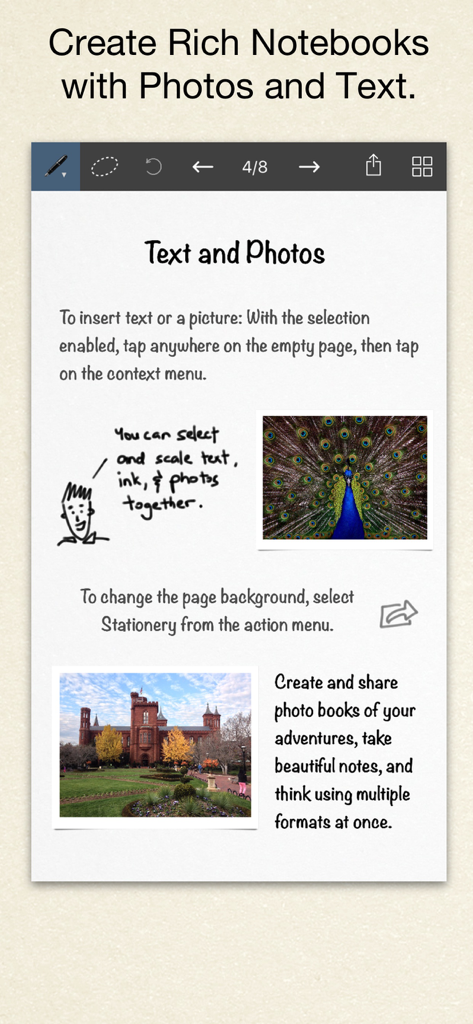
텍스트, 손글씨 스케치, 사진이 혼합된 Inkflow Plus의 디지털 노트 페이지

텍스트, 손글씨 스케치, 사진이 혼합된 Inkflow Plus의 디지털 노트 페이지

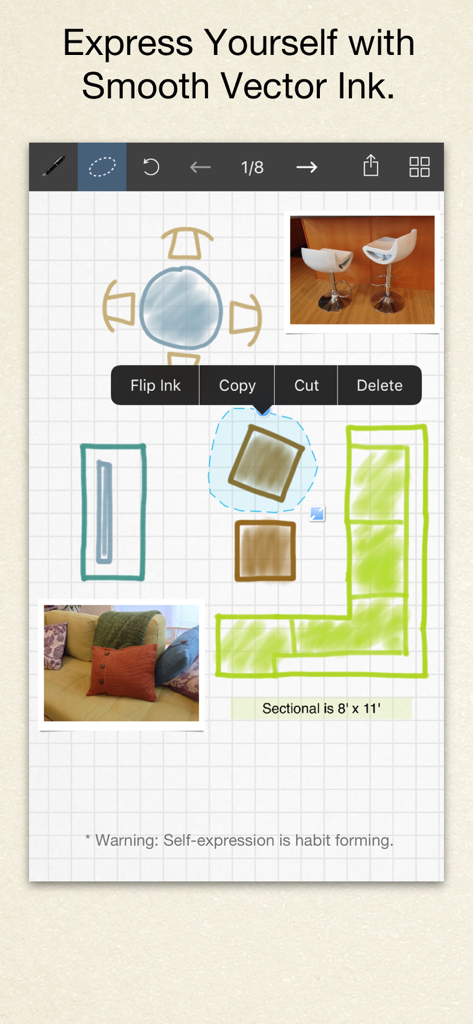
벡터 잉크와 사진 통합을 보여주는 Inkflow Plus의 손으로 그린 ​​방 레이아웃 디자인

벡터 잉크와 사진 통합을 보여주는 Inkflow Plus의 손으로 그린 ​​방 레이아웃 디자인

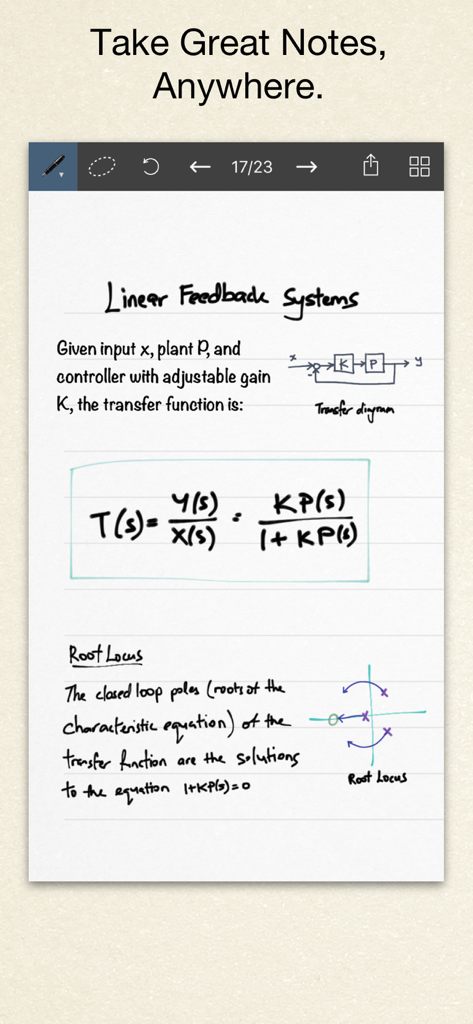
Inkflow Plus Visual Notebook의 다이어그램과 수학 공식이 포함된 손으로 쓴 ​​엔지니어링 노트

Inkflow Plus Visual Notebook의 다이어그램과 수학 공식이 포함된 손으로 쓴 ​​엔지니어링 노트

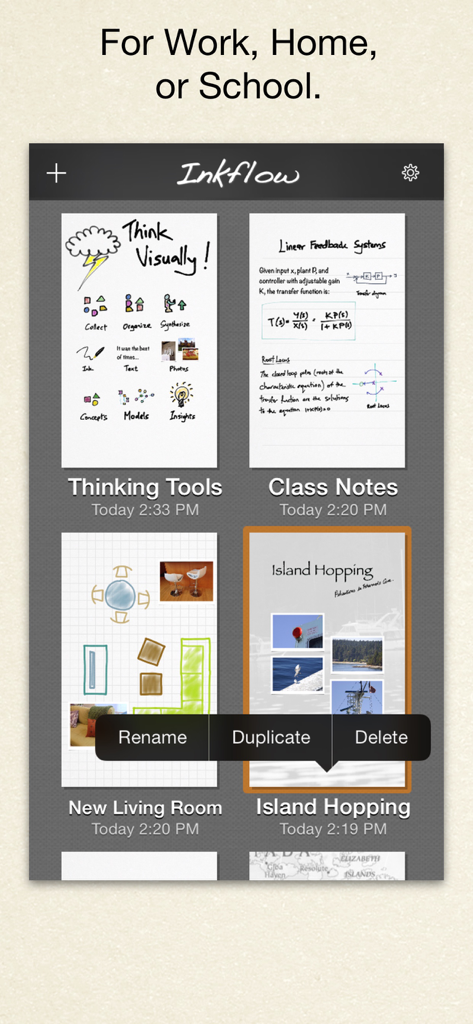
업무, 가정, 학교를 위한 시각적 노트 갤러리를 표시하는 Inkflow Plus 앱 인터페이스

업무, 가정, 학교를 위한 시각적 노트 갤러리를 표시하는 Inkflow Plus 앱 인터페이스

창의적 워크플로우 마스터하기

이 앱을 돋보이게 하는 도구, 352K+ 명의 사용자가 선택.

🧩

페이지를 넘어 생각하기

워드프로세서처럼 스케치를 선택, 이동, 확장하세요. 지우개 없이 손가락으로 개념을 재배열하여 큰 그림을 만드세요.

📸

혁신적인 Inkport 도구

종이 노트를 즉시 디지털 벡터 잉크로 변환하세요. 종이 메모 사진을 찍어 디지털 작업 공간에 원활하게 통합하세요.

🔍

무한 해상도 줌

번개처럼 빠르고 지연 없는 줌으로 세부 사항을 자세히 살펴보세요. 벡터 잉크는 어떤 수준에서도 선명하게 유지되어 디자인과 메모가 전문적이고 정확하게 유지되도록 합니다.

전 세계 사용자들에게 사랑받는 앱

Trusted by 352K+ 명이 이 앱을 사랑합니다.

"

"Inkflow Plus는 제 브레인스토밍 세션을 완전히 바꿔 놓았습니다. 디자이너로서 저는 선형 텍스트에 갇히는 것을 싫어합니다. UI 흐름을 스케치한 다음 요소들을 손가락으로 실제로 집어서 옮겨 논리를 재구성하는 능력은 게임 체인저입니다. 또한 Inkport 도구는 순수한 마법입니다. 냅킨 스케치를 앱으로 가져와 선명한 벡터 잉크로 계속 작업할 수 있습니다. 종이 저널과 디지털 워크플로우 사이의 완벽한 다리입니다."

Elena Rodriguez, 수석 UX 디자이너
"

"저는 앱 스토어의 모든 노트 앱을 시도해 보았지만, Inkflow Plus는 복잡한 연구 다이어그램에 가장 자연스럽게 느껴지는 유일한 앱입니다. 잉크는 믿을 수 없을 정도로 부드럽습니다. 마치 고급 만년필로 쓰는 느낌이며, 전체 해상도 줌을 통해 픽셀화 없이 작은 주석을 추가할 수 있습니다. 이해가 깊어짐에 따라 생각을 확장하고 재배열할 수 있다는 사실은 단순한 노트 그 이상으로, 실제 사고 도구입니다."

David Miller, 박사 과정 후보생

앱 소개

에 대해 알아야 할 모든 것 Inkflow Plus Visual Notebook.

설명

Visual Thinkers Rejoice! Inkflow works like a word-processor for visual thinking. Capture your ideas as easily as with pen and paper, then arrange and reorganize them with your fingers! INKFLOW PLUS This is the full featured Plus Edition of Inkflow. It is the same as the in-app purchase from the basic edition Inkflow. Please download this only if you haven't already upgraded in-App. DIGITAL WRITING DONE RIGHT Inkflow's ink feels like a really smooth fountain pen. Great for expressive writing or sketching. Effortlessly scale or move anything you select. This will change the way you think about ink: Jot down a list of concepts then rearrange them to fit into the bigger picture. literally move your thoughts around the page, and assemble big ideas with your fingers. This works great for brainstorming and planning. It's also perfect for prototyping layouts, sketching, and drawing. FULL RESOLUTION ZOOM Zoom and pan with two fingers. Inkflow's ink stays sharp no matter how much you zoom in, so you can add fine details at full quality. It's also lightning fast and lag free. This allows writing and drawing with incredible precision, with or without a stylus. INKPORT: COPY AND PASTE FROM THE REAL WORLD Only Inkflow Plus includes the revolutionary Inkport tool. Inkport uses your iPad's camera to instantly convert your written notes and sketches into Inkflow's native vector ink. Easily pull in materials from multiple sources and go from paper to iPad without missing a beat. Inkport is going to change the way you use paper in your workflow. TEXT, PHOTOS, and PAPER BACKGROUNDS TOO Insert text boxes and photos anywhere on the page and resize them seamlessly with the ink. You can also choose from a selection of different paper backgrounds. EASILY CREATE and SHARE Inkflow let's you export your books to PDF, high-resolution JPEG, and share them via Twitter, Email, or with other Apps. PLUS FEATURES This edition includes the full set of expanded features, including: - Inkport - A customizable, full color palette, - Pencil, Eraser, and Paint Brush tools, - Rotate, Cut, Copy, Paste Ink, - Page Management, - Notebooks with unlimited pages, - An additional 50+ fonts on the iPad, - Custom paper backgrounds, - And more! Universal App for iPad, iPhone and iPod Touch: Upgrade once and get Inkflow Plus on all your compatible devices connected to your iTunes account! GREAT FOR CLASS We built a standalone Plus Edition mainly so that Educational institutions can take advantage of the volume purchase program (check with your school's Apple rep for details). A PLATFORM FOR CREATIVITY We strongly believe that the iPad is not just a consumption device. It's a creativity device. Thanks for supporting us in our journey of building Creative Apps like Inkflow. We hope you enjoy it!

최신 버전

7.2

크기

35.4 MB

출시일

2012년 8월 13일

큰 그림을 재배열할 준비가 되셨나요?

350,000명 이상의 시각적 사고가와 함께 복잡한 스케치를 명확한 전략으로 바꾸세요. 오늘 Inkflow Plus를 다운로드하고 여러분의 아이디어를 위한 워드프로세서의 힘을 경험하세요.

다운로드: App Store