Inko › Whiteboard: Draw+Pencil

Inko › Whiteboard: Draw+Pencil

다운로드: App Store
Spark by MWM logo
로고: Inko › Whiteboard: Draw+Pencil

Inko: 크리에이티브 팀을 위한 픽셀 단위 정밀도의 협업 화이트보드

iPad, Mac, Apple TV에서 실시간으로 함께 브레인스토밍하고 스케치하세요. Wi-Fi 없이도 제로 구성 설정으로 지연 없는 안전한 협업을 경험하세요.

개발사

Creaceed SRL

카테고리

Business

다운로드

898K+

사용자 평점

4.5/5

총 평가 수

2K+

지원 언어

24

움직이는 협업

이 인터페이스를 사용하는 898K+ 명의 사용자.

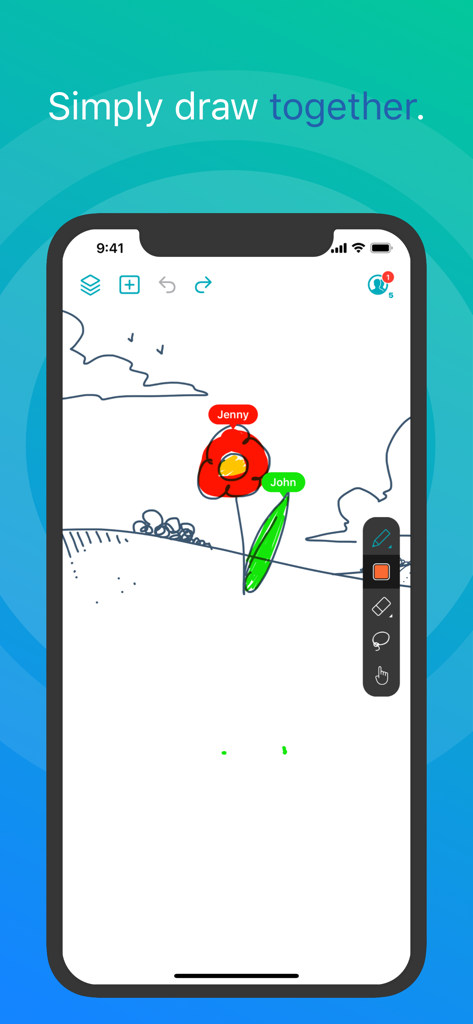
Inko 앱에서 두 사용자가 디지털 화이트보드에서 실시간으로 협업하는 모습.

Inko 앱에서 두 사용자가 디지털 화이트보드에서 실시간으로 협업하는 모습.

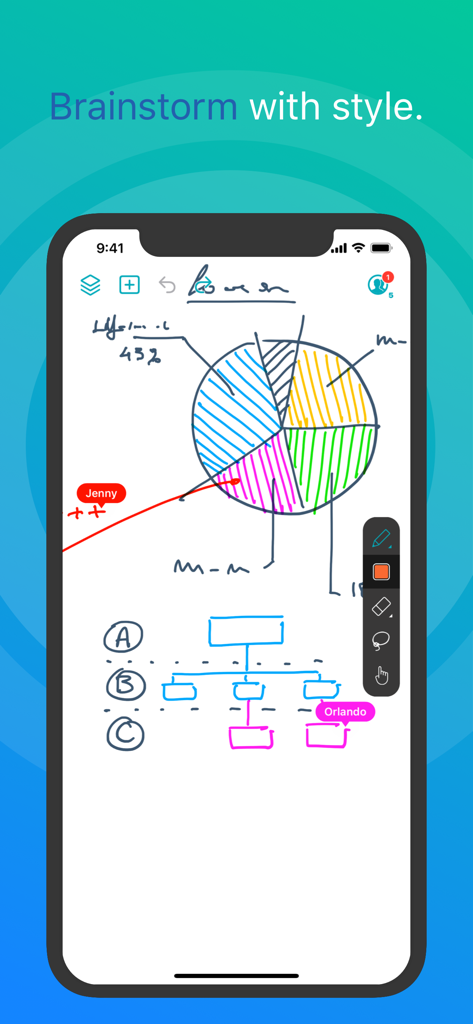
Inko 앱 스크린샷으로, 파이 차트와 순서도가 있는 디지털 화이트보드에서 실시간 협업 드로잉을 보여줍니다.

Inko 앱 스크린샷으로, 파이 차트와 순서도가 있는 디지털 화이트보드에서 실시간 협업 드로잉을 보여줍니다.

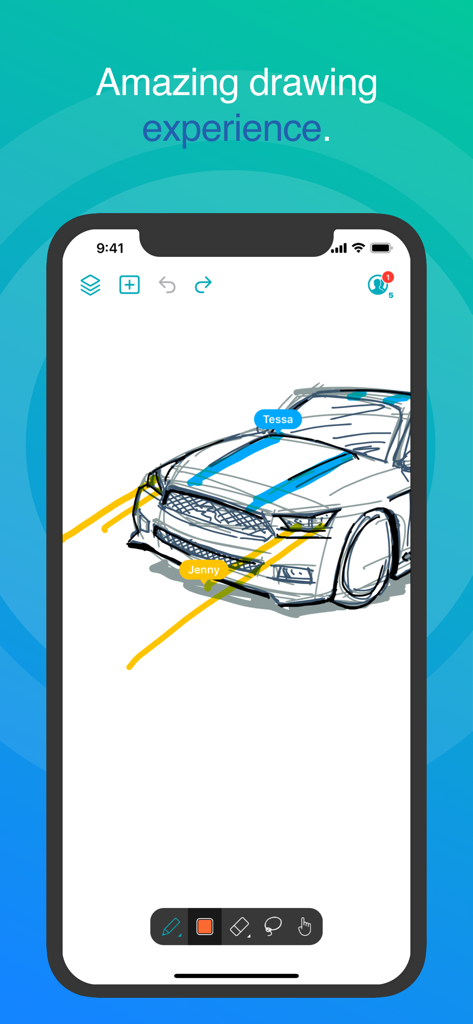
Inko 앱 인터페이스로, 여러 사용자 레이블과 함께 실시간 협업 자동차 그리기를 보여줍니다.

Inko 앱 인터페이스로, 여러 사용자 레이블과 함께 실시간 협업 자동차 그리기를 보여줍니다.

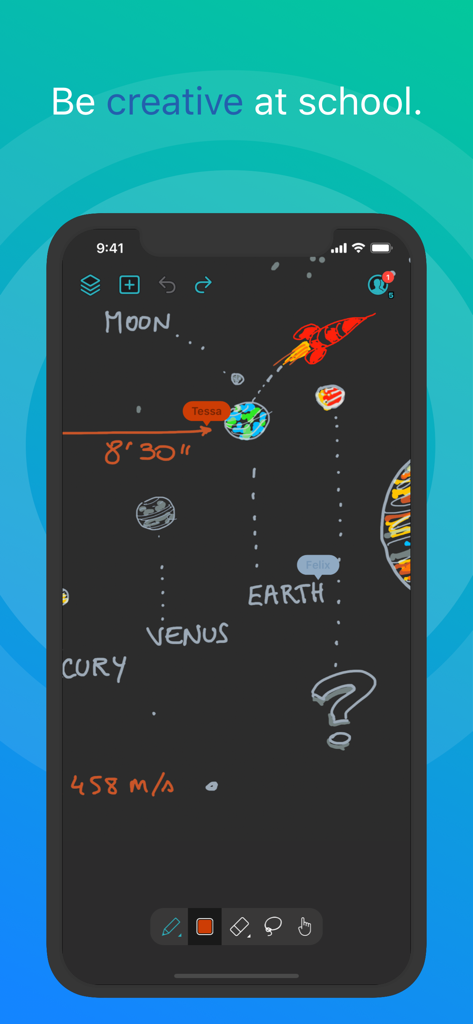
Inko 화이트보드 앱에서 협업 태양계 그리기

Inko 화이트보드 앱에서 협업 태양계 그리기

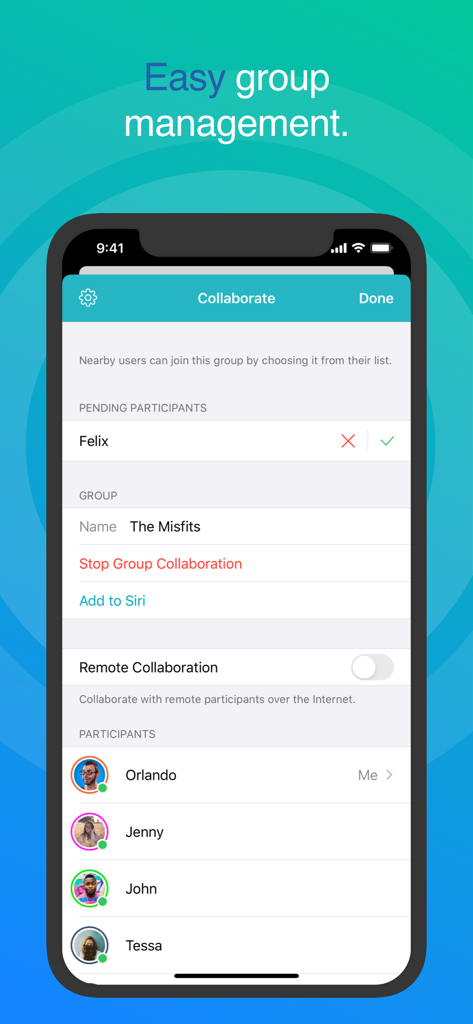
Inko 화이트보드 협업 화면으로 쉬운 그룹 관리 및 참가자 목록 표시

Inko 화이트보드 협업 화면으로 쉬운 그룹 관리 및 참가자 목록 표시

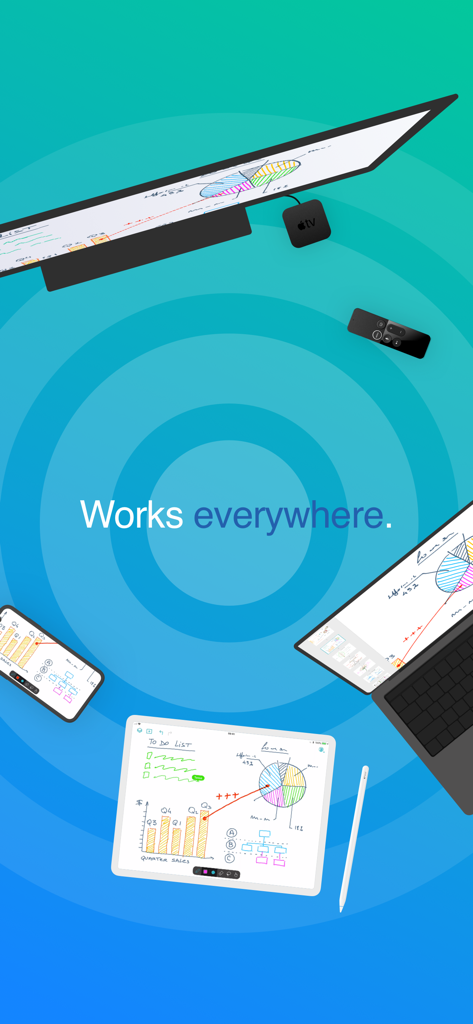
iPad, iPhone, Mac 및 Apple TV 전반에서 동기화된 Inko 화이트보드 앱으로 협업 스케치 및 차트 표시

iPad, iPhone, Mac 및 Apple TV 전반에서 동기화된 Inko 화이트보드 앱으로 협업 스케치 및 차트 표시

협업 아이디어 구상 능력 향상

이 앱을 돋보이게 하는 도구, 898K+ 명의 사용자가 선택.

마찰 없는 연결

계정 생성 없이 즉시 협업을 시작하세요. P2P 연결을 사용하여 카페나 고객사에서 Wi-Fi 액세스 포인트 없이 브레인스토밍할 수 있습니다.

✏️

전문가 수준의 정밀도

Metal 가속 렌더링으로 전체 Apple Pencil을 지원합니다. 복잡한 확대/축소 작업 중에도 완벽하게 선명하고 반응성이 뛰어난 픽셀 없는 경험을 즐기세요.

📺

대형 화면의 이점

Apple TV로 투사하여 회의실이나 교실을 변화시키세요. Apple Remote를 혁신적인 레이저 포인터로 사용하여 청중을 디자인의 모든 세부 정보로 안내하세요.

전 세계 사용자들에게 사랑받는 앱

Trusted by 898K+ 명이 이 앱을 사랑합니다.

"

"Inko는 고객 발굴 세션을 완전히 변화시켰습니다. Wi-Fi가 없는 커피숍에서도 UI 와이어프레임을 실시간으로 지연 없이 스케치할 수 있다는 것은 엄청난 이점입니다. 픽셀 없는 렌더링 덕분에 프레젠테이션 중에 세부 사항을 확대해도 모든 것이 선명하게 유지됩니다. 제가 사용해 본 가장 전문적인 디지털 화이트보드입니다."

Sarah Jenkins, 수석 UX 디자이너
"

"이 앱은 제 1:1 iPad 교실에 혁신을 가져왔습니다. Apple TV 동반자 앱을 사용하여 교실을 돌아다니면서 학생들에게 도움을 줄 때 메모를 투사합니다. 형광펜 도구는 Apple Remote와 함께 레이저 포인터처럼 작동하여 아이들의 참여를 쉽게 유지할 수 있습니다. 직관적이고 빠르며 복잡한 설정이 필요 없습니다."

Mark Thompson, 고등학교 수학 교사

앱 소개

에 대해 알아야 할 모든 것 Inko › Whiteboard: Draw+Pencil.

설명

Inko is a collaborative whiteboard that lets you draw together using multiple iPad, iPhone or Mac, and even interact on Apple TV. Ideal for team coworkers in a brainstorming session, for a creative classroom project, or for an interactive meeting between a graphic designer and their client. Create a group and just start drawing together! No need for complex network setup, or even any network at all, thanks to nearby connectivity. Be it in a bar, or on the beach. Oh, and your drawing even goes to the big screen too thanks to the free companion app for Apple TV! It instantly connects and interacts with all devices in the room. A great alternative to those bulky & expensive interactive boards. Inko 2 now brings remote collaboration over the Internet(*), Dark Mode support, a Mac app, and much more. Even though Inko is both simple and intuitive, it's also backed with advanced features like beautiful pixel-free rendering that stays sharp when zooming in. It also offers precise Apple Pencil support for an amazing drawing experience, lag-free and undo-capable real-time interactions, as well as hi-res PDF exports to share with your group when you’re done. COLLABORATION & CONNECTIVITY • Highly responsive, "appears-as-it-happens" multi-user drawing with no lag. • Participants’ labels on drawing trails that show who is currently drawing. • Nearby collaboration: nomadic connectivity for local devices, even without Wi-Fi access point (peer-to-peer or LAN). • Remote collaboration: seamless connectivity over the Internet for global reach via invitation link sharing. • Up to 8 participants for peer-to-peer connectivity or 12 participants for LAN/Internet. • Group saving for quick setup of future sessions. • Security & privacy: TLS connection between devices (nearby) and end-to-end encryption with daily data removal on server (remote). • No account creation. DRAWING & VISUALIZATION • Beautiful pixel-free visualization that stays sharp when zooming, as well as vibrant colors on wide color displays (P3). • High-performance Metal rendering. • Extensive Apple Pencil support (finger action, angle, pressure, high-speed & predictive sampling). • Pen tool with two sizes & one calligraphic variant. • Lasso editing: select, move, rescale. • Ephemeral highlighter to point things out. On Apple TV, it even features innovative motion-driven interaction with the remote, like a laser pointer. • Single- and multi-user undo/redo & reliable syncing. OTHER FEATURES • Optimized for latest iOS: file sharing, Split View Multitasking on iPad, Drag & Drop, Today Widget, Quick Actions, Universal Link, Siri Shortcuts, SF Symbols, Smart Screenshot, Dark Mode… • Universal app for iPad, iPhone & Mac. Free Apple TV companion app(**). • Export images, hi-res PDF, or native archive for a productive workflow. • iCloud sync for personal drawings. PRICING Multi-user collaboration requires a subscription. Two plans are proposed that enable all your devices (iPad, iPhone, Mac) and let other users join using just the free app: • Nearby Plan enables local collaboration over peer-to-peer or LAN. • Remote Plan enables remote collaboration over the Internet. Also includes all features of Nearby Plan. Both plans offer a fully functional 7-day free trial. The free app provides full drawing capabilities in single-user mode, lets you access, organize, & export your drawings, and let you try out nearby collaboration for 5-minute time-limited sessions. Volume purchase (VPP) is available for schools & businesses: see Inko (Volume Ed.). HELP & FEEDBACK Send your questions/feedback to inko@creaceed.com (*) requires Remote Plan (**) only works with local connectivity. With older Apple TV models, you can use AirPlay Mirroring. Terms of Use: https://creaceed.com/terms Privacy Policy: https://creaceed.com/privacy

최신 버전

2.5

크기

33.6 MB

출시일

2018년 3월 28일

다음 아이디어를 스케치할 준비가 되셨나요?

Inko를 선택한 수천 명의 전문가 및 교육자와 함께 원활한 실시간 협업을 경험하세요. 7일 무료 체험을 시작하고 모든 Apple 기기에서 세계에서 가장 반응성이 뛰어난 디지털 화이트보드를 경험해 보세요.

다운로드: App Store