LogMeIn Pro & Central

LogMeIn Pro & Central

다운로드: App Store다운로드: Google Play
Spark by MWM logo
로고: LogMeIn Pro & Central

LogMeIn Pro & Central: 어디를 가든 사무실 전체를

iPad 또는 iPhone에서 PC 또는 Mac에 안전하게 액세스하세요. 전문적인 원격 제어 및 HD 선명도로 모든 데스크톱 애플리케이션을 실행하고, 파일을 편집하고, 시스템을 관리하세요.

다운로드: App Store

개발사

GoTo Group, Inc.

카테고리

Business

다운로드

787K+

사용자 평점

4.6/5

총 평가 수

34K+

지원 언어

13

주머니 속 데스크톱 파워

이 인터페이스를 사용하는 787K+ 명의 사용자.

LogMeIn Pro 모바일 앱 로그인 화면, 데스크톱 및 모바일 장치용 원격 액세스 아이콘 표시

LogMeIn Pro 모바일 앱 로그인 화면, 데스크톱 및 모바일 장치용 원격 액세스 아이콘 표시

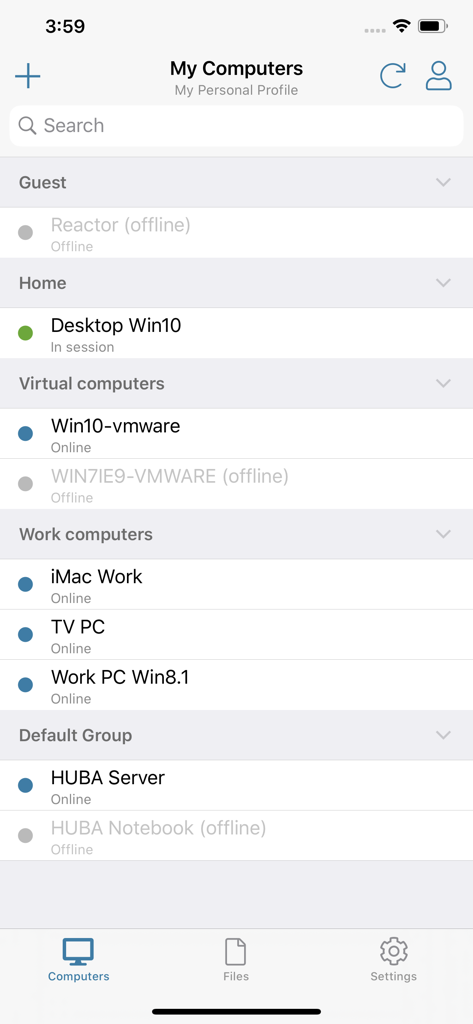
LogMeIn Pro 앱에서 홈 및 업무와 같은 그룹으로 분류된 원격 컴퓨터 목록과 온라인/오프라인 상태 표시

LogMeIn Pro 앱에서 홈 및 업무와 같은 그룹으로 분류된 원격 컴퓨터 목록과 온라인/오프라인 상태 표시

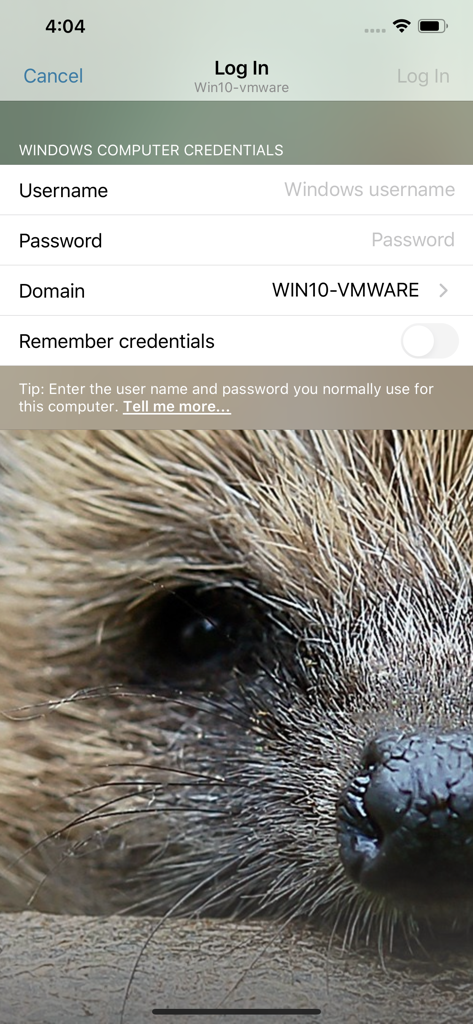
로그인 화면, 원격 데스크톱 액세스를 위한 Windows 컴퓨터 자격 증명 필드 표시

로그인 화면, 원격 데스크톱 액세스를 위한 Windows 컴퓨터 자격 증명 필드 표시

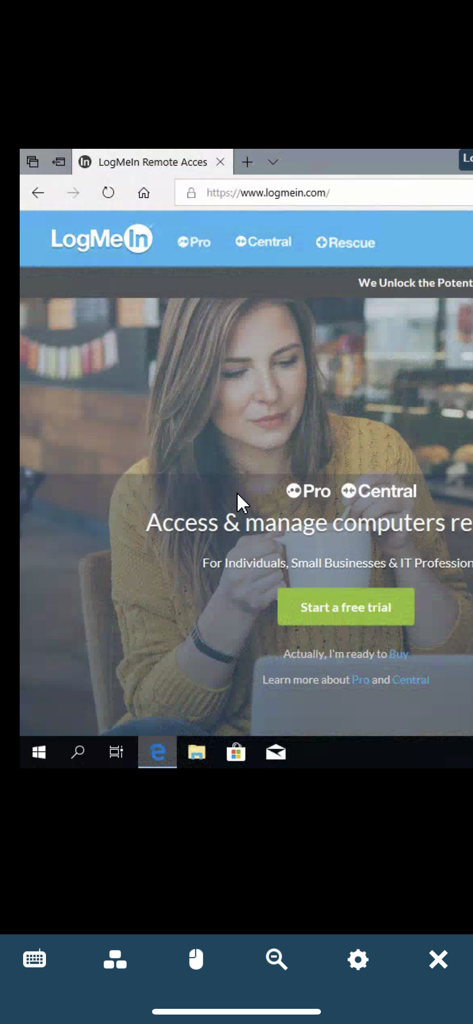
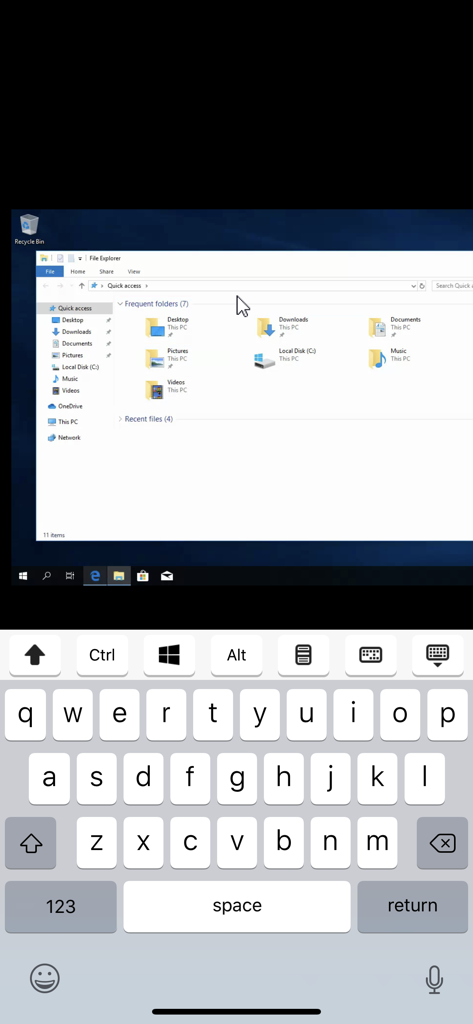
LogMeIn Pro 앱이 모바일 화면에 원격 데스크톱 세션 표시

LogMeIn Pro 앱이 모바일 화면에 원격 데스크톱 세션 표시

LogMeIn Pro 앱을 사용한 iPhone의 원격 Windows 데스크톱 액세스

LogMeIn Pro 앱을 사용한 iPhone의 원격 Windows 데스크톱 액세스

원격 데스크톱 연결을 통해 고화질 우주왕복선 발사 비디오를 표시하는 LogMeIn 앱 인터페이스.

원격 데스크톱 연결을 통해 고화질 우주왕복선 발사 비디오를 표시하는 LogMeIn 앱 인터페이스.

모바일에 최적화된 전체 데스크톱

이 앱을 돋보이게 하는 도구, 787K+ 명의 사용자가 선택.

🖥️

완벽한 데스크톱 생산성

무거운 미디어 제품군부터 특화된 CRM 도구까지, 가장 까다로운 데스크톱 소프트웨어를 지연 없이 iPad 또는 iPhone에서 직접 실행하세요.

📂

고급 파일 관리

기기 간 파일을 손쉽게 액세스, 이동, 복사하세요. 중요한 문서를 모바일 기기에 저장하여 중단 없는 오프라인 생산성을 확보하세요.

📱

다중 모니터 정밀 제어

전체 워크스테이션 설정을 쉽게 탐색하세요. 모니터 간 전환하거나 확대/축소 기능을 사용하여 작은 화면에서도 픽셀 단위의 정밀한 제어를 경험하세요.

전 세계 사용자들에게 사랑받는 앱

Trusted by 787K+ 명이 이 앱을 사랑합니다.

"

"수십 대의 원격 장치를 관리하는 IT 컨설턴트로서 이 앱은 말 그대로 생명의 은인입니다. 현장에서 iPad를 사용하여 서버 문제를 해결하고 시스템 업데이트를 관리할 수 있습니다. 다중 모니터 보기가 놀랍도록 부드러우며, 연결되지 않을까 걱정 없이 무거운 노트북을 두고 다닐 수 있는 자유를 줍니다."

David Stevens, 수석 IT 컨설턴트
"

"사무실 워크스테이션에서만 실행되는 리소스 집약적인 디자인 소프트웨어에 액세스해야 할 때가 많습니다. LogMeIn Pro를 사용하면 iPad Pro에서 완벽하게 그 간극을 메울 수 있습니다. HD 비디오 스트리밍과 파일 관리자를 통해 카페에 있든 클라이언트 미팅으로 출장을 가든 마치 책상에 앉아 있는 것 같은 느낌을 줍니다."

Elena Rodriguez, 크리에이티브 디렉터

앱 소개

에 대해 알아야 할 모든 것 LogMeIn Pro & Central.

설명

Get secure anytime, anywhere access to your computers from your iPad or iPhone. LogMeIn Pro & Central gives LogMeIn Pro and Central subscribers remote access to PCs and Macs over Wi-Fi or mobile data. Note: to use this free app you must first have a LogMeIn subscription on the computer(s) you want to access. **************** How to use: 1. Install the app 2. Go to the PC or Mac you want to access and install the LogMeIn software. 3. Launch the app from your iPhone or iPad to access your computer For detailed step-by-step instructions, please read the LogMeIn Getting Started Guide. With LogMeIn Pro & Central you can: • Access your home and work computers on the go • Control your Mac or PC as if you’re sitting right in front of it • Get to your computer files and edit them from your iPad/iPhone • Remotely run any application on your computer from your iPad/iPhone Features include: • Mouse and screen settings – choose your preferred method of remote control with scroll mode • Magnifying glass and zoom slider – zoom by mouse, slide or with your fingers • Quick access to your files with File Manager – save files directly to your iPhone or iPad so you can work on them offline, or move and copy files between devices. • Change display color, resolution and network speed to maximize remote control performance. • HD video and sound – watch videos located on your computer in HD and sound stream remotely • Photo App Management – easily access and transfer photos • Attach any number of files, including photos and emails • Multi-monitor view – shake your device or three-finger swipe to switch between monitors **************** We love your feedback! X/Twitter: @GoTo

최신 버전

4.1.9371

크기

26.0 MB

출시일

2011년 12월 22일

사무실 전체를 주머니에 쏙

잊어버린 파일이나 멈춘 서버 때문에 다시 출근하는 일을 멈추세요. 모든 iPad 또는 iPhone에서 안전하고 고성능의 원격 액세스를 위해 LogMeIn Pro를 신뢰하는 780,000명 이상의 전문가 그룹에 참여하세요.

다운로드: App Store다운로드: Google Play