TeamViewer Remote Control

TeamViewer Remote Control

다운로드: App Store
Spark by MWM logo
로고: TeamViewer Remote Control

TeamViewer 원격 제어: 당신의 전체 데스크톱을 주머니에

안전하고 고성능의 원격 액세스로 자유로움을 경험하세요. 업계 최고 수준의 256비트 암호화로 언제 어디서든 파일 관리, 즉각적인 지원 제공, 사무실 PC 제어가 가능합니다.

개발사

TeamViewer Germany GmbH

카테고리

Productivity

다운로드

21M+

사용자 평점

4.7/5

총 평가 수

318K+

지원 언어

28

손안의 제어

이 인터페이스를 사용하는 21M+ 명의 사용자.

다양한 모바일 장치에서 원격 액세스를 사용하는 다양한 전문가를 보여주는 TeamViewer Remote Control의 프로모션 배너.

다양한 모바일 장치에서 원격 액세스를 사용하는 다양한 전문가를 보여주는 TeamViewer Remote Control의 프로모션 배너.

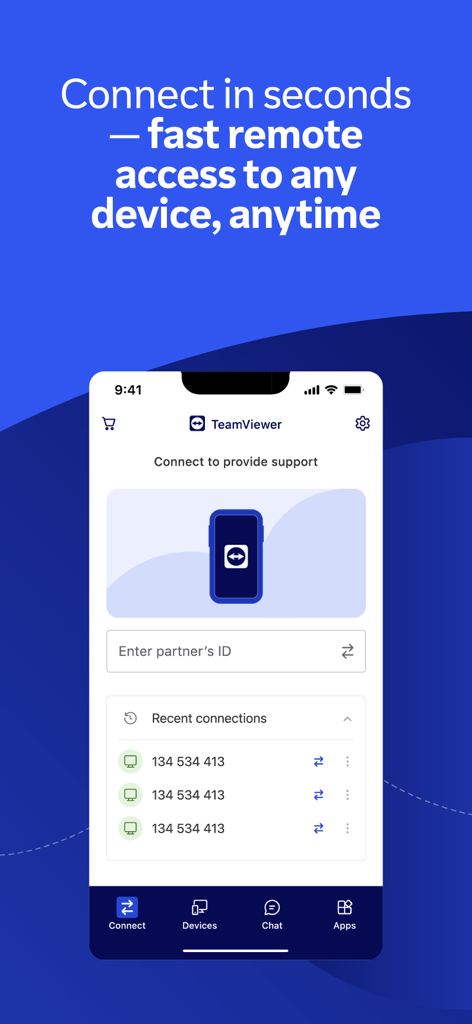
원격 연결 옵션 및 최근 장치 목록을 보여주는 TeamViewer Remote Control 앱의 메인 인터페이스

원격 연결 옵션 및 최근 장치 목록을 보여주는 TeamViewer Remote Control 앱의 메인 인터페이스

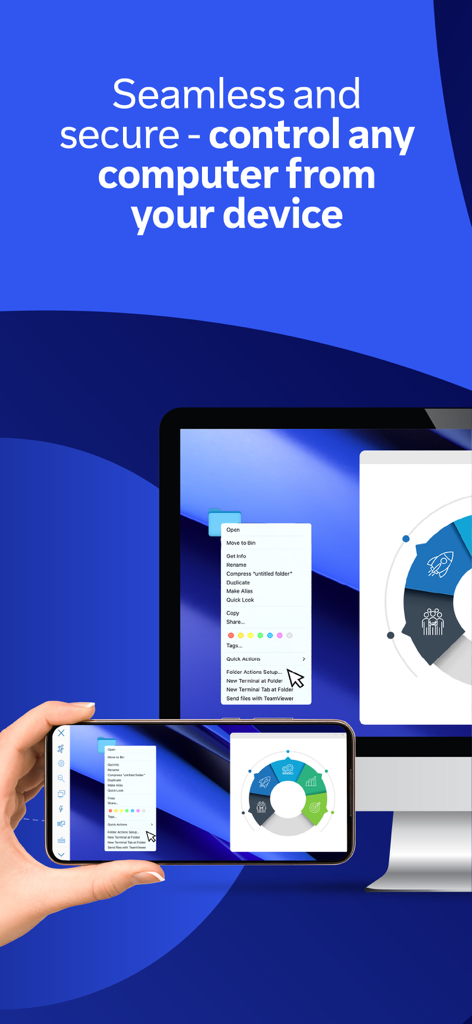
TeamViewer Remote Control을 사용하여 데스크톱 컴퓨터 화면을 미러링하고 제어하는 스마트폰을 들고 있는 손

TeamViewer Remote Control을 사용하여 데스크톱 컴퓨터 화면을 미러링하고 제어하는 스마트폰을 들고 있는 손

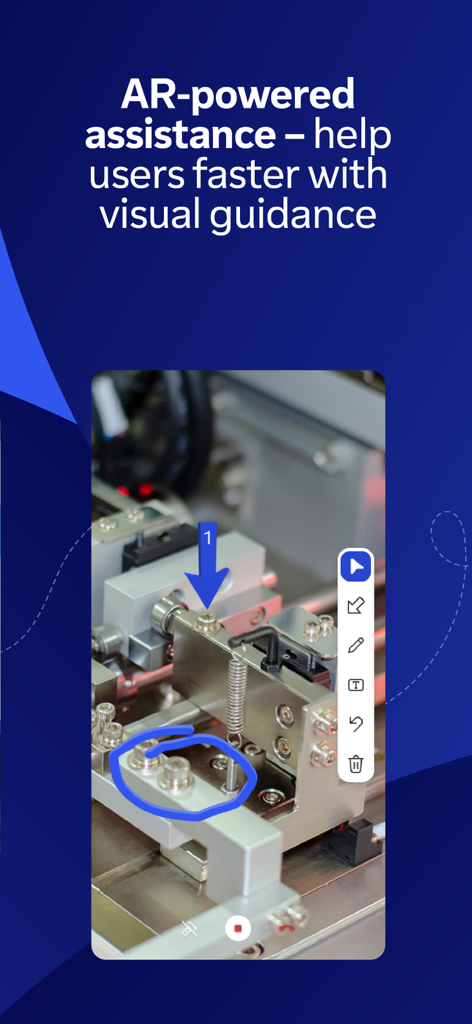
원격 기술 지원을 위한 3D 마커를 사용한 시각적 안내를 보여주는 TeamViewer Assist AR 기능

원격 기술 지원을 위한 3D 마커를 사용한 시각적 안내를 보여주는 TeamViewer Assist AR 기능

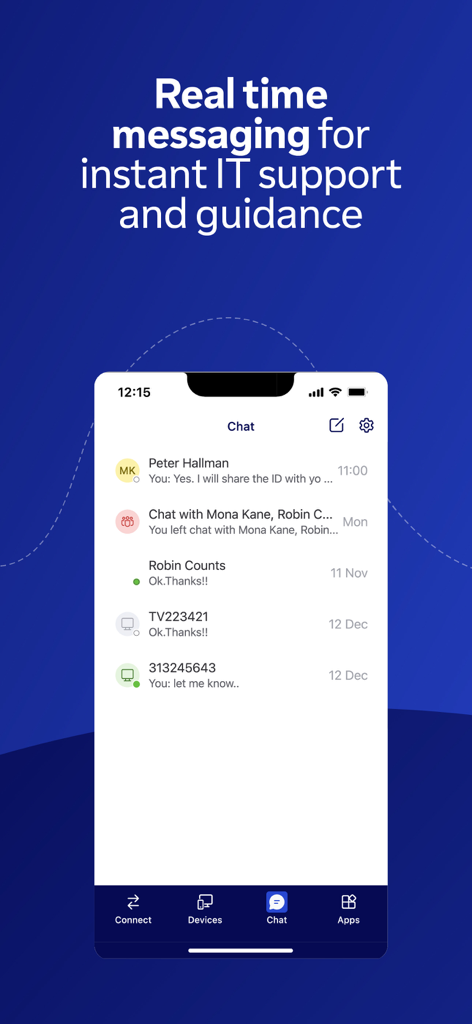
IT 지원을 위한 실시간 메시징 인터페이스를 보여주는 TeamViewer Remote Control 앱 스크린샷

IT 지원을 위한 실시간 메시징 인터페이스를 보여주는 TeamViewer Remote Control 앱 스크린샷

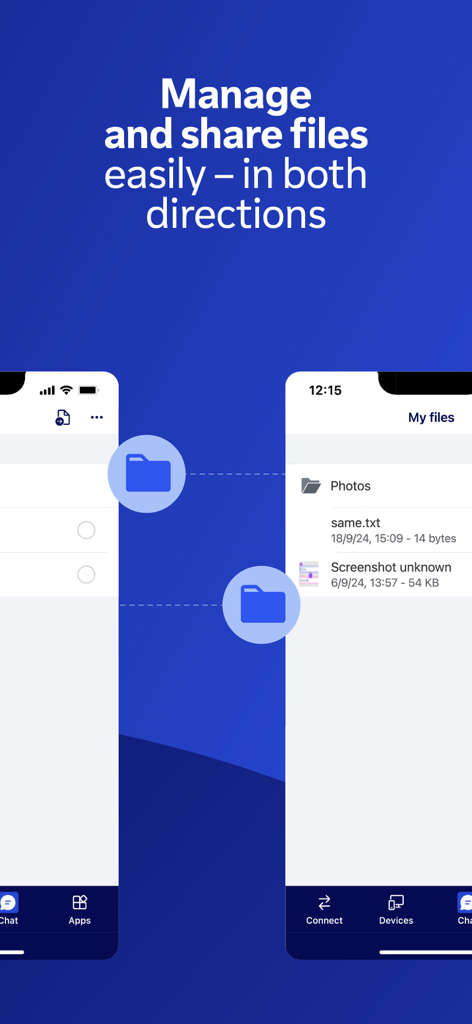
양방향 파일 관리 및 공유 기능을 보여주는 TeamViewer Remote Control 앱 인터페이스

양방향 파일 관리 및 공유 기능을 보여주는 TeamViewer Remote Control 앱 인터페이스

어디서든 작업 공간을 제어하세요

이 앱을 돋보이게 하는 도구, 21M+ 명의 사용자가 선택.

🖱️

원활한 원격 제어

직관적인 터치 제스처와 HD 비디오 전송으로 PC, Mac 또는 Linux 데스크톱에 액세스하여 마치 책상 앞에 앉아 있는 것처럼 완벽하게 제어하세요.

🔒

업계 최고 수준의 보안

256비트 AES 암호화 및 보안 인증을 통해 민감한 기업 데이터가 모든 연결에서 안전하게 보호되므로 완전한 마음의 평화를 가지고 운영하세요.

🛠️

시각적 AR 지원

Assist AR을 사용하여 실제 세계에 3D 마커를 배치하여 물리적 문제를 원격으로 해결하고, 복잡한 수리 작업을 통해 현장 기술자 또는 가족 구성원을 안내하세요.

전 세계 사용자들에게 사랑받는 앱

Trusted by 21M+ 명이 이 앱을 사랑합니다.

"

"TeamViewer는 제 IT 워크플로우에 절대적으로 구세주입니다. 커피숍에 있든 기차에 있든 안전하게 서버에 액세스하여 몇 분 안에 문제를 해결할 수 있습니다. 256비트 암호화는 이동 중에 민감한 회사 데이터를 처리할 때 필요한 마음의 평화를 제공합니다."

Marcus T., 네트워크 엔지니어
"

"Assist AR 기능은 제 현장 서비스 팀에게 완전히 혁신적입니다. 실시간으로 복잡한 수리 작업을 안내하기 위해 환경에 3D 마커를 배치할 수 있습니다. 이를 통해 여행 비용을 크게 절감하고 모든 위치에서 응답 시간을 개선했습니다."

Elena R., 운영 관리자

앱 소개

에 대해 알아야 할 모든 것 TeamViewer Remote Control.

설명

Control your desktop, manage files, and support devices—from anywhere, anytime. Whether you’re on the move, traveling, or in the field, the TeamViewer Remote Control app gives you fast, secure remote access right from your iPhone or iPad. What's inside: • Securely access your devices as if you were right in front of them • Provide instant support or manage unattended devices like servers or digital signage or Point of Sale and virtual machines • Make Assist AR calls for live, visual support with augmented reality — guide users by placing 3D markers in their environment • Use your iPhone and iPad to work on your remote desktop while traveling • Share and transfer files easily between devices — in both directions • Chat in real time for questions, updates, or guidance during a session • Enjoy smooth screen sharing with sound and HD video transmission Key Features: • Full remote control and screen sharing • Intuitive touch gestures and controls • File transfer in both directions • Real-time chat • High-quality sound and video • Effortlessly access computers behind firewalls and proxy servers • Multi-monitor support • Sound and video transmission in real-time • Wake-On-LAN: switch on your computer remotely • Industry-grade security: 256-bit AES encryption • Works across all operating systems. How to get started: 1. Install this app on your iPhone or iPad. 2. On the device you want to connect to, install the TeamViewer QuickSupport app 3. Open both apps, enter the ID or Session code from QuickSupport, and connect Optional Access Permissions: • Camera – To Scan QR codes • Microphone – To transmit audio or record sessions (You can use the app without these permissions; adjust them anytime in Settings) Want to allow remote access to this device instead? Download the TeamViewer QuickSupport app. TeamViewer subscriptions purchased from the app will be charged to your iTunes account and will automatically renew within 24 hours prior to the end of the current subscription period, unless auto-renewal is turned off, after purchase, go to your iTunes account settings. A subscription cannot be cancelled during the active subscription period. Privacy Policy: https://www.teamviewer.com/apps-privacy-policy Terms of Use: https://www.teamviewer.com/eula/

최신 버전

15.73.1

크기

107.9 MB

출시일

2013년 10월 2일

어디에 있든 제어권을 유지하세요

안전하고 고성능의 원격 액세스로 자유로움을 경험하세요. 지금 TeamViewer를 다운로드하고 iPhone 또는 iPad를 강력한 모바일 워크스테이션으로 만드세요.

다운로드: App Store
FAQ

자주 묻는 질문

에 대해 알아야 할 모든 것 TeamViewer Remote Control

How do I connect to a remote device using the TeamViewer Remote Control app?

iPhone 또는 iPad에 TeamViewer Remote Control 앱을 설치하고 대상 장치에 TeamViewer QuickSupport 앱을 설치하십시오. 두 앱을 모두 열고 QuickSupport에서 ID 또는 세션 코드를 입력한 다음 연결하십시오.

Can I transfer files with the TeamViewer Remote Control app?

예, TeamViewer Remote Control 앱을 사용하면 사용자가 양방향으로 장치 간에 파일을 쉽게 공유하고 전송할 수 있습니다. 이 기능은 원격 시스템을 관리하는 데 필수적입니다.

Does TeamViewer Remote Control offer augmented reality support?

예, TeamViewer Remote Control 앱에는 실시간 시각 지원을 위한 Assist AR 통화가 포함되어 있습니다. 사용자가 환경에 3D 마커를 배치하여 다른 사람을 안내할 수 있도록 합니다.

Is the TeamViewer Remote Control app secure?

예, TeamViewer Remote Control 앱은 256비트 AES 암호화를 통해 업계 최고 수준의 보안을 제공합니다. 마치 물리적으로 존재하는 것처럼 안전한 원격 액세스를 제공합니다.

What are the main features of the TeamViewer Remote Control app?

주요 기능에는 전체 원격 제어, 화면 공유, 실시간 채팅, 양방향 파일 전송, 다중 모니터 지원, Wake-On-LAN 및 AR 기반 지원이 있으며, 모두 256비트 AES 암호화로 보호됩니다.

Can I use the TeamViewer Remote Control app to chat during a session?

예, TeamViewer Remote Control 앱은 실시간 채팅을 허용합니다. 사용자는 세션 중에 질문, 업데이트 또는 안내를 위해 채팅할 수 있으며, 즉각적인 IT 지원을 향상시킵니다.

How does TeamViewer Remote Control support unattended devices?

TeamViewer Remote Control 앱은 iPhone 또는 iPad에서 서버, 디지털 사이니지, POS 시스템 및 가상 머신과 같은 무인 장치에 대한 즉각적인 지원 또는 관리를 제공합니다.

Does the TeamViewer Remote Control app support multiple monitors?

예, TeamViewer Remote Control 앱은 다중 모니터 지원을 제공합니다. 이 기능을 통해 사용자는 여러 디스플레이가 있는 원격 시스템을 효율적으로 관리하고 제어할 수 있습니다.

How do I enable remote access to my iPhone/iPad using TeamViewer?

iPhone 또는 iPad에 대한 원격 액세스를 허용하려면 해당 장치에 별도의 TeamViewer QuickSupport 앱을 다운로드해야 합니다. TeamViewer Remote Control 앱은 다른 장치를 제어하기 위한 것입니다.

Are TeamViewer subscriptions auto-renewing?

예, 앱에서 구매한 TeamViewer 구독은 iTunes 계정 설정에서 자동 갱신을 해제하지 않는 한, 현재 기간이 종료되기 24시간 이내에 자동으로 갱신됩니다.