Screen Recorder ®

Screen Recorder ®

다운로드: App Store
Spark by MWM logo
로고: Screen Recorder ®

Screen Recorder ®: HD로 제작, 반응, 라이브 방송

크리에이터를 위한 궁극의 올인원 스튜디오. Facecam 반응과 함께 멋진 게임 플레이를 캡처하고, 전문적인 도구로 편집하고, YouTube, Twitch 및 Facebook으로 직접 화면을 라이브 스트리밍하세요.

개발사

Poster App LLP

카테고리

Utilities

다운로드

1M+

사용자 평점

4.7/5

총 평가 수

51K+

지원 언어

9

작동 방식 보기

이 인터페이스를 사용하는 1M+ 명의 사용자.

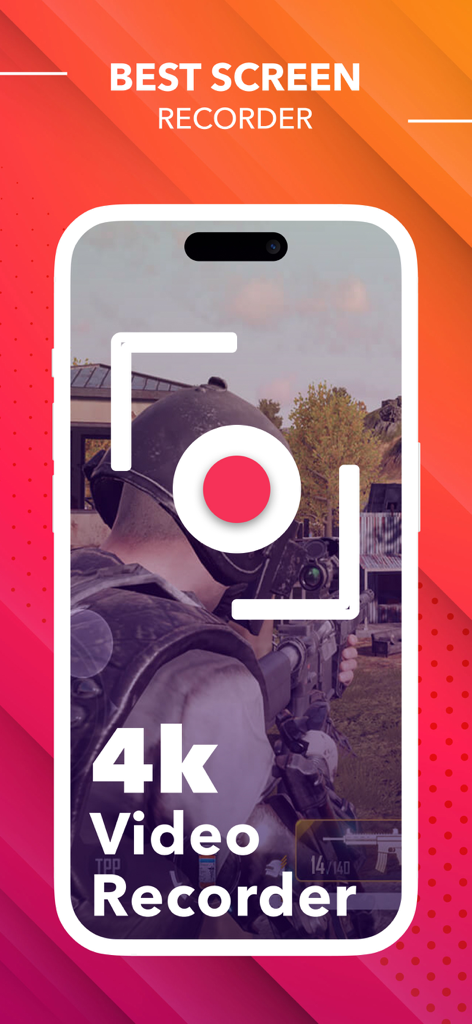
고품질 게임 플레이를 캡처하는 4K 모바일 화면 녹화기

고품질 게임 플레이를 캡처하는 4K 모바일 화면 녹화기

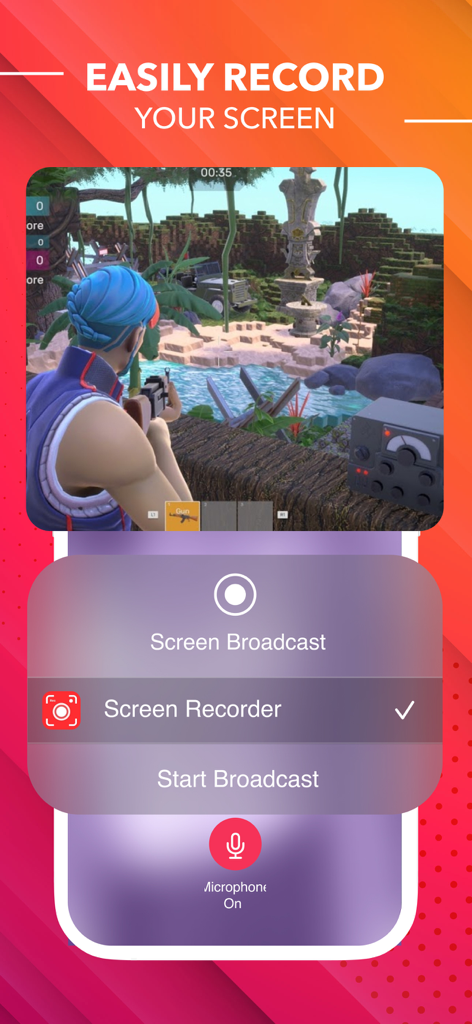
방송 설정으로 모바일 비디오 게임을 캡처하는 Screen Recorder 인터페이스

방송 설정으로 모바일 비디오 게임을 캡처하는 Screen Recorder 인터페이스

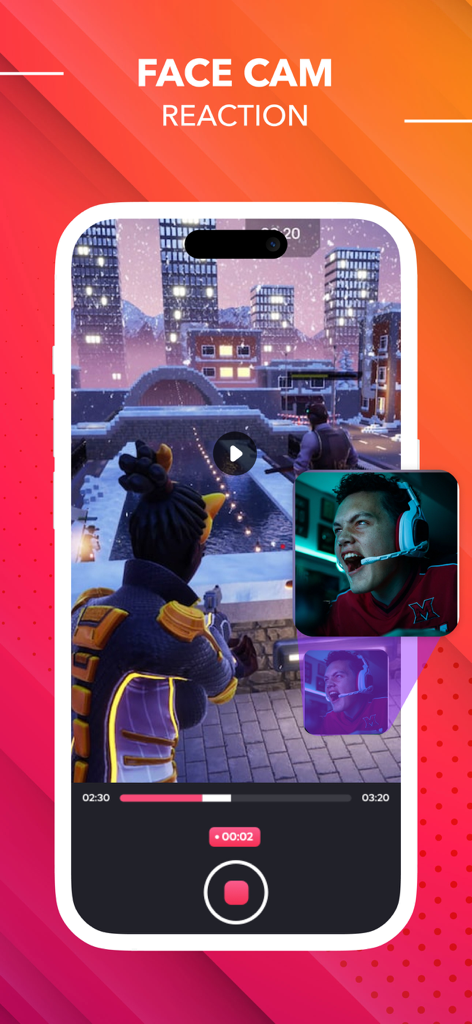
Facecam 반응 오버레이가 있는 모바일 게임을 보여주는 화면 녹화기 앱 인터페이스

Facecam 반응 오버레이가 있는 모바일 게임을 보여주는 화면 녹화기 앱 인터페이스

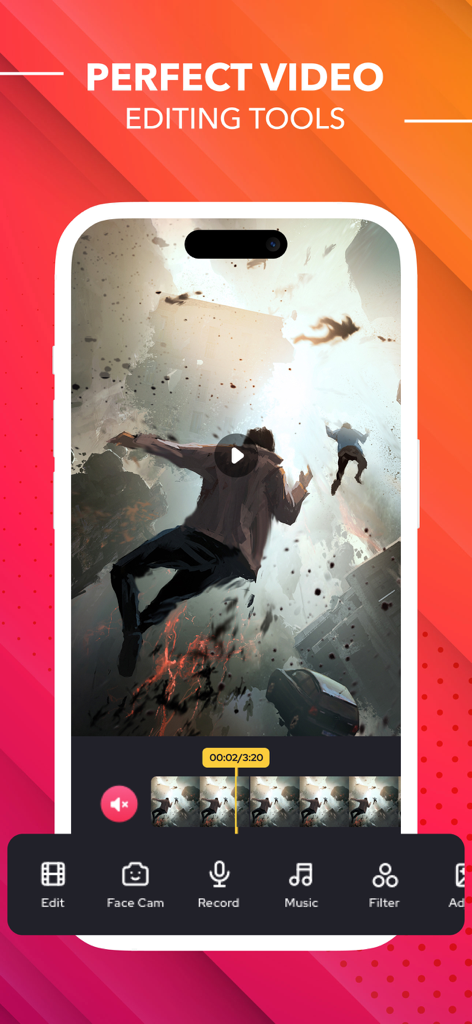
음악 필터 및 Facecam 옵션이 있는 비디오 편집 도구를 보여주는 모바일 화면 녹화기 앱 인터페이스

음악 필터 및 Facecam 옵션이 있는 비디오 편집 도구를 보여주는 모바일 화면 녹화기 앱 인터페이스

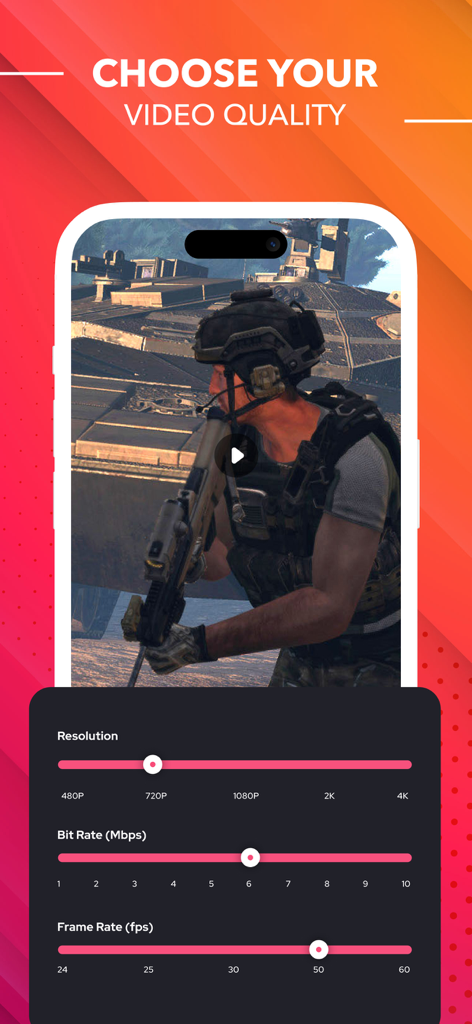
비디오 해상도 비트 전송률 및 프레임 전송률에 대한 조정 가능한 설정을 보여주는 모바일 화면 녹화기 인터페이스

비디오 해상도 비트 전송률 및 프레임 전송률에 대한 조정 가능한 설정을 보여주는 모바일 화면 녹화기 인터페이스

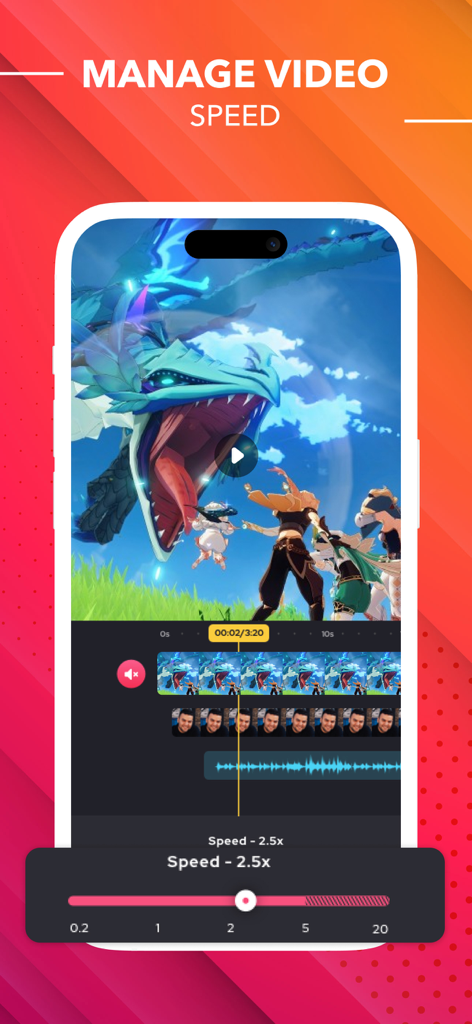
모바일 편집을 위한 비디오 속도 조정 도구를 보여주는 Screen Recorder 앱 인터페이스

모바일 편집을 위한 비디오 속도 조정 도구를 보여주는 Screen Recorder 앱 인터페이스

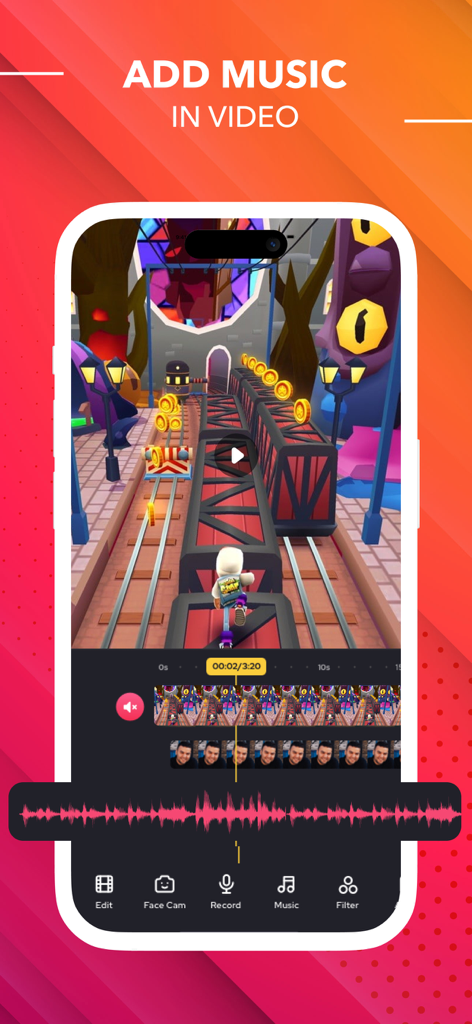
녹화된 비디오 클립에 음악을 추가하는 비디오 편집 기능을 보여주는 Screen Recorder용 모바일 앱 인터페이스

녹화된 비디오 클립에 음악을 추가하는 비디오 편집 기능을 보여주는 Screen Recorder용 모바일 앱 인터페이스

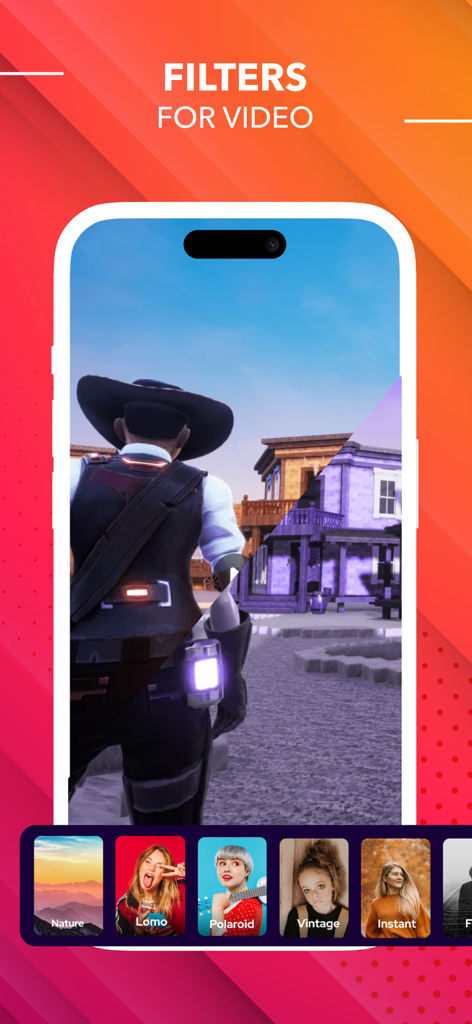
모바일 크리에이터를 위한 비디오 필터를 보여주는 Screen Recorder 앱

모바일 크리에이터를 위한 비디오 필터를 보여주는 Screen Recorder 앱

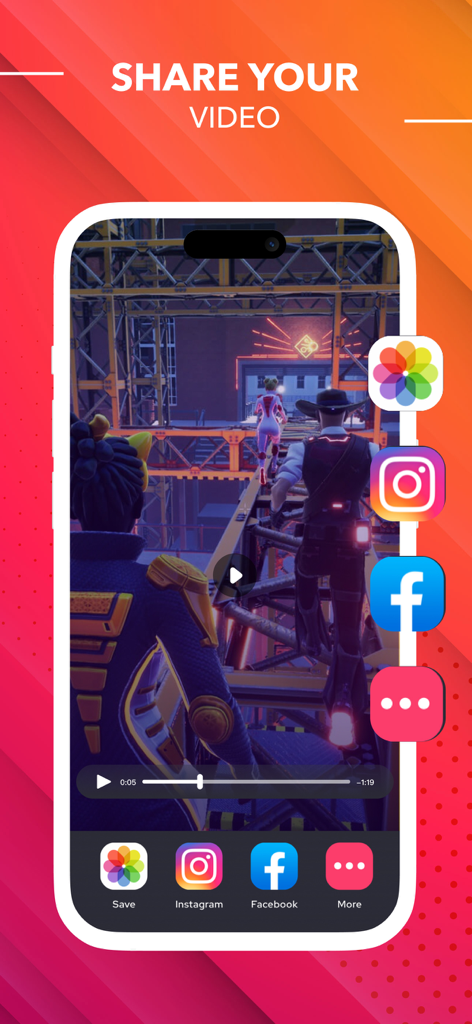
Instagram 및 Facebook과 같은 소셜 미디어 플랫폼에 녹화된 게임 비디오를 공유하기 위한 모바일 앱 인터페이스

Instagram 및 Facebook과 같은 소셜 미디어 플랫폼에 녹화된 게임 비디오를 공유하기 위한 모바일 앱 인터페이스

내면의 크리에이터를 발휘하세요

이 앱을 돋보이게 하는 도구, 1M+ 명의 사용자가 선택.

🤳

실시간 Facecam 반응

화면과 얼굴을 동시에 녹화하여 TikTok, Instagram 및 YouTube를 위한 매력적인 반응 동영상을 만드세요.

✂️

프로 수준의 모바일 편집기

앱을 떠나지 않고도 클립을 다듬고, 인기 있는 음악을 추가하고, 사용자 지정 텍스트나 스티커를 즉시 삽입하세요.

🌐

원탭 라이브 스트리밍

게임 플레이나 데모를 YouTube, Twitch, Facebook으로 실시간 방송하여 어디서든 잠재고객을 확보하세요.

전 세계 사용자들에게 사랑받는 앱

Trusted by 1M+ 명이 이 앱을 사랑합니다.

"

"이 앱은 제 게임 채널에 엄청난 변화를 가져왔습니다! 반응 카메라 기능이 매우 부드럽고, 녹화 직후 클립을 편집하고 음악을 추가할 수 있어 몇 시간씩 절약됩니다. 기본 내장 녹화기보다 훨씬 강력하며, 제 TikTok 팔로워들도 품질 향상을 분명히 알아차렸습니다."

Tyler K., 신진 콘텐츠 크리에이터
"

"원격 컨설턴트로서 매일 고객을 위한 간단한 '방법' 데모를 만드는 데 사용합니다. 내부 오디오와 음성 해설을 동시에 녹음할 수 있어 지침이 매우 명확합니다. 이동 중에 전문적으로 보이는 튜토리얼을 제작하는 데 가장 직관적인 도구입니다."

Sarah J., 마케팅 전문가

앱 소개

에 대해 알아야 할 모든 것 Screen Recorder ®.

설명

Best HD screen recorder and screenshot capture application for recording video games, live shows, internet videos, video chats, and other purposes. With our reliable screen recorder software, you can capture online videos and Livestream your screen to YouTube, Facebook, and Twitch. After you've recorded your screen, you can add video reactions with voice commentary to improve the quality of your clip. Provide you with the greatest screen recording experience possible! The best screen recorder app for: -Video tutorials -How-to videos -Demo videos -Training videos -YouTube videos -Instructional videos Advantages of using screen recorder app -Livestream your screen to different social media platforms like YouTube, Facebook, or more. -Record live shows, gameplay, video chats, etc. -Record screen with audio commentary -Add video reactions -Create high-quality HD video clips Key Features Screen Recording -Just one tap to record video calls, video games, online videos, tutorials, video demos, and even live shows smoothly, clearly. -Record popular games, live shows, video chats with friends and family, capture video chatting, and share recorded video with ease. -Capture the screen using the notification bar or a floating window. -Recording can be started and stopped easily via the notification bar or in a floating window. -External audio can also be recorded. This makes it extremely simple to produce tutorials, promotional videos, comment on your game and gameplay, and record videos. Video Editing -Easily trim, combine, and add music to your recorded videos. -Add music, select from a large library of music. -Add text, custom video subtitles. -Add frames and stickers, also enable adding local pictures and custom watermark to your clips. -Change speed, change video speed of various parts. -Filters, which can be used to add a range of filter effects to your video. -Crop video, which can be cropped to whatever ratio you desire. -Merge several movies and pick from a number of transition effects. Reaction Commentary -Voice recording, which can be used to create a commentary video. -While viewing videos, record video commentary in real-time. -Simple controls for video editing. -Record numerous snippets over your video and adjust each one separately. Reaction Camera -Convert video formats to GIF - Supports Facecam, allowing you to create response videos using the Facecam function. -Respond immediately on Instagram and Facebook. -Include intros and outros, as well as emojis and text, as well as other advanced in-app editing tools! -You can really see how your friends react to what you share with them! -React to web pages as well as photographs! Screen Recorder offers auto-renewing subscription options: ● You can subscribe for unlimited access to all features and content offered for purchases within ##Screen Recorder## ● Subscriptions are billed monthly & Yearly on the subscription plan ● Payment will be charged to iTunes Account at confirmation of purchase ● Subscription automatically renews unless auto-renew is turned off at least 24-hours before the end of the current period ● Account will be charged for renewal within 24-hours prior to the end of the current period, and identify the cost of the renewal ● Subscriptions may be managed by the user and auto-renewal may be turned off by going to the user's Account Settings after purchase ● Any unused portion of a free trial period, if offered, will be forfeited when the user purchases a subscription to that publication, where applicable -No cancellation of the current subscription is allowed during the active subscription period. -Any unused portion of a free trial period will be forfeited if you purchase a subscription to that. Privacy Policy: https://screenrecord.posterapplab.com/screenrecoder/privacy-policy Terms - https://screenrecord.posterapplab.com/screenrecoder/terms-and-conditions

최신 버전

1.114

크기

143.4 MB

출시일

2021년 10월 12일

모든 픽셀을 최고의 콘텐츠로 만드세요.

100만 명 이상의 크리에이터, 게이머, 전문가와 함께하세요. 놀라운 HD 화질로 캡처, 편집, 반응하세요. 여러분의 올인원 모바일 스튜디오가 탭 한 번으로 준비됩니다.

다운로드: App Store
FAQ

자주 묻는 질문

에 대해 알아야 할 모든 것 Screen Recorder ®

Screen Recorder ® 앱은 무엇에 사용되나요?

Screen Recorder ® 앱은 비디오 게임, 라이브 쇼, 온라인 비디오 및 화상 채팅을 녹화하기 위한 HD 화면 녹화기 및 스크린샷 캡처 도구입니다. 라이브 스트리밍도 지원합니다.

Screen Recorder ®는 소셜 미디어에 콘텐츠를 라이브 스트리밍할 수 있나요?

예, Screen Recorder ®는 YouTube, Facebook, Twitch와 같은 다양한 소셜 미디어 플랫폼으로 화면을 라이브 스트리밍하여 콘텐츠 공유 기능을 향상시킬 수 있습니다.

Screen Recorder ®에는 비디오 편집 기능이 포함되어 있나요?

예, Screen Recorder ®는 포괄적인 비디오 편집 도구를 제공합니다. 사용자는 자르기, 결합, 음악, 텍스트, 프레임, 스티커, 필터 추가, 비디오 속도 변경이 가능합니다.

Screen Recorder ®는 화면 녹화를 어떻게 시작하고 중지하나요?

Screen Recorder ®는 탭 한 번으로 화면 녹화를 부드럽게 시작하고 중지할 수 있습니다. 알림 표시줄이나 플로팅 창 인터페이스를 통해 편리하게 수행할 수 있습니다.

Screen Recorder ®를 사용하여 내 비디오에 음성 해설을 추가할 수 있나요?

예, Screen Recorder ®는 음성 해설 추가를 허용합니다. 사용자는 외부 오디오를 녹음하고 튜토리얼이나 게임 플레이에 이상적인 실시간 해설 비디오를 만들 수 있습니다.

Screen Recorder ®는 반응 비디오를 위해 Facecam을 지원하나요?

예, Screen Recorder ®는 Facecam을 지원합니다. 이 기능을 통해 사용자는 매력적인 반응 비디오를 만들고 Instagram 및 Facebook과 같은 플랫폼에서 즉시 응답할 수 있습니다.

Screen Recorder ®에서 사용할 수 있는 비디오 품질 설정은 무엇인가요?

Screen Recorder ®는 조정 가능한 비디오 품질 설정을 제공합니다. 사용자는 최대 4K 해상도를 선택하고, 비트 전송률(Mbps)을 수정하고, 프레임 속도(fps)를 최대 60으로 설정할 수 있습니다.

Screen Recorder ®에 대한 구독 플랜이 있나요?

예, Screen Recorder ®는 자동 갱신 구독 옵션을 제공합니다. 월별 또는 연간 청구되는 이러한 플랜은 모든 기능과 콘텐츠에 무제한으로 액세스할 수 있습니다.

Screen Recorder ® 구독을 어떻게 취소하나요?

사용자는 구매 후 계정 설정으로 이동하여 Screen Recorder ® 구독을 관리하고 자동 갱신을 비활성화할 수 있습니다. 현재 구독 기간 중에는 현재 구독 취소가 허용되지 않습니다.

Screen Recorder ®에는 개인정보처리방침이 있나요?

예, Screen Recorder ®에는 개인정보처리방침이 있습니다. URL(https://screenrecord.posterapplab.com/screenrecoder/privacy-policy)에서 검토할 수 있습니다.