ZIP Extractor - Unzip, Unrar

ZIP Extractor - Unzip, Unrar

다운로드: App Store
Spark by MWM logo
로고: ZIP Extractor - Unzip, Unrar

ZIP Extractor - 압축 해제, 압축 풀기: 이동 중에도 전문적인 파일 관리

iPhone 또는 iPad에서 ZIP, RAR, 7zip 파일을 여는 가장 쉬운 방법. 비밀번호로 데이터를 안전하게 보호하고 원클릭 효율성으로 iCloud, Google Drive, Dropbox의 파일을 관리하세요.

개발사

Dynamic Apps & Games LLC

카테고리

Utilities

다운로드

343K+

사용자 평점

4.4/5

총 평가 수

5K+

지원 언어

1

실행 중인 효율성

이 인터페이스를 사용하는 343K+ 명의 사용자.

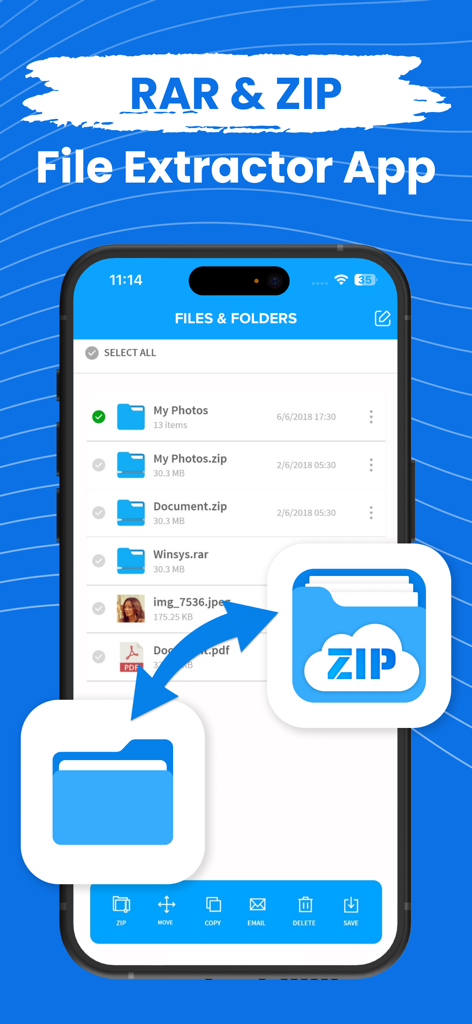
다양한 파일 형식 및 관리 옵션이 있는 ZIP 및 RAR 추출기 앱의 파일 관리자 인터페이스를 보여주는 iPhone 화면.

다양한 파일 형식 및 관리 옵션이 있는 ZIP 및 RAR 추출기 앱의 파일 관리자 인터페이스를 보여주는 iPhone 화면.

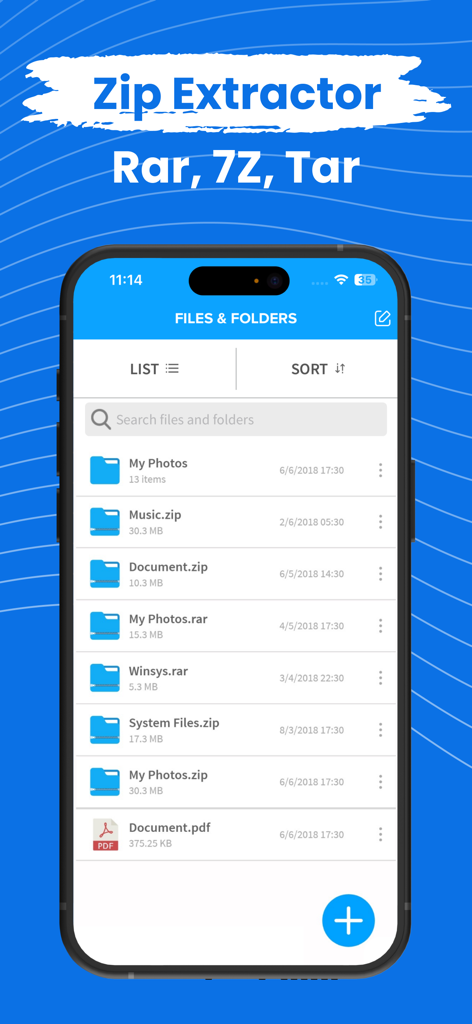
ZIP Extractor 모바일 앱 인터페이스에 zip 및 rar 아카이브를 포함한 파일 및 폴더 목록이 표시됩니다.

ZIP Extractor 모바일 앱 인터페이스에 zip 및 rar 아카이브를 포함한 파일 및 폴더 목록이 표시됩니다.

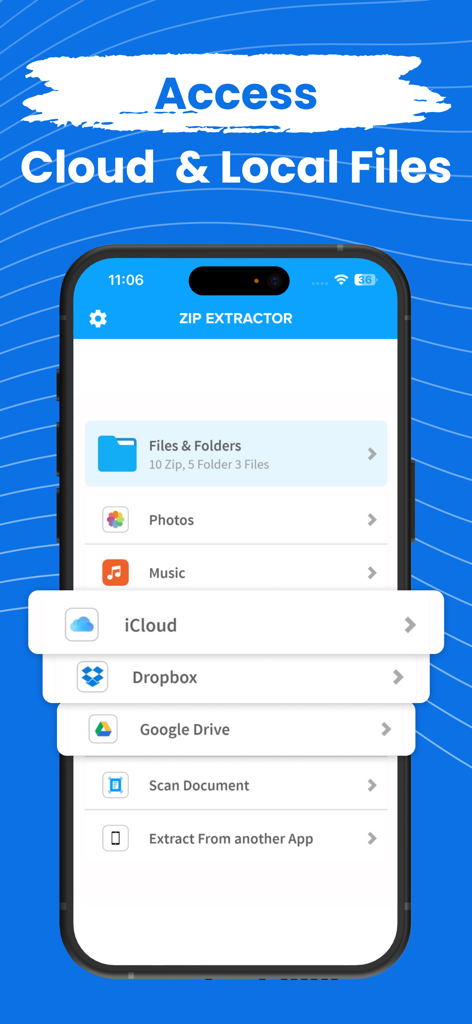
ZIP Extractor 앱 인터페이스에 로컬 파일 및 iCloud, Dropbox, Google Drive와 같은 클라우드 저장소에 액세스하는 옵션이 표시됩니다.

ZIP Extractor 앱 인터페이스에 로컬 파일 및 iCloud, Dropbox, Google Drive와 같은 클라우드 저장소에 액세스하는 옵션이 표시됩니다.

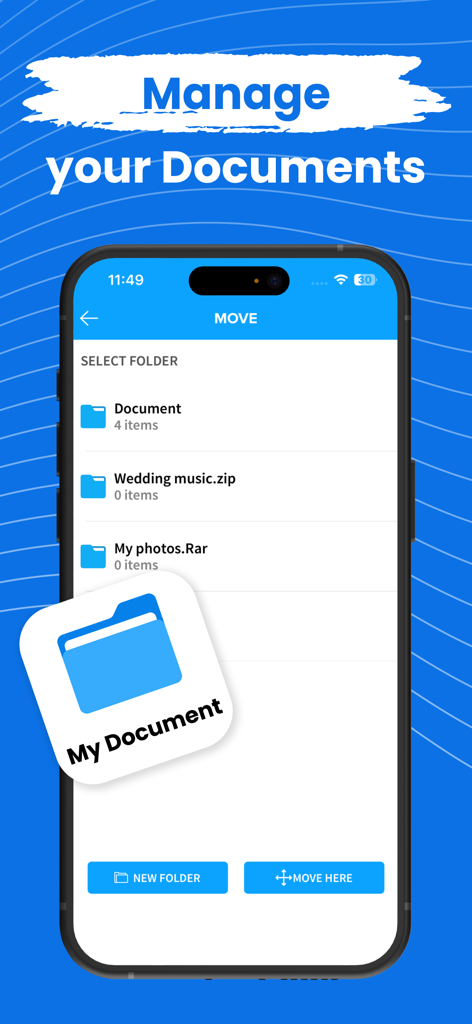
ZIP Extractor 앱에서 문서 관리 및 폴더 구성을 보여주는 사용자 인터페이스

ZIP Extractor 앱에서 문서 관리 및 폴더 구성을 보여주는 사용자 인터페이스

이동 중에도 전문적인 파일 관리

이 앱을 돋보이게 하는 도구, 343K+ 명의 사용자가 선택.

📦

보편적인 아카이브 지원

네이티브 iOS 도구가 처리할 수 없는 ZIP, RAR, 7Z 파일을 즉시 열고 추출하여 마감일을 놓치지 않도록 합니다.

☁️

통합 클라우드 허브

iCloud, Google Drive, Dropbox에서 직접 파일을 압축하고 압축 해제하여 워크플로우를 원활하게 연결합니다.

🔒

개인 정보 보호 우선 보안

iPhone 또는 iPad에서 직접 비밀번호로 암호화된 아카이브를 만들어 민감한 회사 데이터와 개인 미디어를 보호하세요.

전 세계 사용자들에게 사랑받는 앱

Trusted by 343K+ 명이 이 앱을 사랑합니다.

"

"저는 항상 이동 중인 프리랜서 디자이너로서 고객으로부터 대용량 RAR 및 7zip 파일을 자주 받습니다. 이 앱은 iPad 워크플로우에 생명줄이었으며, 데스크톱 없이도 즉시 에셋을 열고 미리 볼 수 있게 해주었습니다. 믿을 수 없을 정도로 직관적이며 제가 시도한 모든 것을 처리합니다."

Sarah Jenkins
"

"Google Drive와 Dropbox 간의 프로젝트 문서를 관리하는 것은 번거로운 일이었습니다. 이 앱을 사용하면 비밀번호 보호 기능으로 민감한 계약을 압축하고 클라우드 서비스 간에 쉽게 이동할 수 있습니다. 제 iPhone에서 찾은 가장 안정적인 파일 유틸리티입니다."

Mark Thompson

앱 소개

에 대해 알아야 할 모든 것 ZIP Extractor - Unzip, Unrar.

설명

Zip or Unzip your files, photos or music in easiest way! Compress your files into zip from your iPhone and iPad, Photos, Music, Files anything you can zip in the app and unzip also. You can also zip or unzip files from iCloud, Google drive or Dropbox Zip file will be automatically stored in the application and you can see or extract from the there. Open and decompress compressed file formats: ZIP, RAR, 7zip etc.. Safe your files with password and don't let anyone allow to see your data. All your files can be stored in one app only and you can use it from anywhere! Zip Subscription options:

 1. Title of publication or service: Zip
 2. Length of subscription & Price of subscription, and price per unit if appropriate: - Annual (First 3 day free trial) - Monthly (First 3 day free trial) 3. Price of subscription: - 3 day free trial then $49.99 per year - 3 day free trial then $8.99 per month 
4. Payment will be charged to iTunes Account at confirmation of purchase 
 5. Subscription automatically renews unless auto-renew is turned off at least 24-hours before the end of the current period. You can turn of the auto-renew subscription from iPhone setting 
6. Account will be charged for renewal within 24-hours prior to the end of the current period, and identify the cost of the renewal 
7. Subscriptions may be managed by the user and auto-renewal may be turned off by going to the user's Account Settings after purchase 8. Any unused portion of a free trial period, if offered, will be forfeited when the user purchases a subscription to that publication where applicable 
9. Terms of use: https://dynamicappsgamesllc.wordpress.com/terms-of-service 10. For full Privacy Policy and our Terms of Service: https://dynamicappsgamesllc.wordpress.com/privacy-policy https://dynamicappsgamesllc.wordpress.com/terms-of-service 
11. Zip adds the great features above and are available through an auto-renewing subscription. Subscriptions will be charged to your credit card through your iTunes account. Your subscription will automatically renew unless cancelled at least 24 hours before the end of your current subscription, and you can cancel a subscription during the active period. You can manage your subscription at any time, either by viewing your account in iTunes from your Mac or PC, or Account Settings on your device after purchase 
12. Contact us at : https://dynamicappsgamesllc.wordpress.com/support/ Thank you! Disclaimer: You will be required to sign up for an auto-renewable In-App Purchase before you are able to access the app. To manage your subscription or turn off auto - renewal : 1. Go to Settings -> iTunes & AppStore 2. Tap your Apple ID at the top of the screen. 3. Tap on view Apple ID. You might need to sign in or use Touch ID. 4. Tap subscriptions. 5. Tap the subscription you want to manage. 6. Use the options to manage your subscription. Privacy Policy - https://extractziprar.com/privacy-policy/ Terms of Service - https://extractziprar.com/terms-of-use/

최신 버전

12.1

크기

65.0 MB

출시일

2018년 12월 19일

이동 중에도 모든 파일을 처리할 준비가 되셨나요?

250,000명 이상의 전문가와 함께 RAR, 7zip, 보호된 파일을 초당 압축 해제하세요. 3일 무료 평가판을 시작하고 오늘 모바일 워크플로우를 완전히 제어하세요.

다운로드: App Store