
Medal - Game Clipping



Automatically sync PC and console highlights to your phone. Record in high-quality 1080p and share instantly to Discord, TikTok, and Instagram.
Publisher
Category
Photo & VideoDownloads
3M+User Rating
Total Ratings
44K+Locales
21Discover the interface used by 3M+ users.
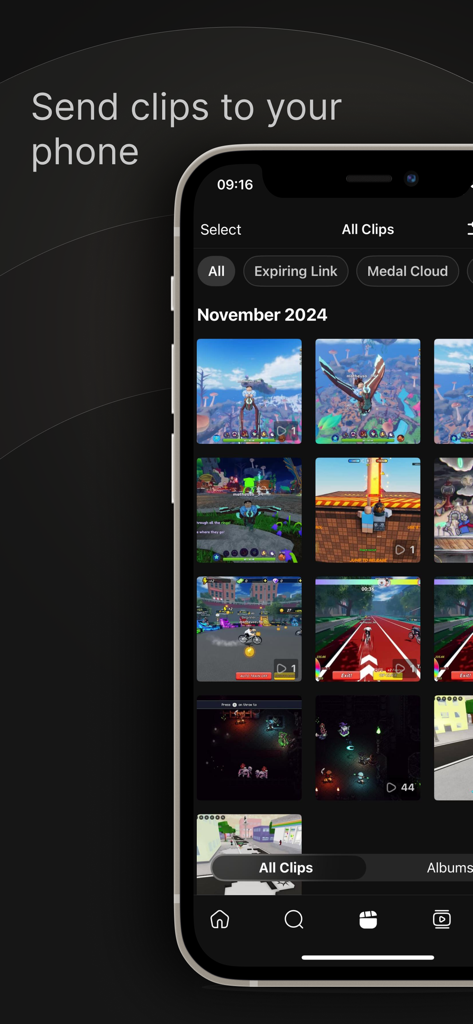
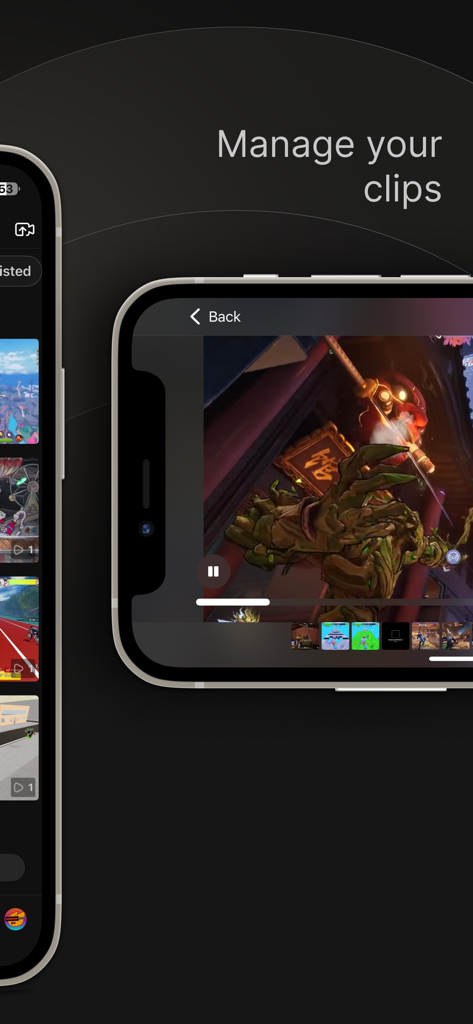
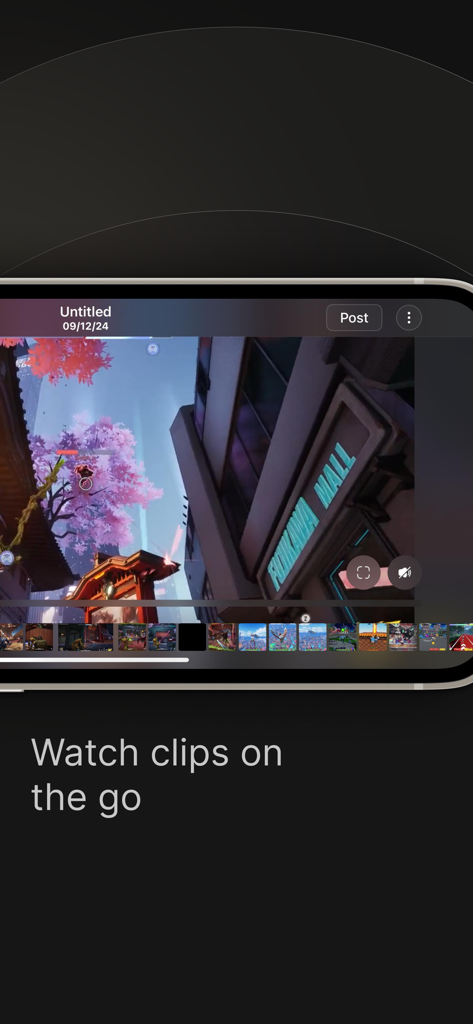
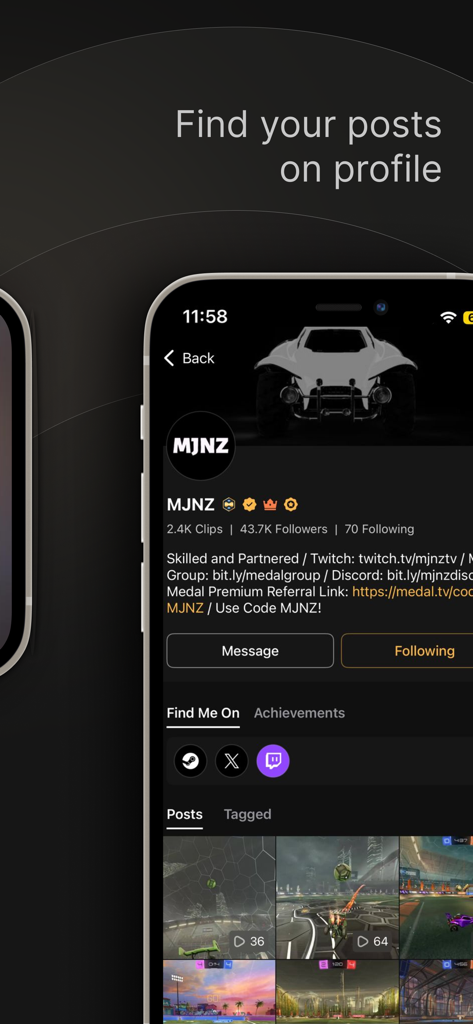
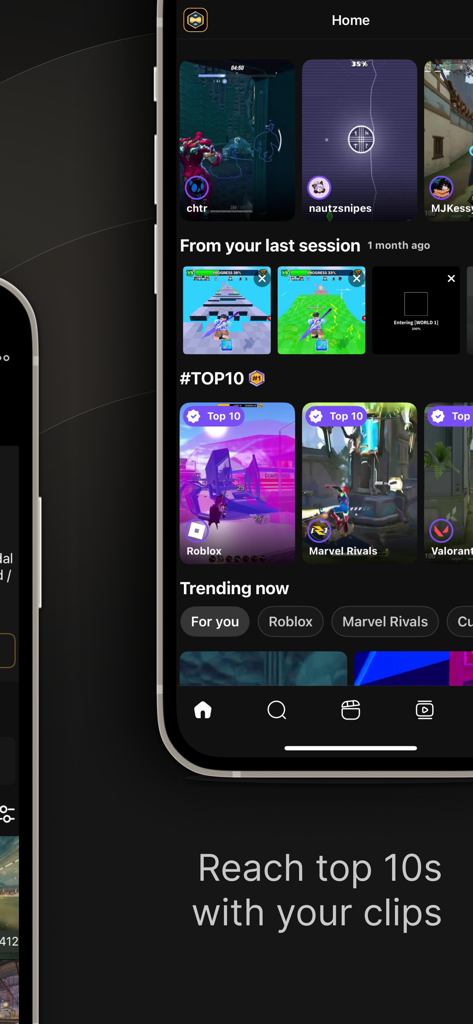
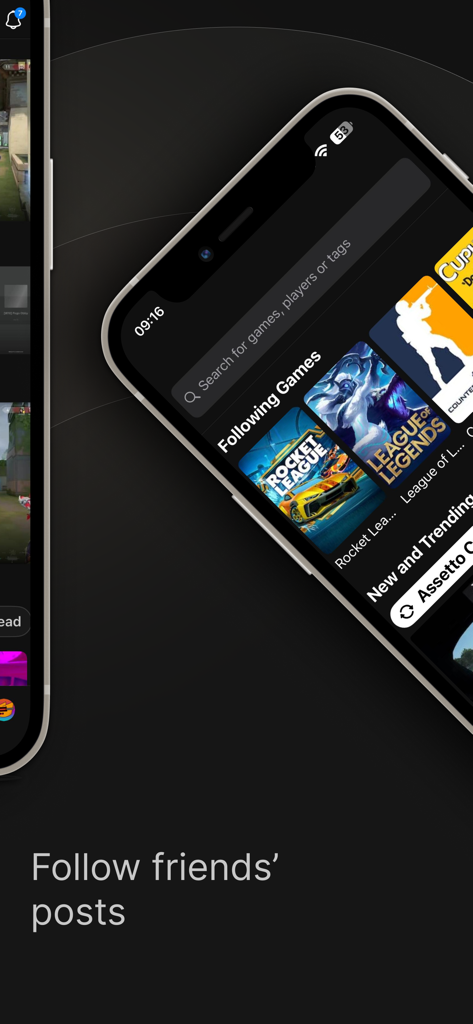
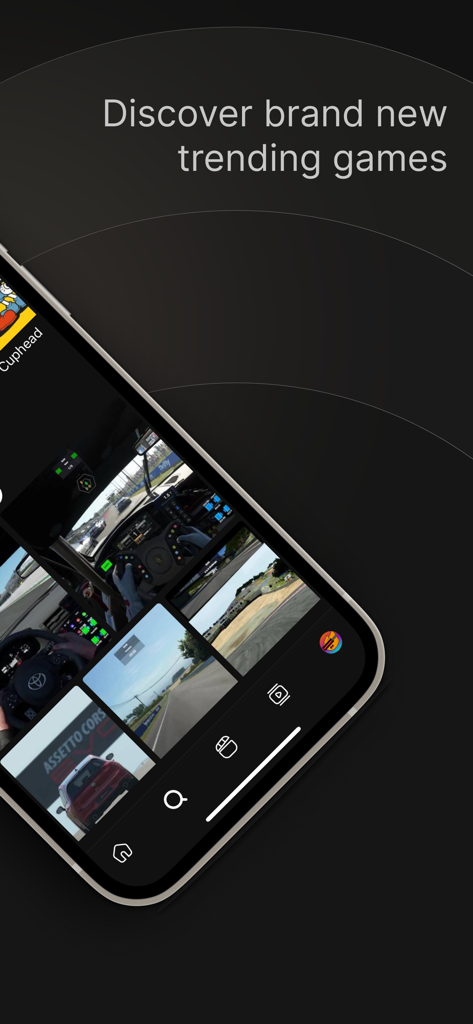
The tools that make this app stand out, trusted by 3M+ users.
Record on your PC or Console and watch your clips appear instantly on your phone. No more annoying file transfers or cables.
Post your best 'clutch' moments directly to TikTok, Discord, and Instagram with one tap. Building your personal brand has never been easier.
Capture every win in 1080p 60fps with a lightweight recorder that doesn't tank your frame rate or interrupt your gameplay performance.
Trusted by 3M+ people who love this app.
"Medal has completely changed how I grow my TikTok. I used to spend forever transferring files from my PC, but now my clips are just waiting for me on my phone in 1080p. It is literally the fastest way to share my best plays without any quality loss."
"Finally a clipping app that does not lag my game. I love being able to grab a funny moment on my PC and immediately send the link to our Discord group chat from my phone while I am on my lunch break. The cloud sync is absolutely flawless."
Everything you need to know about Medal - Game Clipping.
Description
Latest Version
6.1.0
Size
157.8 MB
First Released
Dec 3, 2020
Join 3 million+ gamers syncing epic clips from PC and console to mobile. Post your 1080p highlights to TikTok, Discord, and Instagram in just one tap.
Everything you need to know about Medal - Game Clipping
Medal - Game Clipping is an app designed for capturing, sharing, and watching gaming moments. Users can access PC and console clips, upload them, and share with friends or on social media.
Yes, Medal - Game Clipping allows users to watch clips uploaded by their friends directly within the mobile application.
Yes, Medal - Game Clipping supports direct sharing of clips to various social apps, including Discord, TikTok, and Instagram.
To record PC clips, download Medal Desktop onto your PC. Press one hotkey to record gameplay, and the sessions will appear instantly on the mobile app.
Yes, Medal - Game Clipping offers free uploads in 1080p at 60 frames per second, ensuring high-quality sharing of your game clips.
Yes, Medal - Game Clipping is designed to be lightweight on the GPU, causing minimal impact to game performance while recording on PC.
Yes, users can sync their account with Medal to access their console game clips directly through the mobile application.
Yes, Medal allows users to create private links for their game clips, enabling sharing with specific friends or groups.
The Medal app features sections for new and trending gaming clips, allowing users to discover popular content. It also highlights trending games like Roblox.
Yes, users can favorite clips and save them directly to their profile within the Medal - Game Clipping application for easy access.
Users can find their posted clips on their profile within the Medal - Game Clipping app, as indicated by the 'Find your posts on profile' feature.
Yes, Medal - Game Clipping allows users to manage their clips within the app. This includes viewing a gallery and accessing playback controls.
Users can contact Medal via social media for feedback and questions. Available platforms include Discord, Twitter, Instagram, Facebook, and Reddit.
Apps with similar features and user experience

VIDEOSHOW PTE. LTD.

App of the Year LLC

DIGISET LLC

Arthur Eduardo Skaetta Alvarez Desenvolvimento de Software LTDA.

Poster App LLP

Dream United, Ltd.

Torqued Studios LLC

Danila Ianushev

Mark Thomas