Super Screen Recorder: Full HD

Super Screen Recorder: Full HD

Download on App Store
Spark by MWM logo
Logo of Super Screen Recorder: Full HD

Super Screen Recorder: Full HD — Your All-in-One Studio for Pro Mobile Content

Record gameplay with facecam, live stream to your fans, and edit like a pro. From custom watermarks to viral voice effects, everything you need to build your brand is right here.

Publisher

Dream United, Ltd.

Category

Photo & Video

Downloads

1M+

User Rating

4.7/5

Total Ratings

22K+

Locales

21

The Creator’s Toolkit

Discover the interface used by 1M+ users.
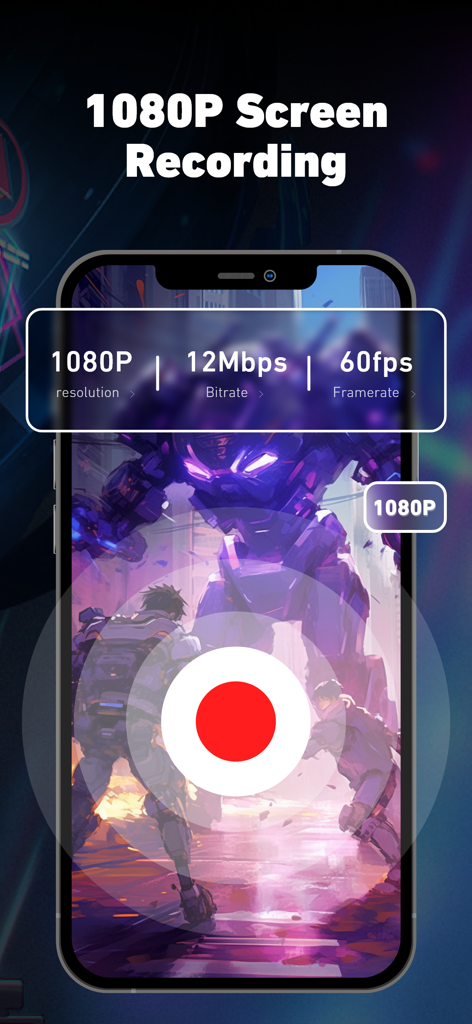
Super Screen Recorder app showing 1080p resolution and 60fps framerate settings for gaming.

Super Screen Recorder app showing 1080p resolution and 60fps framerate settings for gaming.

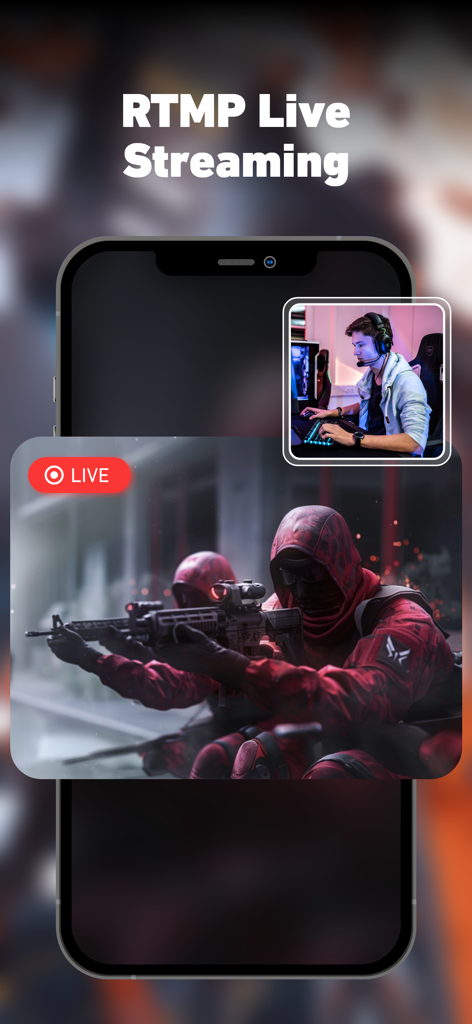
RTMP live streaming feature with facecam for mobile gaming on Super Screen Recorder

RTMP live streaming feature with facecam for mobile gaming on Super Screen Recorder

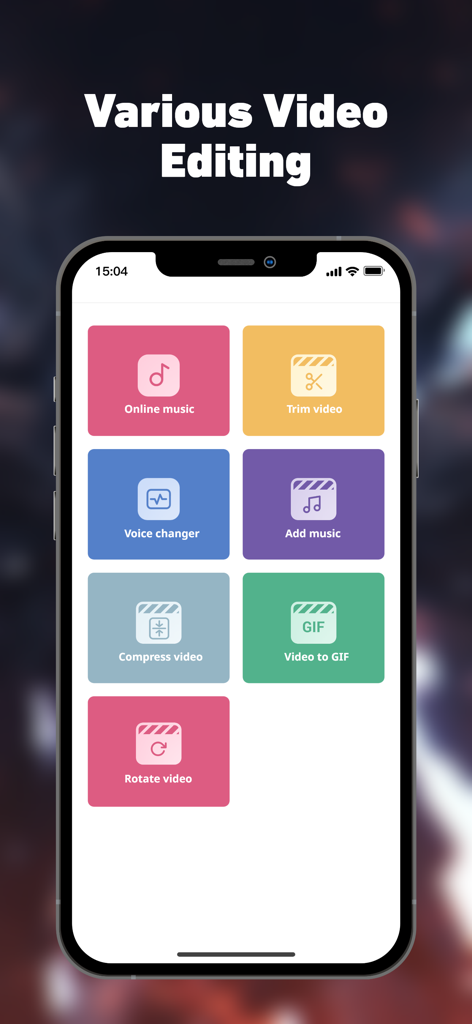
Super Screen Recorder app interface showing various video editing tools like voice changer and trim video

Super Screen Recorder app interface showing various video editing tools like voice changer and trim video

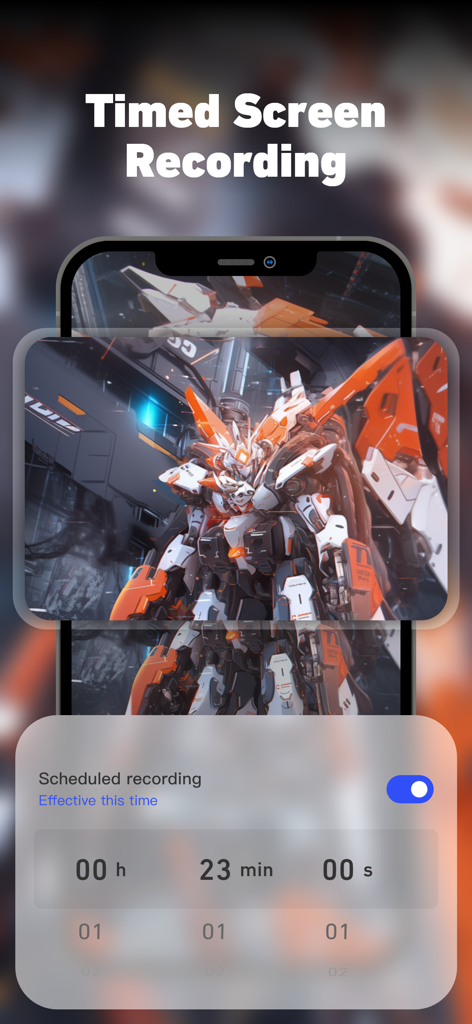
Timed screen recording setting interface in Super Screen Recorder app showing a scheduled recording timer over gameplay.

Timed screen recording setting interface in Super Screen Recorder app showing a scheduled recording timer over gameplay.

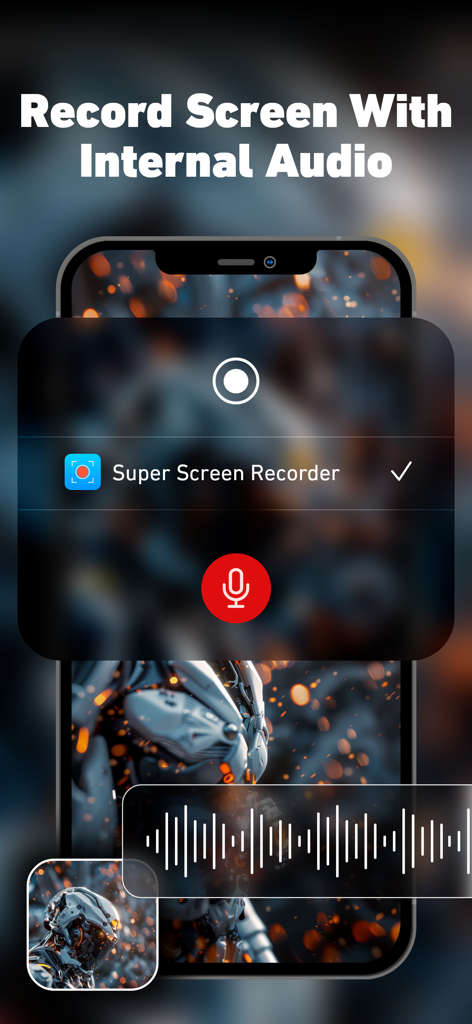
Super Screen Recorder app interface showing screen recording with internal audio on an iPhone

Super Screen Recorder app interface showing screen recording with internal audio on an iPhone

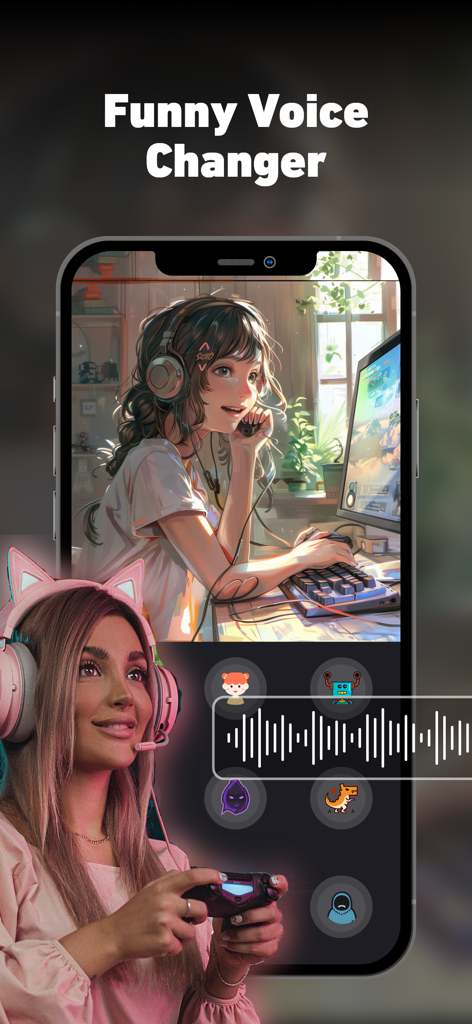
Interface of Super Screen Recorder showing funny voice changer effects for mobile gaming and content creation

Interface of Super Screen Recorder showing funny voice changer effects for mobile gaming and content creation

Create Like a Pro, Right from Your Phone

The tools that make this app stand out, trusted by 1M+ users.

📸

Full HD Recording & Facecam

Capture every clutch gaming moment in stunning 1080p and use the front-facing camera to add real-time reactions for your YouTube or TikTok audience.

✂️

Powerful All-in-One Editor

Skip the complex software. Trim clips, add subtitles, merge videos, and use the funny voice changer to create viral-ready content in minutes.

🛡️

Custom Branding & Watermarks

Protect your creative work and build your brand identity by adding custom watermarks to your videos before sharing them to social platforms.

Loved by users worldwide

Trusted by 1M+ people who love this app.

"

"I've tried so many screen recorders for my TikTok gaming clips, but this is the only one that lets me record with facecam and edit everything in the same app. The voice changer is hilarious and helps my content stand out. Plus, being able to add my own watermark is a huge plus for protecting my videos!"

Jordan K.
"

"Perfect for creating professional tutorials on the go. The Full HD quality is crisp, and the ability to merge videos and add narration directly on my iPad has saved me hours of post-production work. It's an essential tool for anyone in the creator economy or remote work."

Sarah M.

About the app

Everything you need to know about Super Screen Recorder: Full HD.

Description

Super Screen Recorder is a professional screen recorder, you can broadcast your screen live, and edit your recorded video. Recording screen in Full HD, get it NOW! You can easily record videos, live games, online courses, meetings, and supports portrait or landscape recording. You can turn on the front facing camera while recording the screen to make your own game videos. You can also edit the video by cutting, cropping, adding music, adding subtitles, etc., and share the video to video platforms. ■ Record high-quality video: you can choose resolution, frame rate and bit rate. ■ Live stream your screen ■ All-in-One Video Editor - Trim video: Keep only the most exciting parts and cut out the unnecessary parts - Add music to your video - Compressed video, easier to share with friends - Rotate the orientation of the video - Merge videos: Combine multiple videos into one - You can add narration and voiceover to your video - Crop video area, change video aspect ratio - Change the playback speed of a video - Remove watermark from video - Funny voice changer: turns your voice into robot voice, child voice and more - Turn your video into a GIF ■ Unlimited recording time! ■ Add a custom watermark, you can set your own trademark or brand as a watermark to prevent the video from being used by others without authorization. ■ Timing recording: You can set the duration of the video, and Super Screen Recorder will automatically stop recording. Super Screen Recorder help you capturing best moments! If you have any feedback, bug reports or suggestions, please contact us at superscreenrecorder@outlook.com. Wish you a nice day! ------------------------------------------------------ Auto-Renewable Subscription Terms 1. Subscription duration: Monthly, Yearly 2. Your account will be charged for renewal within 24-hours prior to the end of the current period and identify the cost of the renewal. 3. You can cancel the automatic renewal in your iPhone account settings at least 24 hours before the end of the current period. 4. Terms of Use: https://ios-static-2.zuoyoupk.com/recorder_ios/privacy/detail.html?lang=en&q=user-terms 5. Privacy Policy: https://ios-static-2.zuoyoupk.com/recorder_ios/privacy/index.html?lang=en 6. Auto-Renewal Agreement: https://ios-static-2.zuoyoupk.com/recorder_ios/privacy/detail.html?lang=en&q=auto-renewal-agreement

Latest Version

3.3.64

Size

190.1 MB

First Released

Feb 8, 2020

Start Creating Your Next Viral Moment Today

Join over 1 million creators using the ultimate all-in-one screen recorder and editor. No limits, no hassle—just professional Full HD content right from your phone.

Download on App Store
FAQ

Frequently Asked Questions

Everything you need to know about Super Screen Recorder: Full HD

What resolution does Super Screen Recorder support for recordings?

Super Screen Recorder supports 1080p resolution for screen recording. Users can also select custom frame rate and bit rate settings for high-quality video capture.

Does Super Screen Recorder provide live streaming capabilities?

Yes, Super Screen Recorder offers RTMP Live Streaming. This feature allows users to broadcast their screen content live directly from the application.

What video editing features are available in Super Screen Recorder?

Super Screen Recorder provides an All-in-One Video Editor. It includes tools for trimming, adding music, compressing, rotating, merging, adding narration, cropping, changing playback speed, removing watermarks, and converting videos to GIF.

Is there a time limit for recordings in Super Screen Recorder?

No, Super Screen Recorder offers unlimited recording time. There is no specified limit on how long users can record their screen content.

Can I add a custom watermark to my recordings with Super Screen Recorder?

Yes, Super Screen Recorder allows users to add custom watermarks. This enables them to set their own trademark or brand to prevent unauthorized use of their recorded videos.

Does Super Screen Recorder allow for scheduled or timed recordings?

Yes, Super Screen Recorder supports timed recording. Users can set a specific duration, and the application automatically stops the recording when the predetermined time is reached.

What are the subscription terms for Super Screen Recorder?

Super Screen Recorder offers auto-renewable subscriptions on a monthly and yearly basis. Your account incurs renewal charges within 24 hours prior to the end of the current subscription period.

How do I cancel my Super Screen Recorder subscription?

Users can cancel their Super Screen Recorder auto-renewal subscription through their iPhone account settings. Cancellation must occur at least 24 hours before the current period concludes.

Does Super Screen Recorder have a voice changer feature?

Yes, Super Screen Recorder includes a funny voice changer. This feature allows users to transform their voice into various options, such as robot or child voices, for creative content.

Can I use the front-facing camera while recording my screen with Super Screen Recorder?

Yes, Super Screen Recorder allows users to enable the front-facing camera during screen recording. This is useful for creating personalized game videos or other interactive content.

Does Super Screen Recorder record internal audio from the device?

Yes, Super Screen Recorder can record internal audio. This ensures that all sounds originating from your device are captured directly within the screen recording.